August 22, 2025

✨ JayESims x Jaye Hinson: Rule of Thumb for Mods 🧩

I know it’s rough navigating The Sims 4 right now. Some of y’all are seasoned players, some are brand new — and EA always loves to drop patches at the worst time 😅. But we got this, y’all. 📌 ANNOUNCEMENT: THE JAYESIMS MASTER MOD LIST IS HERE! 💾 (UPDATED 8/20/25- LATEST PATCH UPDATED | Patreon

🔄 Game Update Reminder

  • The Sims 4 updates break games even for players who don’t use mods.

  • The game itself can (and often does) have issues after patches.

  • So if your game breaks, don’t immediately assume it’s mods — sometimes it’s just EA.

⚠️ Troubleshooting Rules of Thumb

👉 If you’re still getting errors, do your due diligence first:

  • 50/50 your game → Remove half your mods (including mine) at a time until you find the culprit.

  • 50/50 my mods too → It’s not all of them. Take out half, then half again, until you see which one is actually causing the problem.

  • Update your other mods → Outdated mods (not just mine) are often the real issue.

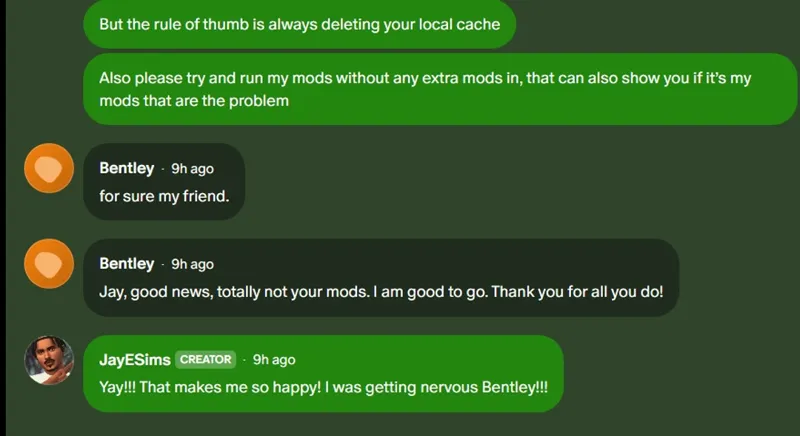
  • Clear your cache → Delete localthumbcache.package before relaunching.

  • Test on a fresh save → Don’t risk your main household until you know it’s clean.

💡 Please don’t mix my mods with broken ones from other creators and then assume mine are the problem. Play your part.

🧩 About Mod Conflicts

  • It’s rarely all my mods at once. One bad file can throw everything off.

  • The 50/50 method is your best friend. Remove half, test, then keep narrowing down.

  • I need clear feedback (which mod, what happened, when). “Your mods don’t work” doesn’t help me fix anything.

🚫 Please Stop Doing This

👉 Please stop bringing me problems with my mods when you haven’t even updated other creators’ mods in your game.

  • If their mods are outdated, it’s going to cause conflicts no matter what I do.

  • Update everything in your Mods folder — not just mine — before reporting issues.

  • Otherwise, you’ll be chasing ghosts and wasting both our time.

✅ Responsibility Reminder

Every mod I drop is tested on a clean save.
If you follow these steps, it should not stop you from opening or playing your household.

We’re in this together 💛. Keep your setup maintained = smoother gameplay. Clear details from you = faster fixes from me.

Thanks for rocking with me and keeping the community strong!

Comments (8)

N
Nicole Young · August 22, 2025

Thank you so much for all you do!

J
JayESims · August 23, 2025

Thank you so much!!

T
The Girl On Fire And Ice · August 22, 2025

I don't envy you trying to helpdesk people as a creator. Sims subreddits on patch week make me question my sanity because 99.9% of the time the answer is update your mods or take it out til its updated.

t
theeRickiyiasims · August 22, 2025

Thanks so much <3

J
Julia Kovtun · August 22, 2025

Thank you for being here and thank you for your mods, I love you❤️‍🔥

J
JayESims · August 22, 2025

Thank you so much!!! I love you

C
CAROL J FRITZGERALD · August 22, 2025

Yup...welcome to the world of being a creator. You will see the worst of people when their game breaks. No matter how many times we go through this, people will download those updates without checking on their mods and wonder why their game doesn't work EVERY time...it only took ONE time for me to have to do a 50/50 to learn to NEVER download an update without making sure my stuff is updated. They blame everybody but themselves and somehow it's always the creators fault. I applaud you for fixing everything so quickly. You're alright in my book...p/s - I still haven't done the update yet...I will be offline for a while. Another thing people need to learn how to do.

J
JayESims · August 22, 2025

This makes me sooooo scared to open up a HELP DESK CHAT. I just can't take that type of stress lmaooooo