
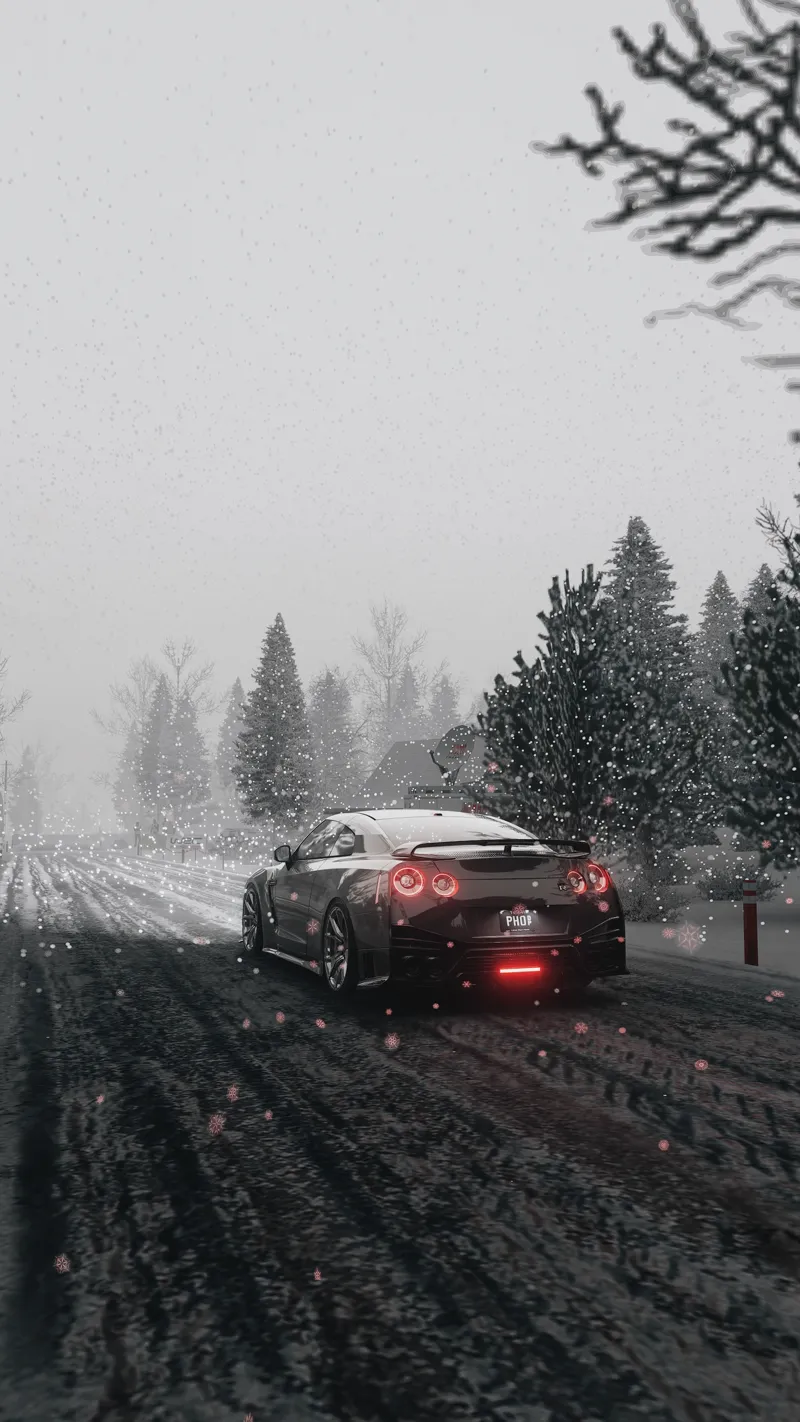

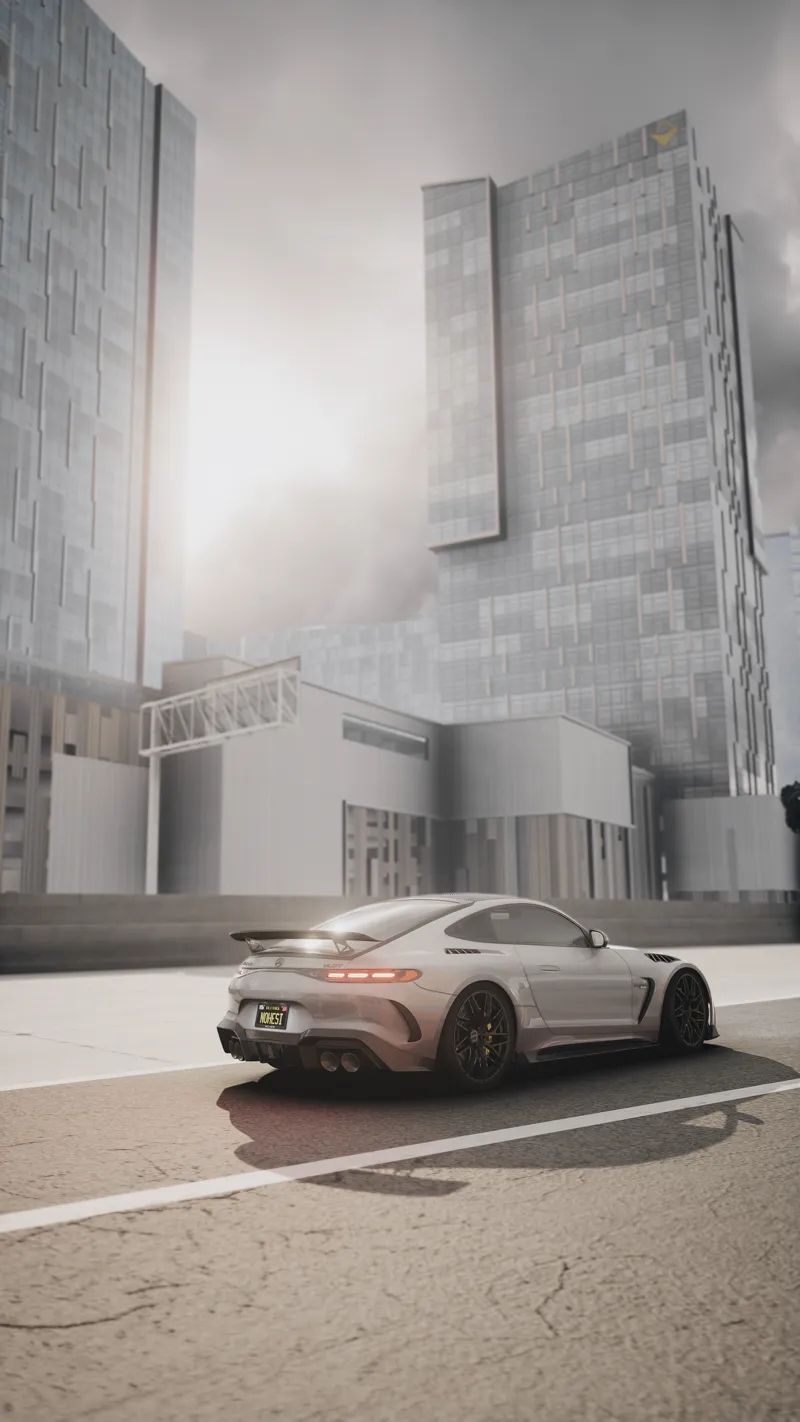
ASAP's 2.06 & VHS C13AEGIS Config+Script settings
Merry Christmas to those who celebrate!
First of all I hope everyone has a blessed day, today I'm releasing my new settings that I have been working on, these are based on the new recent release of the C13AEGIS 2.06 PPfilter and the newest up to date versions of CSP Lights Patch and Pure.
I've been experimenting with creating a VHS (Older style) config+script setting, alongside my main config+script settings that I have been using in videos and in-game. The addition of the Script settings should bring an improvement to your game to make it exactly the same as what you see in my videos.
THE LATEST CSP LIGHTS PATCH IS REQUIRED FOR MY CONFIG+SCRIPT SETTINGS
THE LATEST PURE IS REQUIRED (just for $1)
I DO NOT OWN CSP LIGHTS PATCH/PURE/C13AEGIS
These config settings will be based on:
C13AEGIS 2.06 PPfilter (PAID)
Latest Pure 2.38 (PAID)
Latest CSP lights patch 2.6 preview 1 (PAID)
THE PPFILTER MUST BE DOWNLOADED BEFORE THE CONFIG SETTINGS
When you click the attachment link, the file will attempt to download but first you must click download the unverified file, this is located at the top right of your tab within the download section.
MAKE SURE THAT YOU ARE USING PURE GAMMA AND NOT PURE LCS
These settings only work for Pure Gamma, to find Pure Gamma go on to...
Content Manager
Settings
Custom Shaders Patch
Weather FX
HOW TO INSTALL THE CONFIG SETTINGS INTO CONTENT MANAGER:
CONFIG SETTINGS CAN NOT BE DRAGGED AND DROPPED INTO CONTENT MANAGER, PLEASE MANUALLY DROP THEM INTO THE SPECIFIED FOLDER
C:\Program Files (x86)\Steam\steamapps\common\assettocorsa\extension\config-ext\Pure
HOW TO INSTALL THE SCRIPT SETTINGS:
SCRIPT SETTINGS CAN NOT BE DRAGGED AND DROPPED INTO CONTENT MANAGER, PLEASE MANUALLY DROP ASAP's 2.06 C13AEGIS_ScriptSettings.ini & ASAP's VHS C13AEGIS_ScriptSettings.ini INTO THE SPECIFIED FOLDER
C:\Program Files (x86)\Steam\steamapps\common\assettocorsa\extension\config-ext\Pure\scriptsettings
HOW TO LOAD THE CONFIG SETTINGS IN-GAME:
1) When loaded into the game, hover your cursor on the right side of the screen and click on Pure config(Green sign).
2) Click on Import at the bottom right of the Pure config tab and click on either of the configs called ASAP's MAIN 2.06 C13AEGIS Config.ini & ASAP's VHS 2.06 C13AEGIS Config.ini
IF YOU ARE UNABLE TO SEE THE NAME OF THE CONFIG SETTINGS THEN YOU HAVE DONE IT INCORRECTLY, PLEASE RE-CHECK THAT YOU HAVE DONE THE STEPS PROPERLY.
MY PC SPECS:
AMD RYZEN 5 4500
32GB 3600 MT/S RAM
NVIDIA RTX 3060 TI
MY UPDATED CSP AND VIDEO SETTINGS:
Recently for videos I have been using the maximum settings that I like to use so I can achieve the best quality possible, so if you would like to use them then do so at your own will.
https://acstuff.club/s/AV5n CSP (MAXED OUT SETTINGS)
https://acstuff.ru/s/QEbH VIDEO (MAXED OUT SETTINGS)
Thank you.
Comments (1)
WWWWWWWWWWW