


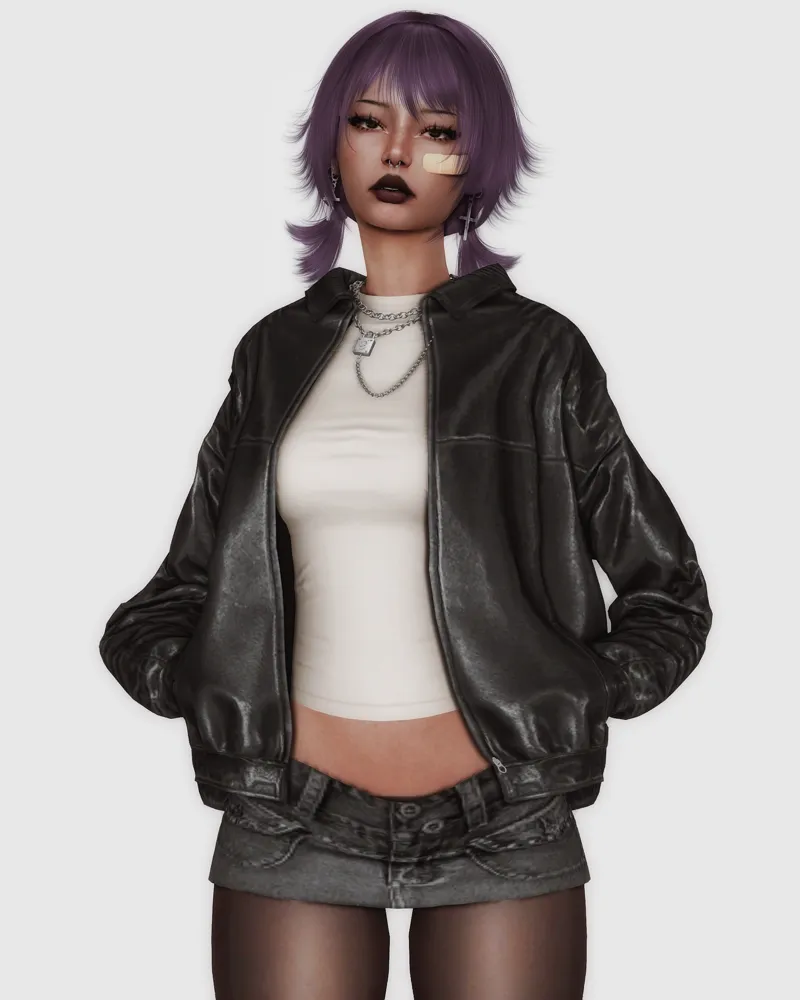
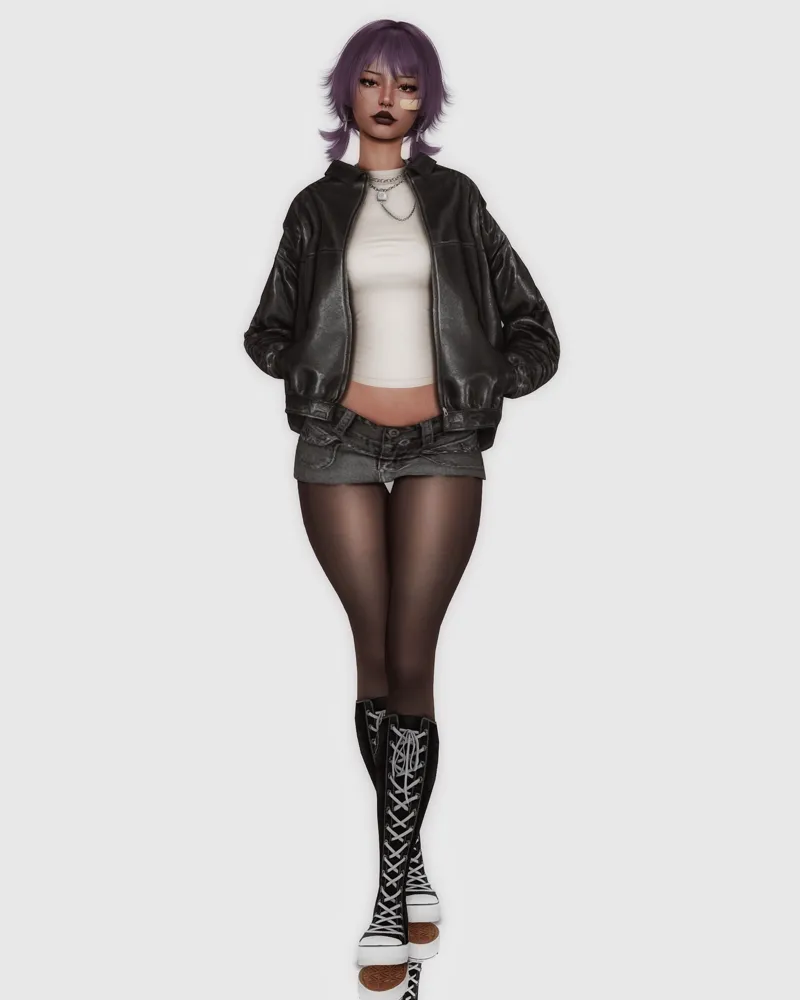

Lexi Sim Download ♡
Drive zip file contains CC folders and tray files.
This Sims 4 character is made by me, Kindly refrain from unauthorized use or reproduction.
.
.
I DO NOT OWN OR CLAIM ANY CC USED ON THIS SIM. CREDITS TO ALL CC CREATORS. IF YOU WANT ME TO REMOVE YOUR CC PLEASE LET ME KNOW ♡
.
.
If you want her to look like her pictures HERE is my Gshade Preset!
.
.
Download HERE ♡

Comments (4)
hey! how do i add her to my sims game? i tried to search you and nothing comes up
When you download this you have to unzip it, either using the unzip that came with your pc or the one that you downloaded yourself. Usually within this you would find a cc folder and just a few docs or even a [Tray] folder. Focus on the cc/mods folder for the time being, open the folder and copy everything inside. Then go over to [This pc] should be found inside of your main sections. After clicking on that click on [Electronic arts] which should be within there. Then you'll see a bunch of folders and docs, ignore them. Click on the mods folder and paste all of the files you just copied in the previous step. Now go back to the unzipped file of the Sim you want to add to your game, now all the docs I told you previously to ignore you want to copy those and go back to [Electronic arts] ---> [Sims 4]. Now you want to click on the Tray folder and paste all of that into there. Now go into your Sims 4 game, the three little dots in the right corner, then game options, and other, make sure you have on CC and the other option beneath it checked. If you don't then check them and restart the game, then go onto new game and go onto gallery (Usually the simple F4 button works for opening the gallery), now go onto 'My library' and on the side make sure you check the [Include CC items] then you should find the Sim! You can then just place it onto your game by clicking the Sim then clicking the button in the right bottom of the pop up that appears! If anything else pops up just click ok, and there you go! You now have the Sim! (I genuinely don't know if you still needed this but I felt the need to help, if it doesn't work just reply to this and I'll help you through it more thoroughly. At the moment I am not in front of my pc so I can't help you more than this but I will help more once I am, sorry)
so cute!!!
tysm <3