
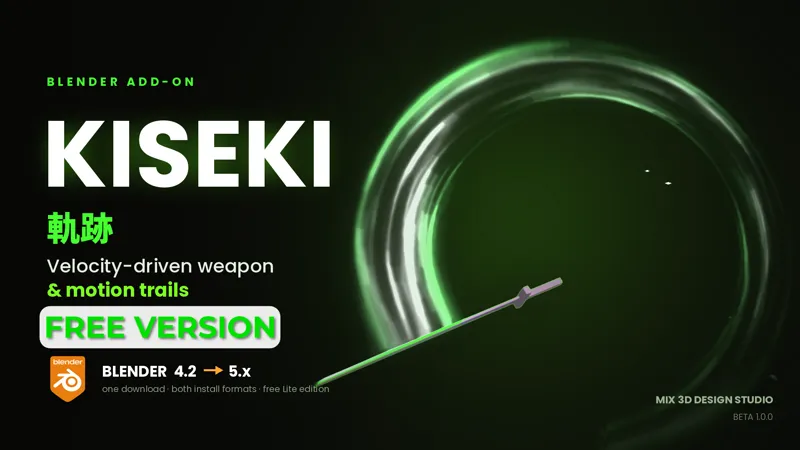
Kiseki 軌跡, Weapon and Motion Trails for Blender (Free lite version)
NEW UPDATE V1.1.0 FOR RELEASE UPDATE NOW FOR FREE
This is the Free light Version of Kiseki 軌跡, Weapon and Motion Trails for Blender | Mix 3D Design on Patreon
Read The Original Product description.
Kiseki Lite 1.2.0
Mostly fixes this round, and some of them were bad ones. If you had trails going black or colours that did nothing, that was me, and it's sorted.
Fixed
Trails rendering solid black. Adding a second trail was unlinking the first one's material. Existing scenes repair themselves now.
The compositor could paint black over a perfectly good render when a style needed no glow. If you ever see black again, toggling Use Compositing off tells you in two seconds whether it's the render or the compositor.
The three Colour swatches now actually change the trail. The texture was overriding them.
Fit to Object was cutting off any part of an object sitting behind its origin, so the ribbon came out short and in the wrong place.
Each trail now gets its own material and node group, so two trails on the same style no longer affect each other.
Added
Vehicles panel. Drop empties on exhausts or vents and get one trail each. Select wheels and get marks that lie flat on the road, sized to the tyre.
On New Trail setting, so adding a trail can't quietly rebuild compositing you already set up. Ask, Keep or Update.
Still a beta. If something breaks, tell me and it usually gets fixed the same day.