
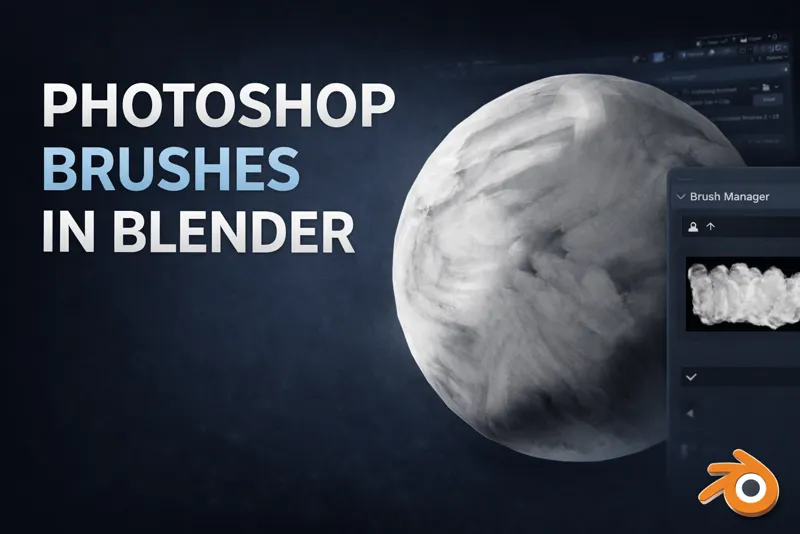
Paint with Photoshop & Procreate Brushes in Blender
Seamless Brush Painting Workflow for Blender 5.0+
This tool is designed for artists who want to paint in Blender the same way they paint in Photoshop or Procreate.
Instead of struggling with Blender’s default brush previews and setup, this add-on lets you load your existing brush packs and use them immediately, with clear visual previews and zero technical friction.
The add-on itself stays out of your way — it simply makes brush-based painting in Blender fast, visual, and familiar.
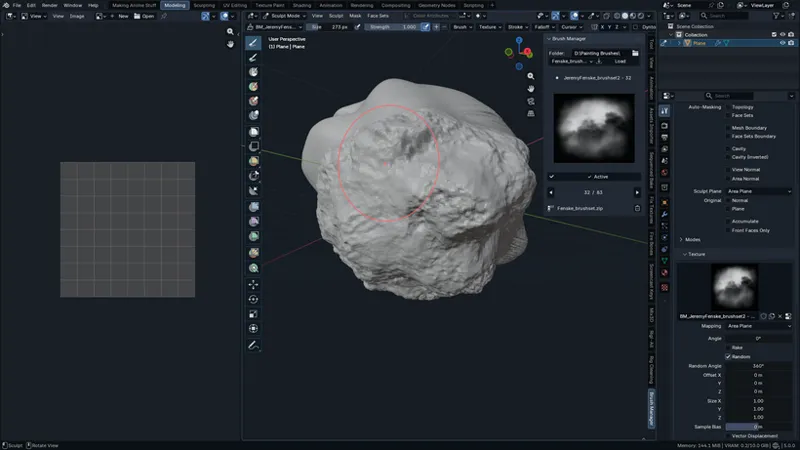
they're working in both Texture painting & Sculpting.
What This Is Really About
This is about painting, not managing tools.
If you already have Photoshop brush packs
If you use Procreate-style PNG brushes
If you want those brushes to work naturally inside Blender
This add-on is built for you.
What You Can Do
Use Photoshop & Procreate brush PNGs directly in Blender
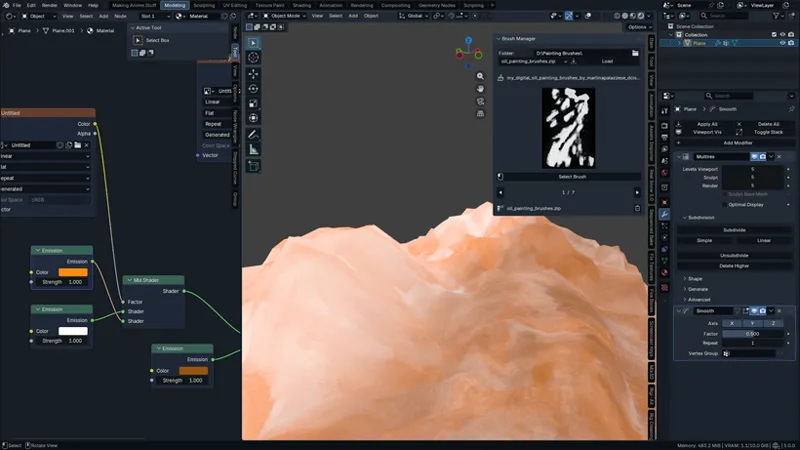
Load brushes straight from ZIP files
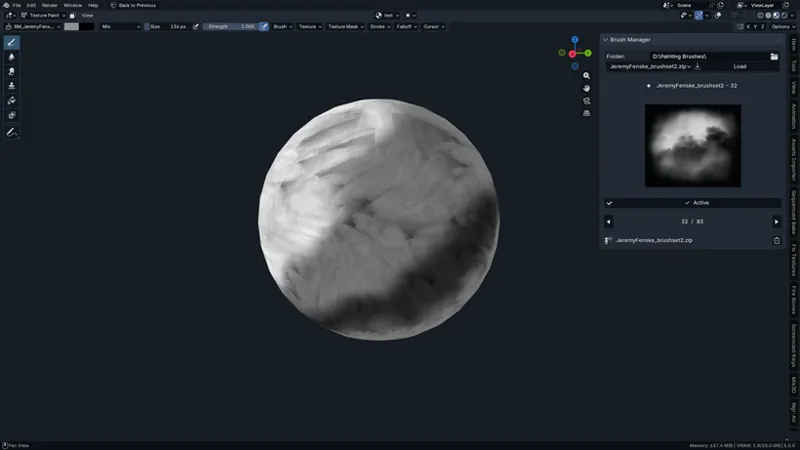
See the real brush shapes, not sphere previews
Pick brushes visually, just like in painting apps
Paint in Texture Paint mode without setup or conversion
Your brush library becomes instantly usable in Blender.
🛠 How to Use
1️⃣ Install the Add-on
extract the downloaded file
Open Blender
Drag and drop the brush_manager_Mix3D_Updated .zip file directly into the Blender viewport
(or install it via Preferences → Add-ons if you prefer)Enable the add-on
2️⃣ Set Your Brushes Folder
Open the Brush Manager panel in the Sidebar (N-panel)
Click the Folder field
Select the directory that contains your brush ZIP files
(Photoshop / Procreate brush PNG packs) there is a sample folder named BRUSHES.
This folder becomes your main brush library.