
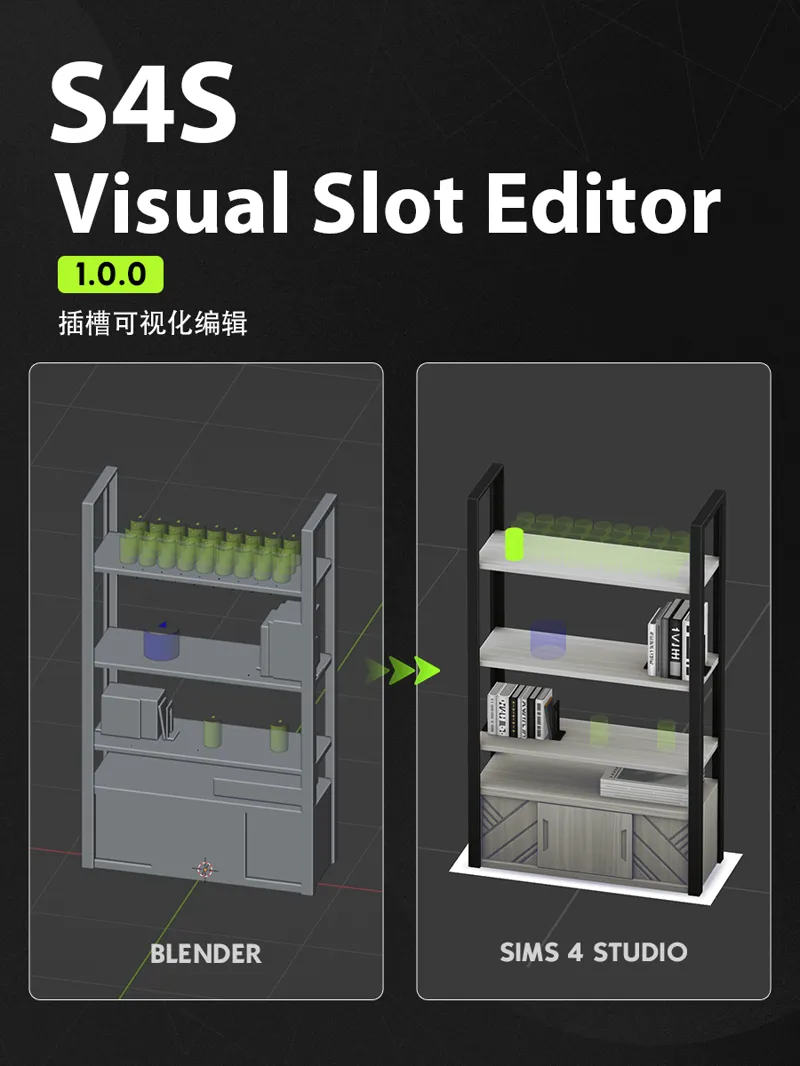



S4S Visual Slot Editor: Overview & Features
Unlike my previous CC releases, this post introduces S4S Visual Slot Editor, a visual slot-editing Blender add-on for The Sims 4 object creation. Tailored for furniture creators and slot enthusiasts alike, it lets you edit slots right inside the 3D viewport and seamlessly write the modifications back to your package file.
Key Features
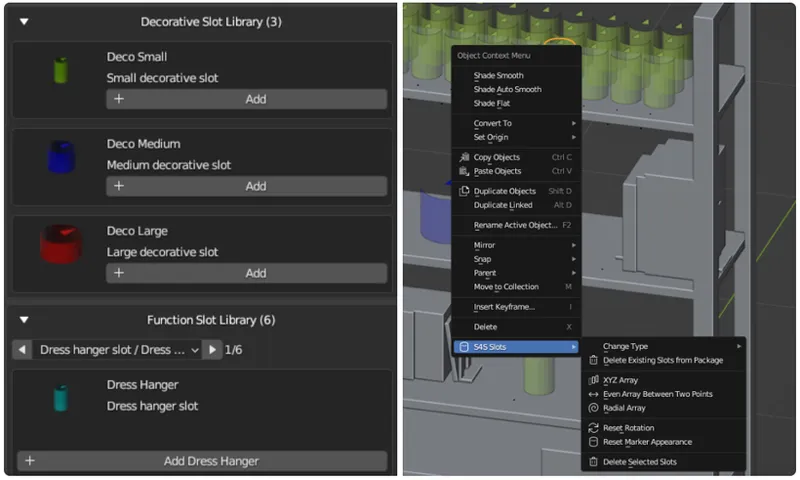
Visual Editing: Recognizes supported deco and functional slots. Supports adding, duplicating, moving, rotating, deleting, and changing slot types.
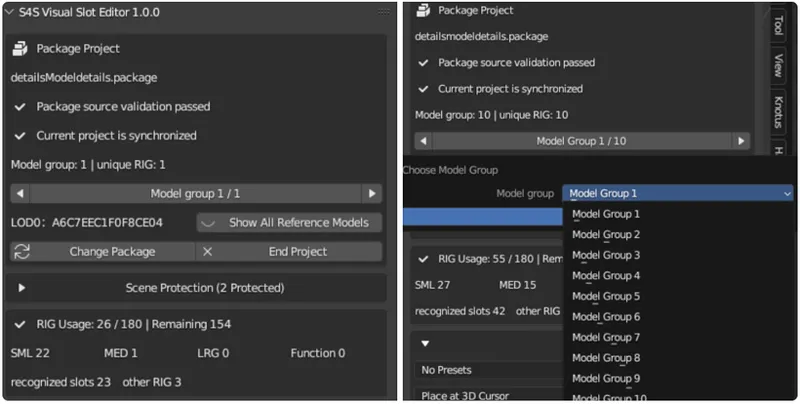
Direct Package Reading: Loads object reference models and slots directly from the .package file, with support for multi-model switching and grouped editing.
Existing Blend File Support: Set up slots directly within your own model scene, then write the modifications into the target .package file.
Arrays & Presets: Includes array generation, preset saving, and loading—making it easy to reuse slot layouts across different projects.
Capacity Check & Auto-Backup: Checks RIG capacity limits; supports overwriting the original file with automatic backups or exporting as a new .package file.
Safe Processing: The add-on only modifies supported slots; unrecognized bones and other slot types remain untouched.
Supported Languages
English, Simplified Chinese (automatically switches based on your Blender language settings).
Tested Versions
Blender: 3.6, 4.5, 5.2.
In theory, it should be compatible with Blender 4.x and 5.x. However, other versions haven't been individually verified yet, so using the tested versions above is recommended.
Comments (4)
瓜老师yyds!
oohhh
You're amazing omg
真的太伟大了瓜老师,我将永远追随您!!🫶