
Realistic trees replacement (Updated 30.10.24)
Sul-sul, cactus cuties!
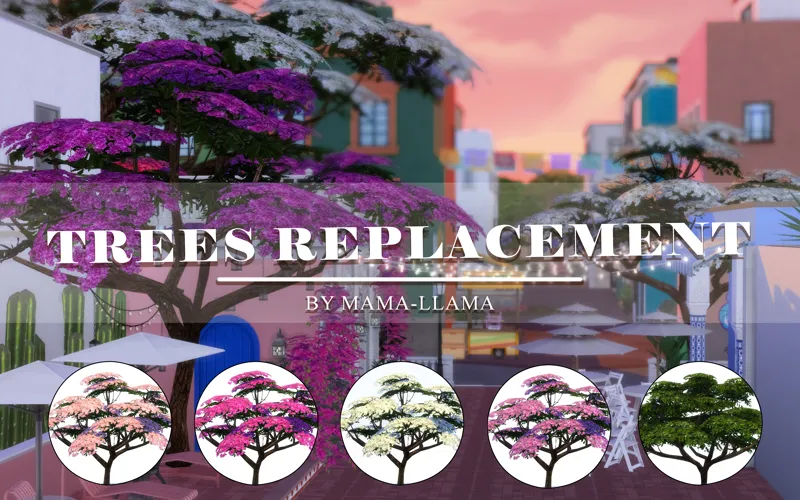
I present to you the replacement for all the purple trees in the city of Ciudad Enamorada from the Lovestruck expansion.
Tree #1: A flowering bougainvillea in 4 color variations (available in Build Mode)
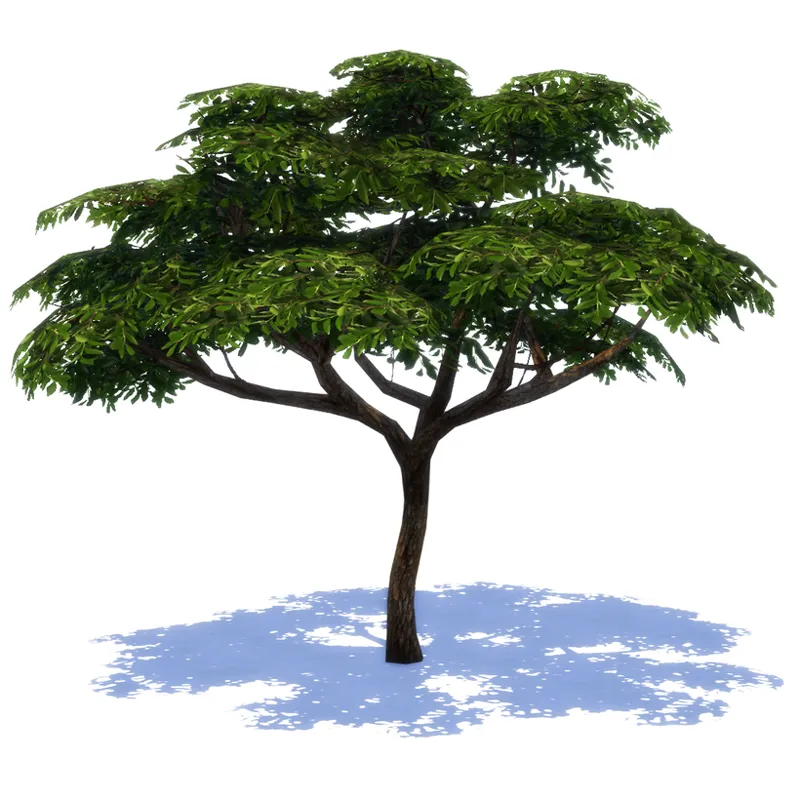
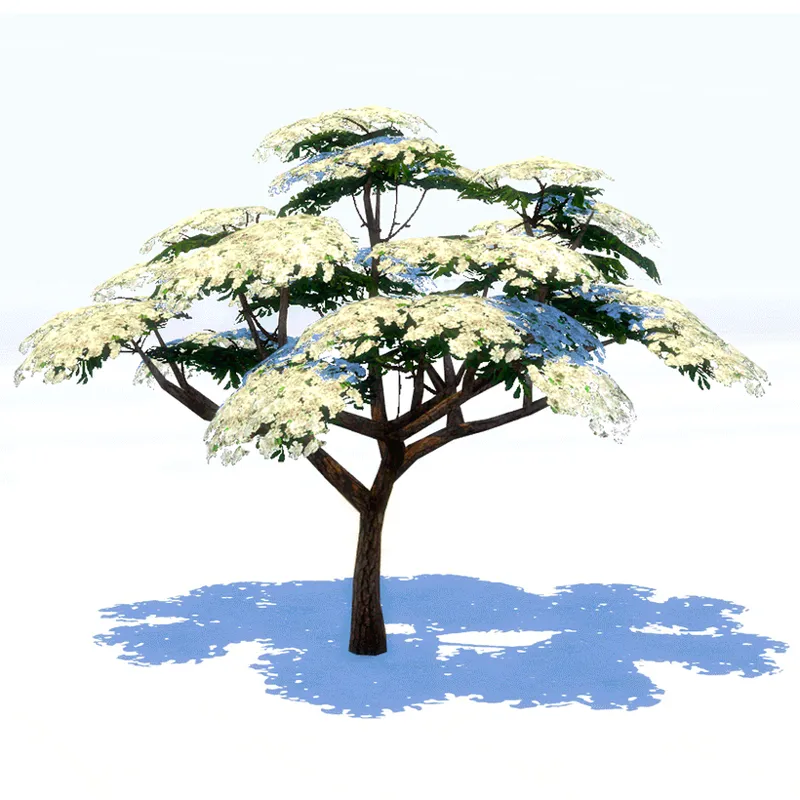
Tree #2: available in Debug Mode
Tree #3: available in Debug Mode (you need to choose only one option: Tree #2 or Tree #3)
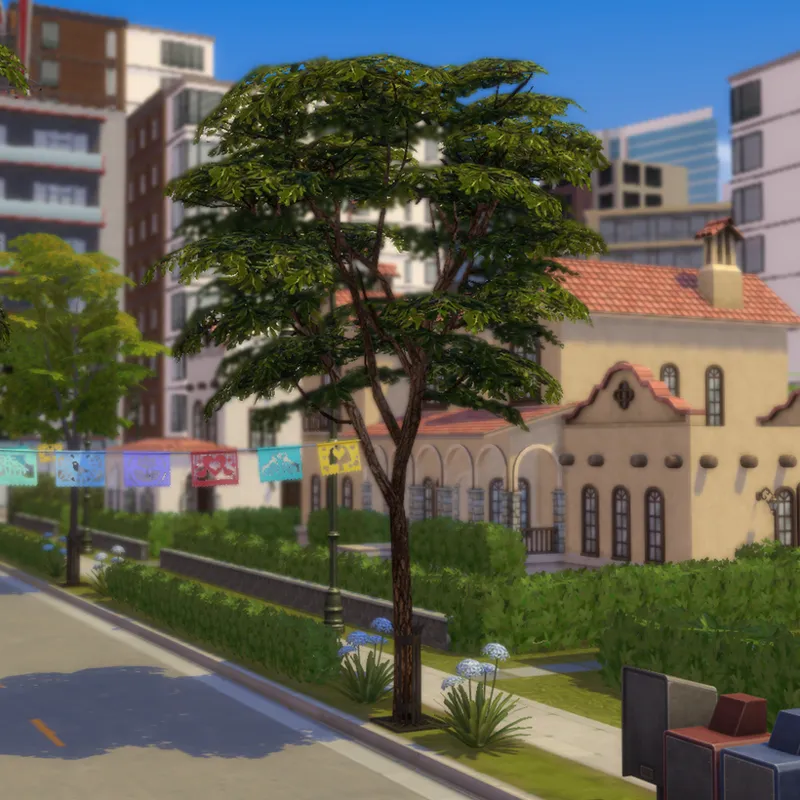
Tree #4: This mod replaces the trees in Ciudad Enamorada and is not available in Build Mode
Let me know in the comments if you’re looking forward to more tree replacements for The Sims 4!
How to open Debug Mode?
Press Ctrl+Shift+C
In the command line at the top, type TestingCheats True
Enter bb.showliveeditobjects and bb.showhiddenobjects
How to install the mod?
Download the mod with a .package extension below
Move it to the Mods folder located at Documents\Electronic Arts\The Sims 4\Mods
Launch the game
lots of love,
Mama-Llama
Comments (4)
thank you so much for these, they are lovely! would it be possible for you to make a white default replacement for the bougainvillea trees in debug?
Thank you for the great idea!💕 I’ll make a default replacement for the bougainvillea trees. Stay tuned for updates!🌸
Do I download all 3 or just pick one? These trees look amazing btw🥰😍
You can download all 3 files to replace all the trees in Enamorada. By the way, glad you like how the trees look!💕