
Project Ultimate Weather - My Screenshot Workflow
Thank you for the support since the release of Project Ultimate Weather V1. The feedback and screenshots have been great to see.
V1 forms the foundation of the system, with further refinements planned over time.
Alongside the release, I wanted to highlight something around screenshots.
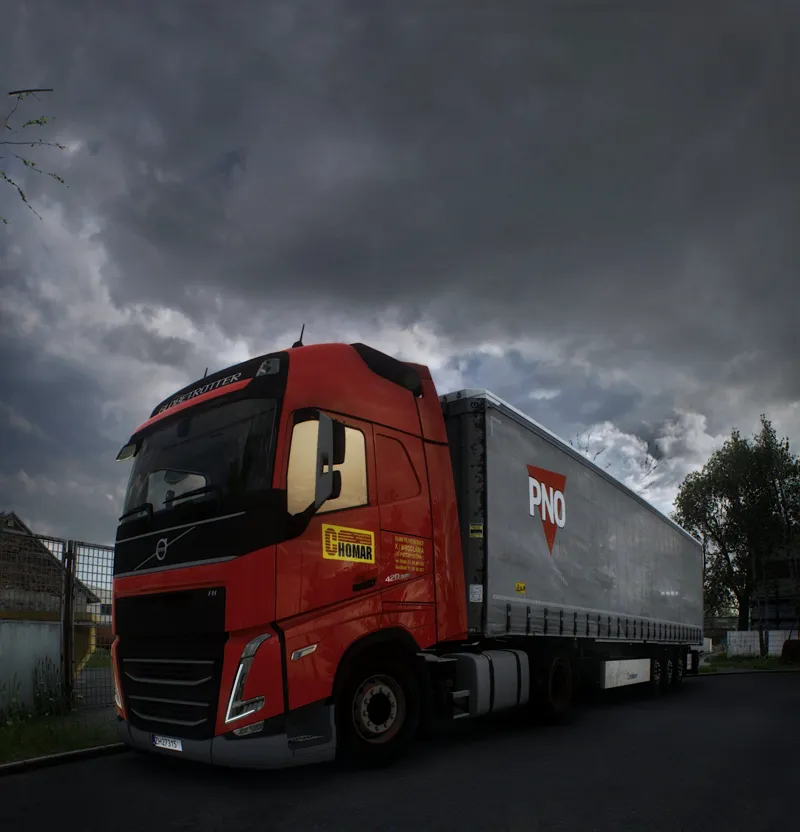
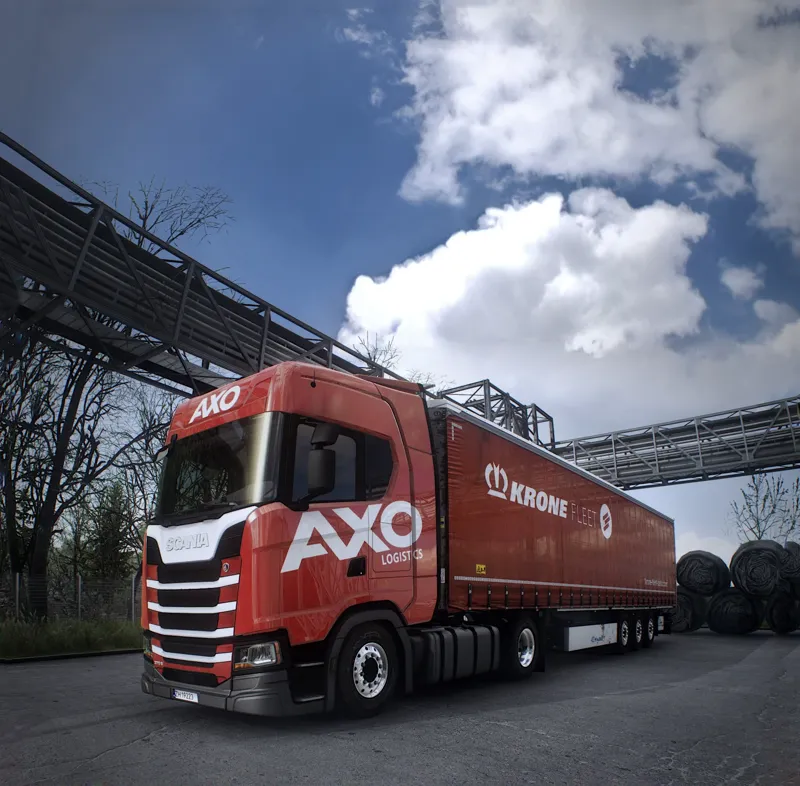
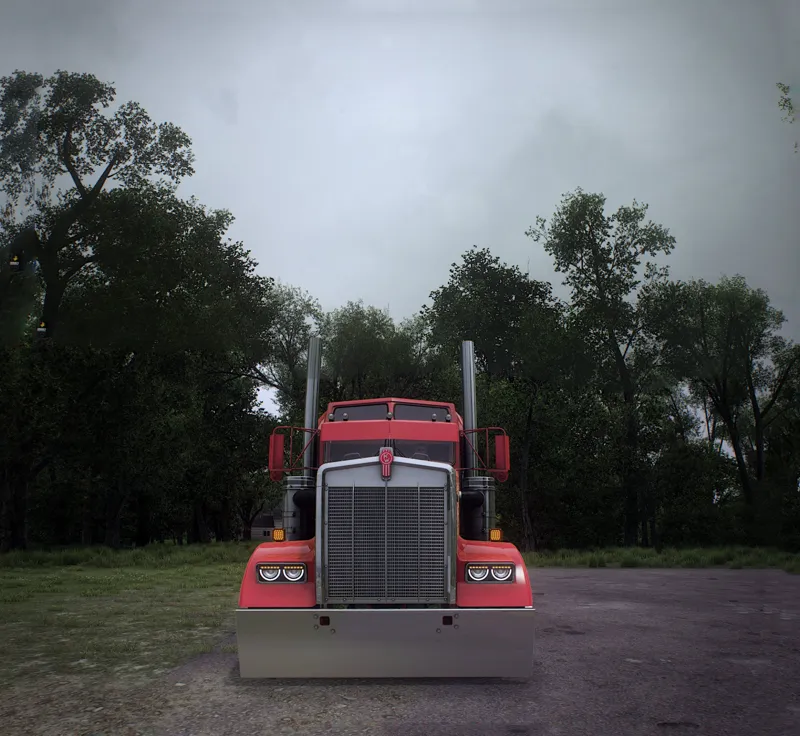
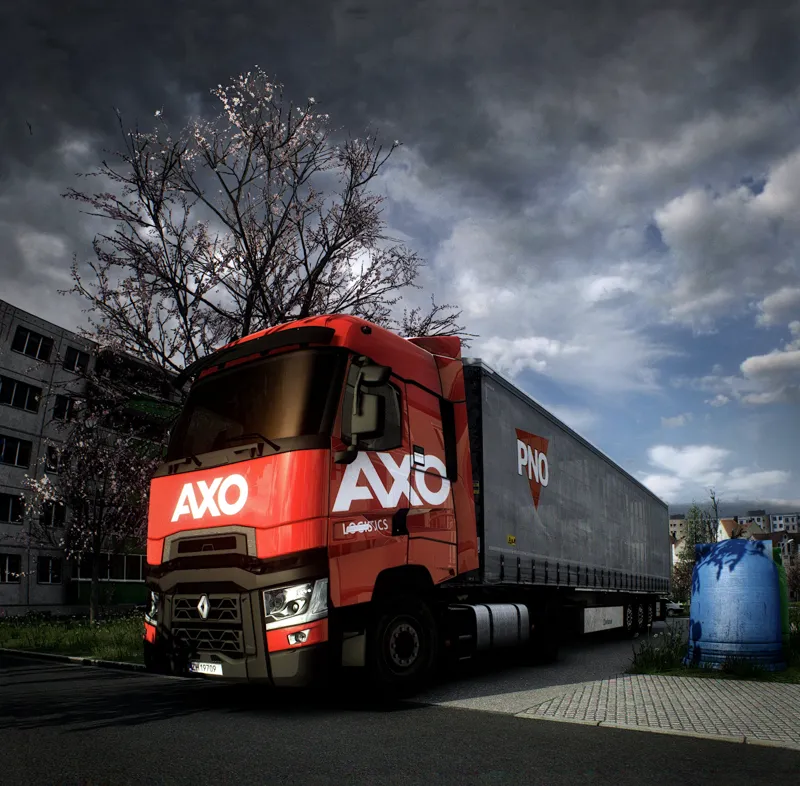
Over time, I’ve developed a structured way of approaching lighting and truck positioning to get the most out of each scene. The screenshots were captured directly in-game using Project Ultimate Weather, without any external post-processing.
If there’s interest, I can release a Patreon-specific video breakdown covering:
• How I position trucks relative to lighting
• What I look for when setting up a shot
• How I manage reflections and exposure
• The tools I use for panoramic screenshots
So others can approach their screenshots in the same structured way.
More updates coming soon.
Comments (33)
witam, czy żeby uzyskać takie super efekty wizualne jak u Ciebie, muszę posiadać snowymoon + PNG + Twoje reshady i grać w rozdzielczości 4k? czy są też potrzebne wszystkie oficjalne dlc mapowe? pozdrawiam i robisz niesamowitą robotę kolego :)
Hey, angus while using snowymoon lightning if i use metallic paint truck loose it reflection it turns into matte paint why is that is it have something to do with reshade?
Hey, its how Snowymoon renders mettalic paint, thats why i use gloss and standard paints
Hello bro already buy the weather mod and I can not download it I can not find it
Hey, you can download it on this post, https://www.patreon.com/posts/154217157?utm_campaign=postshare_creator&utm_content=android_share
Brother how can I buy the weather mod
Hey, it is included in the Monthly Project Ultimate Sub
the mod is great.. but i couldnt enjoy it as the rest. My game seems to be crashing after a short while. is there a load order for this? I only use your PNG mod with the fix all the way to the top, and this mod below it. i also tried to contact you via the support email.
Hey, Project Ultimate Weather is an rework of the scs weather so it doesnt have any dependencies to crash (only crashes would occur if youre trying to mix it with other weather mods), you can send me you game log to the my DM and i can have a look at what is crashing
cant achive yours stll..
I are you making pics in the same way as me in those pics? If not i would advise waiting for the video that will show you how to get the most out of it
👌
The overcast skies are Excellent! Please also add clear blue sky to this mod. (Just like the skybox 1 and 2 in weather 4k mod) . Then it will be perfect !
Hey, i will be adding and mixing in more skyboxes in the future
You are doing an amazing work, thank you! I took tons of screenshots and your skyboxes match perfectly with the atmosphere
Appreciate it man🙌
❤️
I’m currently using PNG, so where should I place the weather mod in my setup? Could you share a detailed load order / priority guide? Also, is there any way to get a realistic rain drop effect on the screen as well?
Hey, you place the Project Ultimate Weather on top of PNG and take PNG weather out.
I'd really appreciate it. When I take a screenshot, it reverts to the vanilla image quality. How can I fix this?
Yes, as i do not use the in game screenshot method, i will provide all in the upcoming video
💯🔥👍
Appreciate it
top
Thank you
you dont have it as a single buy out without upgrading memebership ?
Hey, as per previous posts at the moment the weather will be a part of the Monthly sub whilst the Buyout Preset post will still recieve updates with future reshade presets
where can i find it ?
https://www.patreon.com/posts/154217157?utm_campaign=postshare_creator&utm_content=android_share
so did you release ultimate weather v1 ?
Hey, yes. It has been released since Sunday
Man, a video of that would be amazing!!
100%, as settings of an instruction would not be sufficient as this is mor about the logic and approach then actual presets or set of settings