
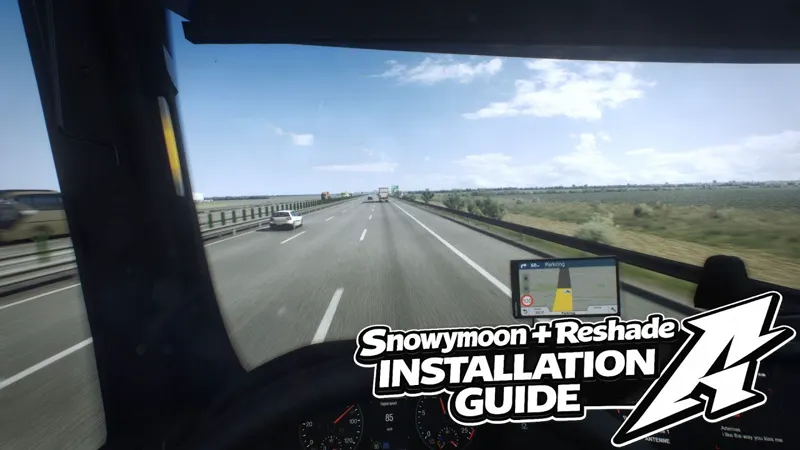
Project Ultimate ReShade – New Tutorial Video Available 🎥 - *Command Console and Skybox Change Explained*
Hello everyone!
A new tutorial video has just been uploaded to my YouTube channel, and this will now serve as the main tutorial for Ultimate ReShade.
It’s focusing on:
📘 Complete Setup & Usage Guide
The video walks through the full setup process and includes additional explanations on:
Using the command console
How to change and manage skyboxes
This should make getting started much easier, especially for new users.
⭐ Patreon-Specific Content Coming
I also plan to release Patreon-exclusive guides and videos, offering more in-depth explanations, advanced tweaks, and workflow tips moving forward.
Thank you all for the continued support — and as always,
enjoy the drive. 🚗💨
Comments (14)
I've done everything right installing reshade, but its not opening in game. I press the home key and no reshade menu pops up, snowymoon works though.
Hey, sent you a dm
Can I achieve this result using JBX 3.0?
Hey, JBX should be fine as well - it is a bit different but still better quality weather then than free weather mods
Hi. I bought Snowmoon, but my game doesn't look like yours. Could you please help me? I need your settings.
Hey, it will not look like mine if you only use Snowymoon as i use PNG + Snowymoon and Project Ultimate Reshade
🫶🙌🙌🙌🙌
Are we able to use HDR now with the updated reshade or do I still need to stay on the old version of reshade?
Hey, if you use it without snowymoon then can use the latest reshad eversion with HDR of want to use it with snowymoon then 6.5.0 with no hdr
bom dia poderia fazer um video configurando o smoonnnoy e o reshade para ets2 com seu projeto...fico no aguardo
hey, i will be making a video like that espacially for patreon as well, at the moment you can use provided settings in the folders and the setup sent in the DM
But my Gpu usually uses about 99% how🤦♂️ and I can see yours is like 40%
Gpu 100% is The best bro CPU 100% no good
👏