
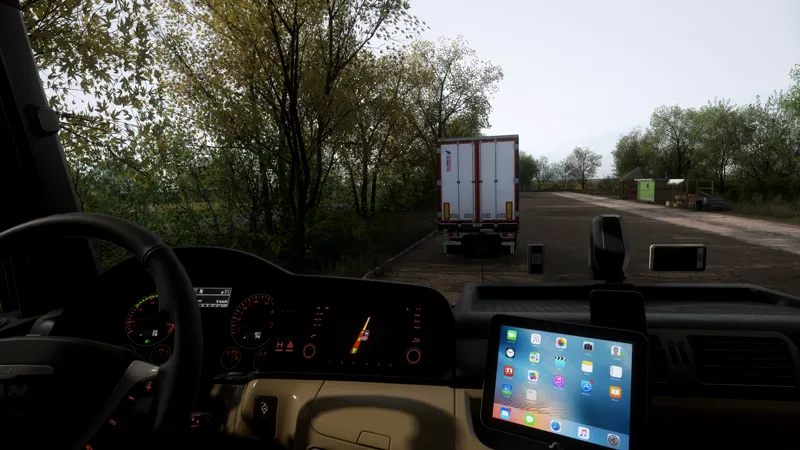
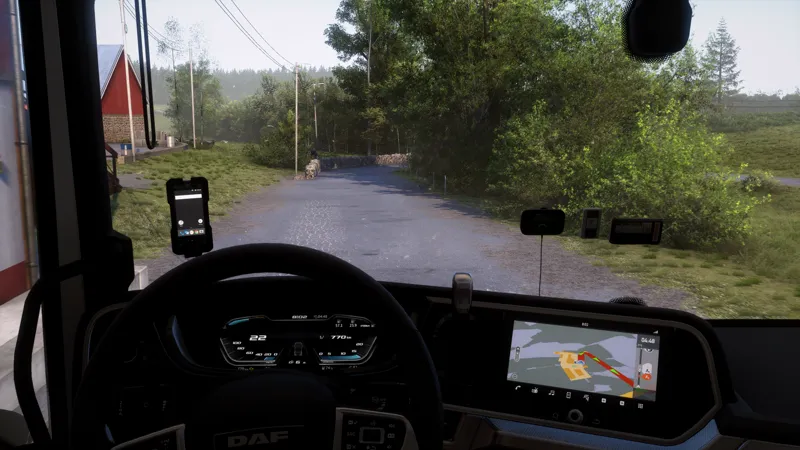
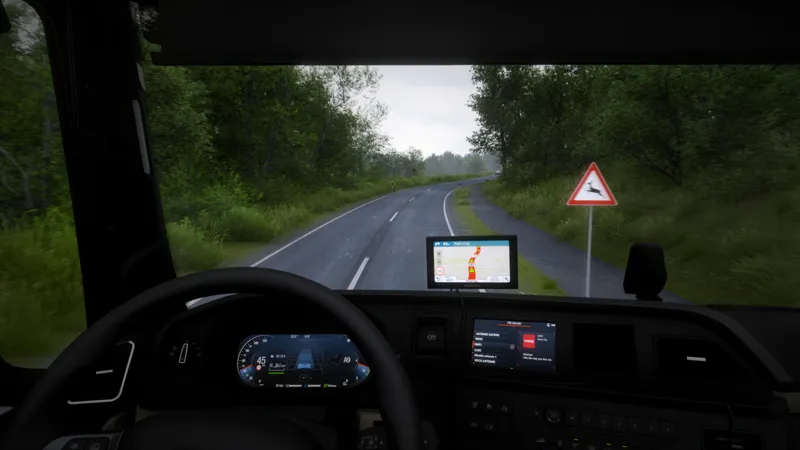
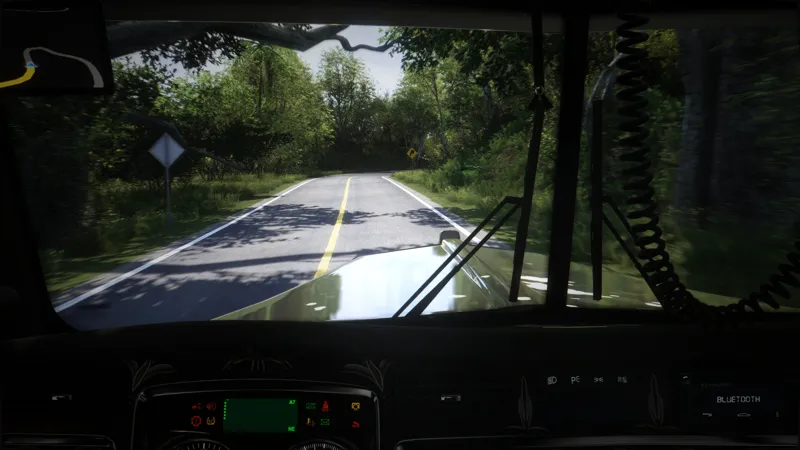
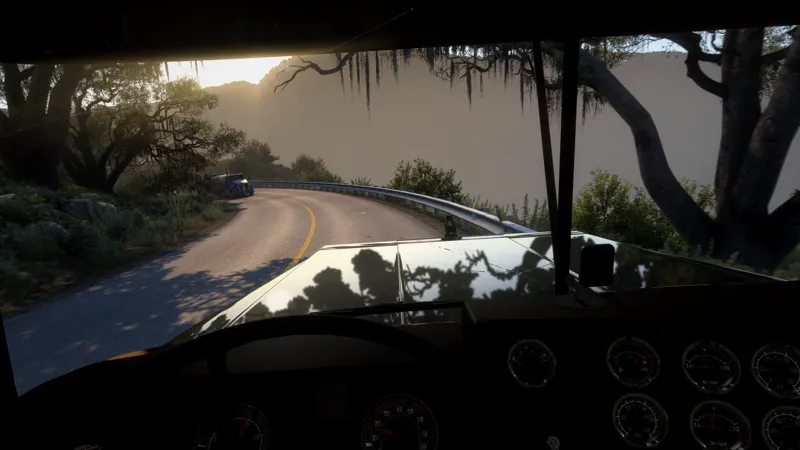
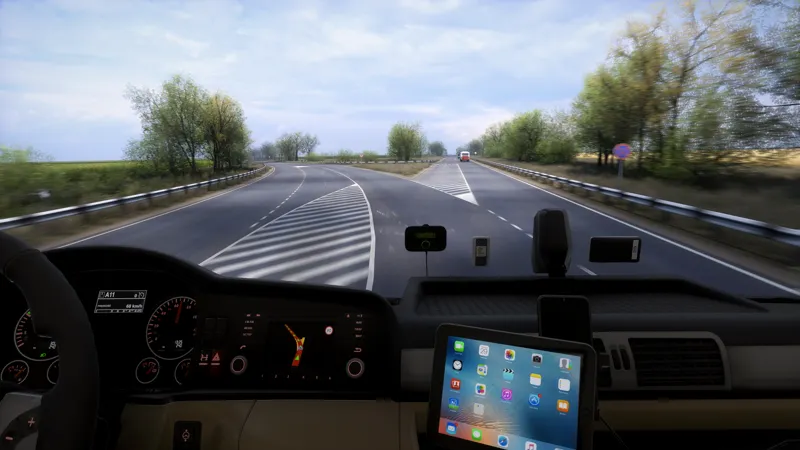
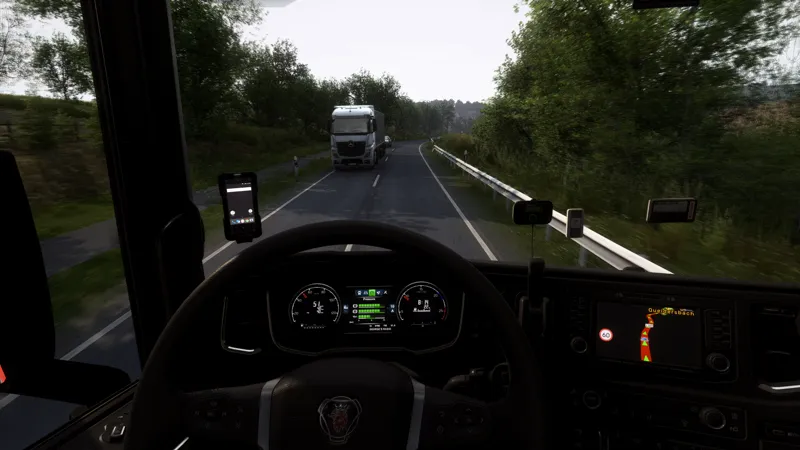
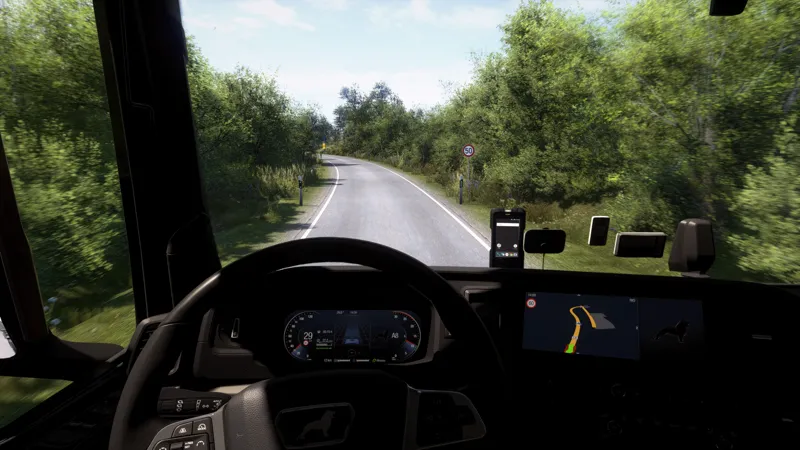
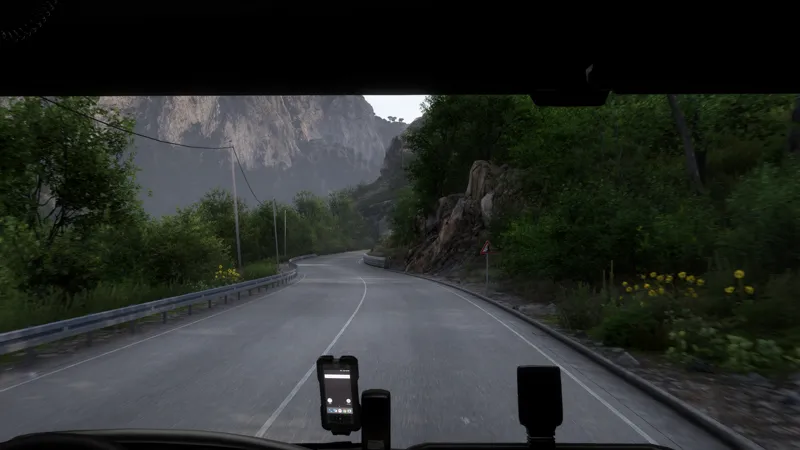
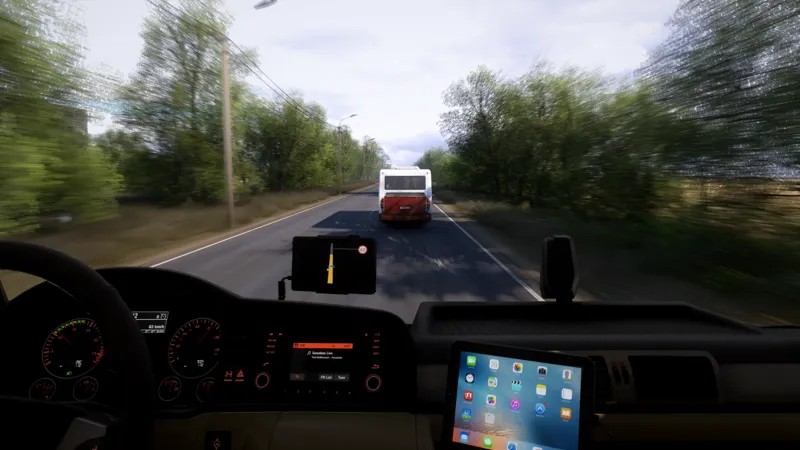
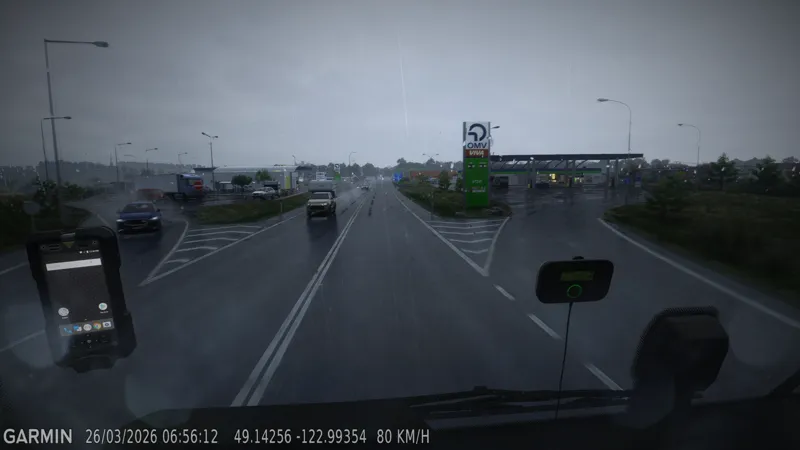
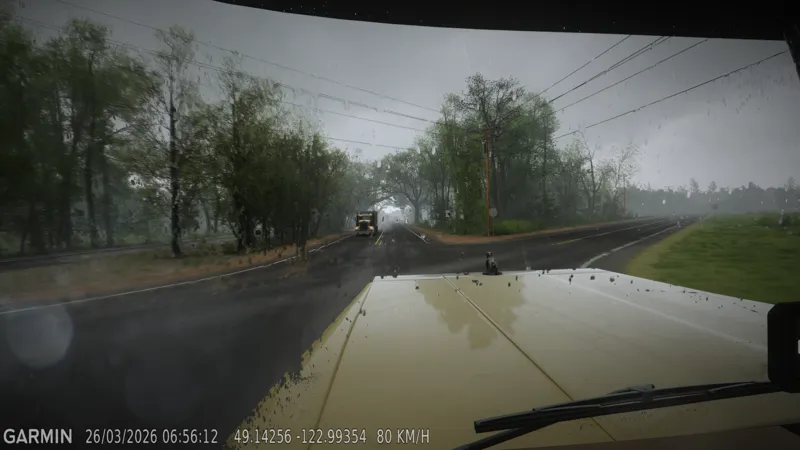
Project Ultimate RealEye - Reshade Presets Only ✨
🎥 Project Ultimate RealEye - Now Released
🎥 Project Ultimate ReShade Collection — RealEye Now Added
27/01/2026 — Sharpening update following feedback regarding oversharpening. Alternative sharpening was introduced for a smoother image.
31/01/2026 — Vibrant version of RealCam added.
28/02/2026 — Spring Colours Update: Lighting D Tonemaps for RealCam Vibrant.
07/03/2026 — Spring Colours Update: Lighting C Tonemaps for RealCam Vibrant.
08/05/2026 — RealCam v2 released.
09/05/2026 — RealCam v2 Snowymoon configuration adjusted with the SSAO option.
02/07/2026 — Project Ultimate RealEye added as the latest preset.
12/07/2026 — Project Ultimate RealEye Sharpening Fix added.
Before getting into the details, a quick note:
👉 Project Ultimate ReShade V1, V2, V3, RealCam v1, RealCam v2, and RealEye are all available in this pinned post, allowing you to access the complete preset collection from one place.
Please redownload the files if you previously experienced any sharpening issues.
Project Ultimate RealEye - Latest Addition
RealEye is the newest preset added to the Project Ultimate collection, developed with a focus on improved clarity, refined colour balance, controlled contrast, natural lens behaviour, and subtle image enhancement.
RealEye includes:
• Default and Motion Blur versions
• Smooth, Sharp, and XtraSharp clarity options
• Cold, Neutral, and Warm colourwaysProject Ultimate RealCam v2
RealCam v2 includes:
• Dashboard Cam overlay presets
• Clean presets without the Dashboard Cam overlay
• HeavyLens, LightLens, and NoLens (Clear) variationsEverything is structured and ready to use.
⚠️ Important — Dashboard Cam Overlay Setup
For the Dashboard Cam overlay to work correctly, place the included “reshade-shaders” folder inside your main ReShade folder located within the game’s win_x64 directory.
This is explained in the included README file. If the folder is not placed correctly, the Dashboard Cam overlay will not appear in-game.
🌙 Snowymoon Configuration
My calibrated Snowymoon configuration file is included with the required settings already prepared.
Paste the config file into your win_x64 folder. You are free to adjust the settings to better suit your system, performance requirements, or visual preference.
Thank you all for the continued support throughout the development of Project Ultimate.
Feedback is always welcome, and further refinements and updates will follow over time.
Enjoy the drive 👀🚛✨