
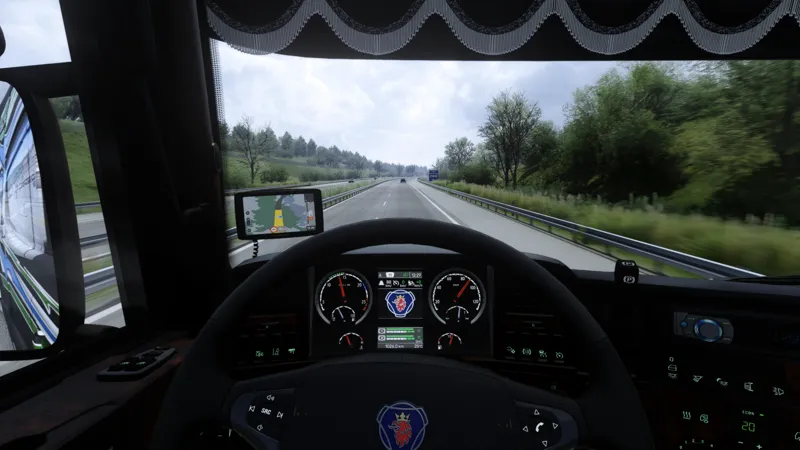
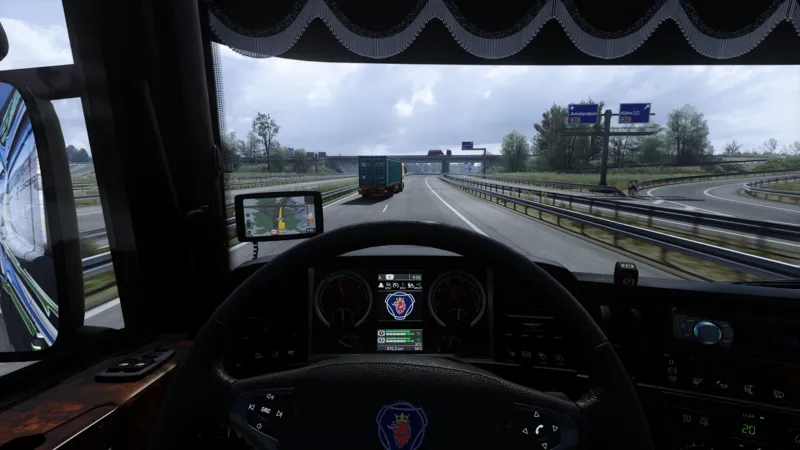
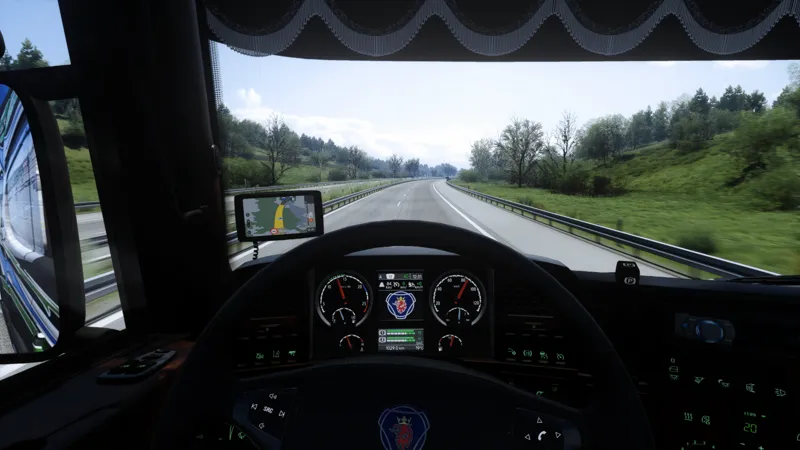
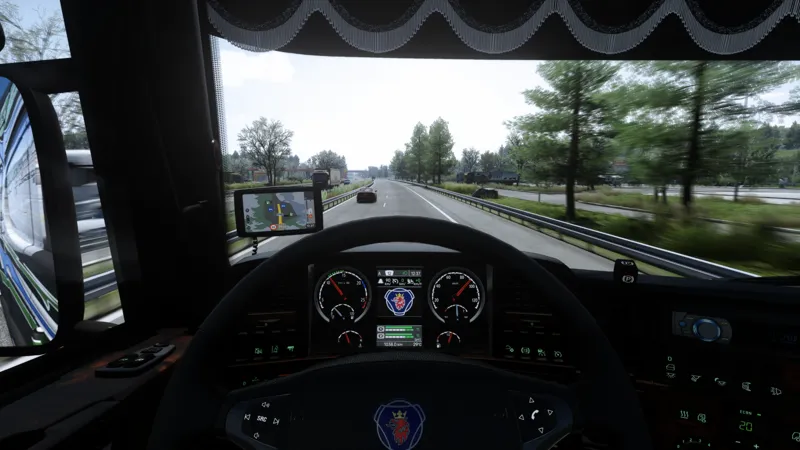
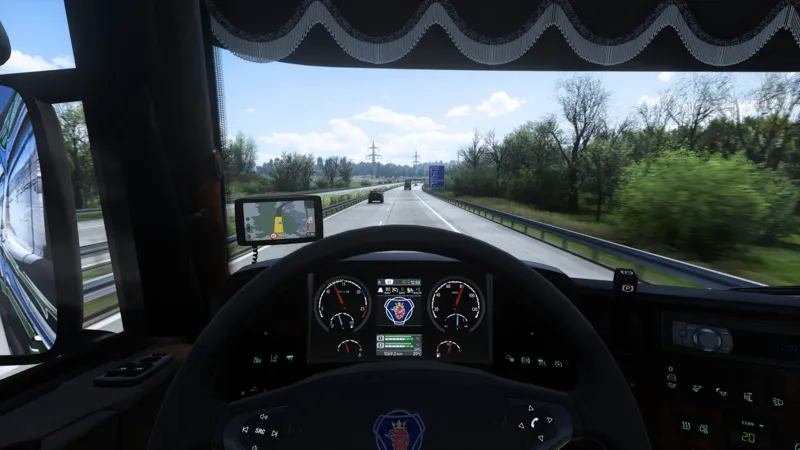
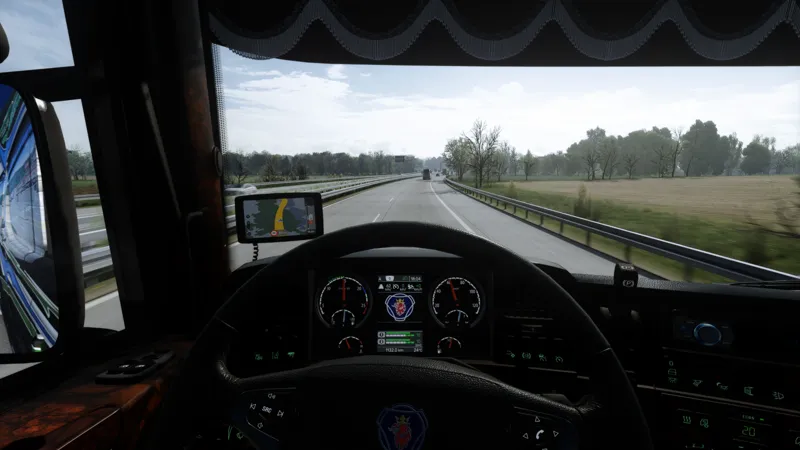
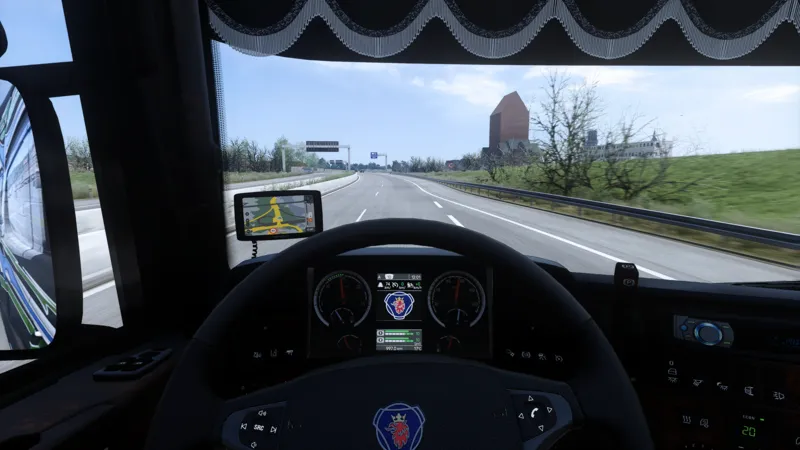
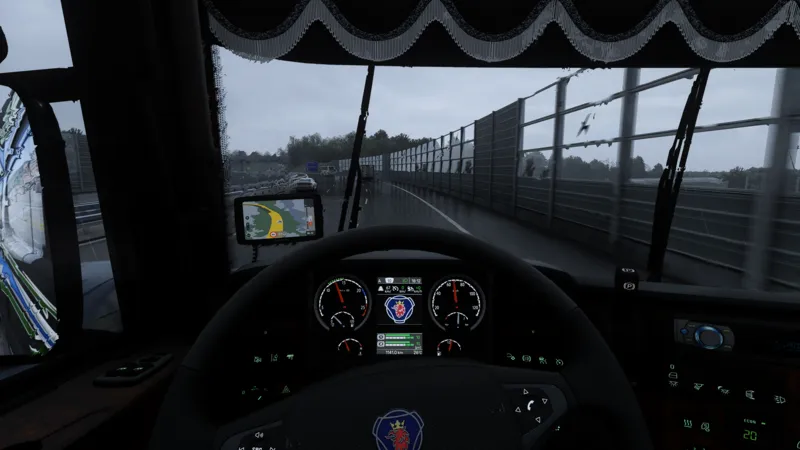
🌅✨ Project Ultimate ReShade – V1 Revised Release ✨🌅
Hi all,
I’m happy to announce that the Project Ultimate ReShade V1 Revised preset is now released! 🎉
You can download it from the main release post.
A few quick notes about this version:
It’s based on the initial V1 release, but has been improved with newer sharpening, updated colorgrading along with smoothness and bloom settings.
The preset has been tuned to work with both Lighting D and Lighting C — with Lighting D being naturally more colourful, while Lighting C tends to appear softer and more bleached out.
If you’d like to add more colour to Lighting D, simply increase the saturation in the Snowymoon settings (these will be included in the V1 Revised folder) or for.
The main mod this preset was designed for is Project Next-Gen (PNG), and it also works very well with JBX.
It can be used with Weather 3.4, though results may vary depending on time of day and skybox, as their climate definitions aren’t as consistent as PNG or JBX.
💡 Note: I personally use DLSS Quality mode with 125% scaling in 4K, which provides the best balance between sharpness, clarity, and smoothness.
Enjoy testing the new version and feel free to share your thoughts or feedback! 🚀
Comments (17)
Hey, just checking before buying. Do you think RTX 3060 mobile is capable of running your mods? It all looks amazing, but I'm afraid that my rig won't be capable of running it smoothly. Thanks!
Hey Reshade itself will be fine but if you want to pair this up with snowymoon v2 and PNG or JBX it might be a bit heavy, try Snowymoon v2 and PNG first and then decide if you want to enhance it further with reshade
Hi just saw this link here in a Ytube clip.. is it possible to use resahde with snowymoon???
Hey, 100% it is possible. There are instructions how to do it on Snowymoons site. I also provide all of the instructions and support to patreons who decided to support the project🙌
Great job! Is there any combination in ATS to combine PNG + JBX3? If so, what would be the correct order? In your experience, what is the best combination you have tested for ATS?
Hey, i use PNG as it has the best weather def for all of the conditions and also its the most complex weather def out of all, if you would want to use PNG and JBX the simlpy put the JBX weather and skyboxes above the PNG Base + Vegetation
Thnx for fast reply... So from highest priority to bottom Weather 3.4 new lightning Weather 3.4 PNG Vegetation PNG Base2 PNG Base PNG Base_0 - bottom of all map mods And Preset D Revised V1 Smooth Albedo 1.25 Tree Density 0.00 Grass Density 0.33 Results are spectacular with combination Weather 3.4 with PNG Now it works, my bad settings for PNG was that I use it without PNG Base_0 :)
Hello, What is correct order to use Weather 3.4 with PNG in ETS2 with your Revised V1 preset? When I pair that combination, my game crashes after about few seconds of play...
Hey🫡, you need to ensure that when you are using the PNG base, The PNG Base 0 needs to be below any og the map mods, without this you will have crashes with the vegetation, so base 0 underneath the maps, then two base files on top of them then vegetation on top of these ones
I tried the new update and loved it. The only thing I didn't like was that it looked a bit dark and the Color Matrix filter looked a bit sepia-toned. I solved this by adding another light filter and lowering the intensity of the green Matrix color. It was perfect. Thanks for the great work.
Hey, im glad you are enjoying the new update😃, the sepia tones occurred when using Weather 3.4 or PNG?
Hey, love the V1 Revised for me personally its the best shader you released till now! One quick question, what about AA/Motion Blur, Rendering/Lighting and Objects Settings?
Hey, thank you mate, im glad you like it, i will be updating the download pack with all of the settings i am using with snowymoon.
Release post - https://www.patreon.com/posts/138682219?utm_campaign=postshare_creator&utm_content=android_share
where to download
Hey, as stated in the description, in the main release post🫡🔥
🔥🔥🔥👍👍