

ODM | Installation Guide
Start by unzipping/extracting the files from the downloaded ODM Files.zip file. Right-click on the file and choose Extract All.
You will get the following items:
ODM Gear plugin (.jar file)
ODM Gear Resource Pack (.zip file)
Premade Server (folder)
This guide (.txt file)
How to install the Resource Pack:
Put the Resource Pack in your .minecraft/resourcepacks folder. You can access it by launching Minecraft, going to Options, Resource Packs, and clicking the Open Resource Pack Folder button.
How to start the server:
Go into the Premade Server folder.
Double-click the Paper (or Spigot depending on version) jar file to run it. Depending on the version you downloaded, the file name may differ. For 1.21, it would be spigot-1.21.jar. For later versions it could be paper-1.21.11.jar, etc. In case of errors, refer to this post.
Wait until the console window opens and finishes loading (60-90 seconds). Some new files will also appear in the Premade Server folder. When the console says "Done", it has finished loading.
Type "op <your in-game name>" in the console command line to get operator permissions. You will have access to all commands.
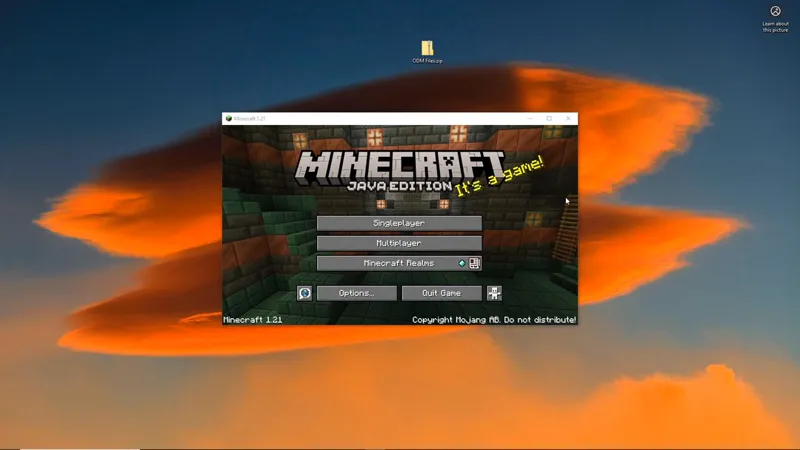
Open Minecraft, go into Multiplayer, and connect to the server—type localhost as the server address.
You can stop the server using the /stop command or closing the console window. To start it up again, run spigot/paper again just like before.
If you wish to set up your own server with the plugin instead of using the included one, simply drag the ODMGear .jar file into the server's plugins folder. Remember to install ProtocolLib as well.