
[ERosetta]Wind is Blowing - Reshade Preset .INI
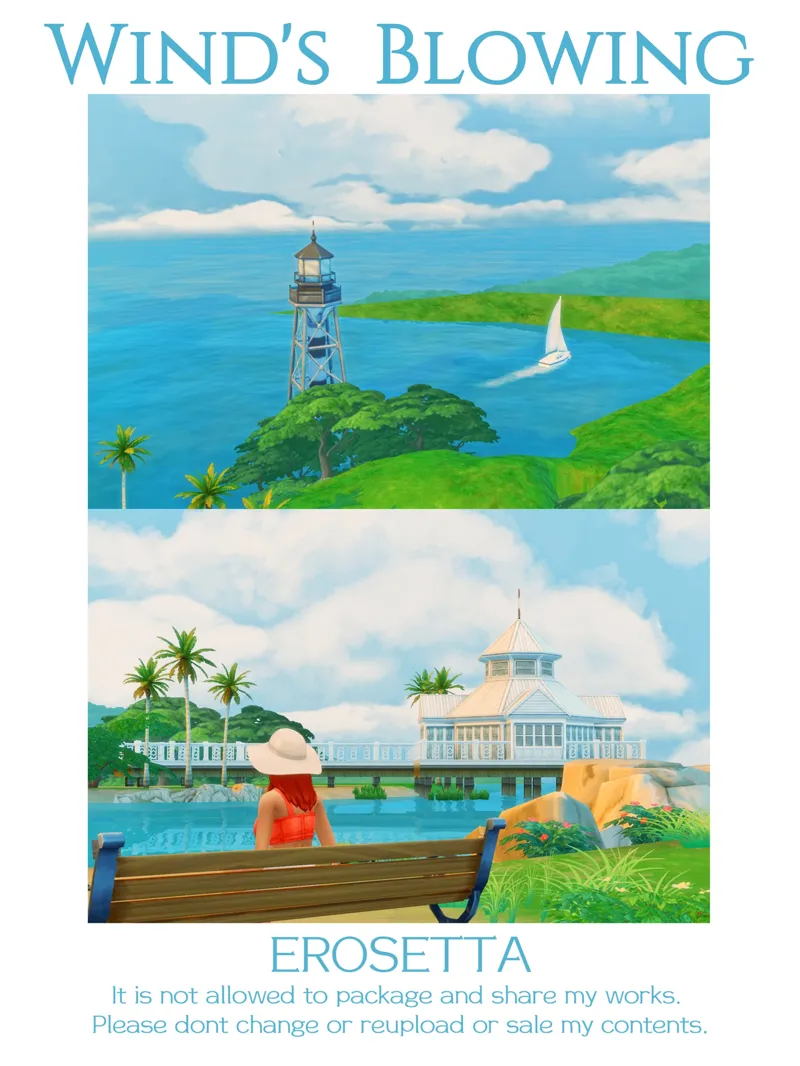
Happy Children's Day! Summer is coming, and I'm bringing you my new Reshade Preset------Wind's Blowing
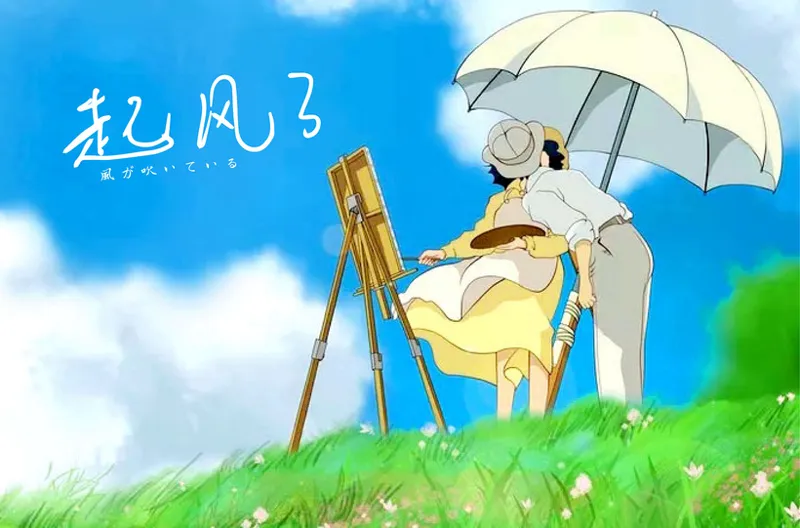
Summer in Hayao Miyazaki's manga~
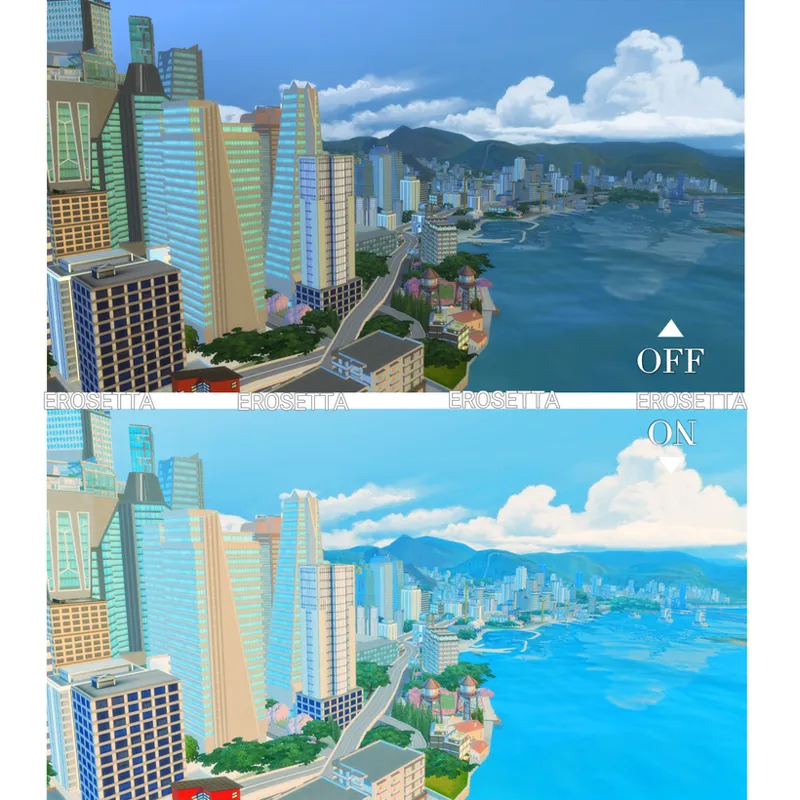
It's a bright and fresh color palette like summer, and I felt like I was entering Miyazaki's film, "The Wind Rises", when I took the screenshot.
In my opinion, Miyazaki's summer is inseparable from the blue sky and white clouds, the bright light green meadows/plants, and the bright color of the figures...
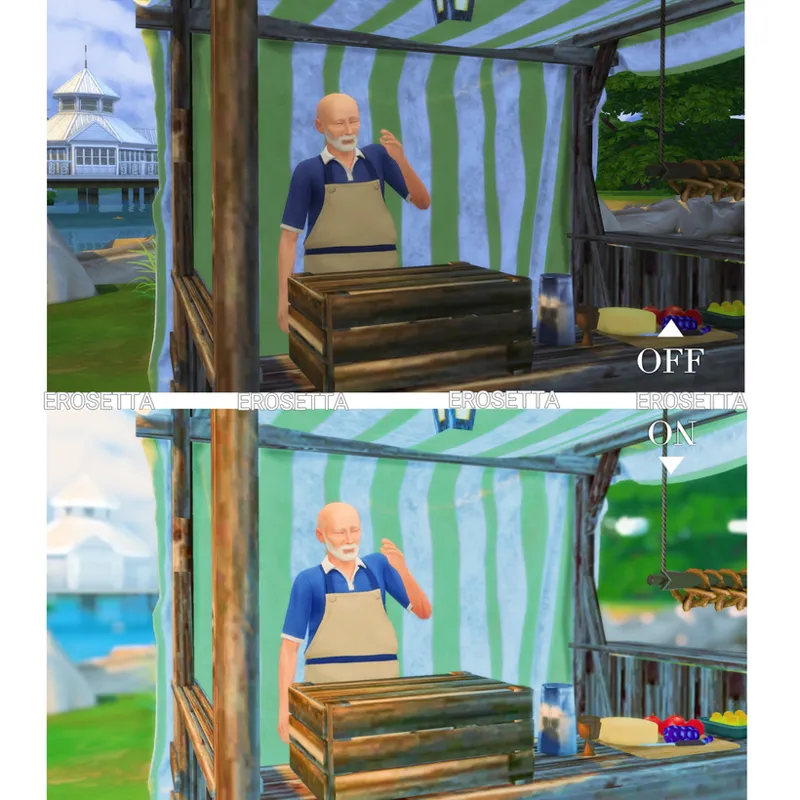
This is a preset that is more of a play mode and photo mode, so if you want to see how the camera looks when you focus on a person and the UI displays, you might want to scroll to the end of the post, but let me show you these beautiful summer scenery first :
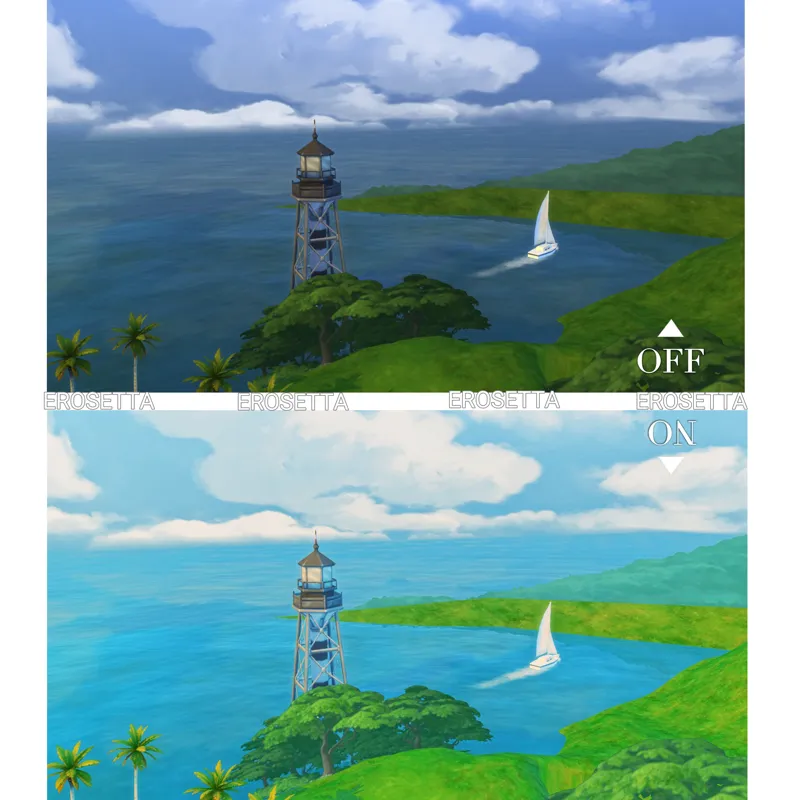
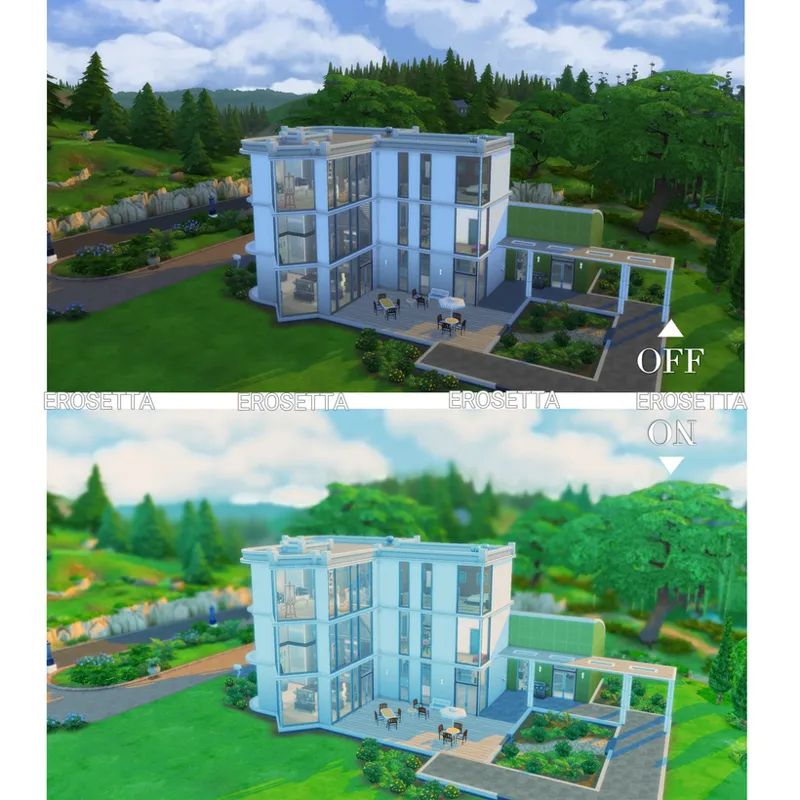
So when it comes to grading, I'm still based on this, and this preset is great on sunny days and outdoors!!
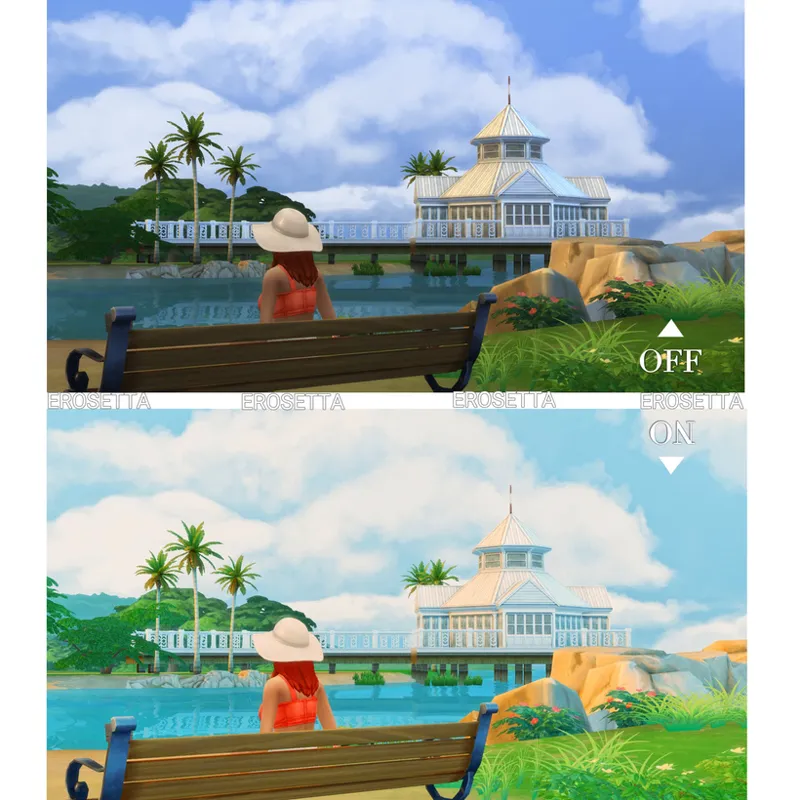
The display of the cityscape and architecture is also fresh, bright and comic.
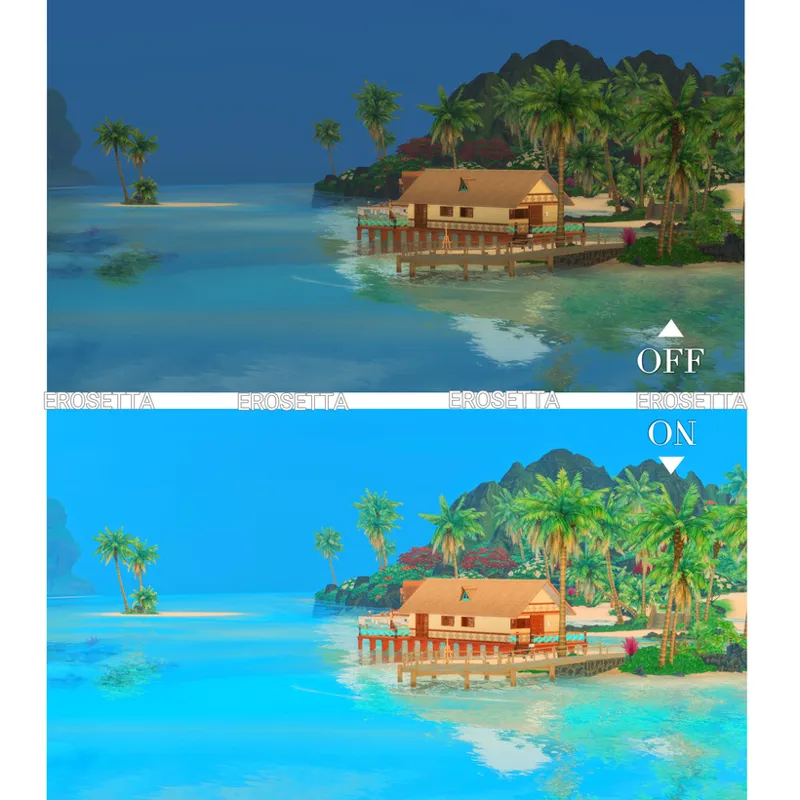
It will make the water bluer and clearer! I love topaz-like waters!
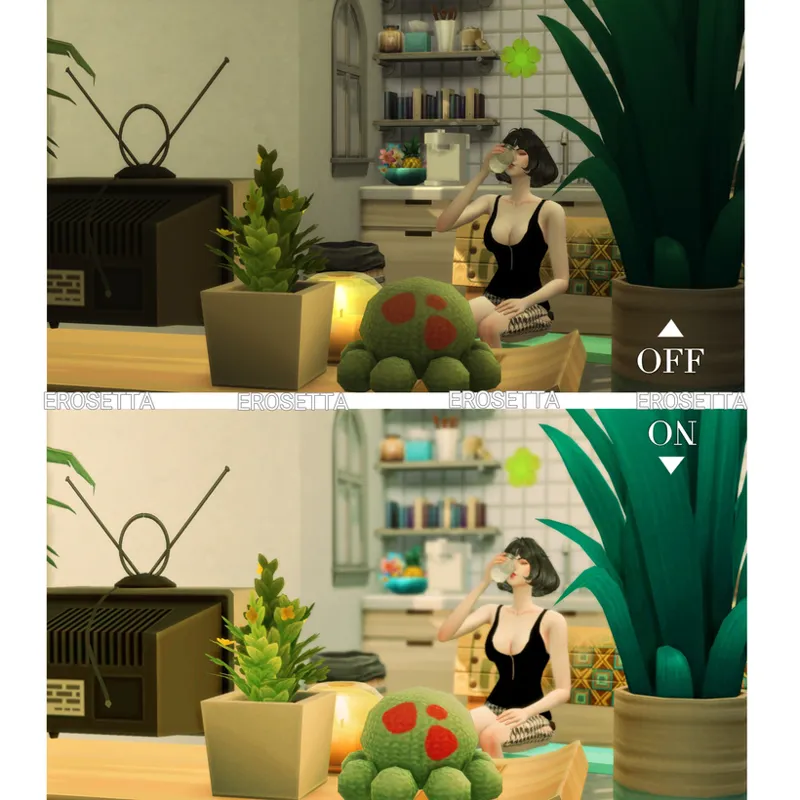
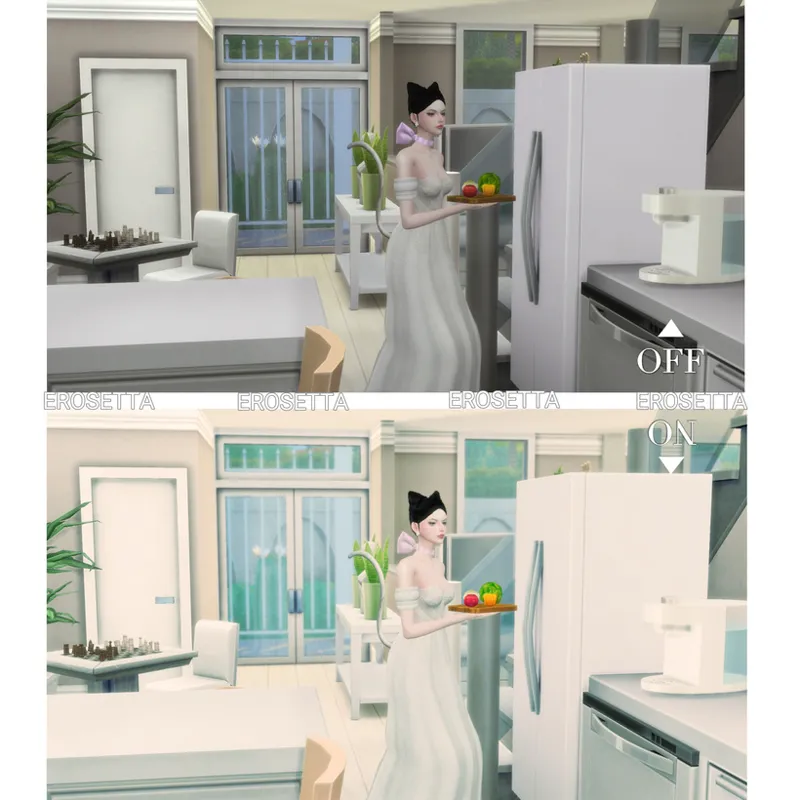
The indoor environment and the effects of the game characters in the environment when this preset is enabled :
Here's a test for you in a warm-colored environment with dim lighting (above) and a cool-colored environment with bright lighting (below)...
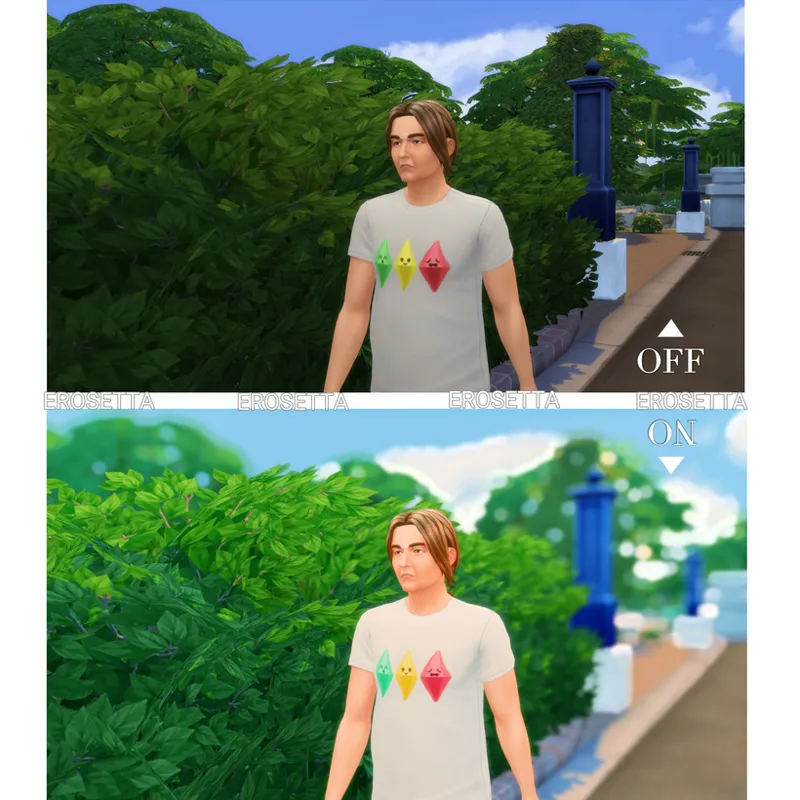
Close-up of people outdoors :
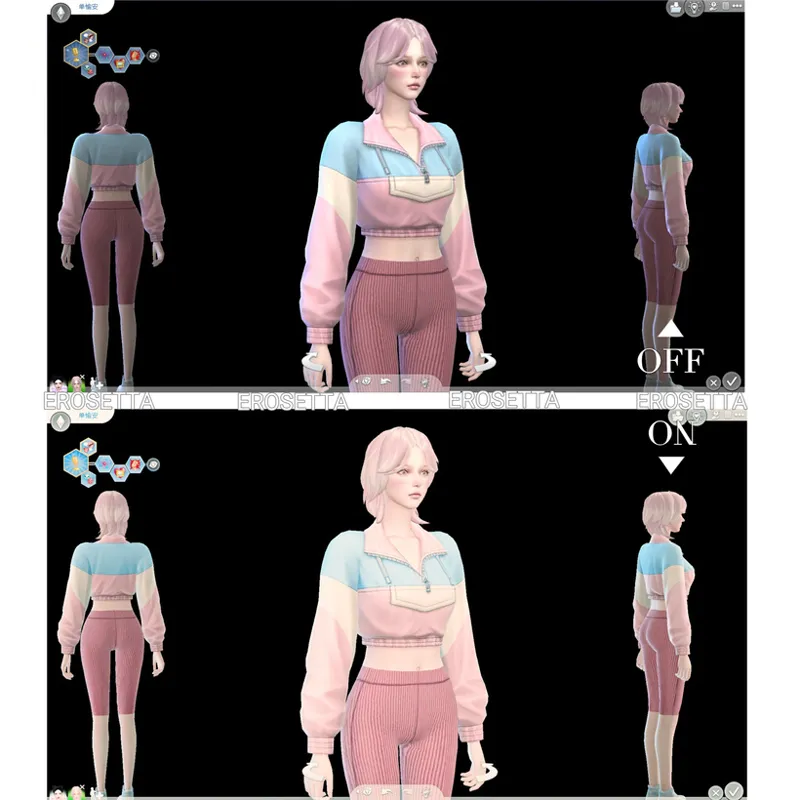
Comparison of CAS interfaces:
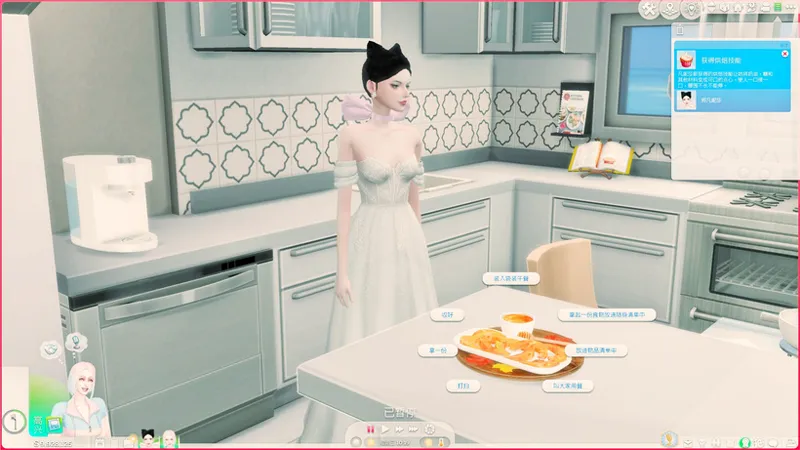
UI in play mode :
You may need to turn off "ADOF" in play mode, it's just to increase the depth of field effect, usually I turn it on when I'm taking a photo. If you don't need it, you can turn it off and save the configuration, so that the next time you turn on Reshade, it will always be off by default.
However, it will still lighten the color of the text on your UI interface, I have tried for a long time, and I can't optimize this while maintaining the effect, which is also a problem that I can't solve since using Reshade, and many beautiful filters seem to do this.
Reshade version: 5.8.0
The downloaded file needs to be unzipped and then all the contents of the folder are dragged into the Bin folder!