




2018 Silverado High Country Mod Release
🔥 2018 Silverado High Country Mod Release 🔥
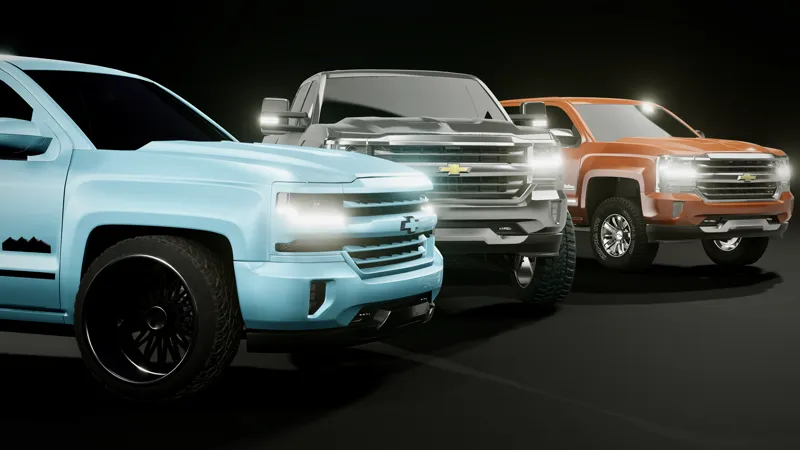
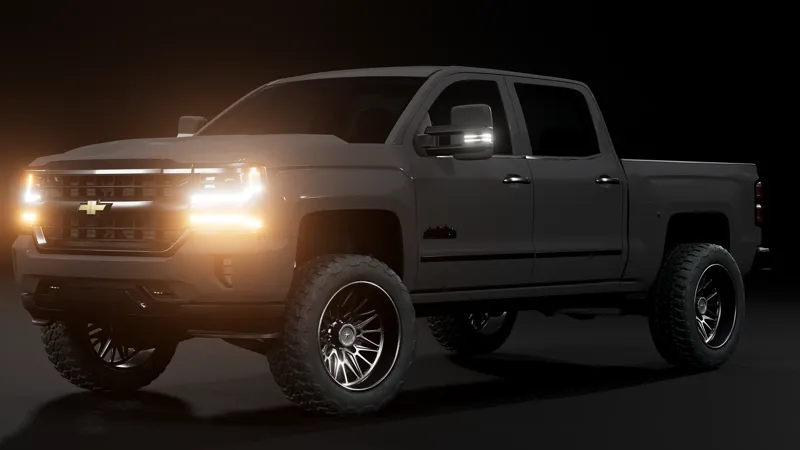
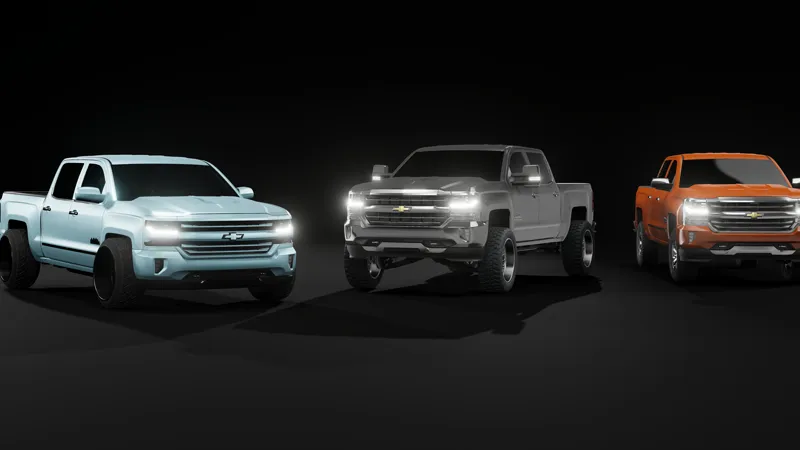
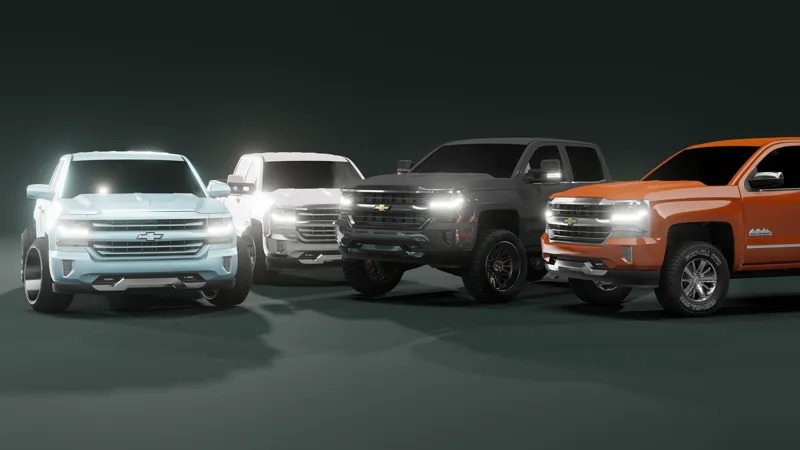
Transform your driving experience with the 2018 Silverado High Country mod, bringing unparalleled realism, customization, and performance to your simulation.
Features Include:
✅ Authentic Engine Lineup
6.2L EcoTec3 V8 and Duramax diesel engines with real sounds and performance tuning.
Distinct exhaust tones and turbo enhancements for diesel variants.
✅ 1500 HD Body Style
Available exclusively as the 1500 HD with premium High Country trims featuring sleek chrome and blacked-out accents.
✅ Special Off-Road Wheel Pack
8 exclusive wheel configurations, including:
Off-road mud tires
Snow traction wheels
Matte black and chrome finishes
Hybrid terrain setups
✅ Advanced Suspension & Physics
Custom-tuned off-road suspension for rock crawling, mudding, and trail driving.
Realistic weight distribution and responsive handling on all terrains.
✅ Interactive Parts with High-Quality PBR Materials
Openable doors, hood, tailgate, and toolbox.
Dynamic lighting effects with detailed reflections.
✅ High-Quality LED Lighting System
Realistic LED headlights, taillights, and indicators with lifelike patterns and brightness.
Enhanced visibility for nighttime driving.
✅ Good-Quality Interior
Premium cabin with accurately detailed dashboard, seats, and controls.
Realistic steering wheel and functional gauge clusters.
✅ Modular Configurations
Workhorse setup for towing and heavy-duty hauling.
Off-road beast with lifted suspension and rugged upgrades.
Luxury trim with leather interiors and chrome accents.
✅ High-Definition Textures & Sounds
Realistic dirt and wear effects on textures.
Immersive engine, suspension, and environmental sounds.
How to Install the 2018 Silverado High Country Mod
Follow these steps to install and enjoy this mod in BeamNG.drive:
Step 1: Locate the Main Game Folder
Navigate to your BeamNG.drive installation directory. By default, it can be found at:
C:\Program Files (x86)\Steam\steamapps\common\BeamNG.driveAlternatively:
Open Steam.
Right-click on BeamNG.drive in your Library.
Select Manage, then Browse Local Files to open the folder directly.
Step 2: Extract the Zip Files
Open the downloaded mod's zip file.
Inside, you’ll find a vehicle folder.
Extract this folder using your preferred extraction tool (e.g., WinRAR, 7-Zip):
Right-click and choose Extract Here or Extract to [mod name].
Step 3: Move the Vehicle Folder
Navigate to the BeamNG.drive folder in your Documents:
Documents\BeamNG.drive\vehiclesIf a vehicles folder doesn't exist, create one manually by:
Right-click in the BeamNG.drive folder, select New Folder, and name it vehicles.
Copy the mod's extracted vehicle folder into this directory.
Alternatively, if the mod includes its own vehicle folder, you can extract it directly into the vehicles folder without additional steps.
Step 4: Launch the Game
Start BeamNG.drive.
Check the mod section in the main menu to ensure the mod is enabled.
Spawn the 2018 Silverado High Country and enjoy!
Download and Enjoy
Take your simulation to new heights with the 2018 Silverado High Country. Experience realistic off-road performance, high-quality interiors, and sleek HD styling. 🚙✨