
Weekly Report Number 104.
Hi everyone.
Public report because I need to let you know something. Also, I'm at a stage where I can't show many images to avoid spoilers, and this week I have some "non-revealing" ones I can share, so we have to make the most of the occasion.
Anyway, I'm letting you know in advance that this post contains a minor spoiler, as it's the topic I have to cover. It’s not a big deal, because you guys already know characters have abilities, and some aren't very noticeable while others definitely are. I just need to show Finn's skill to explain a few things.
Okay, let's get into the numbers. This week, 242 images for animations have been rendered, plus 70 regular images were created and rendered.
With this, the image folder for the upcoming version 0.6 already has 462 images and 25 videos with animations. Of course, keep in mind that many of the animations are smaller in size since they're part of the information interface. There are 5 animations in 1920 x 1080 for now.
Before I forget because of what I have to say as the main topic, I want to thank everyone who participated in the recent poll. 91 people shared their opinion and only 3 of them didn't agree with the majority, so I think that says it all...
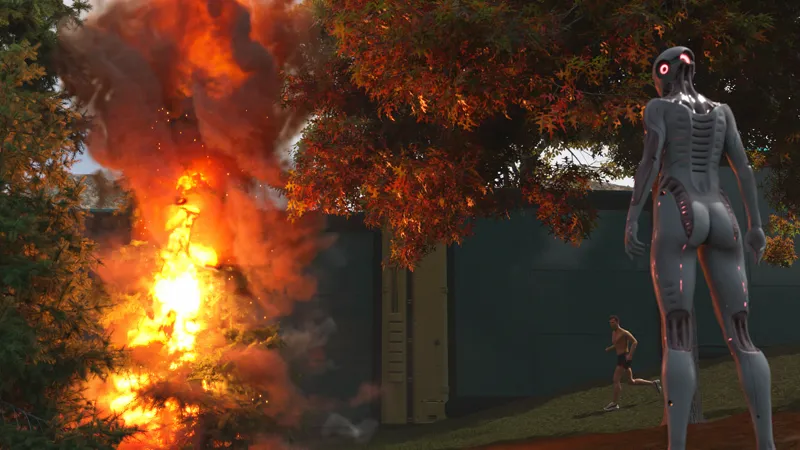
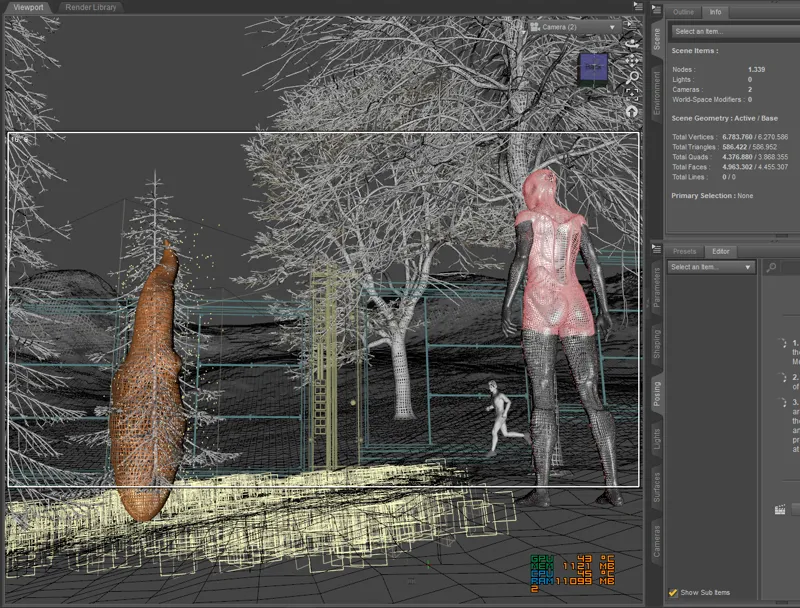
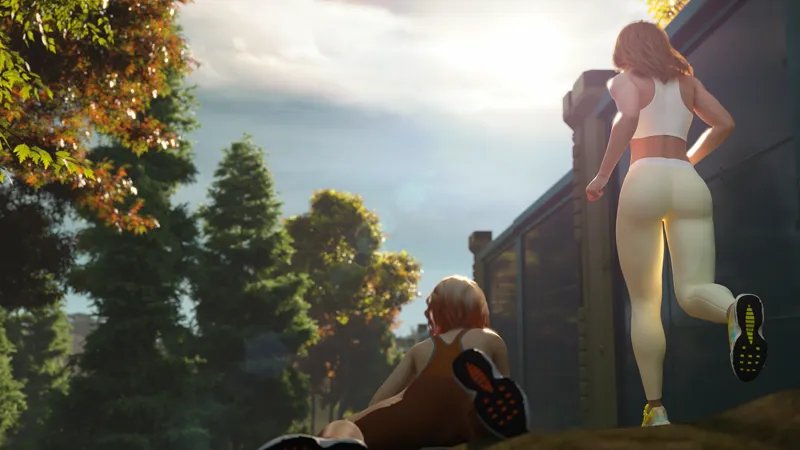
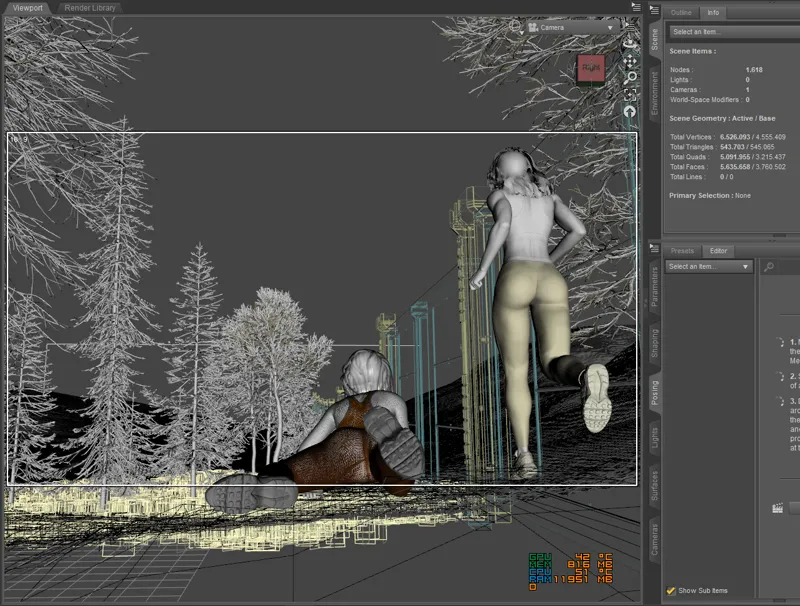
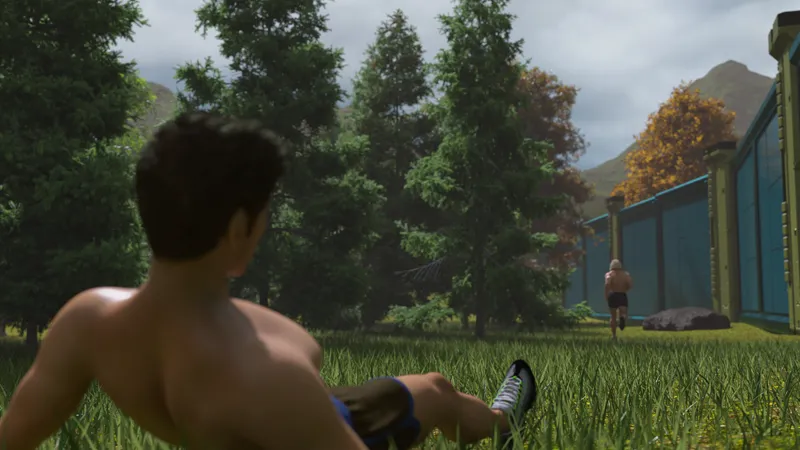
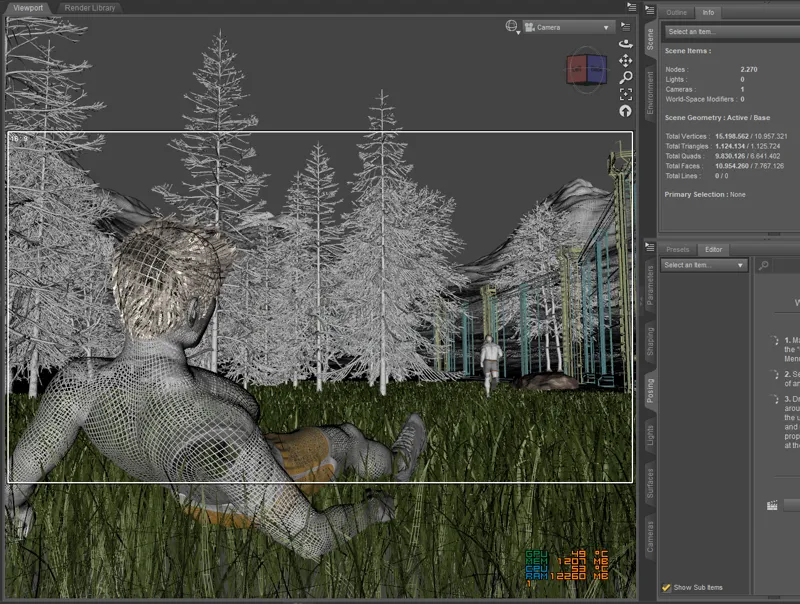
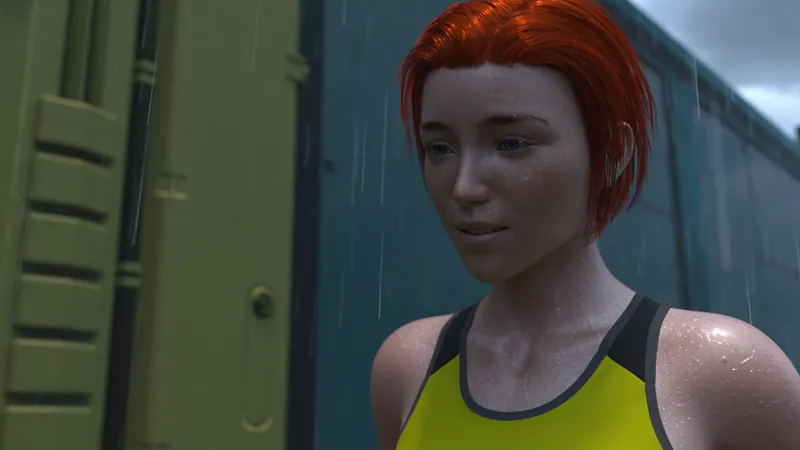
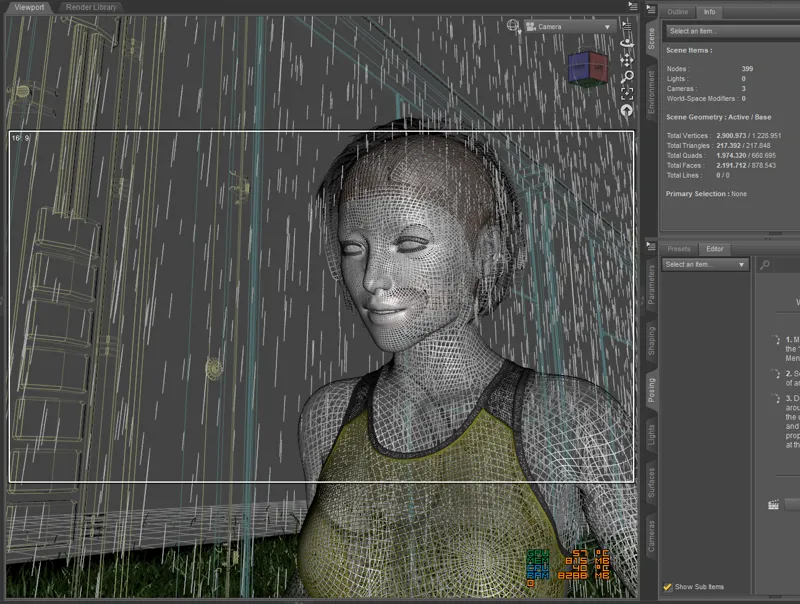
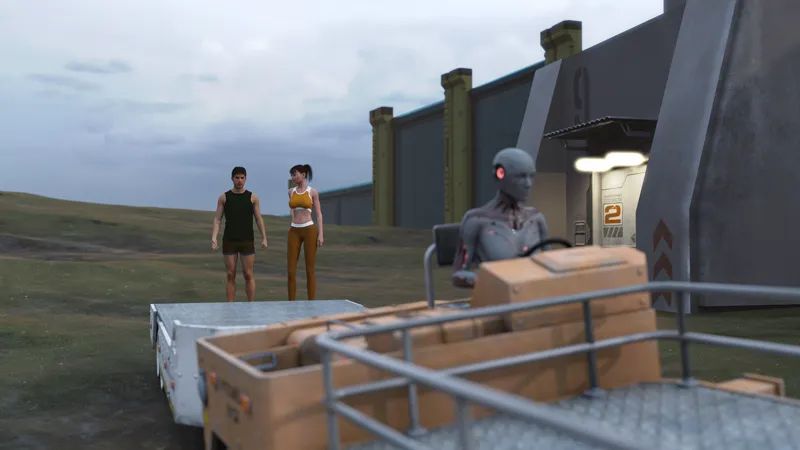
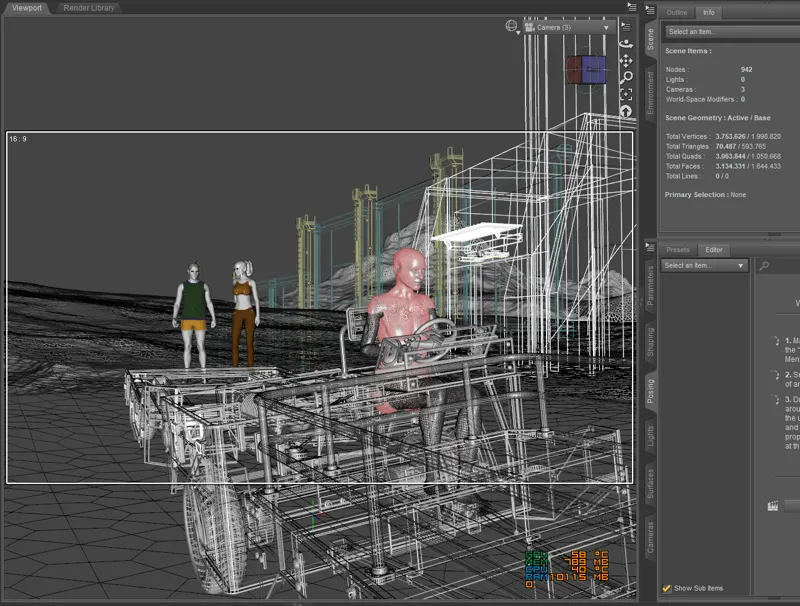
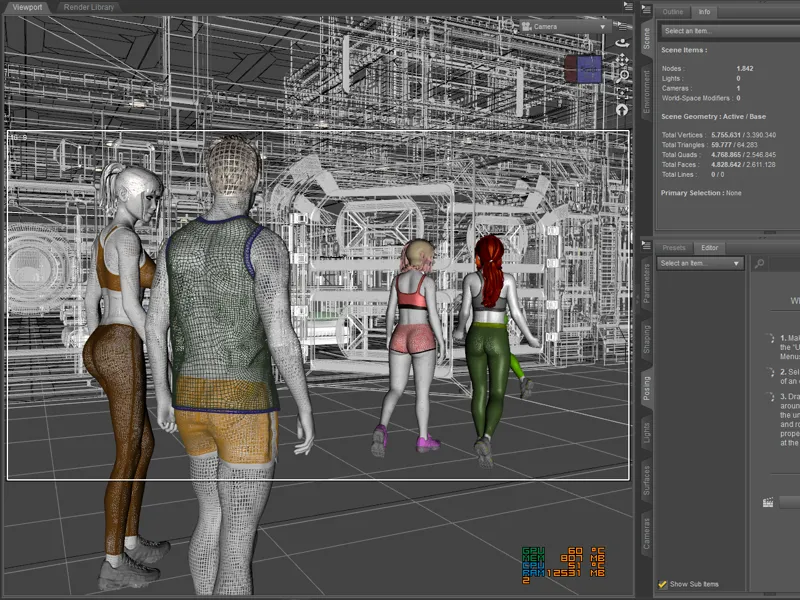
The images above, maybe you've seen some of them and others not, but this time I've placed the "Lit Wireframe" view in DAZ alongside each one, so you can get a good look at the structure, how it's all built... and so you see it really exists, that it's there.
The second rendered image has sun flare on the camera lens. That was actually done in post-processing, but everything else is entirely DAZ's doing.
All the landscapes are real, they're real 3D environments. The image of Emma running in the rain... the rain is real too, made with DAZ, just as the wireframe image shows.
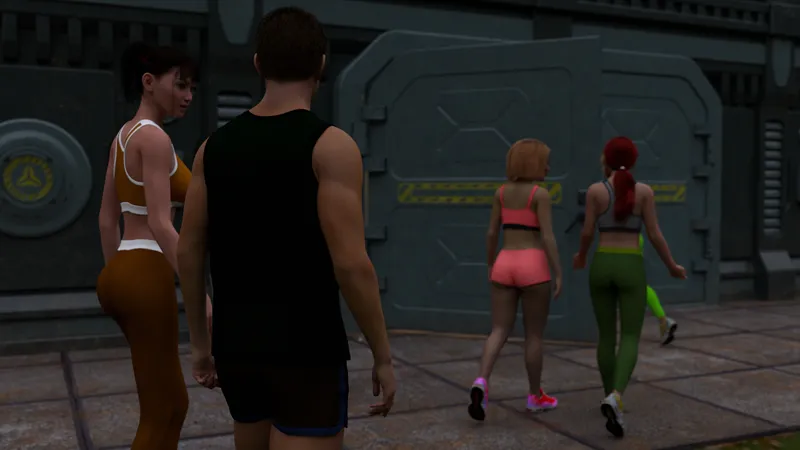
The last image might be a bit confusing, and that's because you can see everything behind the walls. That's The Fortress, and it has all the furniture inside since my hardware allows it now, and since there are indoor scenes later on, it's just more efficient to have everything ready.
I'm showing you all this because I'm going to tell you about something you might have never found out if I didn't tell you. Starting with version 0.6, I'm going to start using a bit of AI... calm down, calm down, don't panic. Let me explain xD
I know a lot of people get allergies or feel like throwing up when they hear AI, and believe me, I get it. In fact, I've seen some things made in DAZ where the images were enhanced with AI... and I don't like it one bit.
Same goes for animations created with AI using DAZ images as a base. There are some really well-done ones, and maybe I'd like to try that someday. But honestly, for that kind of animation, you need hardware that is currently impossible for me. So you can rest easy. Every animation I make is 100% DAZ...
What I've started doing this week is actually something very simple. And I've started with what I mentioned at the beginning, Finn's ability. But I insist, it was created in such a way that if I don't say anything, you wouldn't know.
Finn's ability is pretty flashy at a certain point. It causes an energy release, and originally it was all done with DAZ, like always... but...
I'm sure you've seen how CGI special effects work in films. You add layers for extra realism, fog, splashes, fire, that kind of stuff... So, I've done the same thing. I just made an extra layer and merged it with my original image, and voilà, that's it.
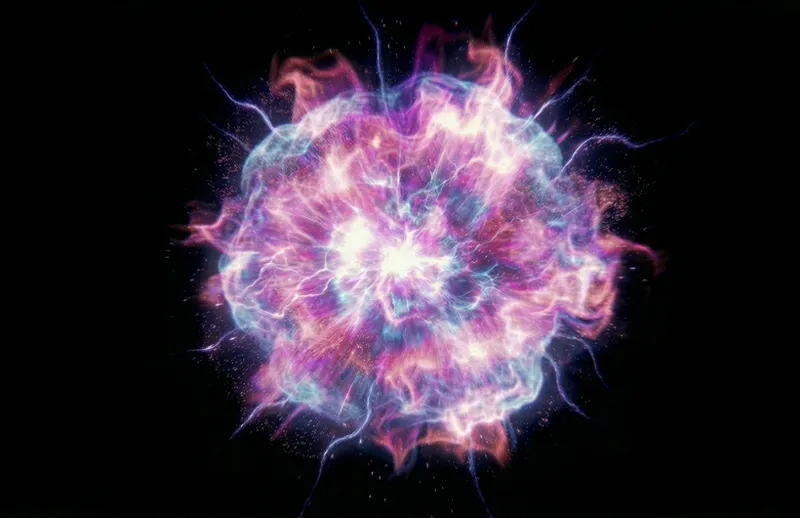
Layers are images that you can manipulate and overlay on another image seamlessly. Let me show you the layer I made with AI:
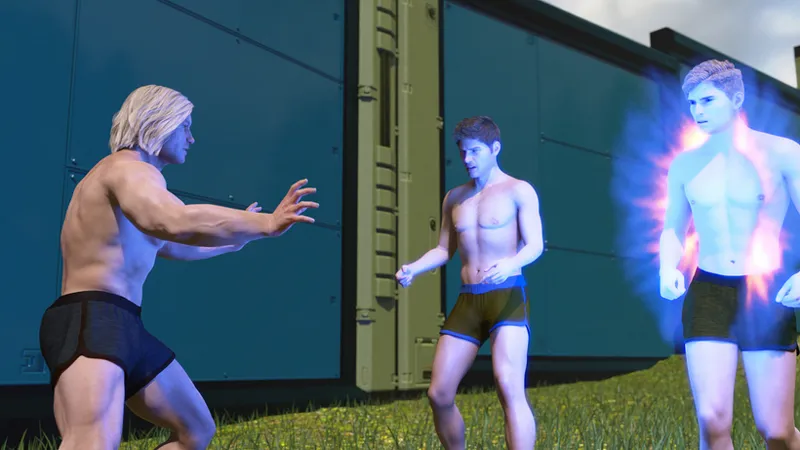
Here is a regular shot, the original version, showing Finn's ability right at the point of impact...
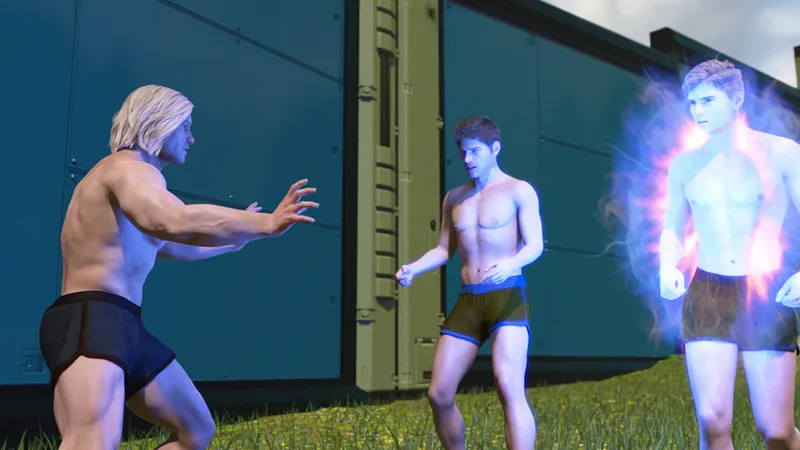
The following image is the one that actually goes into the game, after adding that extra layer. As you can see, it's nothing out of this world, but it helps improve the effect.
What you're about to see is a GIF of a sequence with Finn in action. It's pretty close to how it will look in the game, though this GIF was made before I chose to add the extra layer, but it gives you an idea...
Why am I telling you all this?
Because I'll use it whenever I think it's necessary, and you guys most likely won't even notice. For instance, the images of the burning tree, it's not needed there, they're perfect as they are. Emma in the rain, maybe I could've tried AI, but it was actually easier to do it with DAZ since rain needs depth and that's what DAZ does directly without extra steps. On the other hand, to create a believable rain effect using layers, I'd have to render the background terrain first, then Emma alone with nothing else, and then two different layers of rain. One to put behind Emma, then place Emma, and finally put the second rain layer over her. Too many steps. It's not worth it. Also, the scene of Emma running in the rain has 3 completely different camera angles, which would require creating several layers and multiple separate renders. It's one thing to want more realism and another to be an idiot xD
There's something else that AI is just perfect for. Check this out, it's just a test anyway, it won't be in the game...
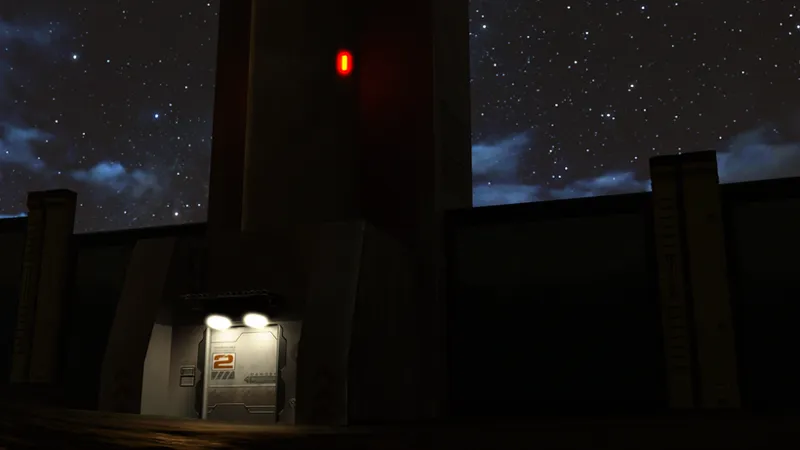
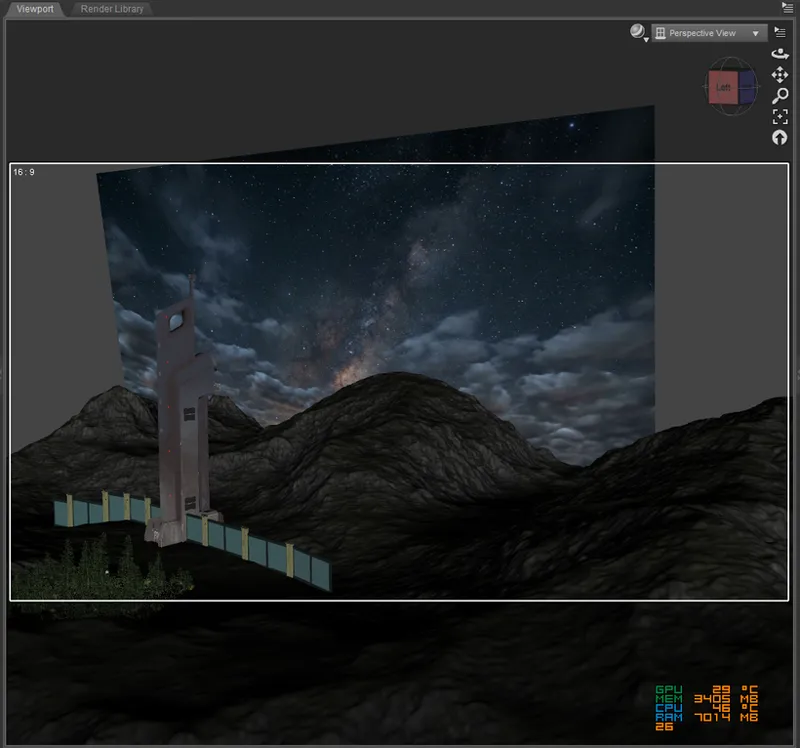
It's just a starry night sky with some clouds, made with AI. I usually use HDRI for the sky, but the selection of HDRI skies for certain things isn't enough, so why not do it another way?
Simple and effective. A plane created in DAZ, with the AI-made starry sky image as a texture, and that's the whole trick... I'll also use it when I have no other choice, because I still prefer an HDRI anyway xD
To wrap things up, you've seen the images and realized that the first competition is over. They're arriving at The Fortress and a surprise awaits them inside, and that's as far as it goes... maybe 20 or 30 images left to create. After that, I'll go back a bit and make another animation and some related images that go before and after it. And that's all for the Safe Route of the first competition.
See you soon, take care.
💖💖💖
Comments (7)
Just glad you're being transparent about what you're using AI to draw.
Yes, there's a bit of everything. I've seen terrible animations with six fingers on each hand, as well as amazing, ultra-realistic ones created using AI 🫠. Here, you use it to improve the special effects and landscapes, so it's fine. However, the last image, which you say loads all the interior decorations of the Fortress (which we don't see), has lowered the render quality. The characters' skin looks blurrier and grittier, which is most noticeable on the green trousers. Is this the price to pay for all the things that has to be hidden inside? 😅. All the previous images are high quality. Have a nice week 🫡!
Haha, no, the quality is the same as usual, or at least how it's been recently... What you mean is just the stuff that's out of focus on purpose. I use Depth of Field pretty often. Since the scene centers on MC and Kaoru's conversation, the camera stays focused on them and blurs out the rest. It's not the first time and won't be the last xD. If you look at it carefully, Kaoru and MC are in perfect focus, while Vanessa and Asami are a bit blurry, and Pamela is even more so in the foreground, just like The Fortress. In fact, every image I shared this time uses DoF. In the first, the Guard is slightly out of focus since the focal point is level with the burning tree. In the second, there’s even more DoF and the focus is on Megan, which makes the ground before and after her look fuzzy. Third one, MC is on the floor and the focus is roughly a meter ahead of his feet, leaving the rest out of focus. Fourth, considerable DoF again with the focus on Emma's face, everything else is blurred. Fifth, focus is on MC and Kaoru, so mainly the stuff near the camera is blurry. And one important detail... I have scenes like the one with MC on the ground with over 15 million vertices. The one with The Fortress has less than 6 million. Why would it have lower quality?
Excellent start with AI. Cool you found a good way to have it work for you!
This is exactly where "AI" works well. It takes over some of the "drudgery" of the creative process. You already had a starting point, and it would have been a few more iterations to do it yourself, or let the AI pick up and do the extra iterations for you.
Thank you for the insights.
Damn, nice fire and smoke effect.