




Milton Business Center | TRAY
🇬🇧
Milton Business Center
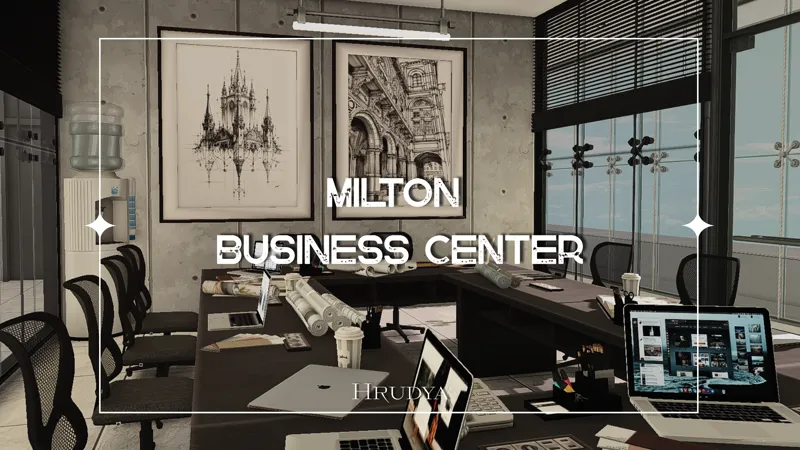
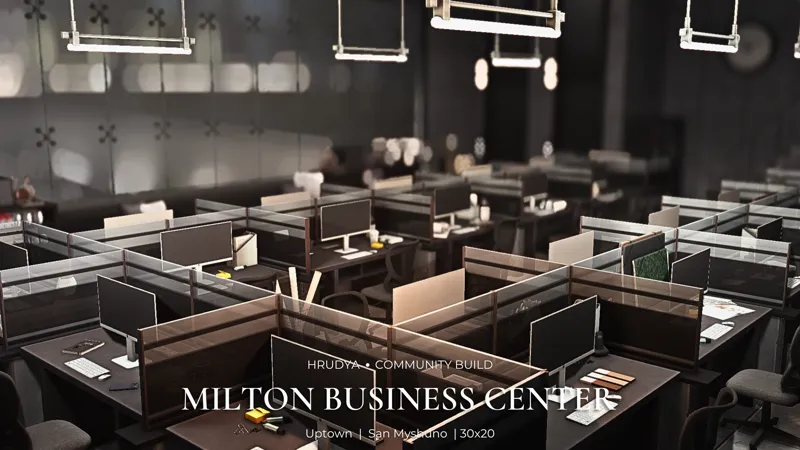
Welcome to Milton Business Center, a contemporary office complex designed for storytelling, gameplay, and cinematic projects.
This Early Access release includes the complete Tray Files, allowing you to place the lot directly into your game.
Lot Information
✦ World: San Myshuno
✦ Neighborhood: Business District
✦ Lot Size: 30×20
Features
✦ Spacious reception area
✦ Comfortable client waiting zones
✦ Large open-plan office
✦ Employee café & lounge
✦ Executive office
✦ Conference room
✦ Private management offices
✦ Underground parking garage
The lot is set as a Residential Lot, making it perfect for machinimas, storytelling, screenshots, or immersive gameplay. If needed, you can simply change the lot type to whatever best suits your save.
✦ Installation
1. Install the Tray Files
Place all Tray files into:
Documents → Electronic Arts → The Sims 4 → Tray
2. Install the Mods Folder
Before placing the lot, make sure you've downloaded the Mods Folder from the Public Preview post.
Without it, some objects will be missing.
3. Place the Lot
Enable Include Custom Content in the Gallery and place the lot from your Library.
Thank you so much for supporting my work. Your support allows me to keep creating new builds and sharing them with the community much more often. 🤍
🇷🇺
Milton Business Center
Добро пожаловать в современный дизайн-офис, расположенный в деловом центре Сан Мишуно.
В этой версии поста доступны Tray Files, необходимые для размещения участка в игре.
Информация о лоте
✦ Мир: Сан Мишуно
✦ Район: Деловой центр
✦ Размер участка: 30×20
Особенности
✦ Просторный ресепшен и зоны ожидания
✦ Большой open-space офис
✦ Мини-кафе для сотрудников
✦ Кабинет директора
✦ Переговорный зал
✦ Кабинеты руководителей
✦ Подземный паркинг
Лот является жилым участком, благодаря чему отлично подходит для съемок сериалов, постановочных сцен или собственного игрового процесса. При необходимости тип участка можно изменить на любой другой.
✦ Installation
1. Tray Files
Поместите файлы в папку:
Documents → Electronic Arts → The Sims 4 → Tray
2. Mods Folder
Перед размещением участка обязательно скачайте Mods Folder из соответствующего поста.
Без нее часть объектов будет отсутствовать.
3. Размещение участка
Включите отображение пользовательского контента в Галерее и разместите участок из своей библиотеки.
Спасибо за поддержку моего творчества! Именно благодаря вашей подписке новые постройки появляются значительно чаще. 🤍