




University Girls | SIM DUMP
🇬🇧
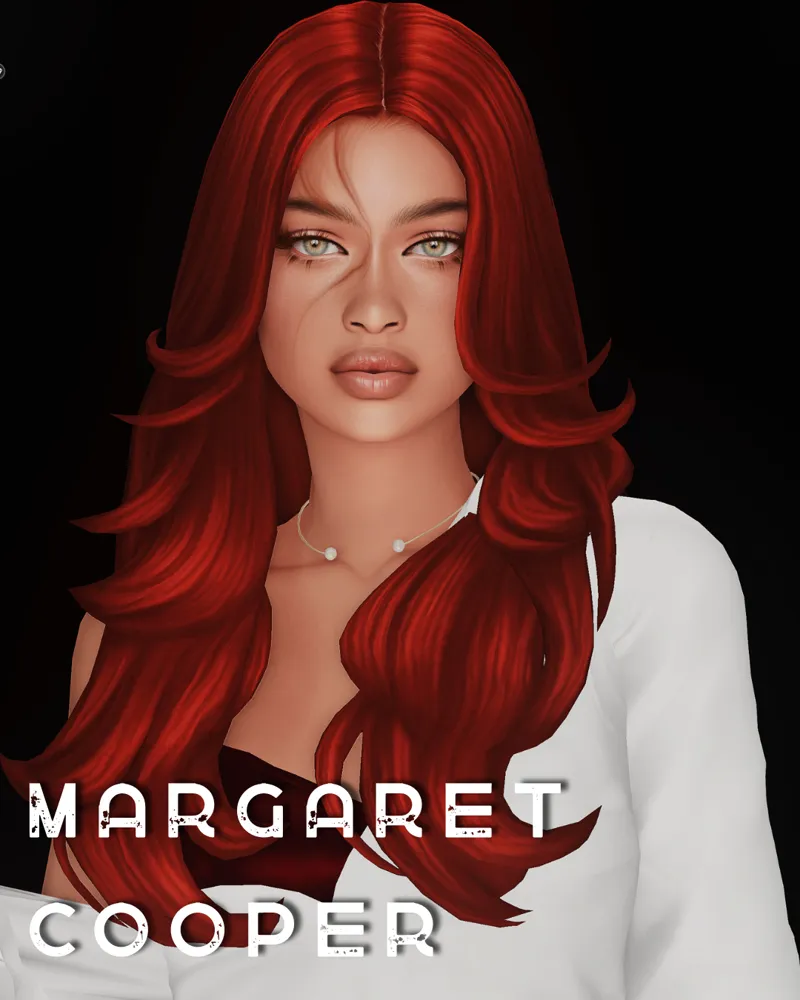
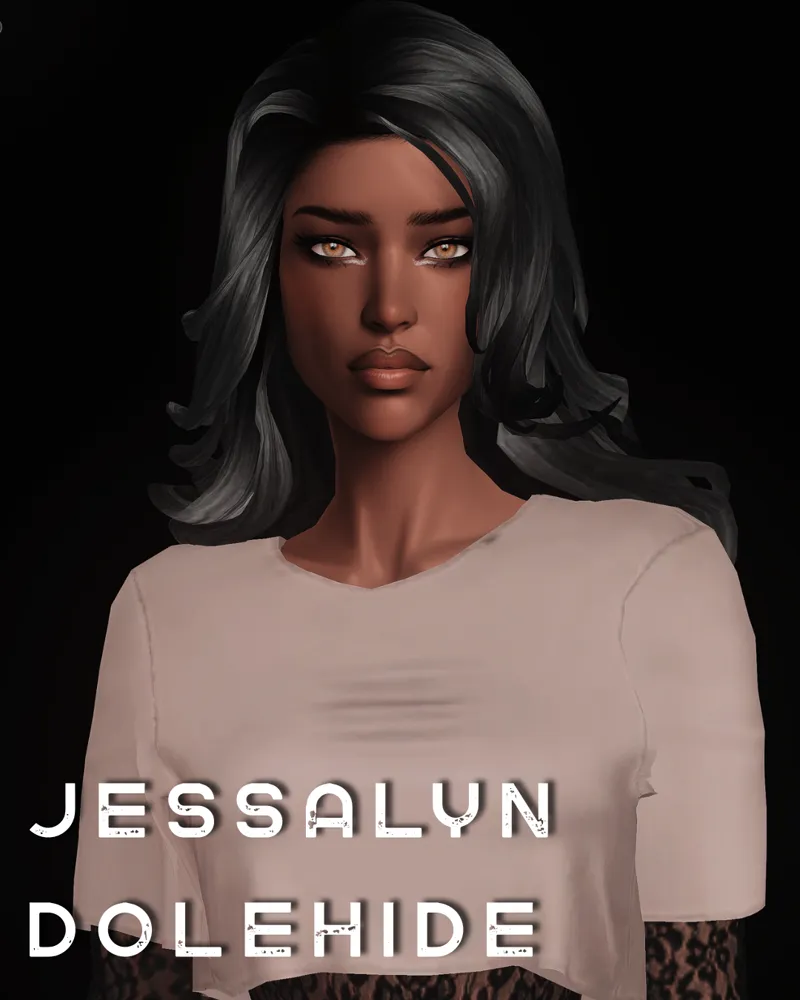
Six new girls for your save. 🤍
I originally created these Sims as background university students for my episodes, so I didn't assign them any careers, aspirations, or specific roles. You can use them however you'd like—move them into dorms, make them classmates, neighbors, friends, or create entirely new stories for them.
The archive includes:
✨ 6 fully created Sims;
✨ Tray Files;
✨ a Mods folder with all required custom content.
Each Sim comes with one fully styled outfit, which has been copied to every clothing category. You're free to customize their appearance however you like to better fit your own save.
Installation
Place the Tray Files into:
Documents → Electronic Arts → The Sims 4 → TrayPlace the contents of the Mods folder into:
Documents → Electronic Arts → The Sims 4 → ModsLaunch the game and make sure the following options are enabled:
Custom Content
Script Mods
The Sims will then appear in your Gallery.
If you have any questions or run into any issues during installation, feel free to message me. I'll be happy to help! ❤️
🇷🇺
Шесть новых девушек для вашего сохранения. 🤍
Я создавала их как студенток для массовки в своих эпизодах, поэтому не назначала им никаких карьер, жизненных целей или ролей в игре. Вы можете использовать их так, как захотите: поселить в общежитии, сделать соседками, добавить в университет, дать собственную историю или просто разнообразить население вашего мира.
В архиве вы найдете:
✨ 6 полностью готовых симок;
✨ Tray Files;
✨ папка Mods со всем необходимым контентом.
У каждой девушки проработан один основной образ, который был скопирован на все категории одежды. При желании вы легко сможете изменить их стиль под свое сохранение.
Установка
Поместите Tray Files в папку:
Documents → Electronic Arts → The Sims 4 → TrayПоместите содержимое папки Mods в:
Documents → Electronic Arts → The Sims 4 → ModsЗапустите игру и убедитесь, что включены:
Пользовательский контент (CC)
Script Mods
После этого симки появятся в вашей Галерее.
Если во время установки возникнут вопросы или какие-либо проблемы — обязательно напишите мне, я всегда постараюсь помочь. ❤️