





Japanese Main Menu override + Loading Screen TS4 | UPDATED
🇬🇧 Japanese-Style Menu & Loading Screens ⛩️ A little touch of Komorebi summer for your Sims. I created 4 main menu replacements and 4
🇬🇧 Japanese-Style Menu & Loading Screens ⛩️ A little touch of Komorebi summer for your Sims. I created 4 main menu replacements and 4
🇬🇧 Japanese-Style Menu & Loading Screens ⛩️ A little touch of Komorebi summer for your Sims. I created 4 main menu replacements and 4
🇬🇧 Japanese-Style Menu & Loading Screens ⛩️
A little touch of Komorebi summer for your Sims.
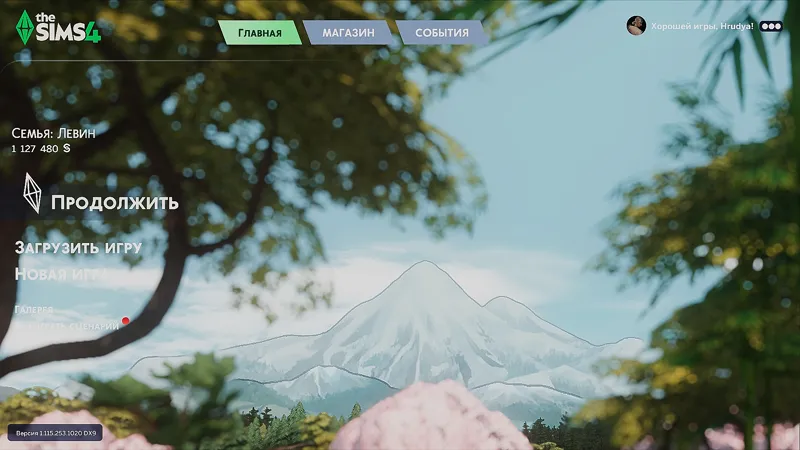
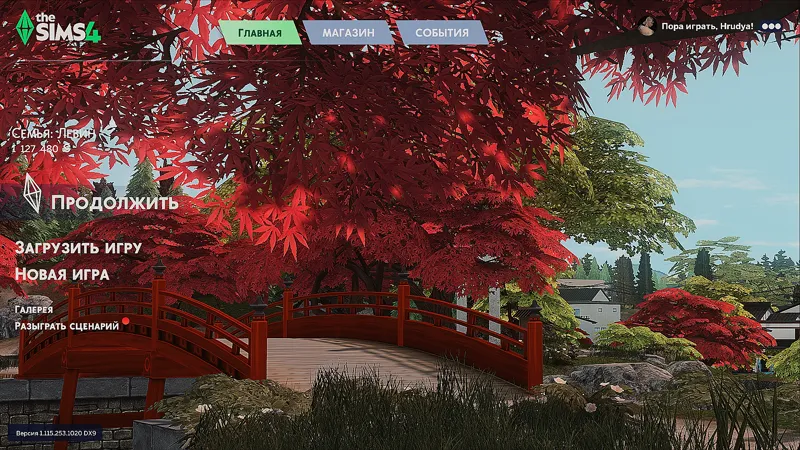
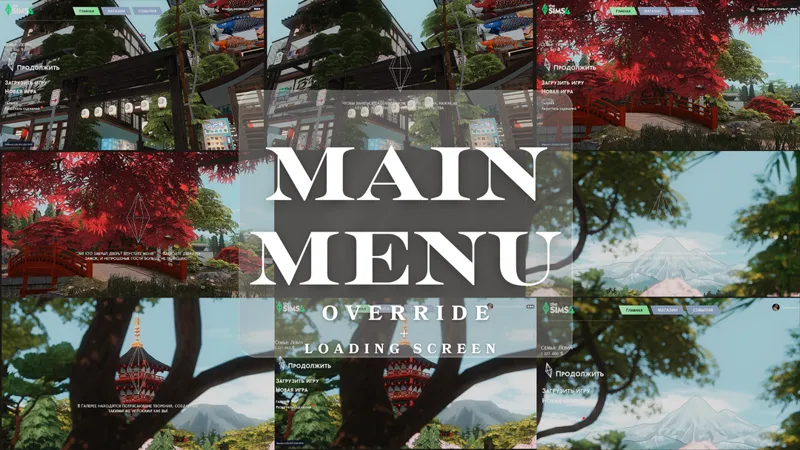
I created 4 main menu replacements and 4 matching loading screens, each one inspired by the serene beauty of Mt. Komorebi. Red bridges, narrow streets, the temple and the view — all screenshots are from my save, meant to share that warm, peaceful vibe.
📌 All 4 sets are uploaded individually under this post — pick any pair or mix and match as you like!
🔧 How to install:
Go to your The Sims 4 > Mods folder
Remove any previous menu/loading screen mods
Download the files you like and place them into the folder
Enable mods in the game settings
Launch and enjoy the view 🌿
🇷🇺 Меню и загрузочные экраны в японском стиле ⛩️
Немного эстетики Коморэби для вашего Симс.
Я подготовила 4 замены главного меню и 4 соответствующих загрузочных экрана, вдохновлённых летним настроением японского городка. Красный мост, улочки, храм, вид на гору — всё снято в моём сохранении, чтобы передать атмосферу и тепло этих мест.
📌 Все 4 пары выложены по отдельности под постом — можно скачать любую комбинацию, выбрать то, что ближе именно вам.
🔧 Инструкция по установке:
Перейдите в папку The Sims 4 > Mods
Удалите старые замены меню и/или загрузки (если были)
Скачайте нужные файлы и поместите их в папку
Включите моды в настройках игры
Запустите игру и наслаждайтесь новыми видами ☀️
