
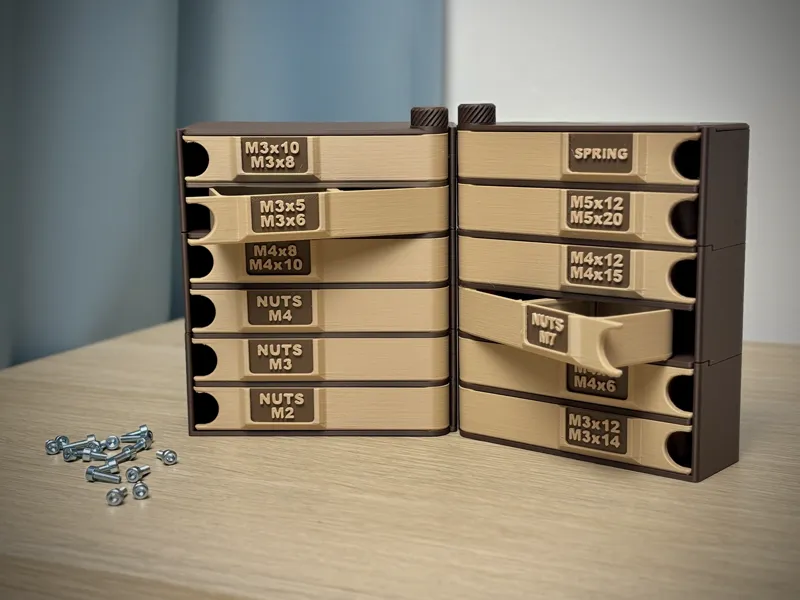
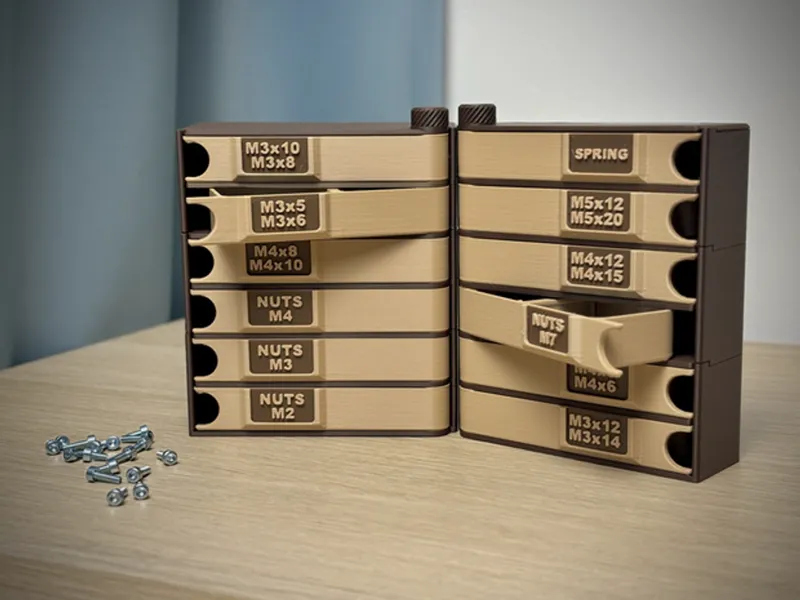
Modular Storage Box - Exclusive💰
To reward all my Patreon supporters, I’ve decided to release at least one exclusive model every month, available only to members. The January exclusive model is the Modular Storage Box 📦
🎥Video: https://www.youtube.com/shorts/uZ_WLegPolc
Modular and stackable design – build the tower to any height
Left and right door opening variants available
Added small latch to prevent accidental opening and make opening & closing more satisfying 🔒
Left and right Modular Boxes can be connected using 06_Clamp Base (attach it to the bottom 01_Base and the top module)
Module size: 42 × 110 mm
Small front pocket for a label 🏷️ – you can use a paper label or print 09_Label and easily add text in your slicer.
🔧 How to Build the Main Tier
Choose which opening you want L=Left Opening or R=Right Opening
Start with 01_Base_(L/R) – this is always the foundation of your tower.
Begin stacking: place 02_Box_(L/R) on the base, then add 03_Partition_(L/R) on top of it.
Place 02_Box _(L/R)
Insert 04_Pivot through the center and screw it into the base to lock the whole tier together 🔩.
Place 09_Roof_(L/R) on the very top.
Finish by attaching 07_Plug – screw it onto the Pivot to secure the entire organizer
🔧 How to Add a Second Tier
Instead of 01_Base, print 05_Modular_Base_(L/R) for the next level!!
Place 05_Modular_Base_(L/R) directly on top of your completed first tier.
For each additional tier, print again:
2× 02_Box _(L/R)
1× 03_Partition_(L/R)
1× 04_Pivot
Build it the same way as the main tier and close it with 09_Roof_(L/R) + 06_Plug on top.
his is an exclusive Patreon model, created for those who want something special and more functional than the original 🌟
🎨 Filament:
Included in this post:
STL files
STEP file for CAD editing/customization
Pre-sliced .3mf print profile optimized for Bambu Lab printers
Professional product photos for your e-shop 📸
Please do not share the STL or any other files from this model—let’s keep it exclusive for members.