
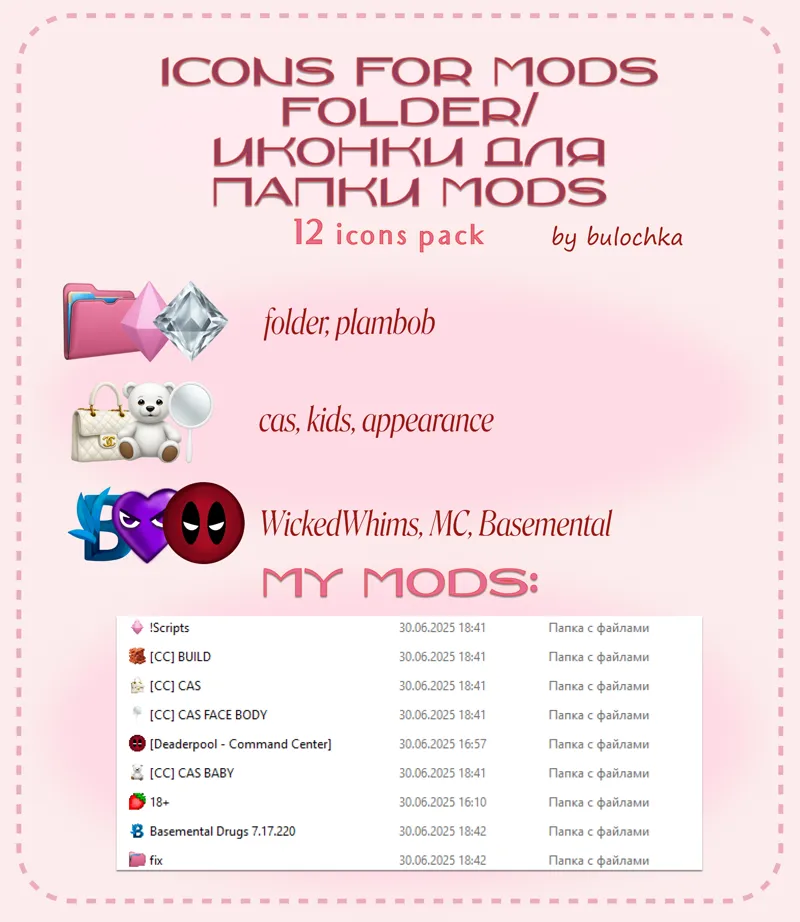
📁 Replacing icons in mods folder /// 12 icons pack
New computer - new life! I want everything to be beautiful and got this pack with 12 icons for the mods folder. I thought, why not share it with you.
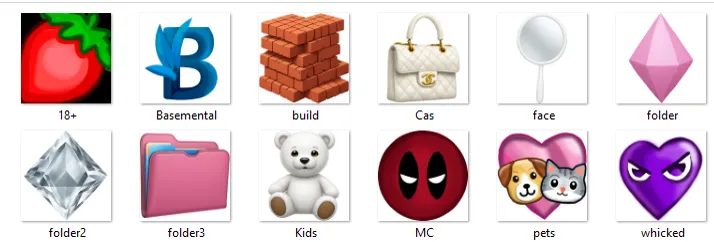
In the pack you will find 12 ready-made icons (some of them are drawn by me, some by ai):
I have a lot of folders and I have organized everything as shown on the cover. The rest of the folders are just folder3. Maybe in the future I'll update more of this pack, but for now I don't need anything else.
How to install these icons:
Go to Mods - click on the folder (right click) - Properties - Customize - And at the bottom, where the folder icons click Change icon and choose the icon from my folder.
Video:https://boosty.to/daribouman/posts/a634ed07-053c-4457-aba0-f5d885d3f5f7
!!! My advice - as soon as you finally place my folder with icons, only then start to design your mods folder. Because I moved files from folder to folder and my icons fell off.
♡ Please do not upload or reupload to other resources without the author's name, and also if you use my base, do not forget to indicate me as the author ♡
Comments (1)
PLS UPDATE MORE! this is very useful.