
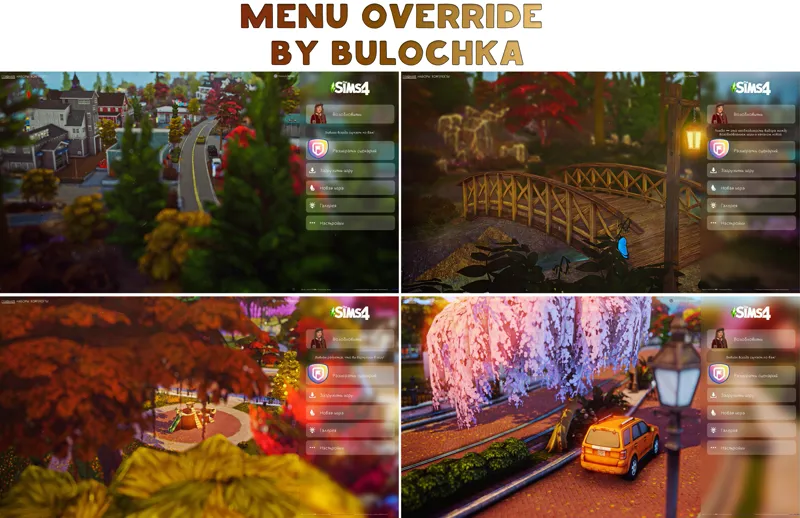
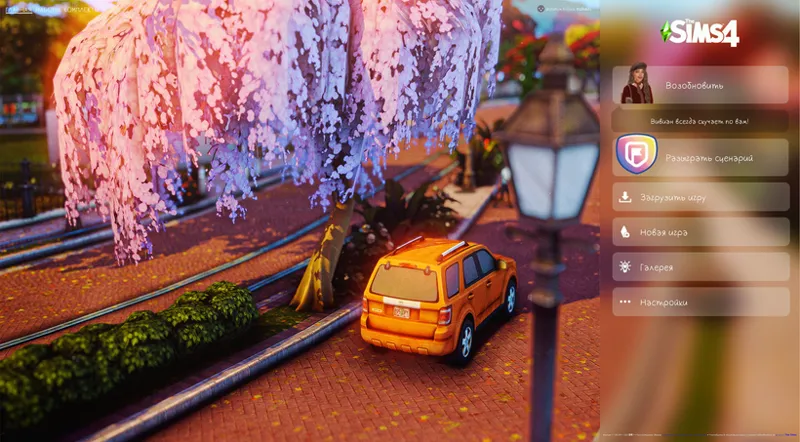
🍂 Fall Main Menu Override upd. 13.10.2024
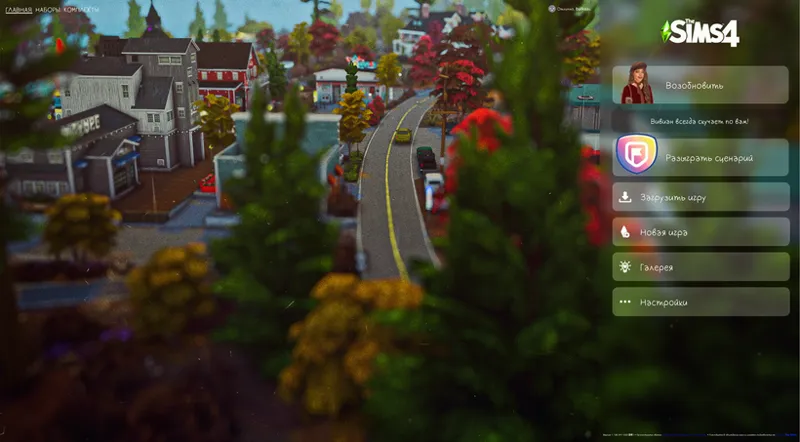
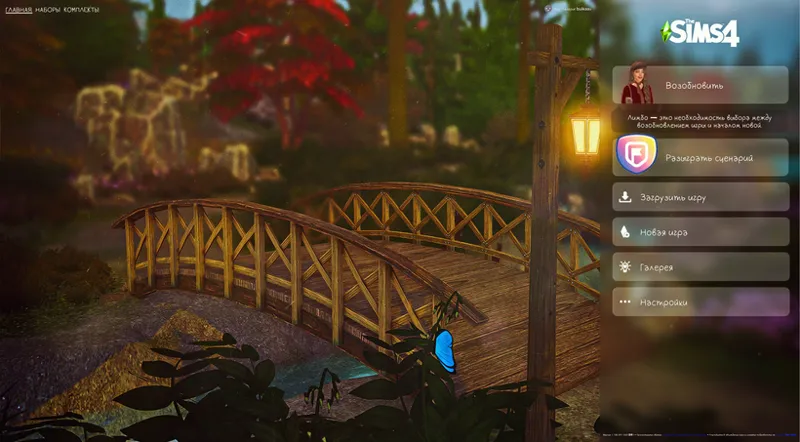
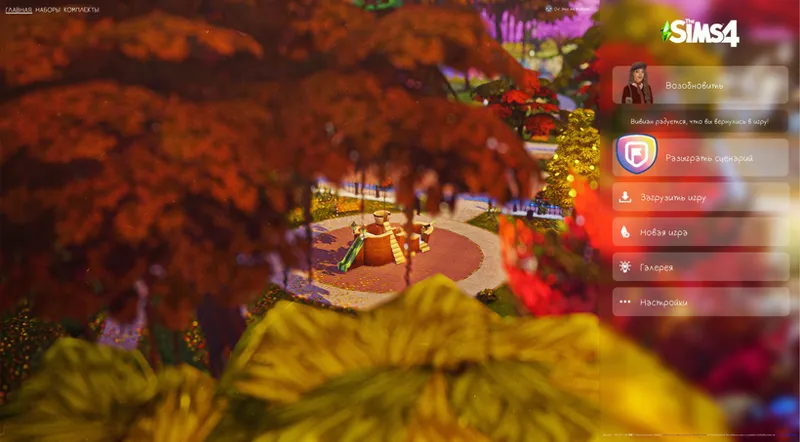
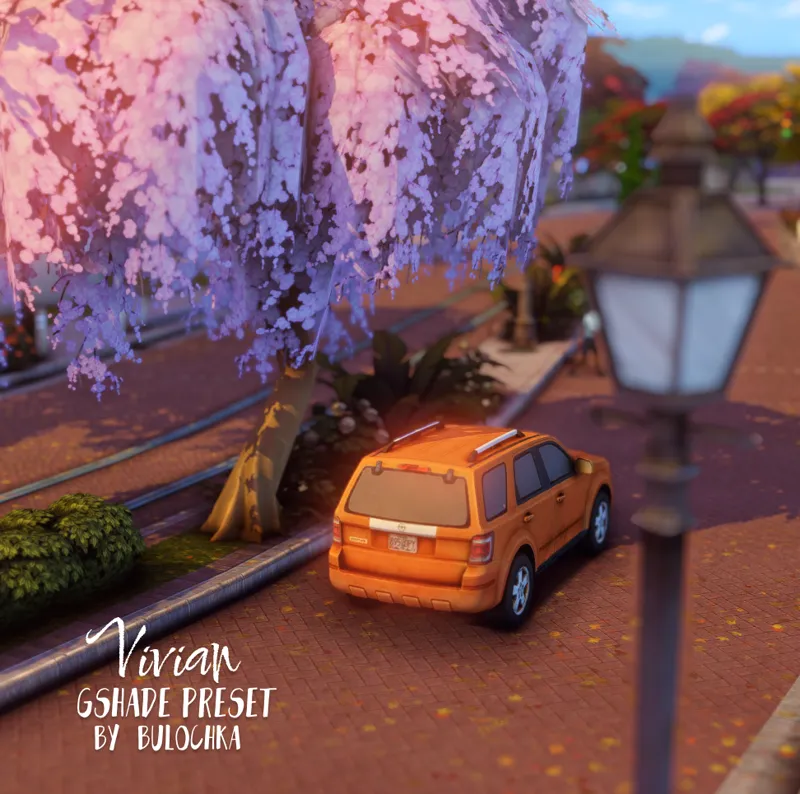
Hi dear, when I screengrabbed the preset - got such atmospheric shots, took them as replacements for the menu and loading screen.
♡ Reminder ! In your mods folder there can be only ONE home screen replacement ♡ Enjoy your game 💌
Screens:
1) 🍁 (Bulochka) Menu_Override_Autmunm1
2) 🍂 (Bulochka) Menu_Override_Autmunm2
3) 🍂 (Bulochka) Menu_Override_Autmunm3
4) 🍂 (Bulochka) Menu_Override_Autmunm4
◊ Installation : Transfer ONE package file from the menu to your mods folder.
◊ My Version of the game 1.108.349.1020 ! Direct 9 !!! UPD for 1.109.185.1030 patch
◊ The saturation of the picture itself may be slightly different, because I had my Vivian preset turned on.
Please check the compatibility of your mods. My old screen and menu replacements that were released on older versions of the game work fine
◊ Please don't take it out as your own and re-upload it.
Comments (2)
Hi when I put the older versions of this in it messes up my main menu but that does not happen with Simattically's version so is a possible something was changed I am just wondering why that seems to be the case I often get better exceptions for yours and I really want one in game.
Hi! Because with the new update the menu files themselves have changed. and my skills are not enough to redo those files.I'm sorry ( But I hope I'll get it sorted out soon )