






















FREE Anduo Report March 20th, 2026
Reporting for lewduty! This week the bunnies can feel the spring approaching.
Even with the NextFest gone we are not done yet - we are going into Early Access on April 2nd, 2026. Our team is working really hard to bring the best experience to you all by then.
This is a shortened version of the paid report but we hope you enjoy it nevertheless!
⚠️You can find the full version of this report with way more content here:
LenChi:
UI Designs
No spicy visuals from me this time, my current tasks are all about polishing missing UI, so we avoid player confusion and give clear feedback on what is happening. I love doing UIs for a change!
With every screen I overhaul, my work gets a tiny bit easier, because there's more stuff I can re-use and recycle. Which of course is needed so it all looks coherent in the end.
Chapter Start Screen:
Journal Asset
I made a new asset for the journals because the old one was painted in a rush and didn’t meet the quality of the environment.
and a purple version, just for testing
NPC Dialogue Feedback
Newly available dialogue option with party members -> this icon pops up over their head with a neat little animation.
Changes to the camera UI
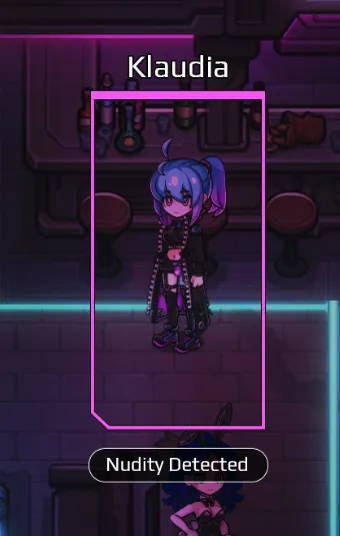
Thicker outlines, character name above the rectangle, status of the character underneath it for clarity:
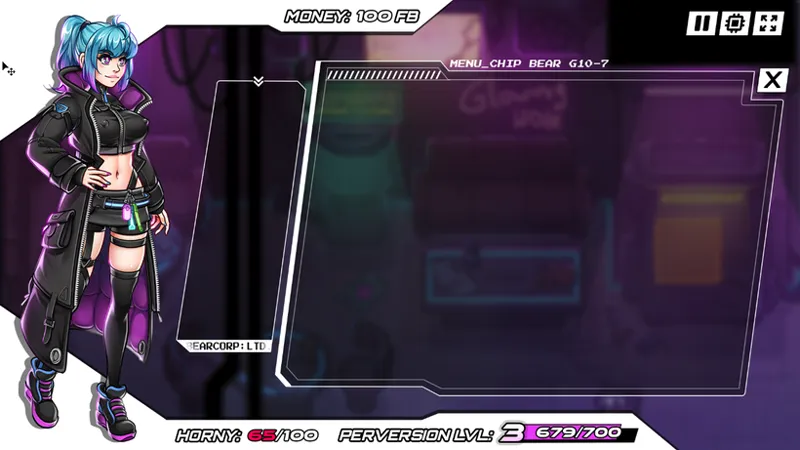
Perversion UI Overhaul
Just a suggestion right now, we’re still debating about what works best.
Prolonging the white bar in the tab menu so there's enough space
Showing the current level as a big number
Detailed "XP" next to it + gauge
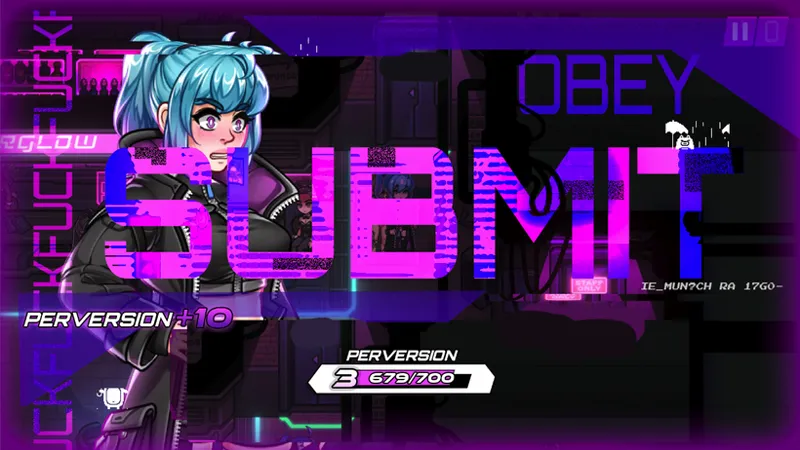
The Perversion Gain Screen:
Show gauge from tab menu
Visibly add the amount that was just gained
Autosave Icon
Icons for some generic status effects
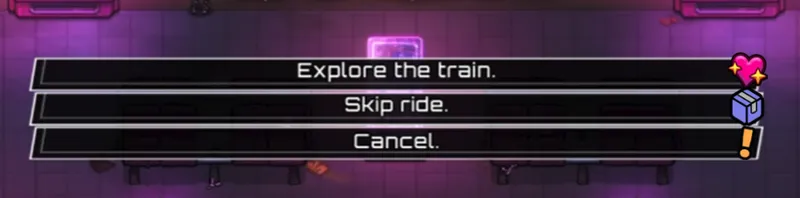
Icons for dialogue options:
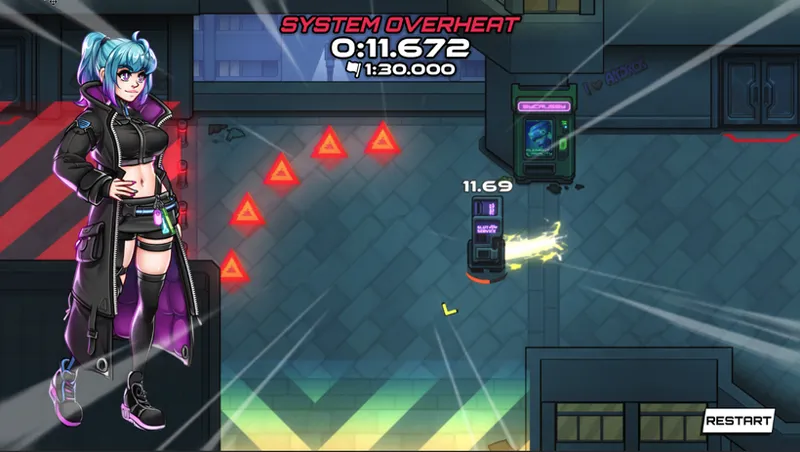
More consistent timers throughout the game:
JustNox:
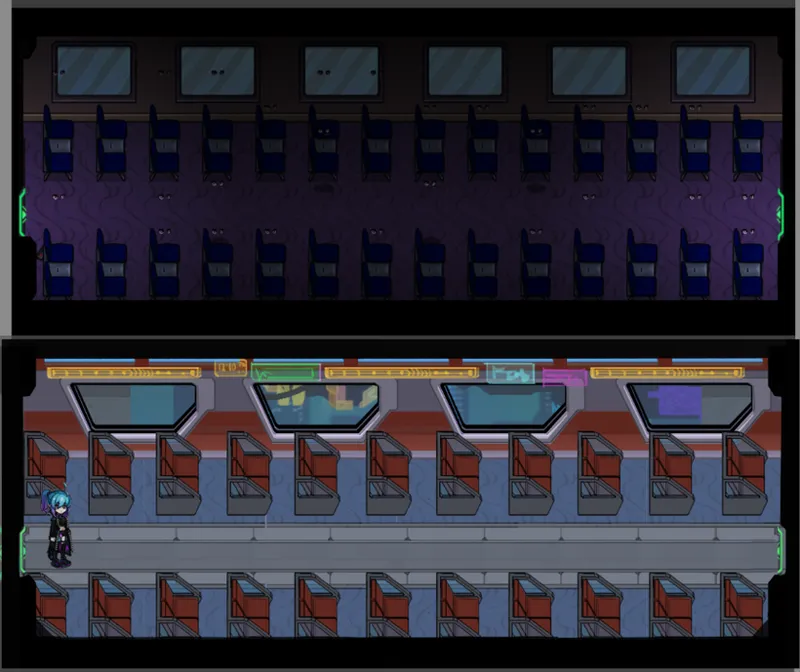
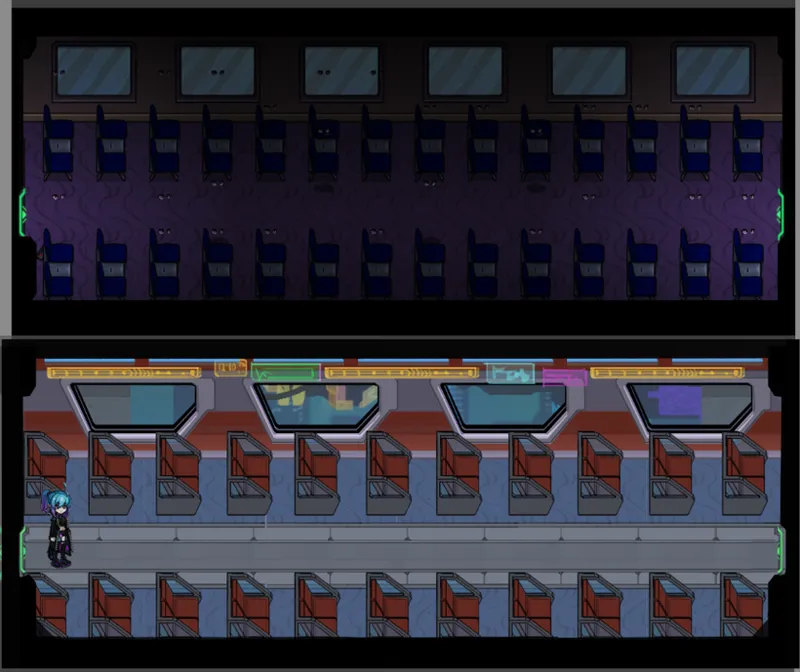
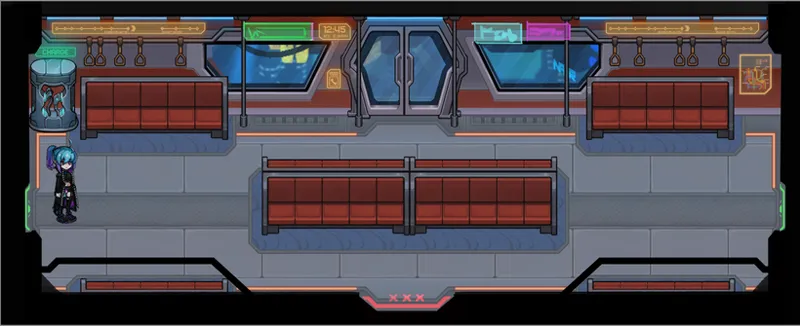
We wanted to give more of a cyberpunk vibe to the trains interior, so Nox started working on some neon ads and destination screens:
First pack for train interior assets
From carpets to new seats, handles, poles, windows and other things to give the train interior a more defined look:
Got to know the time and where you are going:
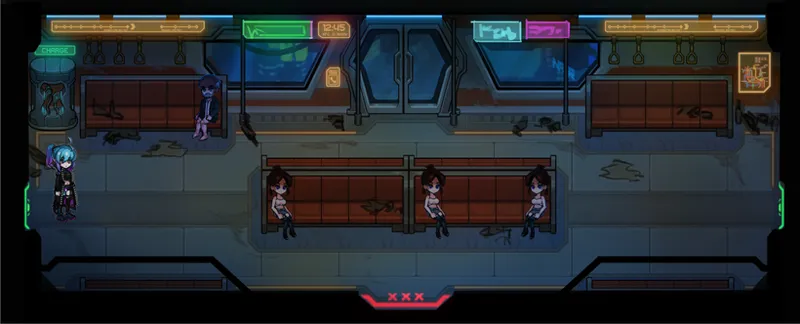
Preview of the finalized lights in action (w/o and with overall lightning)
Desva:
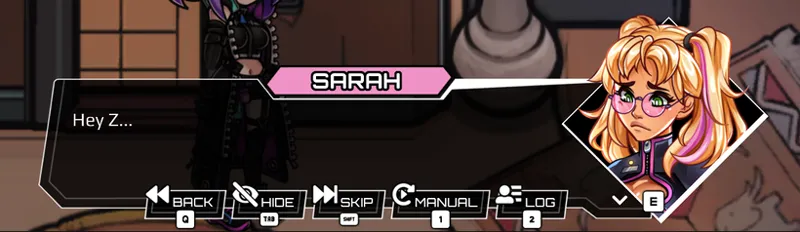
Sarah now is wearing her uniform when you are calling her at work:
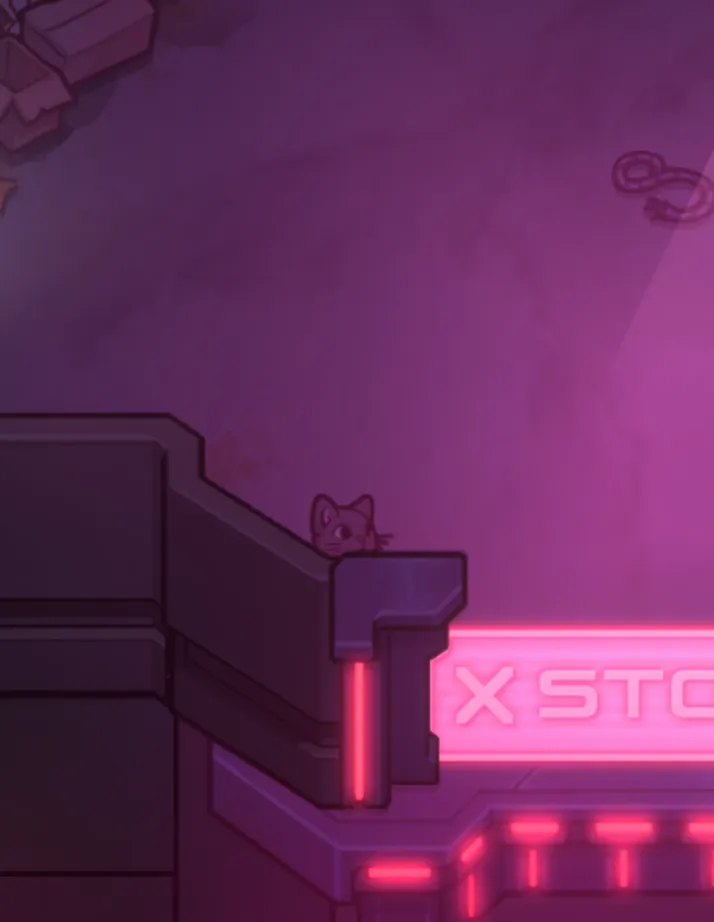
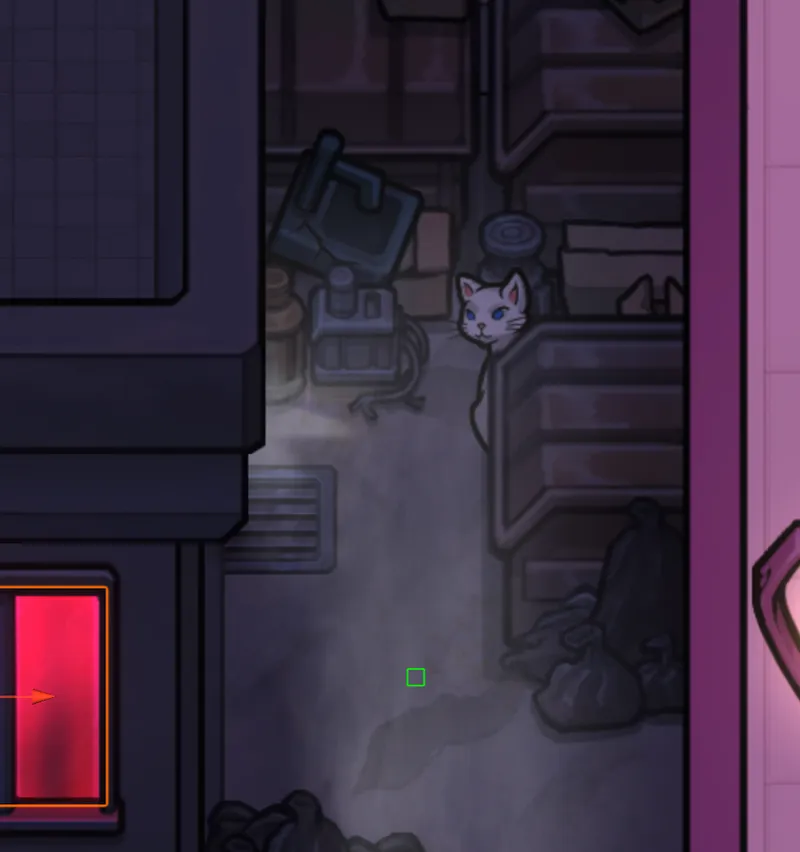
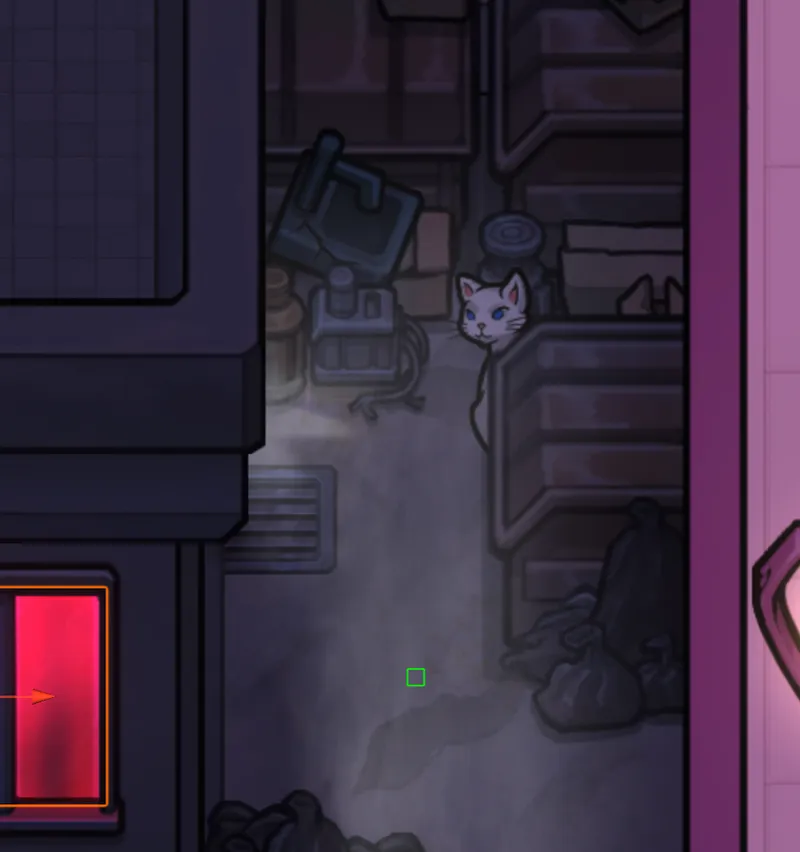
Desva has also made it his full time job to hide more kitties in the game:
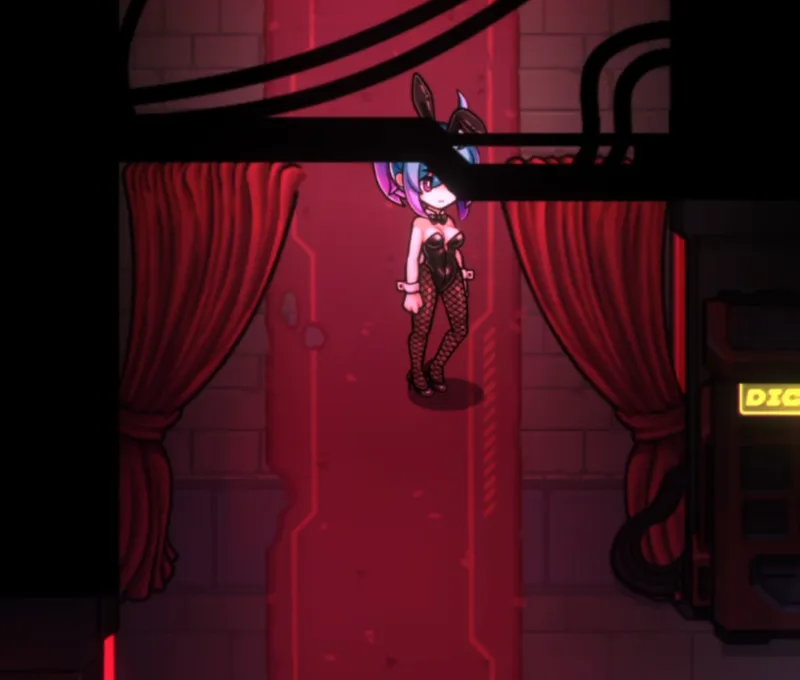
Cleaned up the curtain entrance
Before:
After:
Implementation of all the newly made assets for the subway
Aine Lovia:
Plan 3 Villain Scientists
Zanzo:
Zanzo made our new TCNN Logo. You might be wondering - “Why did you want to change it?”
Well, Valve considered our logo to be hard to see on our capsules, so we wanted to change that!
Rokean:
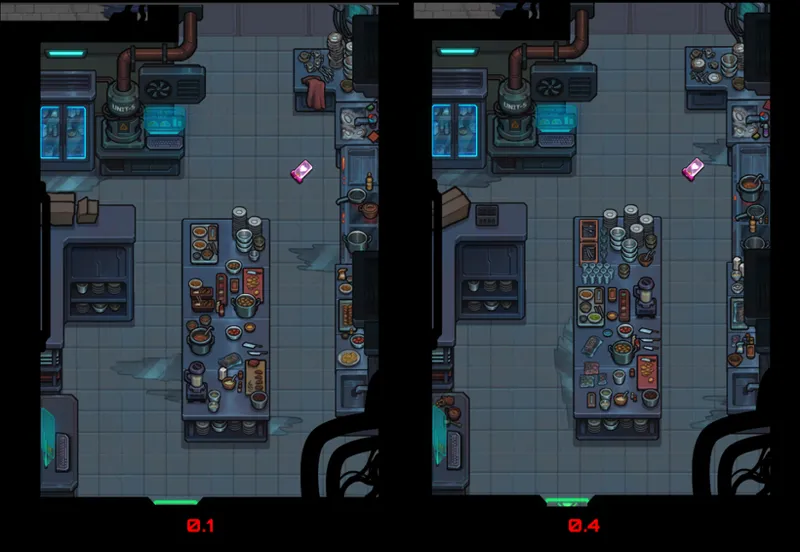
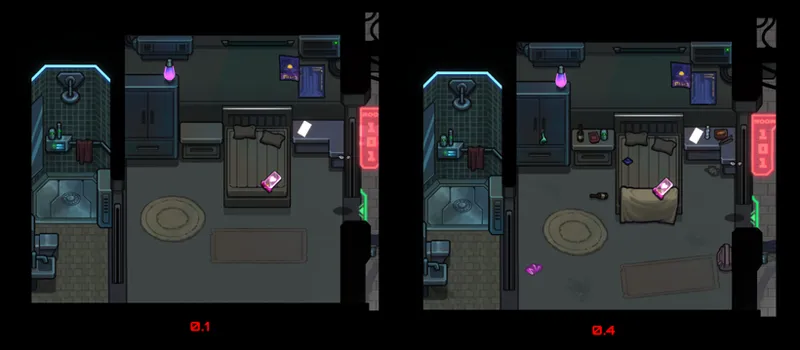
I'm doing "alternative dressings" for the glowing hole (so things don't look exactly the same environment-wise, since this is supposed to be a couple of days later)
I dressed the kitchen with less food prepared/on the stove and more stuff in bags. I also put a lot more clean tableware and plates, and a lot fewer dirty dishes, to indicate that they have had fewer customers lately
Room 101 (where you help Simon clean in 0.1)
Juno:
Juno made some luggage since it would be natural for people to take some along with them on trains and have it show up in other environments:
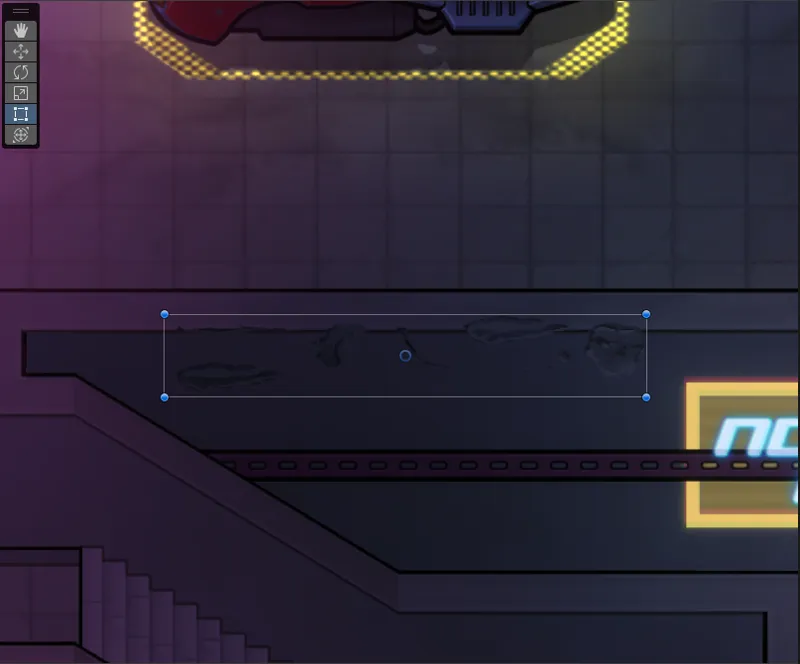
Decals to break up some of the walls
A dog bone was needed for our canine unit:
Bear:
Made the heart for customers beating while they wait to make it more obvious that there's something there to do
Vils:
Vils cooked up some beautiful flavour texts for the new mystery items:
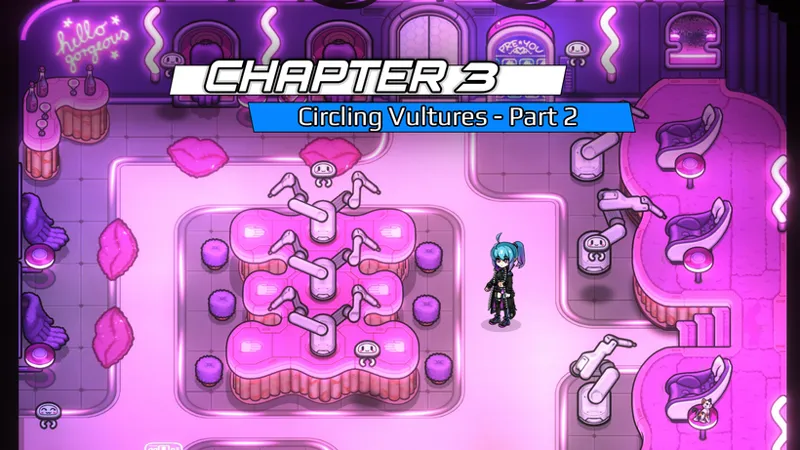
Implemented the chapter popups for chapters 1-3:
Implemented a failsafe to pop Jaime from the party if we leave the res district during her second mission
Additionally she also added prompts for when you have some unfinished business:
Thank you for taking the time to read our biweekly neonletter. It would not be the same without you! :)

Comments (3)
Ill buy it when it's complete
Thanks for adding controller support! Might want to let people know that TCNN works on Steam Deck now. Just got to download windows file, unzip, in steam click add non-steam game, find game in file explorer and select the TCNN.exe file. Once added to steam, go into game properties, select "experimental proton" to get game to run. I have had a few instances of game suddenly dropping FPS, but overall a good experience.
We are working with Valve on the green checkmark for it in the Steam store