This Tutorial is for those who have doubts about how to use it.
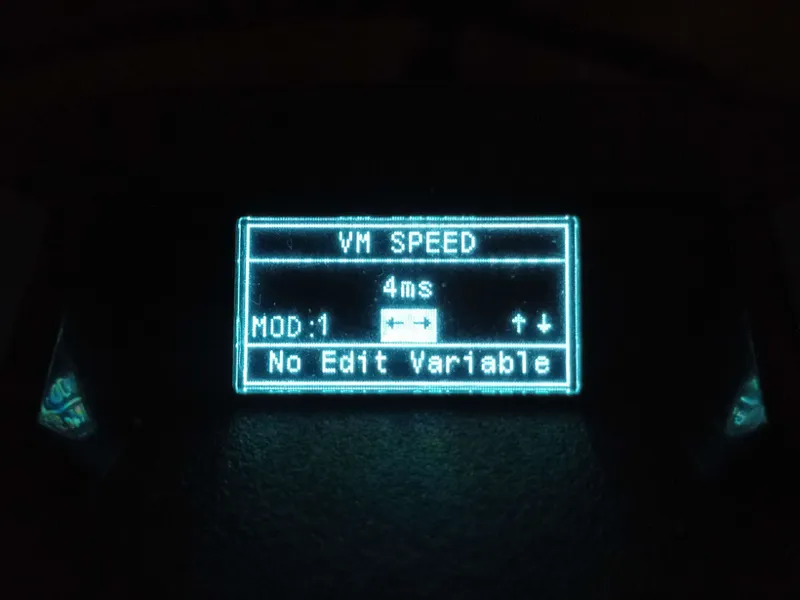
VM Speed Improves Performance. but may cause bugs to your cronus zen. use with caution.
If your cronus zen keeps turning off, increase the value to 6ms or 8ms
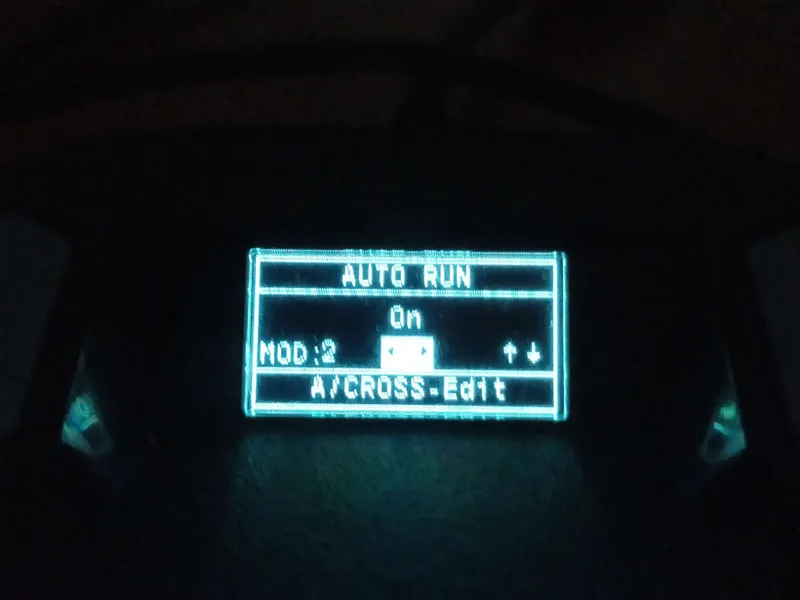
To turn on "Auto Run", first go to the game settings and switch on Toggle sprint. You need to hold it to sprint.
You can set the sensitivity.
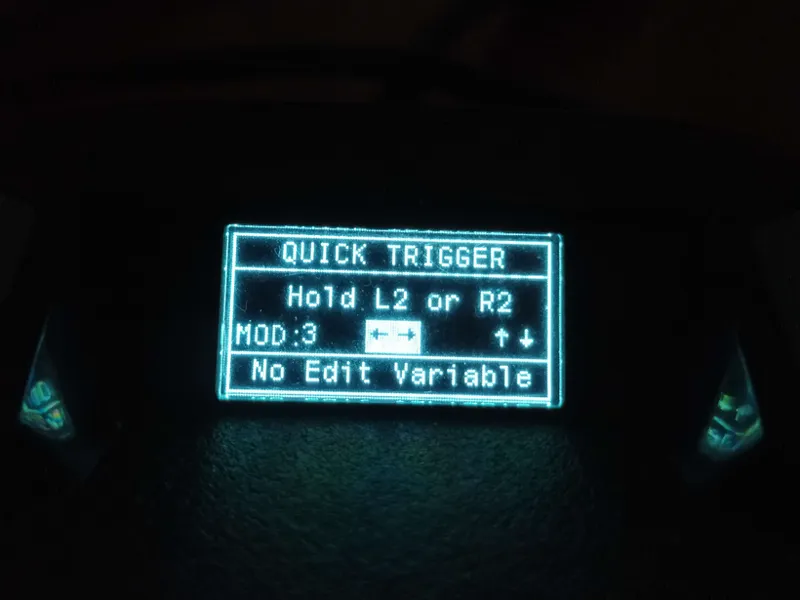
Quick Trigger makes your triggers like clicks
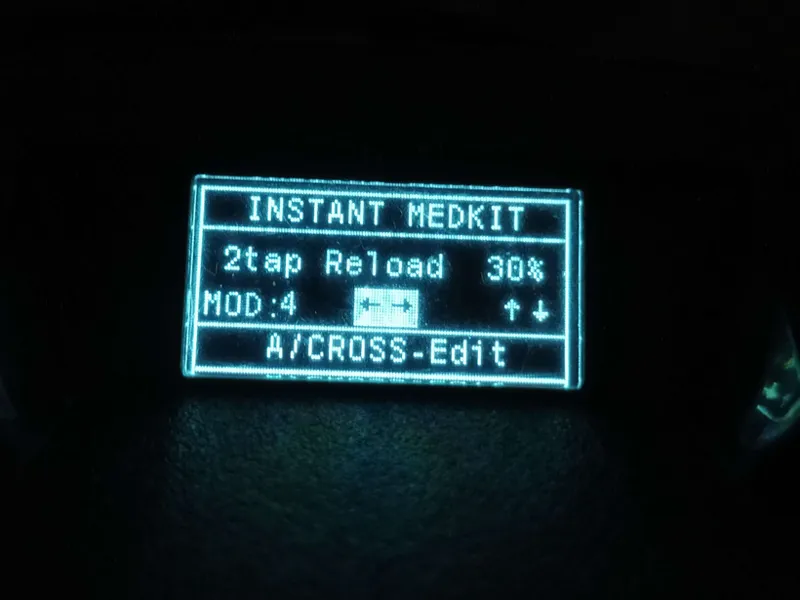
Select how to activate Instant MedkitHere pressing twice your armor will be restored
Here pressing twice your armor will be restored
Now let's configure CutStrafe + movement + Sensitivity
First select the Button for CutStrafe. When you hold the Button your movement will be faster. When you release it, it will return to normal. L3 / R2 / R1
The selected button will become the run button
Select the type of Cut Strafe. Cut Strafe is the movement style when holding the "CutStrafe" Button.
Cutstrafe Xim movement
! ATTENTION !
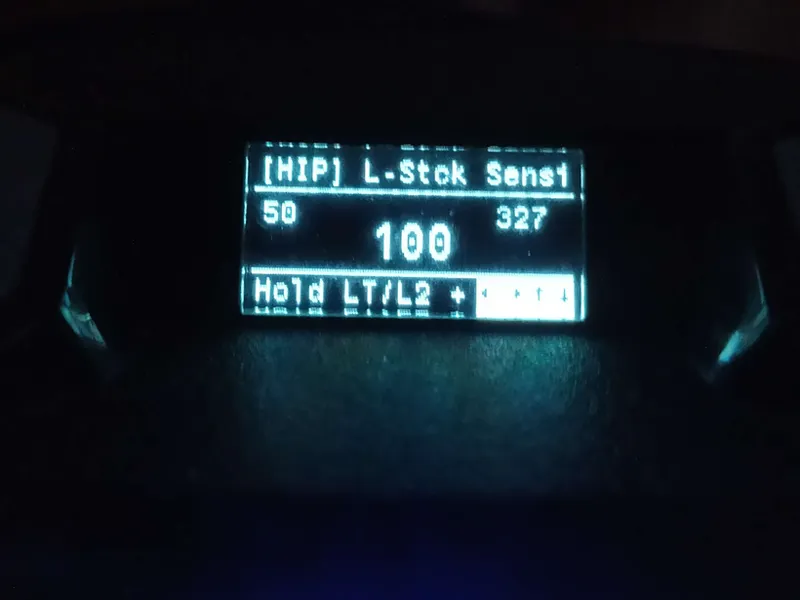
SET STICK SENSI you set your sensitivity and dead zone. I RECOMMEND using the Pre Settings. You can go very fast or very slow.
"HIP" when running / Value greater than 100 greater sensitivity
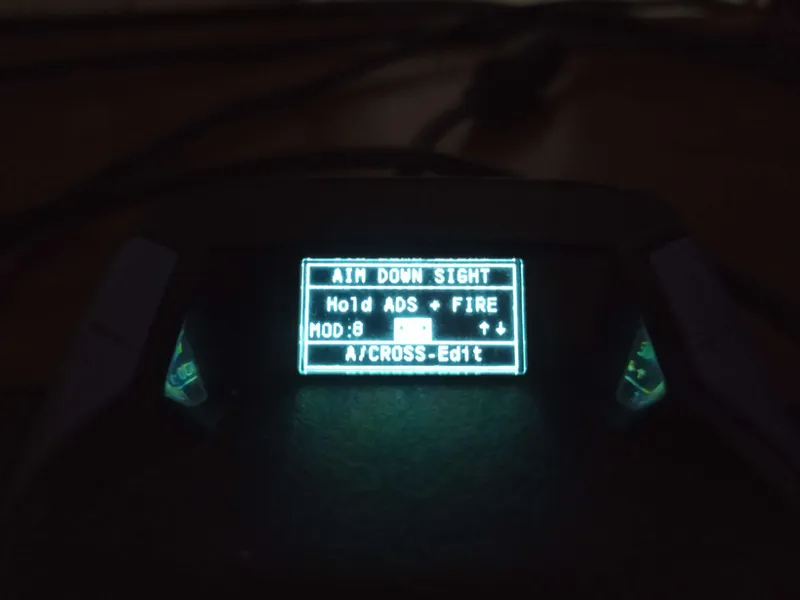
How to improve your aim assist. " AIM DOWN SIGHT = ADS " is to make your weapon heavy. in this setting I am selecting when holding [ L2 + R2 / LT + RT ] your sensitivity will be heavy.
Sensi Y = Vertical sensitivity your crosshair on the Y axis will be heavier.
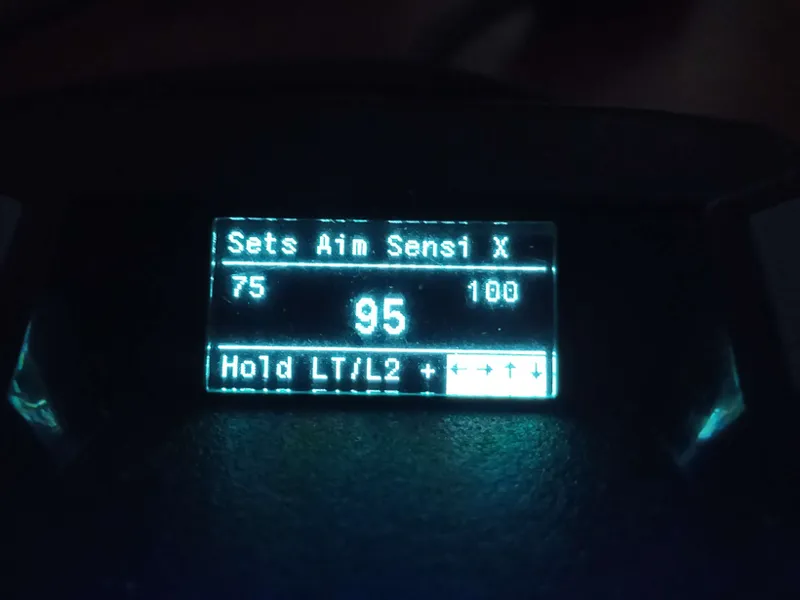
Sensi X = Horizontal sensitivity your crosshair on the X axis will be heavier.
Anti Recoil makes your weapon go down when you hold R2/RT, it is used to control Recoil. Each weapon has a value. Be careful, a value that is too high makes your weapon go down too much.
Recommendations: Y = 33 / X = 4 / Stop = 60
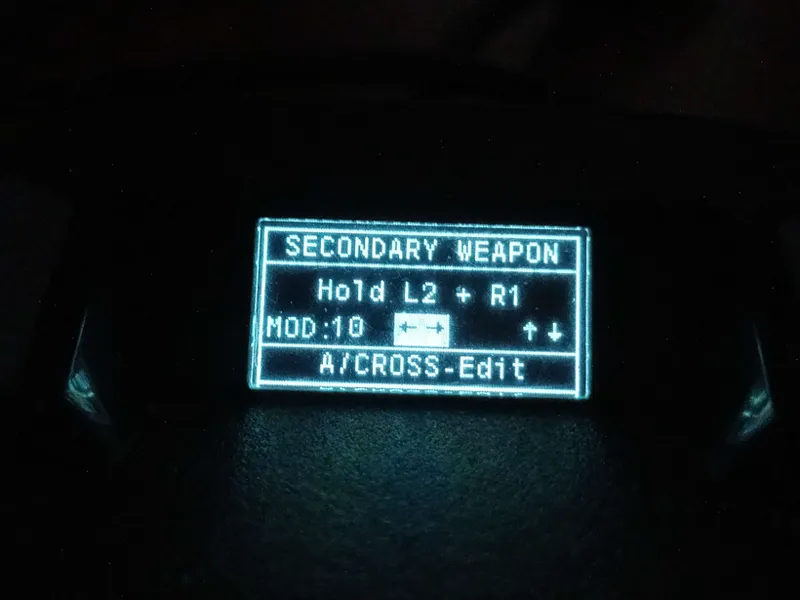
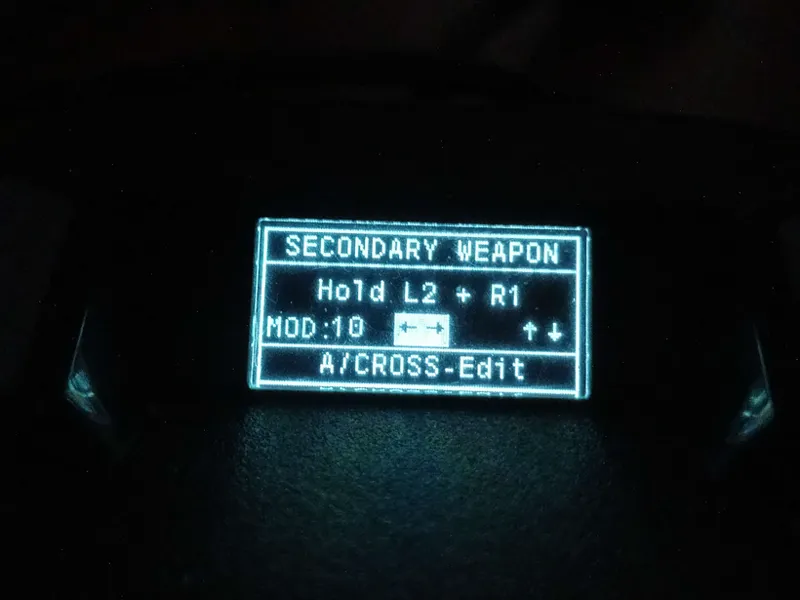
Secondary Weapon is the profile for your second weapon. Press Cross/A to edit the recoil
You can select two options L2 + R1 or Change weapon Triangle/ Y
SCOPE MODE It is an assistant for R2/RT can be used for many weapons. by pressing just one button it will perform functions like Aim Bot, Auto aim.
Using Aimbot Hold with a long-range weapon will pull the Scope. CAPACITOR / BIGHORN are not recommended for Aimbot Hold.
try using Release R2
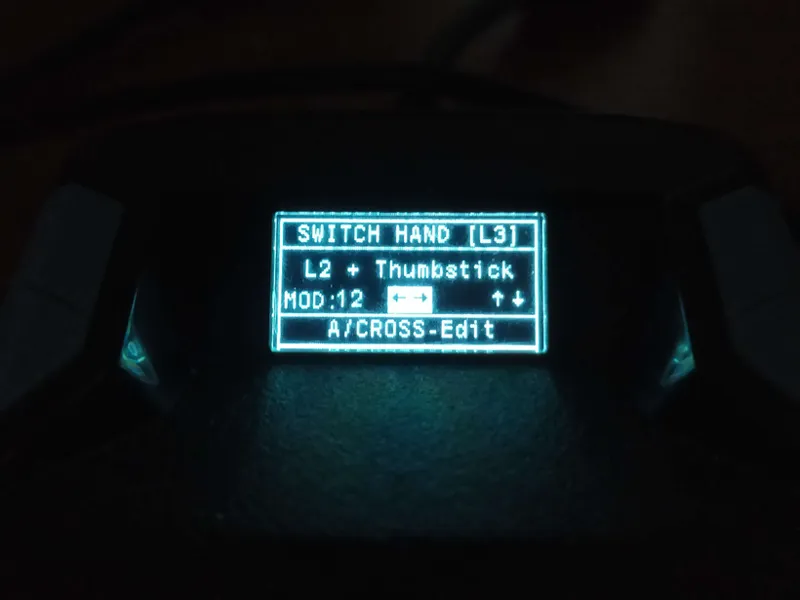
SWITCH HAND is to make your weapon switch sides. Use the assistant you prefer. L2 + Thumbstick when holding L2 and moving to the left your weapon switches shoulders