
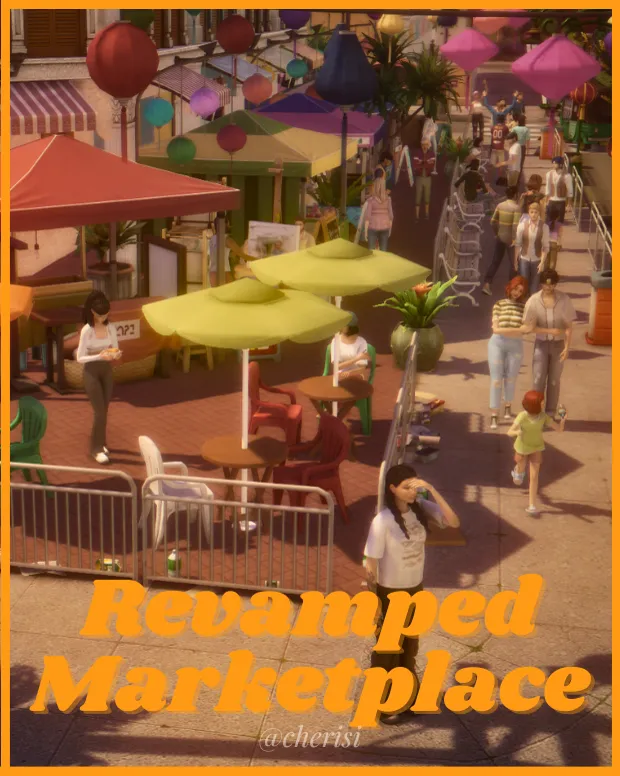
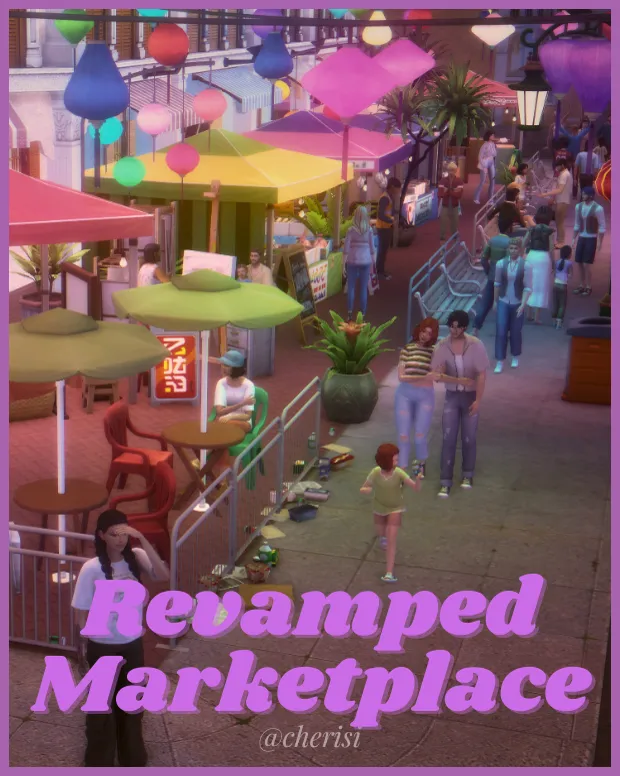
Night Market Revamped DOWNLOAD
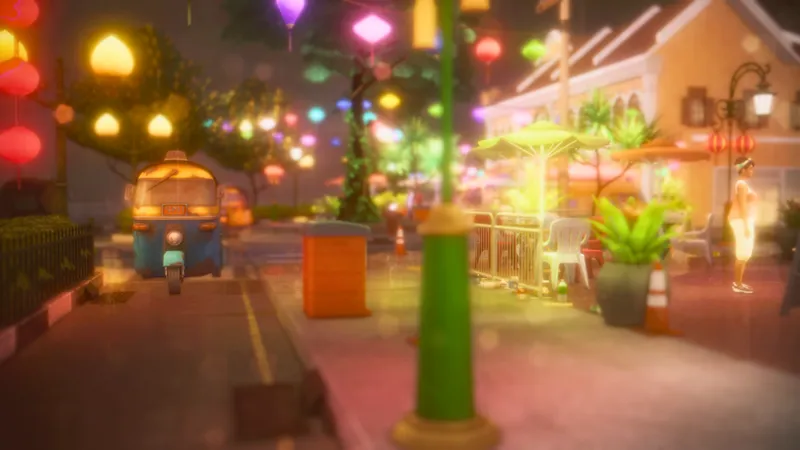
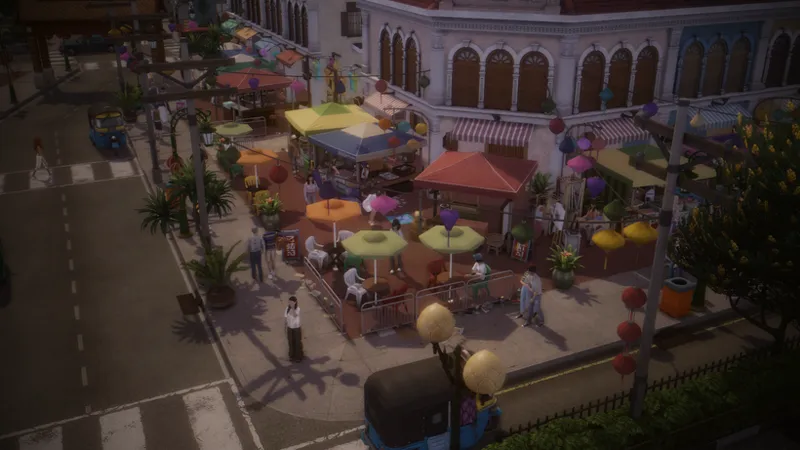
For some time I have been marking mods, functional objects, deco sims, and additional decorations to make the Night Market in Tomarang that came with the For Rent Pack actually function as a marketplace and be more gameplay friendly.
I have completed all preparations for the market to actually make it a fun place for your sims to visit!!
-------------------------------------------------------------------------------------------------------------------------
WELCOME TO THE REVAMPED TOMARANG MARKETPLACE!
! ! ! ! FEATURES ! ! ! !
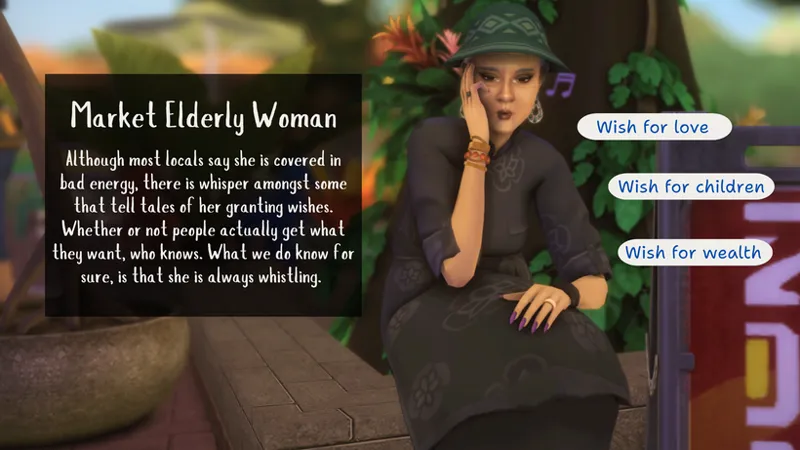
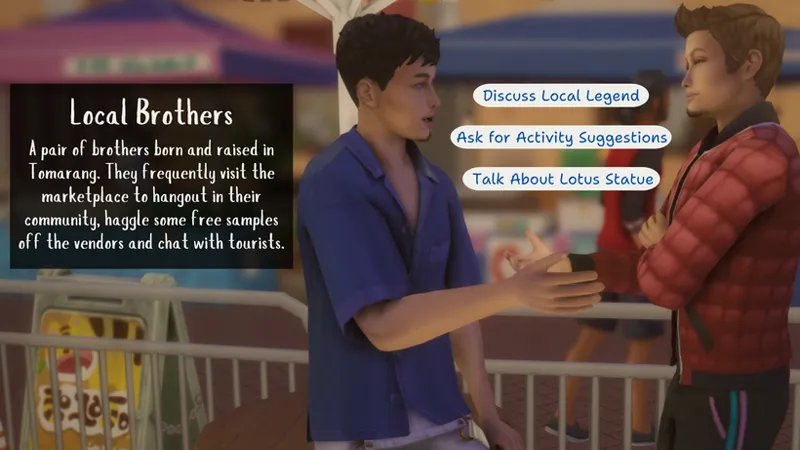
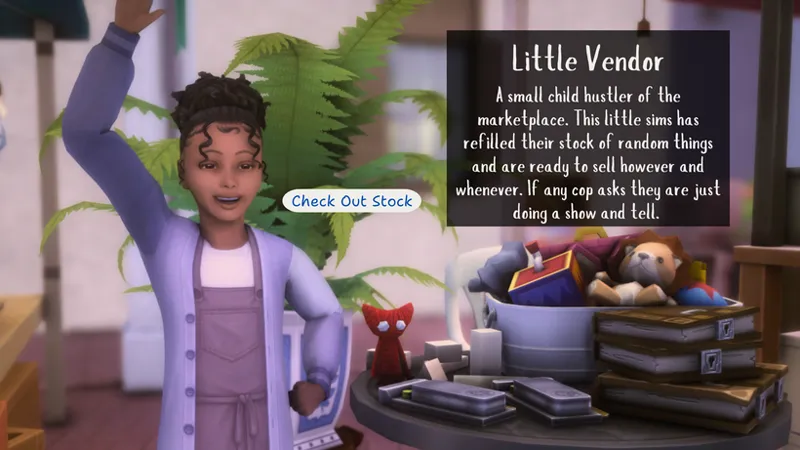
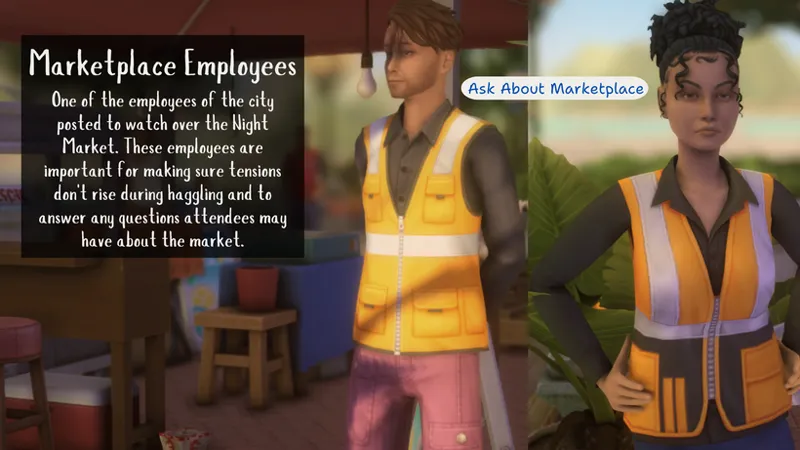
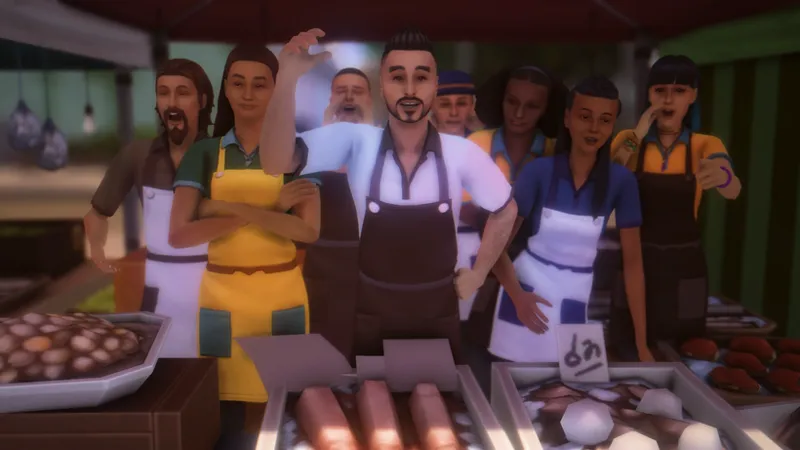
ADDED MARKETPLACE CHARACTERS
WORKING VENDORS W/ STORIES & PERSONALITIES
DECO SIMS
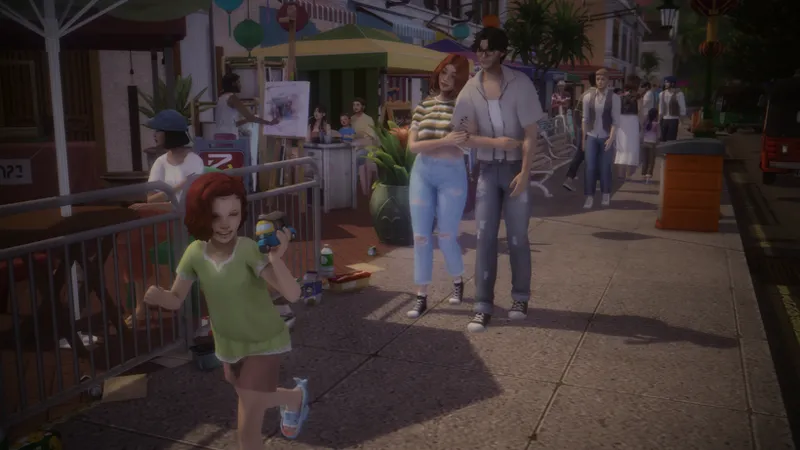
DECORATIVE OBJECTS
WATERPROOF SPEAKERS
-------------------------------------------------------------------------------------------------------------------------
CHARACTERS
Interactions for the elderly women will require that you have the Romantic Garden Stuff Pack otherwise she will just work as a regular deco sim.
-------------------------------------------------------------------------------------------------------------------------
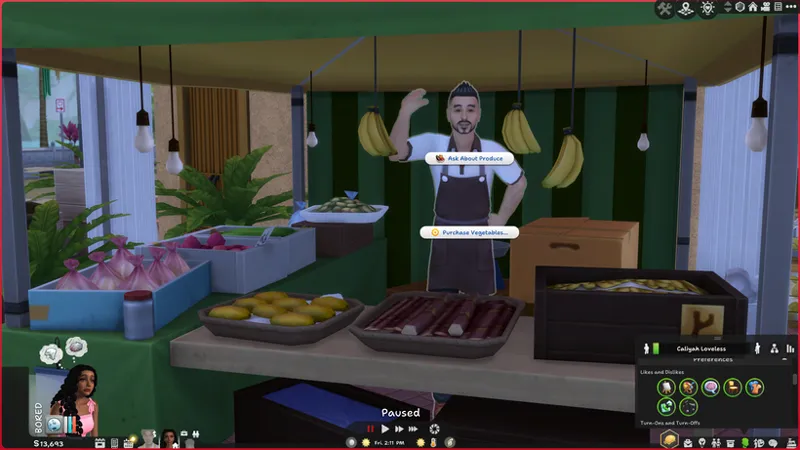
FUNCTIONAL VENDOR DECO SIMS
Talk to vendors to buy purchase anything from groceries to random knick-kacks. Conversing with these vendors will give you the chance to learn more about them and their stories. Whether what they have to say will bore your sims or inspire them is another story.
Keep in mind the vendors will be selling stuff from products other than just For Rent so options will be limited depending on the packs you have.
------------------------------------------------------------------------------------------------------------------------
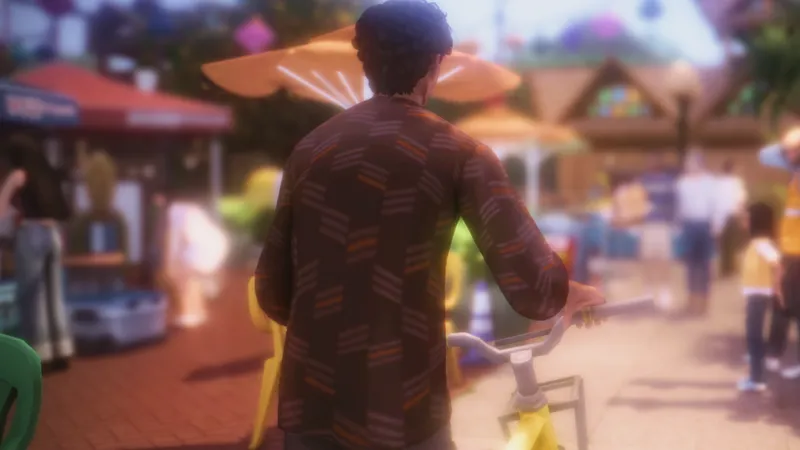
50+ DECO SIMS
-----------------------------------------------------------------------------------------------------------------
HOW TO PUT IN-GAME:
Steps to Use
1. Download 'Cherisi_NightMarketTRAY' and add to tray folder
2. In your gallery enable custom content and search 'tomarang' the lots may not show up next to each other
3. Place lots on a 40x30 lot in Tomarang
4. Toggle off lock to terrain in TOOL settings
5. Use TOOL's grouping tool to place
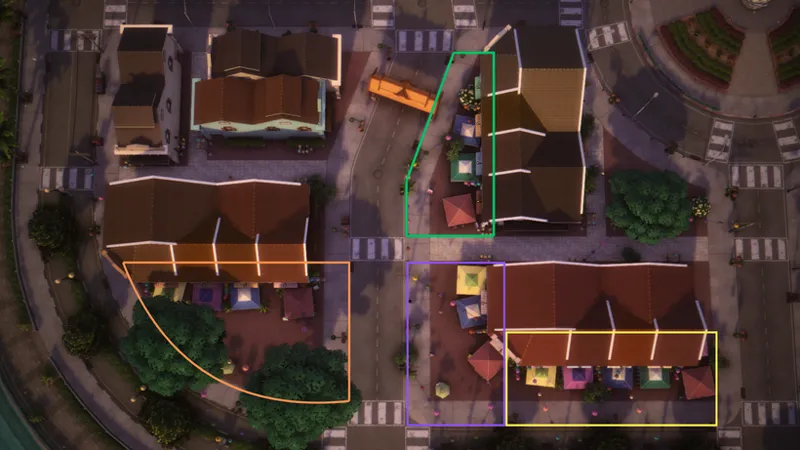
6. Groups are marked by different colored cones, use the map as reference to find out what group belongs where
For an installation guide refer to this quick video:
https://youtu.be/Ky9mvjdHHLo
------------------------------------------------------------------------------------------------------------------
All objects can be found by searching 'cherisi' in build & buy mode
MAP:
------------------------------------------------------------------------------------------------------------------
PACKS USED:
For Rent - Romantic Garden Stuff Pack - City Living -Eco Lifestyle - Cats & Dogs - High School Years - City Living - Werewolves - Parenthood - Dineout - Outdoor Retreat - Blooming Rooms
REQUIRED MODS:
TOOL Mod by TwistedMexi
Tray files: 156KB
CC file: 110MB
Comments (13)
do we need all of the pack for it to work?
I've finally been convinced to try the TOOL mod.
This is such an amazing addition. I wish there were more things like this for areas around the map so that I dont need to add more sims that do unpredictable things but my world feels more full if that makes sense
Hi I love your work is amazing genuinely completely changed my game and made me want to play the sims 4 again Is there any chance you will be revamping this with animations? Also is there any way I can tip you per post/item? One other creator I follow on patron has a similar option and I was wondering if you could set that up
oh wow that's so sweet. I know you have been here for awhile so I definitely appreciate that. I have definitely thought about redoing this but I didn't know if people where interested. The only way I know how to add "tips" for specific post is to put it behind a payway so you would be like buying the post. If this is not what you mean let me know. If you would like to tip a custom amount I did set it up on kofi so you can enter an amount when you download something and it would essentially be like a "tip." I hope this makes sense
Thank you Cherisi. Your suggestion worked. After searching I was able to locate the lot. I'm so grateful, this mod is going to up my story telling and screenshots game to new levels. And make playing in tomarang so much more enjoyable. XOXO...
That's great! Im glad we were able to work it out and make everything work properly.
Hi... I'm afraid the reupload is still the same as the first. In my gallery library Both the lots say Night Market Revamped P.1 {the one with the three color cones}. BTW, I'm so greatful that you are even bothering to try and fix this, i know its the holidays and such. I appreciate you and all the cc creators out there. Without u sims4 would be unplayable.
It's no problem, I want to make sure it works for you. So on my side when I cleared my gallery and tested this new file it worked but what I notices when I tested out this new one is that the lots don't appear next to each other and I couldn't even find part 2 in my gallery until I searched. When in your gallery try searching for the word 'tomarang' and see if it pops up then.
Hi again Cherisi. Okay, I think the issue is in the download. When I downloaded both 1 and the 2 lot tray files. They both had the same three areas you mentioned {orange, green, and purple} - There was no fourth area.
I reuploaded the tray files this morning, redownload these tray files and try again. I will also check on my part
Hi. I love this mini mod. Thank u for taking the time to make this. Ok, so I'm having one issue. Only 3 of the lots are showing up when I see you have four. The green cones are actually suppose to be the Blue cones - it took me some time to figure that one out. SO actually the blue cones are missing and should acutally be the green cones. which arent in the download.
Thank you for letting me know this and I will get on fixing it. I went through and checked out the map colors and made adjustments to the map and the cone colors. However I am confused with your first comment. For my revamp you should be two lots dowloaded. The first one should have three sections: orange, green, and purple, and the second lot should have the last section which I will be changing to yellow