

August 6, 2025
A gshade preset "Mochi Kiss"
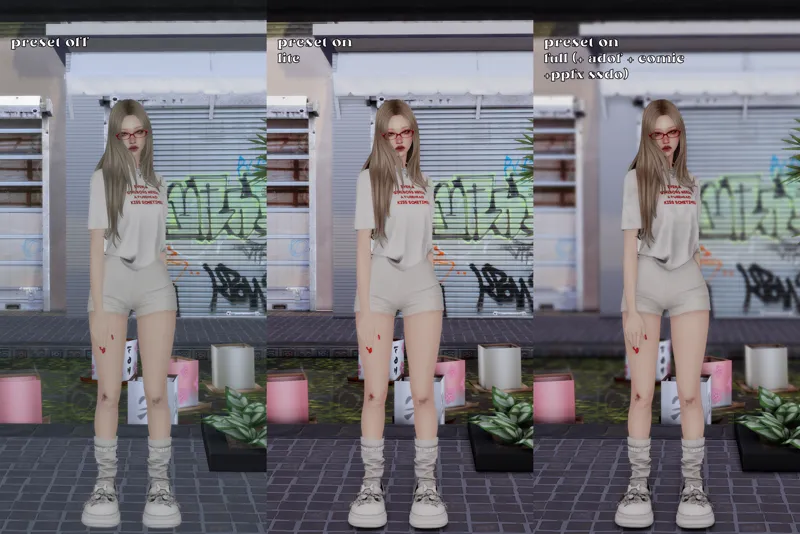
This preset is bright but doesn’t change the original colors. It keeps things natural while adding a more depth, clarity and shadow.
!Hotkeys:
Alt+1 — comic
Alt+2 — PPFX SSDO (extra shadows)
Alt+3 — adof
Alt+4 — adaptive sharpening
Make sure to turn on the hotkeys manually! If it feels too bright you can disable levels/technicolor2, or both depending on your preference. If you want fewer shadows, you can either leave PPFX SSDO off or turn it on but disable MXAO
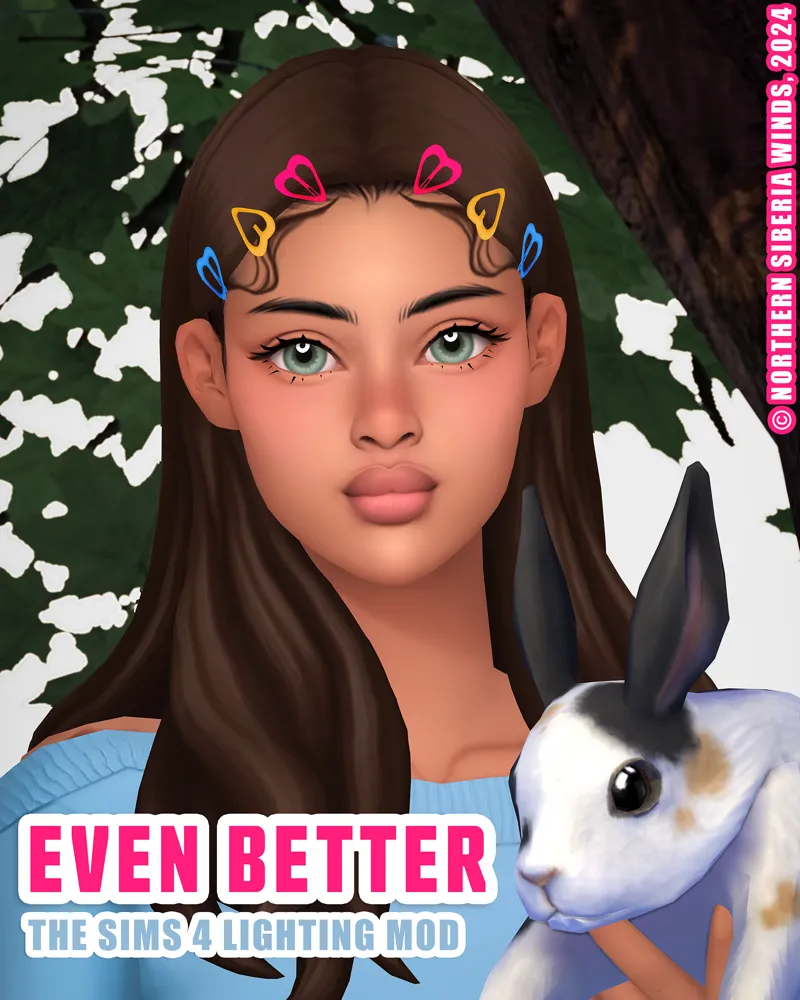
!Lighting mod I use: [NORTHERN SIBERIA WINDS] Even Better In-Game Lighting Mod v1.1 Average
Let me know if there's any problem to download! Do not reupload anywhere as your own!