


All Main Menus Updated for Patch 1.122.212.1030 (March 18, 2026)
Hi everyone,
I hope you all are doing well! I just wanted to let you all know that I have updated ALL of my main menu overrides for the most recent game patch. Thank you all for your patience! Also, thanks to Meg for allowing me to start working in her no family base file and saving me the trouble of hiding the family lol.
However, I still made a few changes of my own. See changes and links below:
✅As usual the News Panel is completely hidden.
✅ I edited the interstitial/full screen game ad resource so you guys shouldn't get those anymore
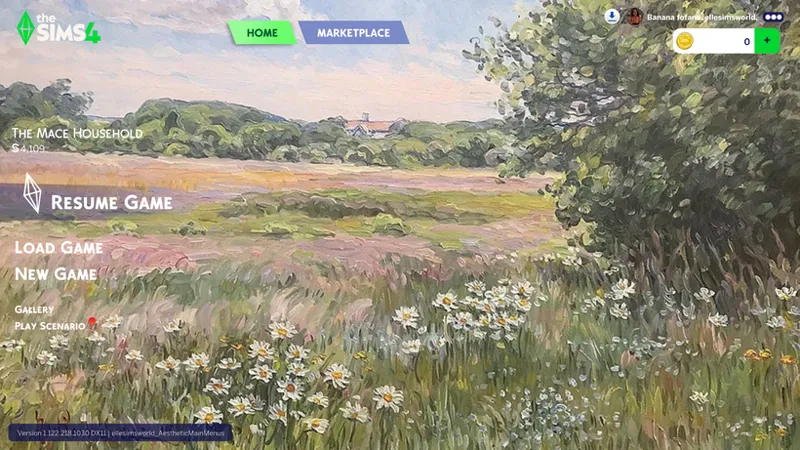
✅ I know a lot of persons bounce between my main menus and it can get confusing knowing which one you have installed (especially for the Moody Main Menus and Aesthetic Main Menus), so I added the main menu name to the bottom beside the game version information at the bottom of the screen, so you know which main menu collection you have at the time. See an example below:
❌ Compatibility: Also, as many of you know Joe released a great Sims 4 Marketplace Removal tool. However right now it is NOT compatible with my main menu overrides (and most likely no one else's since we're all editing the same resource file, so they will conflict) Hopefully there will be compatibility in the future! (or if by some miracle I find some way to hide it myself, if you all care about not seeing it)
💡I've had a few persons ask before, so I wanted to let you all know, I'm working on making my main menus dynamic so you can pick and install multiple for your games. I have quite a few menus so this can take some time. Also, it's not as simple as I thought it'd be. I want to take some time to test it out first.
Anyway, thanks again for your patience! I'm still working on a mod or two, (but also grad schoolwork is sapping my time lol). We'll talk soon! Links to the updated main menus below.
Take care!
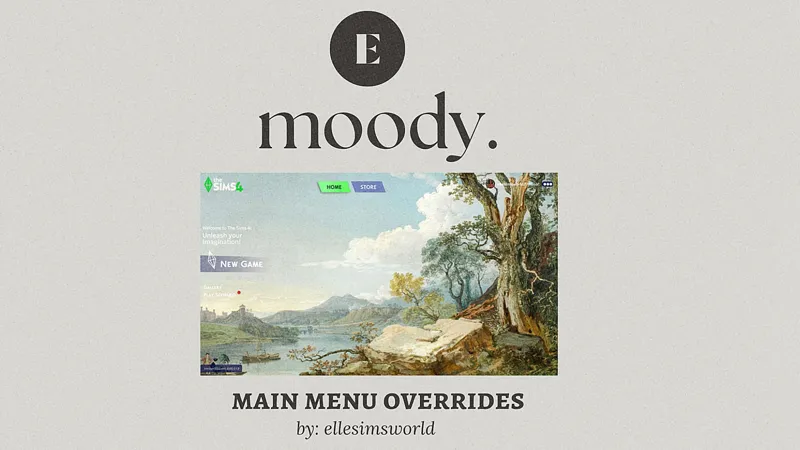
✅Moody Main Menus
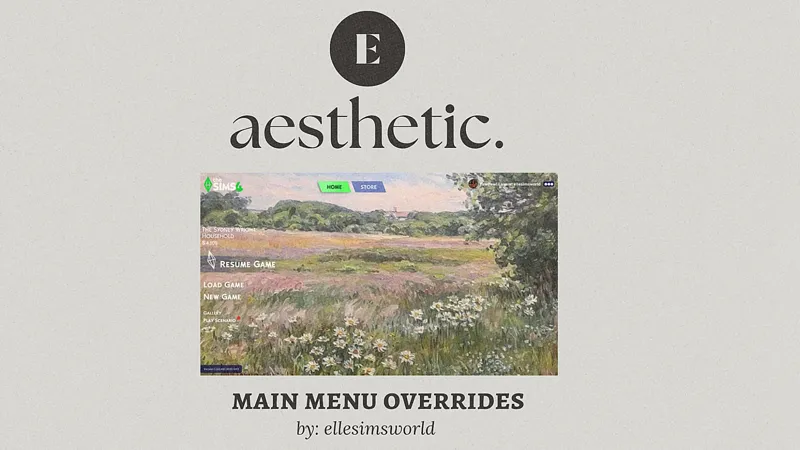
✅ Aesthetic Main Menus
✅ Studio Ghibli Main Menus
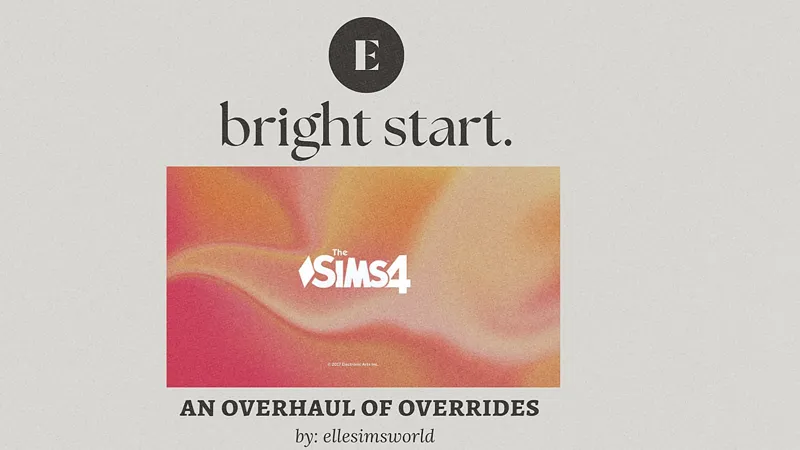
✅ Bright Start Main Menus
Comments (13)
does the tutorial to make your own main menu still work? whenever i do it i get a black screen and i cant tell if its cus im doing something wrong or if its outdated 😓😓
where can i get the ghibil main menu overrides they dont pop up in your overrides collection
Thank you for making these and being so efficient updating! Heads-up the link to the Ghibli one is not working.
Your mods are always the best, have you ever thought about making a singer / concert mod career ?
Thank you for your work, Elle. They’re beautiful, though I’ll always be sad that TheWindRises2 isn’t there, queen. 😭
Pretty, pretty please (when you can) make an updated ver. of the MainMenu Tutorial, yours are SO helpful and easy to follow. Thankyou!
THANK YOU SO MUCH! I truly didn’t want to update without your beautiful main menus.
you're awesome! thanks so much!
thank youu <33
thank u for being here and for all your hard work!! 🤍 (,:
YAY <3
I am SO SO happy you updated these! Thank you! I have been looking for a new main menu because I usually use your aesthetic overrides but literally couldn't find any! So glad I get to keep using my favorite one! <3
me too! i just need a ui that makes the main menu buttons white and to hide some of the nonsense 😭