
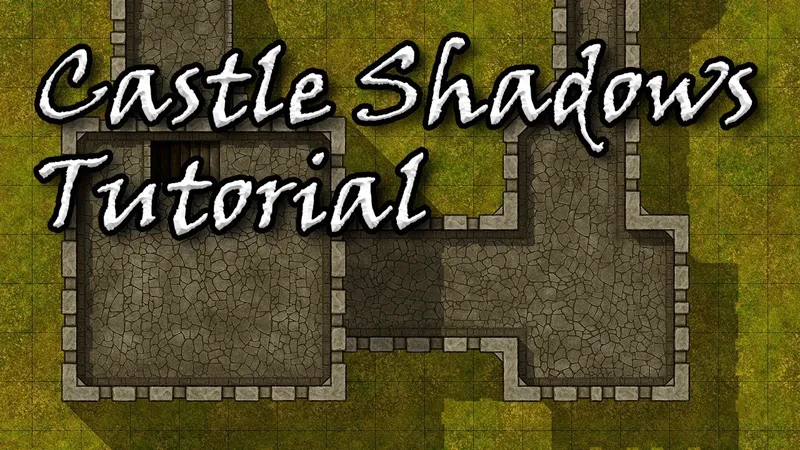
Tutorial - Castle Shadows
Hey guys :) So I know some of you were wondering how you can get those shadows with our Castle Tiles to create that illusion of height.
You can check out this video where I'll show you how you can do it in couple minutes ^^
The first half of the video is for Clip Studio Paint, but the process should be exactly the same for Photoshop.
The second half of the video is for Dungeon Painter Studio, you can get exactly the same effect with DPS as well, quite easily :)
Comments (4)
Thank you, I never would have thought that working in Dungeon Painter Studio and Photoshop is so similar! The lesson is cool and unique, you can also add shadows on any picture, and not just in the case of the castle.
Yes you can use this technique for everything :) I just chose castles because it was the newest release and it's easier to show multiple elevation levels when you have walls and towers ^^
This is awesome thanks for the info. I love learning cool stuff!
Glad you like it, I need to get better at making them videos tho :D