





Easy Scanlines Overlay: CRT effect for Games, Movies and Videos! [Update🔥]
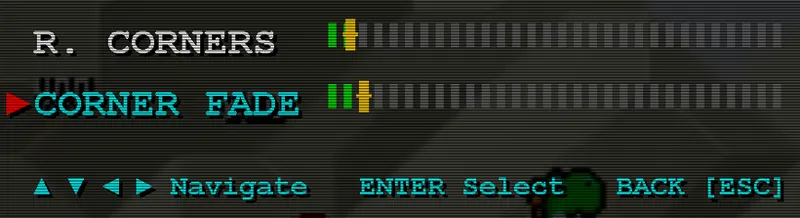
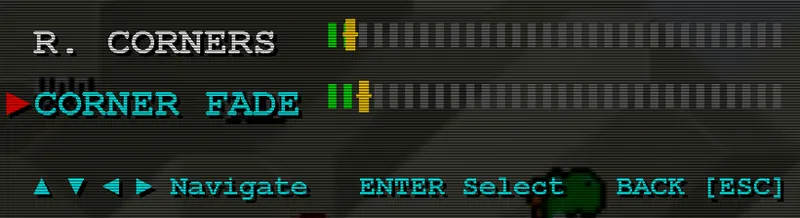
New in v0.4: Round corners + Border Fading
------------- ORIGINAL POST -------------
Hey! I wanted to share a project I've been working on over the last week.
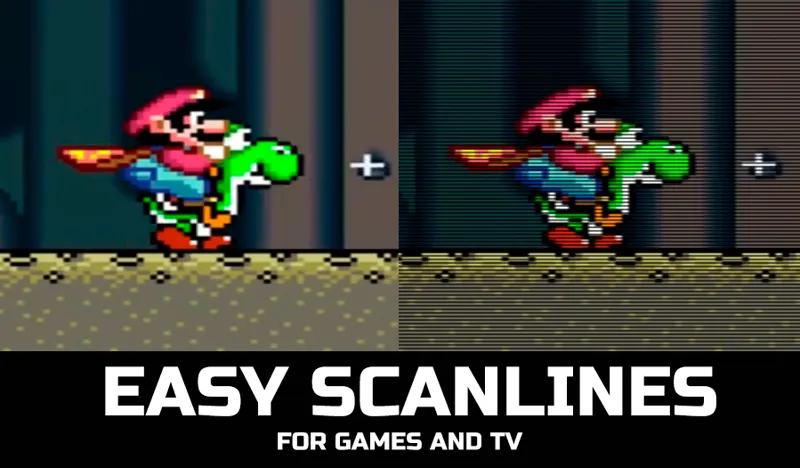
It all started a couple of weeks ago when I was playing Grandia 3 using PCSX2. While emulator upscaling makes 3D models sharp, the game just looked unnatural (cinematics and texts looked specially bad). Even modern pixelart games look kinda bad when they don't have scanlines integrated (this is personal taste offcourse).
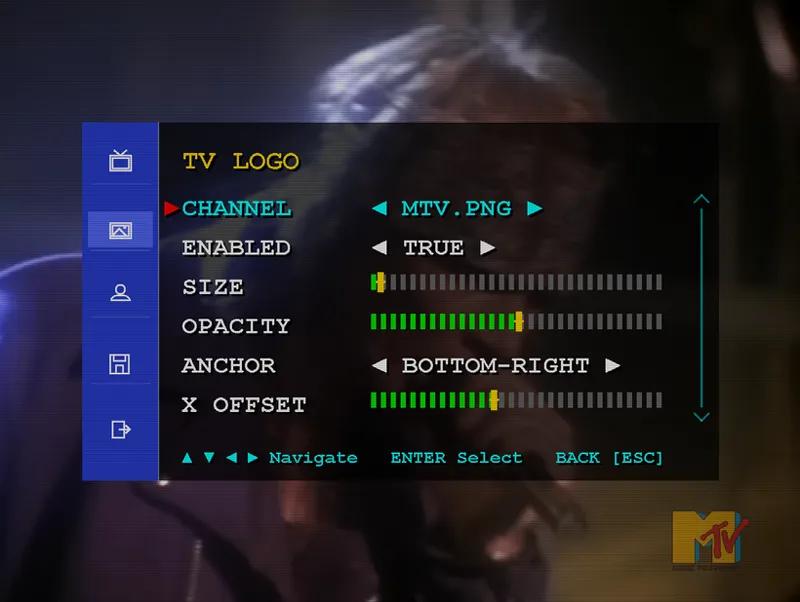
As I was developing it, I realized I wanted to go beyond games. Many of my best memories of CRT TVs weren't just playing games, but watching 90s TV shows, movies, and music channels on those same screens (HBO, NICKELODEON, Some Beavis and Butt head on MTV, you get the idea). Because of that, I decided to add a TV styled OSD menu and an optional TV logo feature.
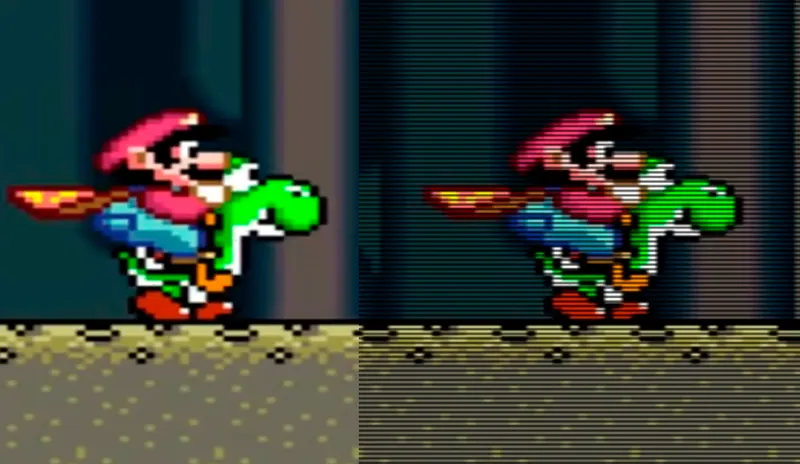
🔴You wont be able to see the effect unless you zoom on this image, if you can't, dont worry, up close it looks like the mario screenshot, also you can make fine adjustments to taste 🙂
📌What it currently does:
Simulates basic scanlines and patterns of classic Trinitron and slot-mask screens.
It's not a shader, you don't need to worry about GPU processing.
You can use it over games, movies, whatever you like!
OSD menu to control the simulated scanlines width, spacing, opacity, vertical alignment and more.
Channel Logos: use any png, you can resize, set position, assign to profiles, etc.
Profiles: you can manage them from the main GUI along with many other options.
Options to start minimized, launch automatically with Windows, etc.
Activate scanlines at any moment with a shortcut (default ALT+S)
Add any .exe to auto launch it!
Retroarch and the community has done a great job in creating Shaders to imitate this look (that's the right way to do it👀), but when you can't use those or when using other emulators, options get slim (there are crt filters in some emulators, but they just dont do it for me) and other tools are overkill or not easy to use.
I wanted to build something simple and straightforward to use (and better than a simple PNG overlay) since this turned out fine, I decided to share for free in case anyone wants to use it!
------------- IMPORTANT ------------
🔰Next updates should bring better filtering, optional soften effect, round corners, vignette management, etc., so please stay tuned.
As usual, thank you for supporting my work, you can buy me a coffee and get access to more apps and their updates right here ☕
https://www.patreon.com/c/exodus_cl/membership