
Less Restrictive Camera
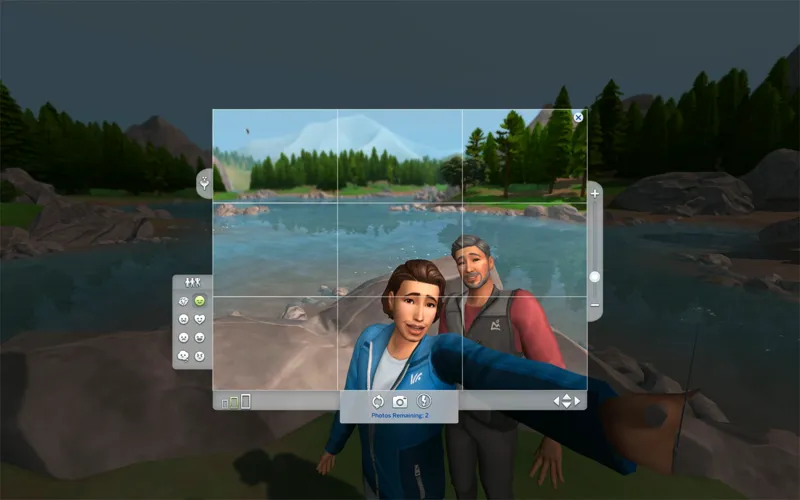
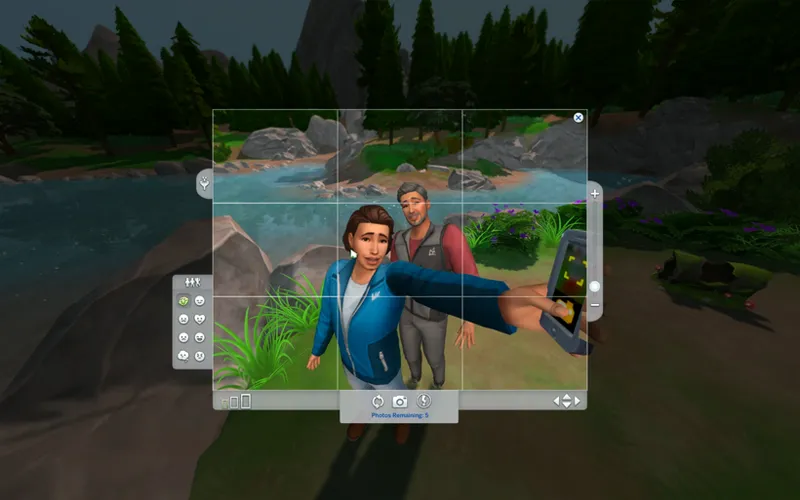
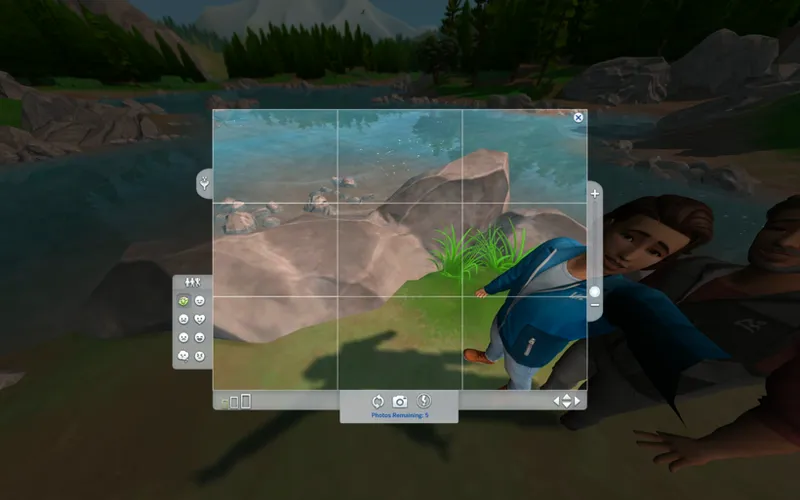
Enjoy a camera that lets you take selfies more easily! You can adjust the position and zoom out to capture the whole scene with fewer restrictions.
What you need to know:
Unfortunately, selfies taken with the regular phone camera will be zoomed out a lot, and without the ability to zoom in, you might not be happy with the pictures you take.
To solve this issue, I suggest using the priciest camera available (Crystal Clear Digital Camera) which enables you to zoom in and out.
Although you can't take solo selfies with professional cameras, you can utilize Small Take Photo Overhaul by LittleMsSam to add that option to those cameras.
Installation
Replace the original PhotoCamera.ini file in \The Sims 4\Game\Bin\res (IN THE INSTALLATION DIRECTORY, NOT THE DOCUMENTS) with the file provided in LessRestrictiveCamera. zip below.
You may create a copy of the original file, but it's also available for download if you need to revert any modifications.
Comments (19)
Why am I blocked from downloading this
Has this been updated? Its not working for me
does this still work?
Thanks so much for finding all these values, they make photos so much better!! I can't believe Maxis defaults were so restrictive for no good reason! The changes still work, I did a text compare with the newest original version of the PhotoCamera and it was still only the same numbers that needed changing. Some findings from my own testing: I noticed when adding the same number in OrbitShortMaxFOV as we changed in OrbitMaxFOV, then the phone-selfies turned out not zoomed out. I ended up entering the same number into OrbitVeryLongMaxFOV as well, so that single-selfies with large cameras via MissSams mods were zoomed out as well, and adjusted the numbers to 90 instead of 110 for a slightly lesser default zoom-out level.
is it still broken??
How do I install if it's not through steam
i need help on how to download this im confused
1. Go to Sims 4 on Steam 2. Click on the setting button to the right of 'play' 3. On the dropdown menu go to manage and then browse local files 4. Now in File Explorer, find the folder named 'Game' 5. Click on the Bin folder within that aforementioned Game folder 6. Inside the Bin folder, find folder named res and click on that 6. Drag the PhotoCamera.ini file from this page's download into that folder, click replace files when prompted 7. Done! :)
I think it broke. When I take a selfie on the phone, it works perfectly. But the option to take a selfie on the camera is gone. :(
Why the heck did I not find this SOONER
Hi! I was wondering if this conflicts with CubiertoDeFlores's Improved phone camera? https://www.curseforge.com/sims4/mods/improved-phone-camera
Works great
What I don't like about the S4 cameras, are that when you take a selfie or a photo of any Sim, their heads won't show up entirely in the photo. Can I do this with this Mod, and does it work with the newest Patch? Thanks in advance
To see if this is what you need, please refer to the preview images in the post above.
Thank you so much, it works
What about mac?
Open Finder >> Click Go in the top menu >> Click Applications >> Find the Sims 4 application (or search it on “This Mac”) >> Right click on the Sims 4 >> Click “Show Package Contents” >> Open the folder titled “res” >> The PhotoCamera.ini file should be there.
Hey! Where can I find the PhotoCamera.ini?
Go to "This PC" in the files directory, the go to "Windows C:" drive / "Program Files (x86)" folder / "Origin Games" folder and you will find "The Sims 4" folder mentioned in the post (quoted below for convenience) "PhotoCamera.ini file in \The Sims 4\Game\Bin\res (IN THE INSTALLATION DIRECTORY, NOT THE DOCUMENTS)" Hope this helps :)