


524 Pines Lane Family Home
IMPORTANT 🚨📣📢 Please read before you download!
‼️Read the description before you download ‼️
This build is heavy on custom content and packs. If your computer can’t handle large amounts of custom content, it may not work properly. Use at your own discretion. (2.85gb)
⚠️BEFORE YOU PLACE THE BUILD DONT FORGET TO ACTIVATE THE CHEAT CODE BB.MOVEOBJECTS ON⚠️
🩷Residential
🩷20x15
🩷Tray files and Custom Content included in the download file below
🩷Gallery ID Michy0113 (Not available in the gallery)
CUSTOM CONTENT NOT INCLUIDED
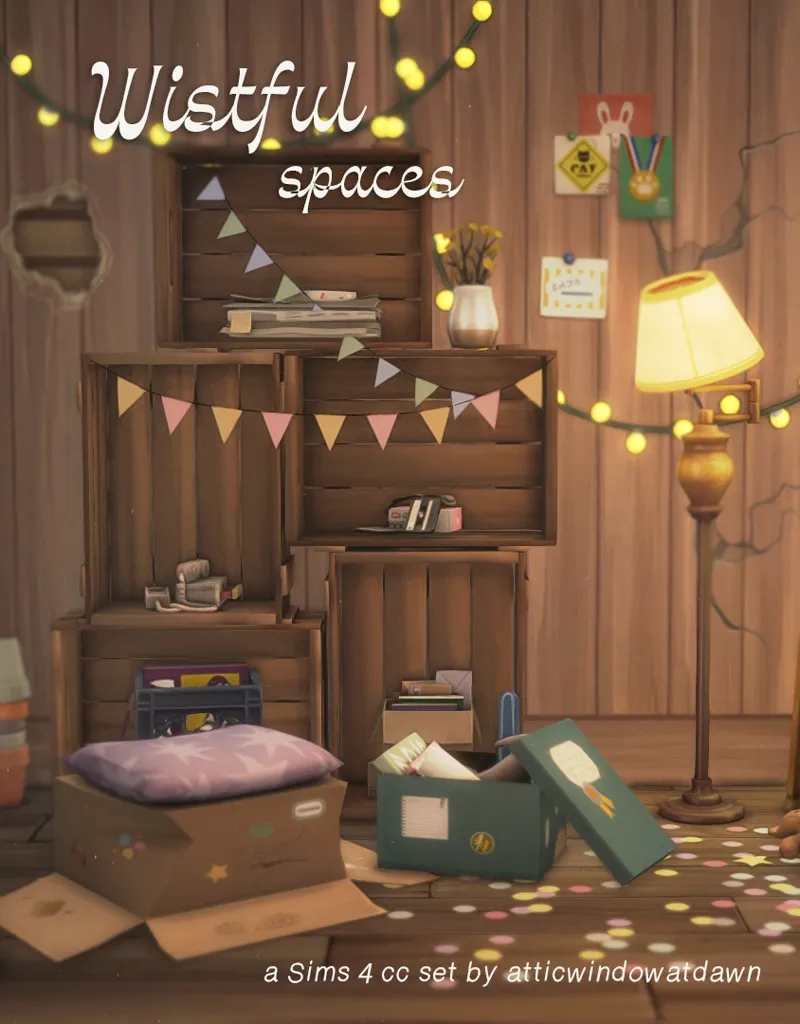
1. Atticwindowatdawn-Wistful Spaces, Wistful Spaces GIFT
2. Sincerely.Simmer - Outlast Trials: Part I AND II
Packs used⬇️⬇️
✨FAQ✨
Gshade preset Serenity shader by Misslollypopsims
Cc finds on my Pinterest account (Michysims)
Gallery ID Michy0113
Thank u to all the cc creators
T.O.U Don't claim as your own and do not re upload.
Michysims💖
How to Add Custom Builds to Your Sims 4 Game
1. Select the house or build you want and download the file.
2. Move the Tray files into your Tray Folder (located at: Documents > Electronic Arts > Sims 4 > Tray).
• These files won’t have the .package extension; instead, they’ll end in .bpi, .blueprint, or .trayfile.
3. If the build includes custom content (CC), place the .package files into your Mods Folder (Documents > Electronic Arts > Sims 4 > Mods).
• These files will be labeled as CC/Mods when you extract the download.
4. Open The Sims 4, then go to your Library (found in the top-right corner, represented by a lightbulb icon).
5. On the left side of the Library screen, check the box that says “Include Custom Content” in the settings.
6. Your downloaded house/build should now be visible and ready to use!
🩷🩷Thank you to all the cc creators 🩷🩷
FIND ME ON MY OTHER SOCIALS MEDIA AS MICHYSIMS
524 Pines Lane Family Home|| Sims 4 CC Speed Build🔨|| CC included (YouTube)
Comments (9)
whats the name of the fridge? love this!
Where can I get the links to the cc used?
Hey, thanks for this beautiful house. Can i ask you in which world you build the house?
It was built on Willow creek
hi, i love your builds! i recently found you on youtube. however there are strange permissions on the folders for your downloads, so i am unable to extract them once i have them downloaded. is there a way around this? they may or may not be corrupted. i would love to have your builds in my game!
Hi! Thanks so much for your support I'm really glad you're enjoying the builds 😊 I just tested the download link on another computer and didn’t run into any issues, so it might be something specific to your system. Sometimes large files can trigger antivirus or system security settings that block or restrict access after downloading. Here are a few things you can try: 1. Right-click the zip file and choose “Properties” if you see an “Unblock” checkbox at the bottom, check that and click OK before extracting. 2. Try using a different unzipping tool like 7-Zip or WinRAR, in case your default tool is having trouble. 3. Temporarily disable antivirus or Windows Defender while extracting, just in case it’s flagging the file incorrectly (make sure to turn it back on afterward). 4. Move the zip file to a different folder, like your desktop, and try extracting from there sometimes permissions are stricter in Downloads or other folders. Let me know if any of that works or if you're still stuck I’d be happy to help further! 🩷
i love your family home builds so much 💕💕
Will you please share a cc door you have called Kinro out swing exterior door with vertical sliding window? It's the exact perfect door I've been searching for months to create my late granny's mobile home and that door was her back door to exact and with another door it just doesn't feel quit right ya know?. I have alot of your builds in my game but not that specific item. Thank you for your amazing builds
here you have🩷🩷https://drive.google.com/file/d/1u9PiX4TsVAfeCXy8fR8sncmk7xMzgzbD/view?usp=sharing