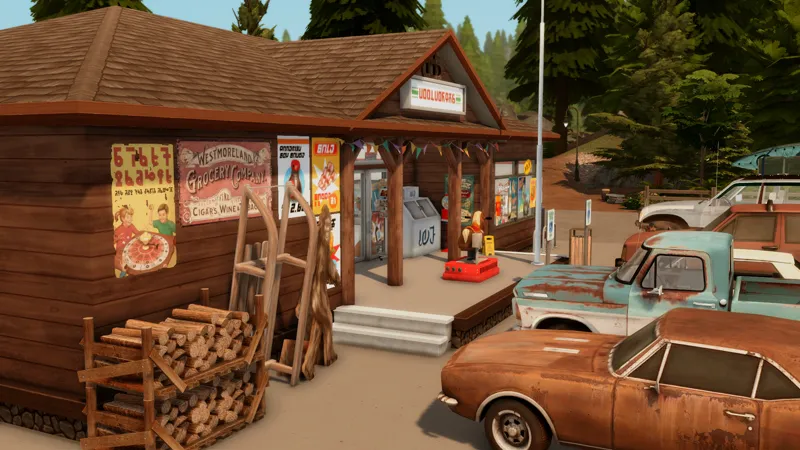




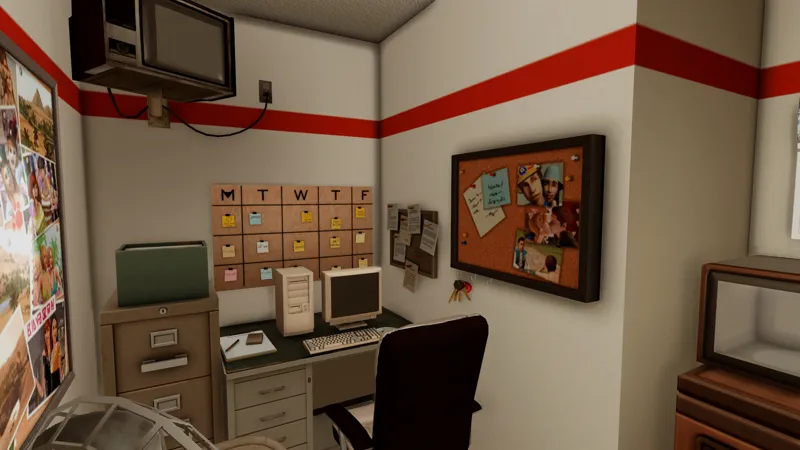





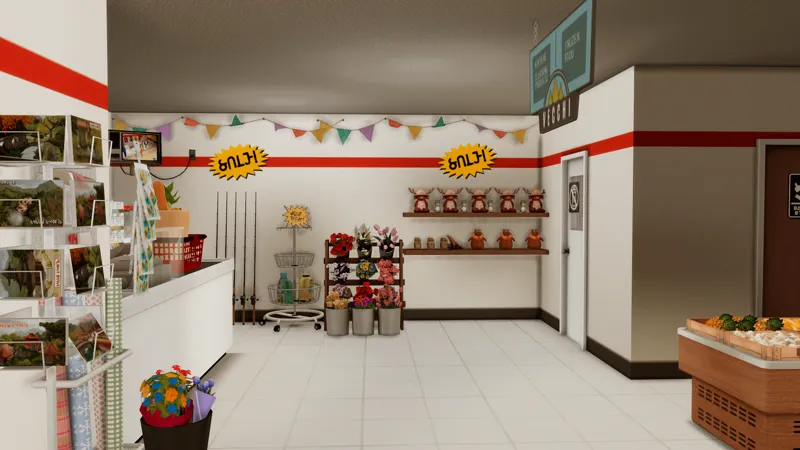

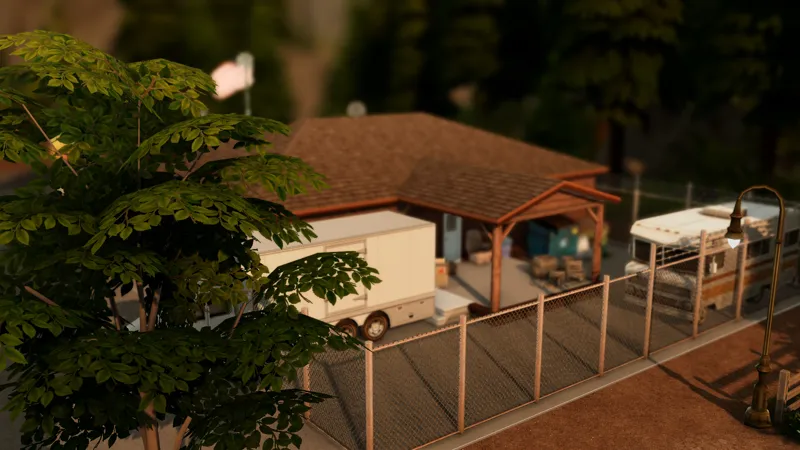



Mountain Haven Market || Sims 4 Cc build 🏪
WATCH THE SPEED BUILD VIDEO HERE and don't forget to subscribe to my Youtube channel that helps me a lot to keep creating content 😊
IMPORTANT 🚨📣📢 Please read before you download!
‼️Read the description before you download ‼️
-30x20
-Retail store
-1 Office 1 Bath
-Play tasted and fully functional
-Tray files included in the download link
-Some Cc is included in the download link but ‼️you must download the mods linked down below if you want the shelves to be stocked otherwise they will be empty ‼️
REQUIRED MODS
Packs used ⬇️⬇️
Built on Glimmerbrook in this lot ⬇️⬇️
And finally
FAQ
- Gshade preset Serenity shader by
Misslollypopsims
- Cc finds on my Pinterest account (Michysims)
Gallery ID Michy0113
Thank u to all the cc creators
T.O.U Don't claim as your own and do not re upload.
Michysims💖
How to Add Custom Builds to Your Sims 4 Game
1. Select the house or build you want and download the file.
2. Move the Tray files into your Tray Folder (located at: Documents > Electronic Arts > Sims 4 > Tray).
• These files won’t have the .package extension; instead, they’ll end in .bpi, .blueprint, or .trayfile.
3. If the build includes custom content (CC), place the .package files into your Mods Folder (Documents > Electronic Arts > Sims 4 > Mods).
• These files will be labeled as CC/Mods when you extract the download.
4. Open The Sims 4, then go to your Library (found in the top-right corner, represented by a lightbulb icon).
5. On the left side of the Library screen, check the box that says “Include Custom Content” in the settings.
6. Your downloaded house/build should now be visible and ready to use!