
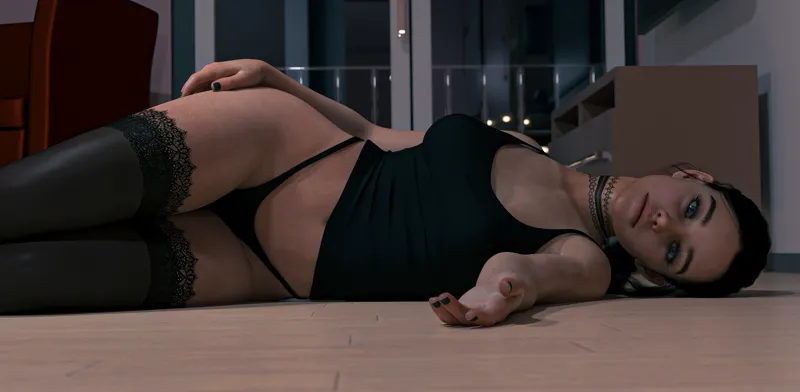
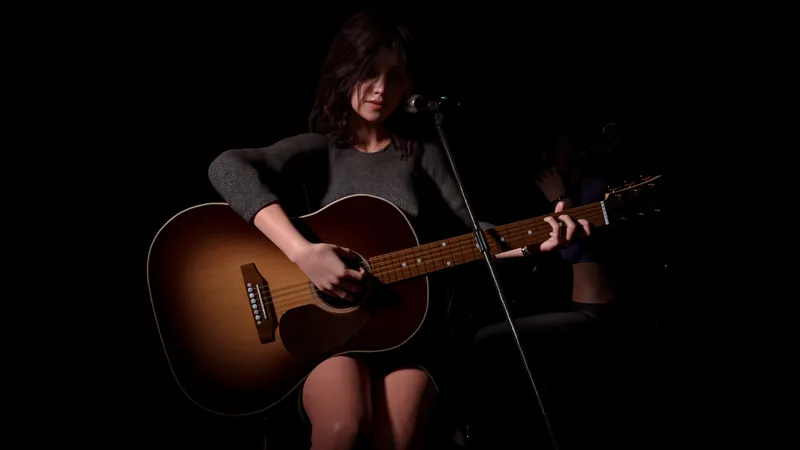
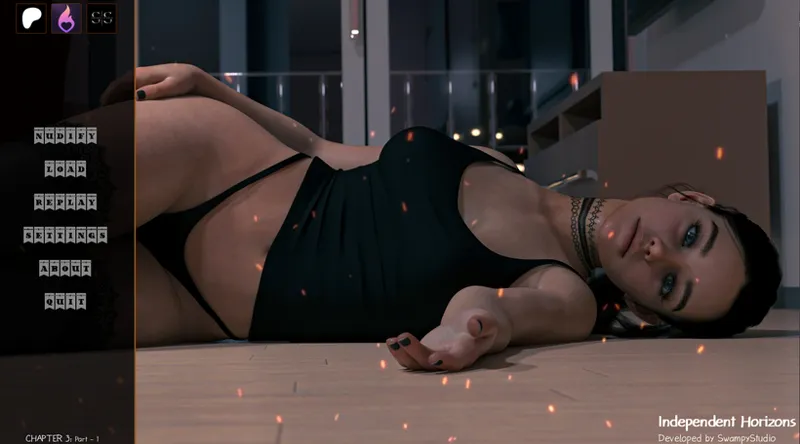
Independent Horizons Chapter III - Part - 1 - Available now for the Handsome Tier
As usual, the release is a little late, just by a few days. I originally planned to release it before August, but some unexpected situations came up. Anyway, I’ve been busy working on the game again, and I'm excited to finally release the first part of Chapter III!
I also decided to remove the Start button since it's no longer necessary. You only need your save file from Chapter II to continue into Chapter III. You can load your save manually, or use the Upload and Download Sync feature if you want a more convenient way to transfer your progress. (Here’s a simple step-by-step process.)
Chapter III also has a new Main Menu and Game Menu. I hope you’ll like the new look and enjoy the first part of Chapter III!
Alright, no more talking. Download the game and start playing!
If you encounter any errors or typos in the narrations or dialogues, please let me know!
HAVE FUN!
Downloadable Content
If download is too slow, try using IDM (Internet Download Manager).
Please do not share or upload the game to any pirate sites. Working on the game for months and then seeing it uploaded to pirate sites in early days of released can be exhausting and discouraging. Your support helps me continue developing Independent Horizons and creating more content for everyone.
Thank you so much for supporting the game. Love you all! ❤️
Comments (8)
. Where do I find the extra scenes for Chapter 2? I've downloaded one, but I can't find the dream scene (or others, if there are any). The tier I'm in should let me access bonus scenes. But there are no links or posts anywhere.
In the shop, you'll have an access to it
I am having the same issues too I have the correct chapter 2 save file i even tried saving at all different parts. It will load into the game just fine but as Truetom said the images are not there only text. I really enjoy this game and was hoping to play it but seems that it is unplayable for some reason I don't know how to fix it I can try wiping the save and starting over from the beginning I doubt it will work but I am out of options
You said "tried saving at all different parts". NO, you need only the saved file from the end of the chapter II. It's the same thing you did from Chapter 1 - Chapter 2. AFTER you see the screen "SAVE NOW". This SAVE NOW screen will show at the very end of CHAPTER II. If no images and you see text only, that means your saved file is still wrong. Just try to finish the game until the end until you see the "SAVE NOW".
Might also be a failed download, had some trouble with Mega. Will try again
tried again all, not working, sorry
hmm, synced ok but then said "image xyz not found". something I did (n't)?
It might be a small error with the save file created when the game says "Save now!" If you save the game after that point, it should work fine. There might also be an image from the previous chapter that I forgot to hide properly. But over all I think you can still continue to play the game. Thanks for the report!