








ദ്ദി(˵ •̀ ᴗ - ˵ ) ✧ sevenseason's User Guide
this guide is primarily for vam newbies, but a long time vam users may find this guide useful too!
this guide is optimized for vam clean folder
First of all download my custom preset plugin folder with reshade feature, and add it into your vam folder:
Link : Here
How to install my scenes
get the .var file by accessing my discord with this guide : https://support.patreon.com/hc/en-us/articles/212052266-Getting-Discord-access if you follow the guide, it should be easy enough and patreon's bot will give you permission to access my scenes
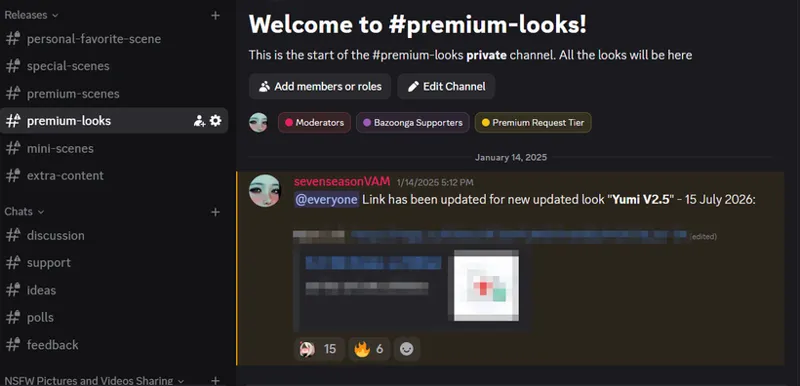
in discord you should be able to see these channels
choose scene you want to install
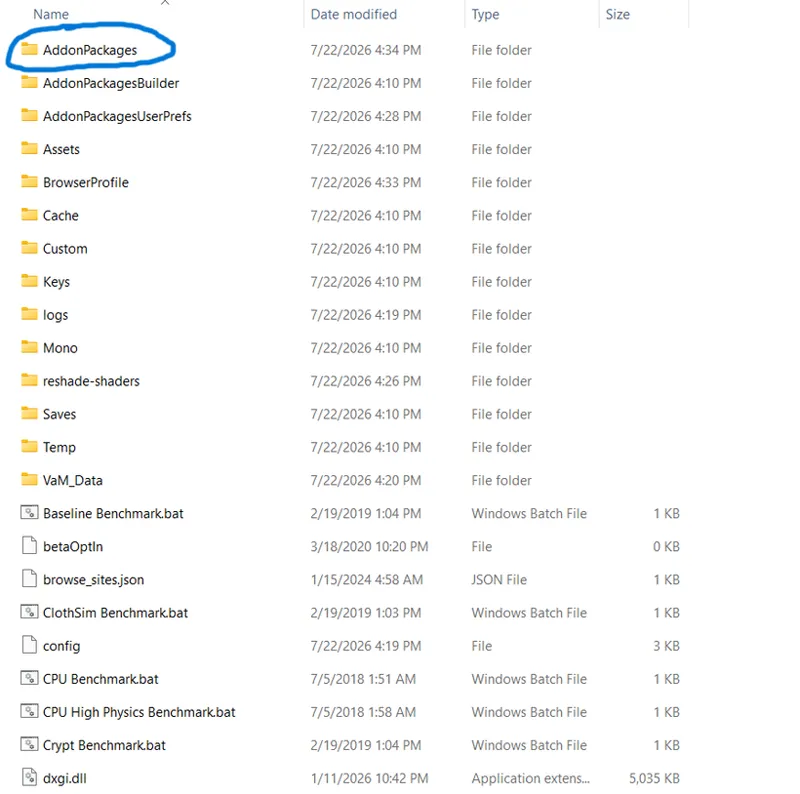
all .var must go to 'AddonPackages', also 'AddonPackages' should not have sub-folder, only .var and nothing else
since Premium Scene #20 is in V12.5 version, make sure to find the appropriate scene post
go to Premium-Scenes
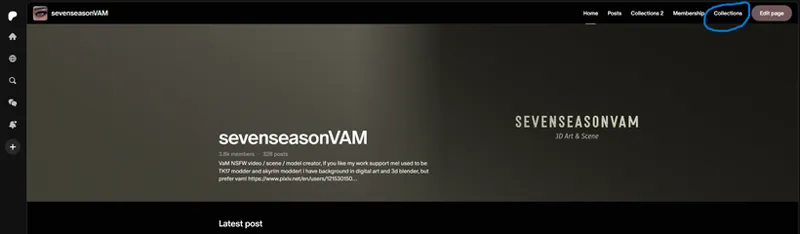
find your chosen scene patreon post
scroll down to find the update on the latest version
find the premium-looks channel in discord server
select the appropriate look that is being used for the scene you chose and put the .var file into 'AddonPackages', similar to scenes
launch vam software and before running my scene, do "scan the hub for dependencies" first
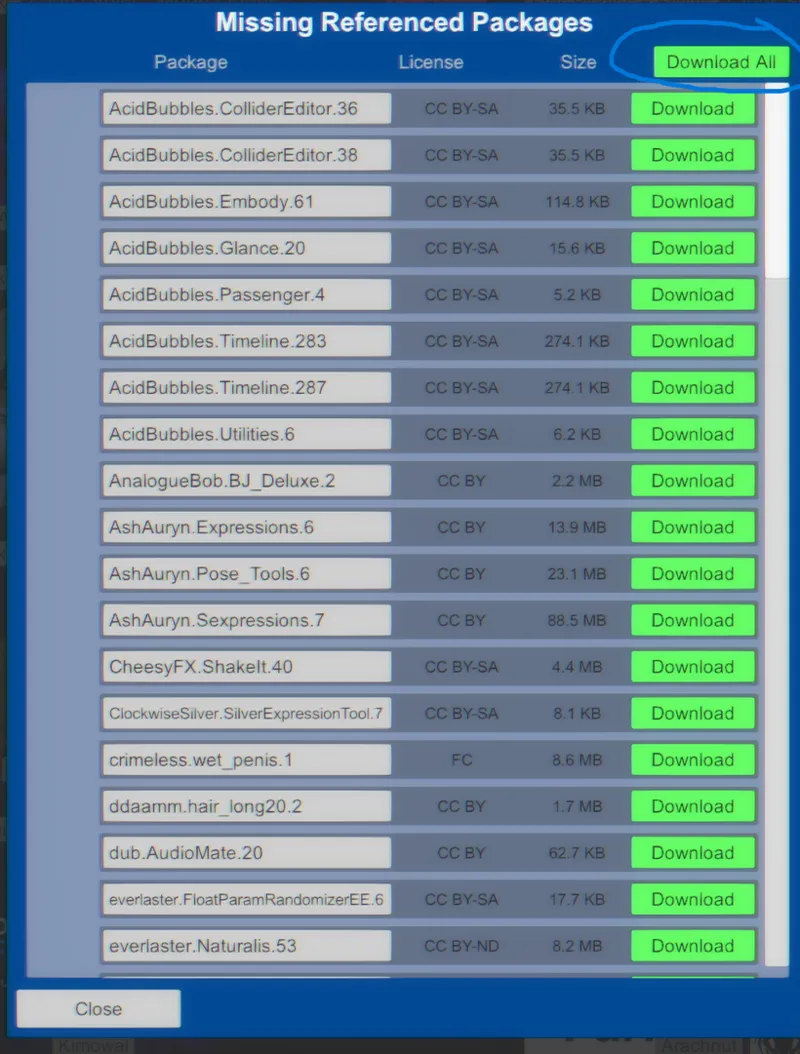
click on "scan hub for missing referenced packages"
click on "download all" and wait, depending on how many dependencies a scene have, it may take up to 5 mins
once it is done, time to launch the scene! Press 'U' on your keyboard and click on JayJayWon's browser assist button
find the scene you chose and press the big green 'Load scene' button, enjoy!
Extra Message : on rare occasion, even if you followed this guide perfectly, you might miss 1 or 2 dependency .var file, for that, go to "support" channel in my discord for bug report, or message me directly through discord
Extra Guide : to avoid goofy stuff like this to happen follow this guide here, this issue usually happens on BJ heavy scenes (duplicated morphs issue)