
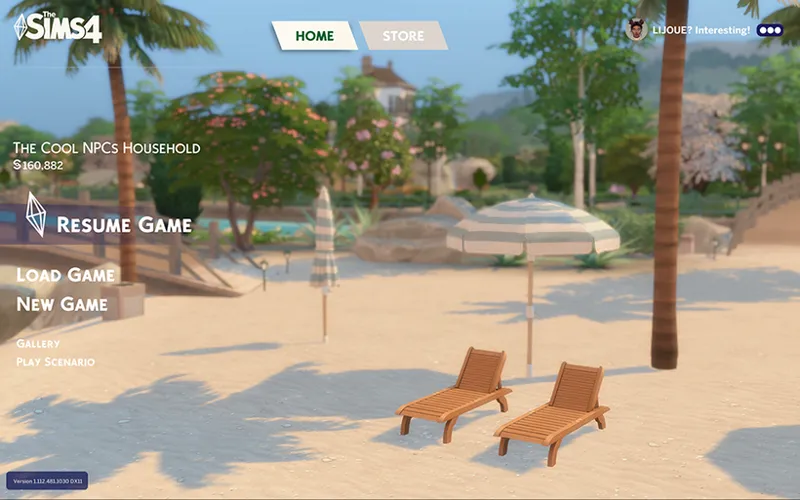
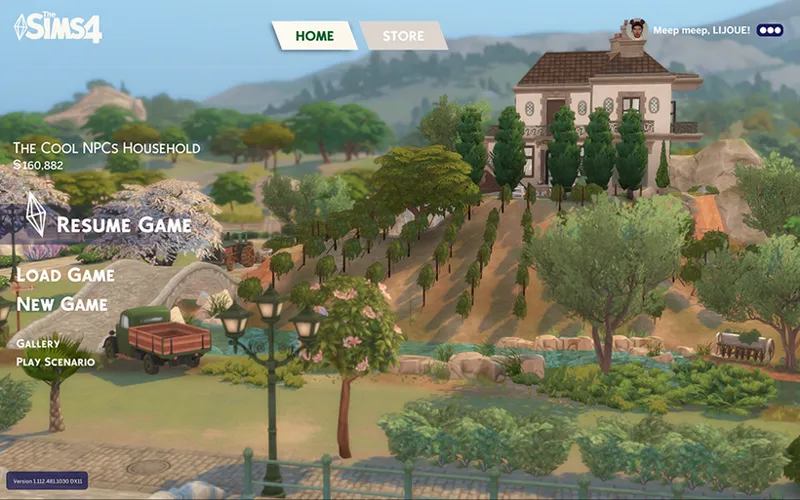
Main Menu Override | Download
Aug 08 2026 Update:
Bug fix — Please update the "base" file if you use 🏴☠️ unlocker. I fixed the issue with household image not loading.
—
July 2026 Update:
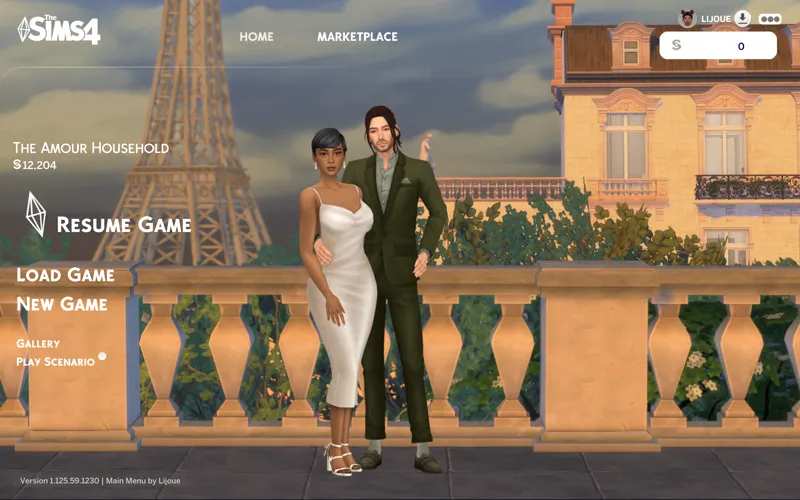
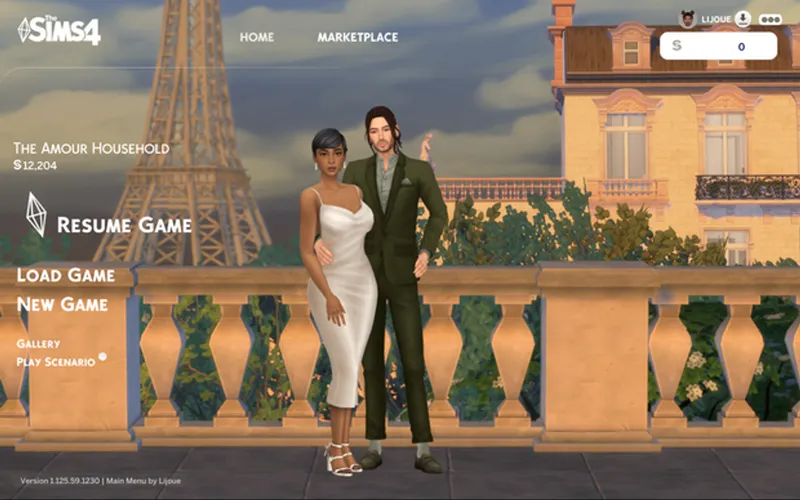
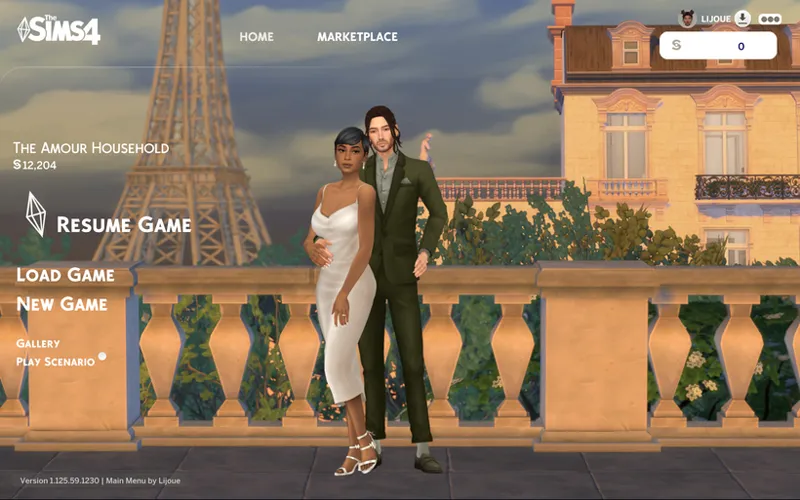
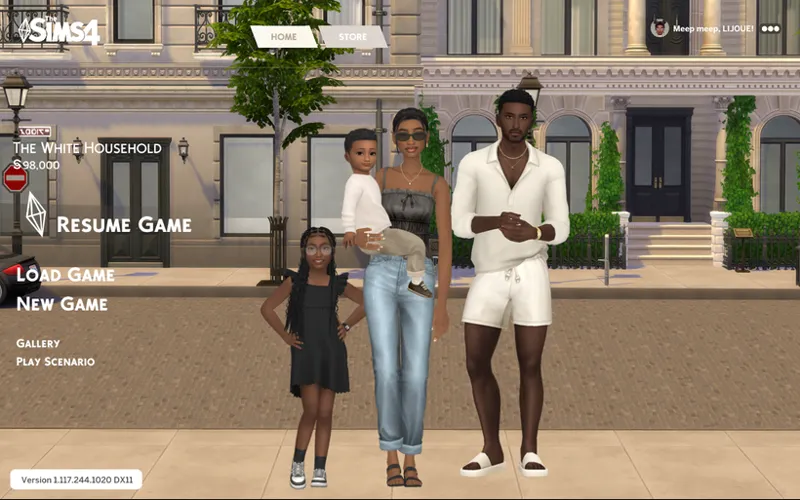
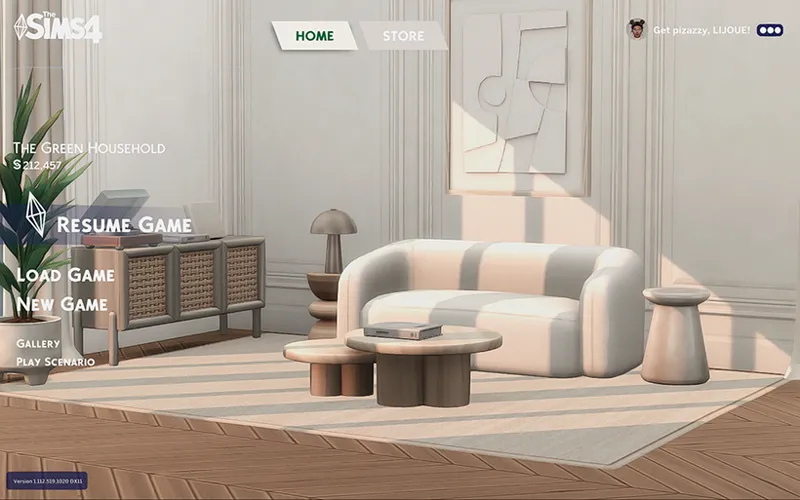
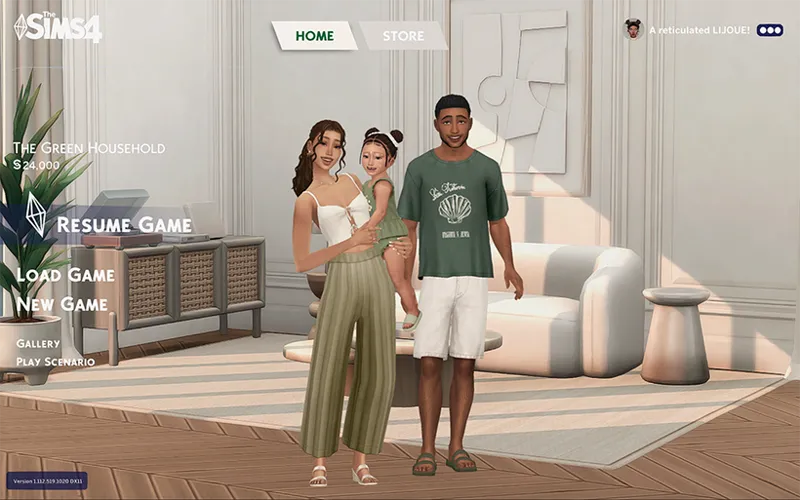
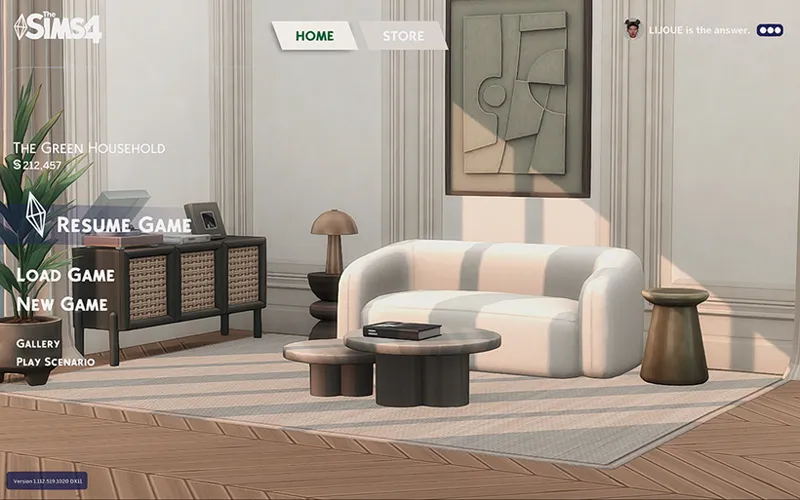
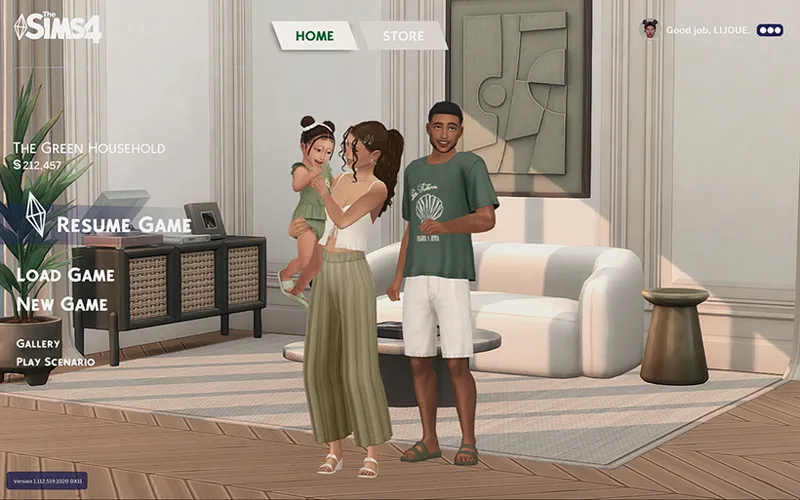
Base file is updated as pictured above (I've further simplified the button design)
NEW! Paris background option
NEW! "No Silly Strings" optional add-on removes the stupid text in the top right corner, now it will just show your name.
Please delete the old 'base' file from before July 2026, as it's broken.
Hi friends, I made a new main menu override mod for you. ⟡
Core Features:
New main menu background images
Neutral colour theme for text and buttons
Larger generated household image
No / reduced pop-up banners.
No news/info panel
Optional Add-ons:
No Sims — Hides the sim household image for a clean background
Fan Logo — Replaces the logo with an alternative non-official fan-made version made by me. (English only)
No Silly Strings — Removes the silly randomized text beside your username.
BACKGROUND OPTIONS (USE ONLY 1 AT A TIME)
Paris
Vieuxcrest Street
Beige Room
Olive Room
Beach
Vineyard
HOW TO:
Place the ‘Lijoue_MainMenu_Base’ package in your Sims 4 ‘Mods’ folder along with just one ‘BG’ (background) package and the optional add-on files you want.
NOTE:
The Base and Backgrounds probably won't be compatible with other main menu overrides. Make sure to use only one override at a time.
The Fan Logo, No Sims, and No Silly Strings optional add-ons should be compatible with other main menu overrides, but it's not guaranteed.
You may need to delete your localthumbcache file if you use the No Sims add-on. Your localthumbcache contains the cached previously generated household images.
TOU:
PLEASE DO feel free to edit my BG packages for your own background images.
PLEASE DO NOT include my Base or Add-Ons in your downloads or claim it as your own. But if you make your own background image, feel free to link to my page for people to download my Base or Add-Ons. I deliberately kept the packages separated so people can have more flexibility.
Enjoy ⟡
Comments (14)
I just installed your files and I'm amazed! I want to thank you for your detailed tutorial, which helped me succeed on my first try! And your aesthetic sense is superb; the UI effects, colors, and backgrounds are all fantastic. Thank you, love you!
Hai! I got this when i opened the game today and it didn't pop out again when i removed this override : "TOOL conflict detected UI recolors or other mods that alter pop up dialogs are not compatible with TOOL. remove the recolor entirely or see if a modular version is available and exclude dialog or "chat" module."
These are amazing!! What does the "No Silly Strings" package do?
"No Silly Strings" optional add-on removes the stupid text in the top right corner, now it will just show your name.
My sims still show up on the main menu, just want to confirm this is up to date with the latest patch update? I'm pretty sure is user error 😫😫😫😫😫😫
Delete your localthumbcache (you can Google it if you don't know how). And make sure you have the updated "base" file and the "nosims" add-on file in the same folder. The No Sims add-on adjusts the main menu household image camera so it may conflict with other main menu mods that adjust the camera. It may also conflict with custom gallery poses, since the same poses are used for the main menu.
I NEED ALL OF THESE (I know to use one at a time). I was ACTUALLY just complaining about the main menu of my sims to my friend last night and now I’ve discovered a fix by one of my favorite modders 😭🥰💘💖💝
Hi, I just have a question.. how did you get your sims (the couple) to pose like that in the Paris one?
I made custom poses! Maybe I'll share them?
this is so beautiful tysm! my game looks x100 prettier i love it xx
Hello! When I put this into my game for some reason the sims don't show up even though I did not add the add-on to remove them
Did you read my note about the unlocker bug?
Are these broken or no?
Works for me! Do you have an issue?