
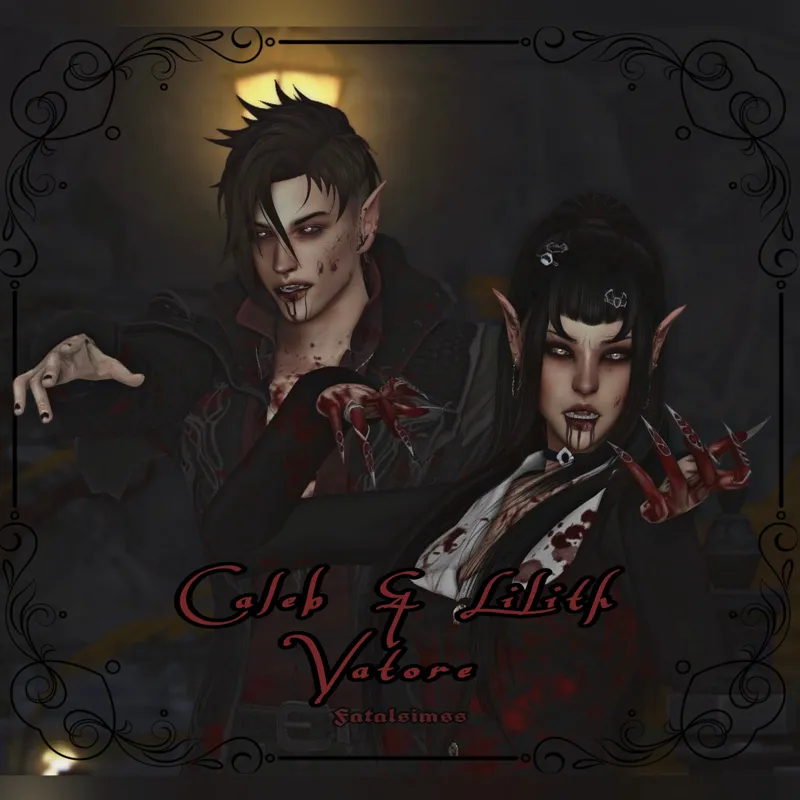
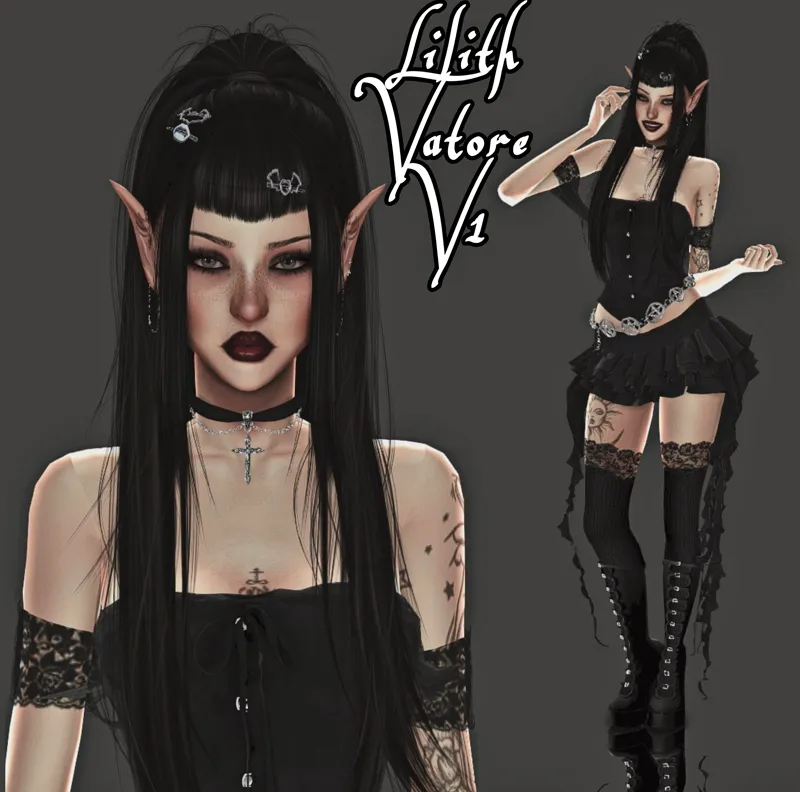
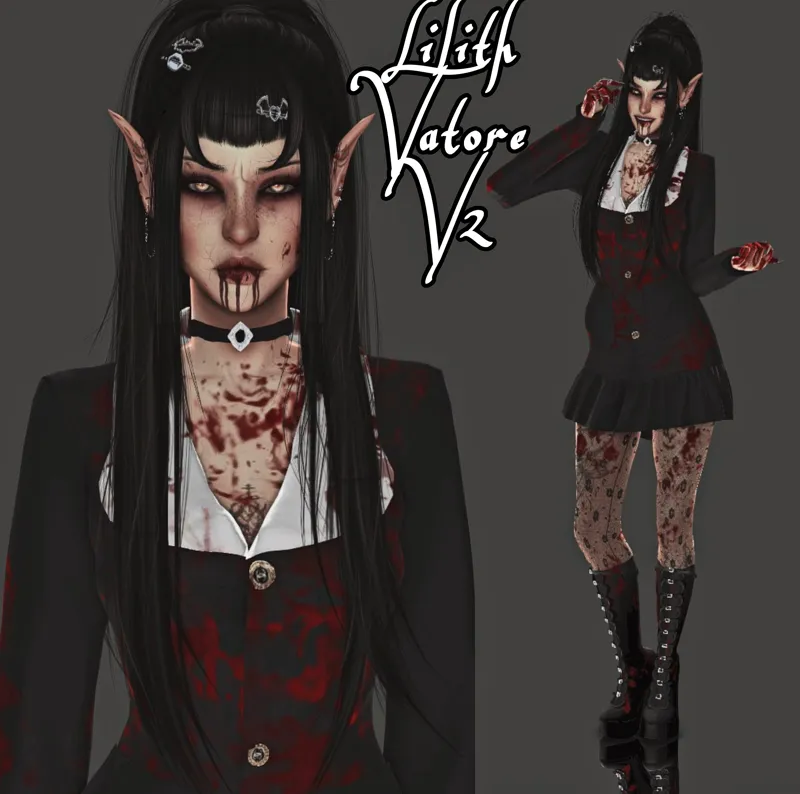
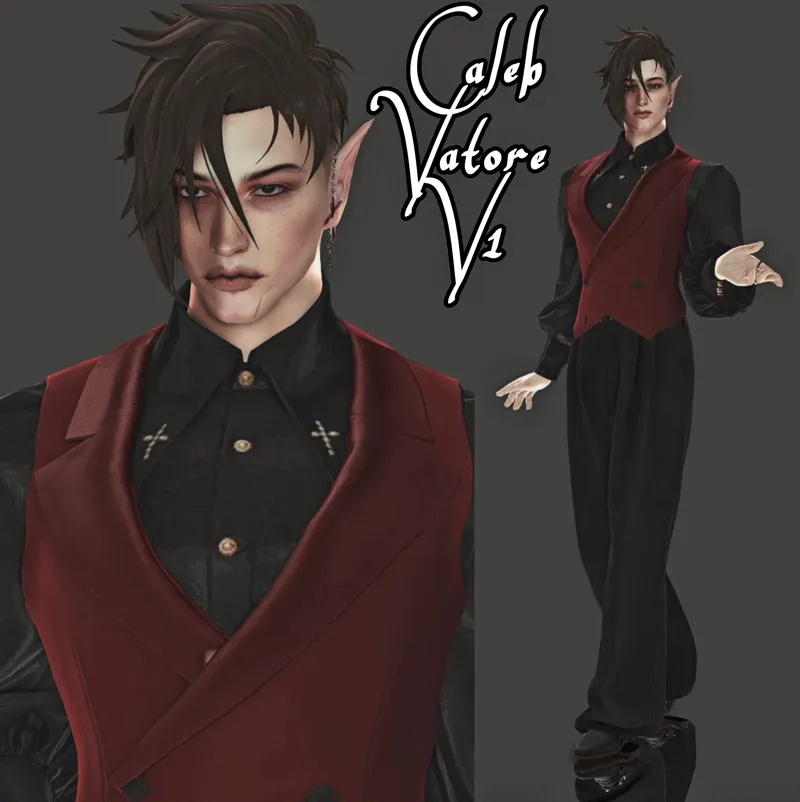
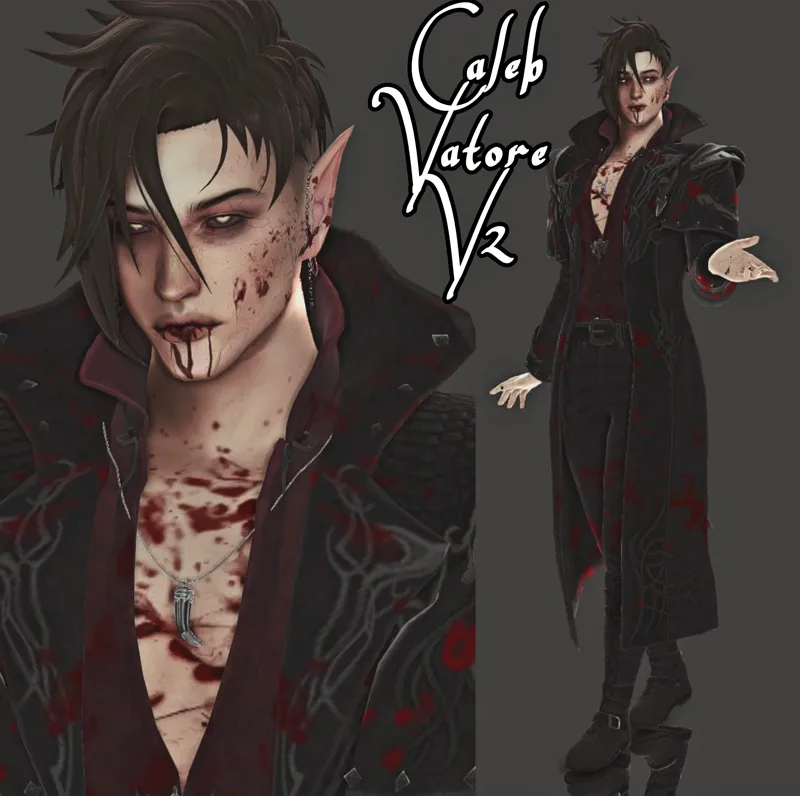
Lilith & Caleb Vatore | Townie Makeover
Hiii guys, happy Tuesday! I've been dying for the next couple Townies to be posted so Lilith and Caleb were so fun to make; mostly because it's closer to my style but making these townies has been fun all around! I hope you enjoy them! Happy simming!
Note: Please download the jewelry, as it is too large for sfs!
Lilith Vatore 1 contains:
Accessories
Clothing
Eyes
Jewelry
Makeup
Nails
Presets
Shoes
Sliders
Tattoos
Teeth
Lilith Vatore 2 contains:
Skin Details + Overlays
Lilith Vatore 3 contains:
Hair
Caleb folder 1 contains:
Clothing
Eyes
Hair
Jewelry
Makeup
Nails
Presets
Shoes
Sliders
Teeth
Caleb folder 2 contains:
Skin Details + Overlays
Download Lilith & Caleb Here >>> http://simfileshare.net/folder/272846/
You'll need this Jewelry for Caleb and Lilith! >>> https://drive.google.com/file/d/1aLQZNpGu-7tDentslqsAL7MAsvVPCdnO/view?usp=sharing
Note: I do not claim any of the cc on the created sims; however, the sims are mine that I made myself. All creds to all cc creators. Do not repost/reupload as your own. Tag me if you use them ♡
Comments (5)
OMG they look so good! Is there any way the townies could be in their own collection soon so they're easier to find?
Yes! Once I’ve finished creating all the popular townies they will definitely be going into a free collections folder! Also, just a hint as well. When you click on any of the sfs files for whatever townie you like, if you look at the top of the page there should be a folder labeled “back to parent” (only available on computer)! Thank you so much btw for your compliment! Means a lot to me 🫶🏼
Find it, thanks <33 love your creations
Which Sims 4 folder should I download the Sim into? I downloaded one and put it in the 'Tray' folder, but I can't find it in the game.
So the tray files are the first files that you’ll see. They look like a bunch of letters and numbers. Those will go into your tray folder. Once you go into the “cc” folder you’ll need to go into all those folders and click and drag the .package into your mods folder. I hope this helps! Let me know if you’re still having trouble, I can dm you an easy step by step guide!