
New video: how to create a character in Voxta, from one sentence
Hello everyone,
We are back to making videos, and this is the first of a new how-to series: short, narrated walkthroughs of one feature at a time, recorded in the app itself.
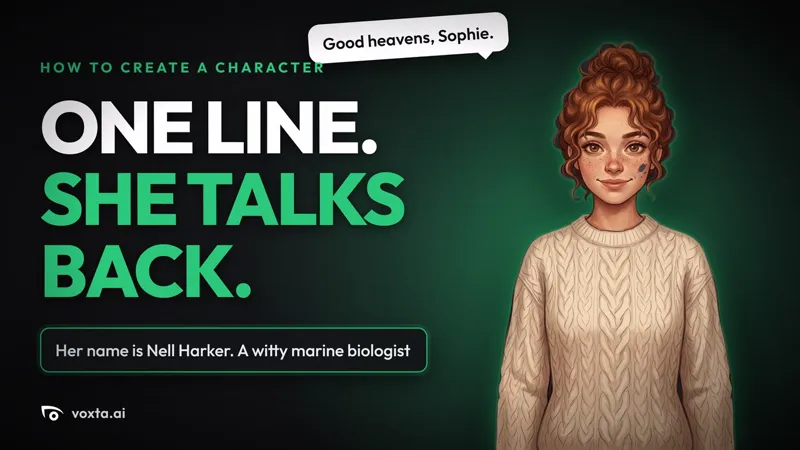
The first one is the AI assisted character creator. Sophie describes a character in one sentence, and Voxta writes the name, personality, appearance, profile and example lines, then paints the portrait from the same description. Everything it writes stays editable. She picks a voice, saves, starts a chat, and Nell answers in her own voice. Two and a half minutes.
What it covers:
- Why the creator exists: filling a character in by hand, field after field, gets tedious fast
- The custom concept: a sentence or two is enough, the name included so it sticks
- Full generation: text and portrait from one description, in about a minute
- Picking a voice: filter to female voices, search by name
- Save, start the chat, and she speaks
The next one is already recorded and goes out tonight: Imagine, which gives a character a new picture after every reply, painted from the portrait she already has. Same Nell.
If there is a feature you want covered, say so in the comments. The list for the next episodes is being built from exactly that.
Voxta is available to subscribers at: https://portal.voxta.ai/
How to create an AI character in Voxta from one sentence (YouTube)