


Voxta v1.8.1 - Stabilization Update
Hey everyone! Quick follow-up to the big 1.8.0 drop. This one's a stabilization release - mostly fixes to smooth out the rough edges you and we spotted after launch. Nothing flashy, just a more solid experience across the board.
🎨 Build your own worlds
Before the fix list - a quick reminder of what all the scenario and scripting work in 1.8 actually unlocks: Voxta is now a full-fledged AI visual novel constructor. You can build entire worlds with custom character sprites, effects, backgrounds, logic, inventory, an economy, traders - whatever you can imagine. The sky's the limit.
And you don't have to build it alone. The Scenario AI Assistant is a genuinely powerful tool that helps you create it, right inside the editor. It can create buttons and backgrounds, write complex logic, analyze your own scenarios, debug them, and recommend improvements - and a whole lot more. Think of it as a co-author that actually knows how Voxta scenarios work.
To help you get started, we've also dropped a handful of simple demo scenarios you can pull apart, learn from, and build on. You'll always find them in our Voxta Discord - come grab them, share what you make, and show off your worlds.
Server fixes
Gemma 4 models and projectors added to llama.cpp recommendations
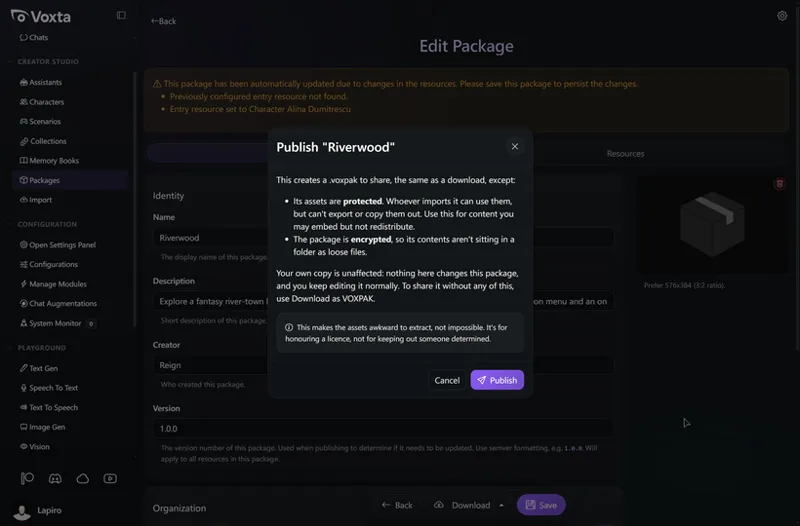
Characters no longer un-hide on export
Restored the "Allow Multiple Lines" reply toggle
Fixed legacy chats crashing with memory extraction (they now migrate automatically)
Fixed import/export of webp thumbnails (voxpkg/voxpak/zip)
Fixed the vision projector (mmproj) not being found after download
Fixed a voice transcription crash that could block chat entry
Fixed the flash-attn download failing from rate limiting
Linux: fixed ffmpeg re-downloading every install and a broken llama_cpp_python link
UI fixes
Edit characters directly from scenario roles
Configure button now shows alongside Upgrade in the modules list
Protected and hidden resources are hidden from start chat and import
A message now shows when an import takes a while
STT playground language selection now persists
Fixed a false "unsaved changes" warning after saving a preset
Mobile: dropdown menu no longer appears under the right panel, plus a more compact chat input toolbar
Various small polish fixes (checkbox alignment, card hover borders, etc.)
Desktop
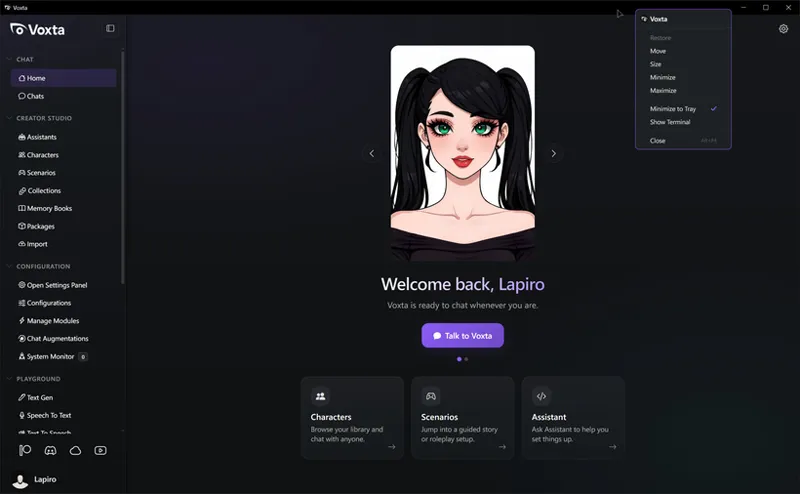
The desktop shell now picks up your runtime accent color and modal dim
Added a themed launch splash
If you're on 1.8.0, this is a recommended update. Thanks as always for the reports and feedback - it's what makes these quick turnarounds possible. 💙
Grab it at: https://portal.voxta.ai/