
ThrifTea [NoCC]
Hey lovelies,
Hope you are having a wonderful day.
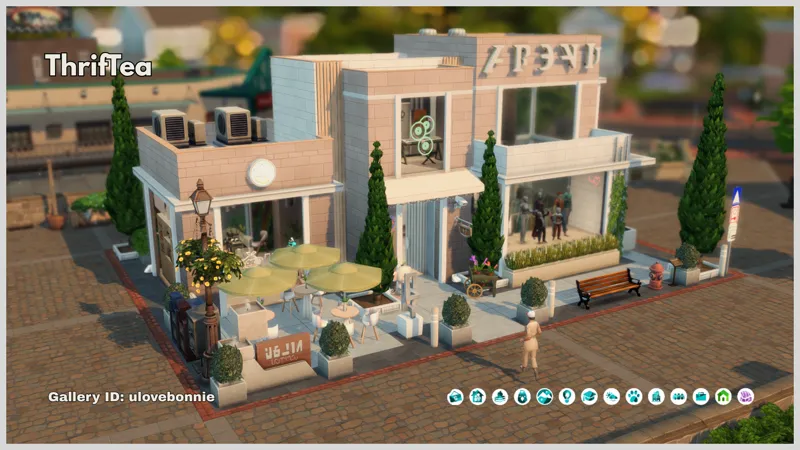
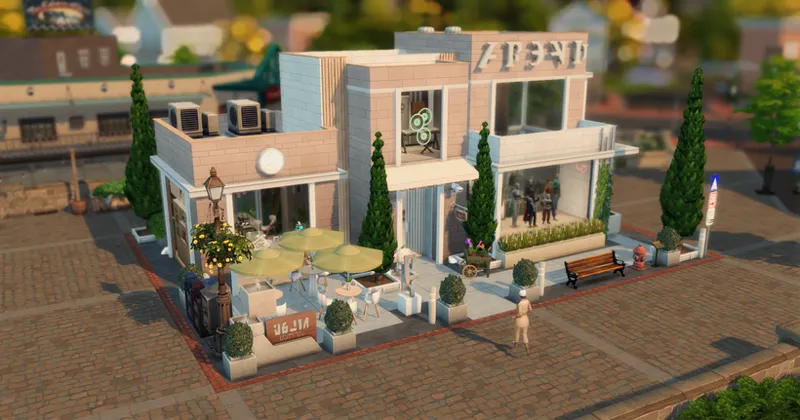
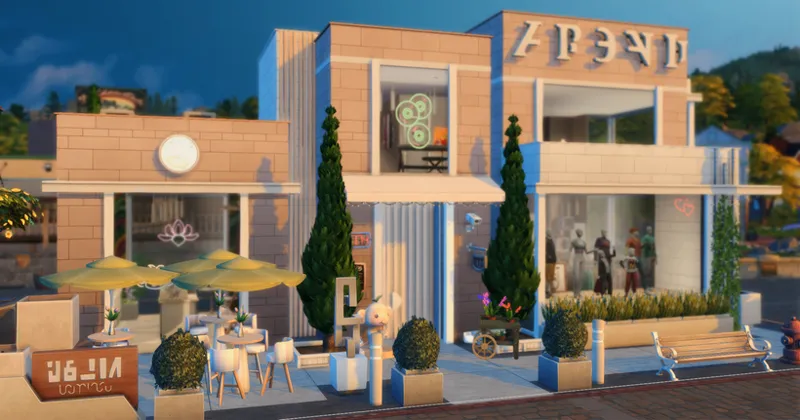
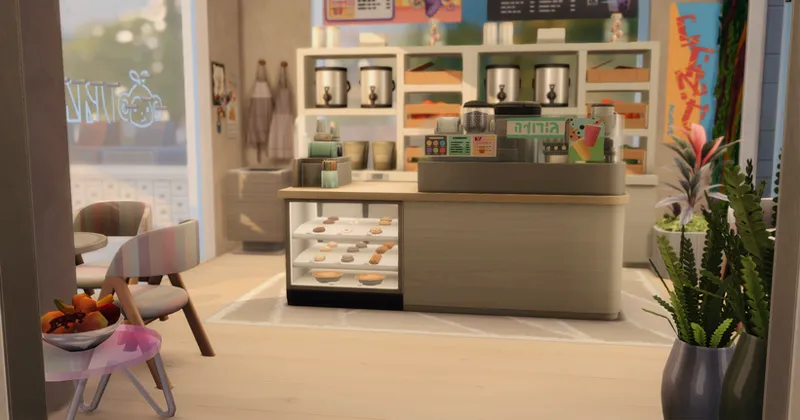
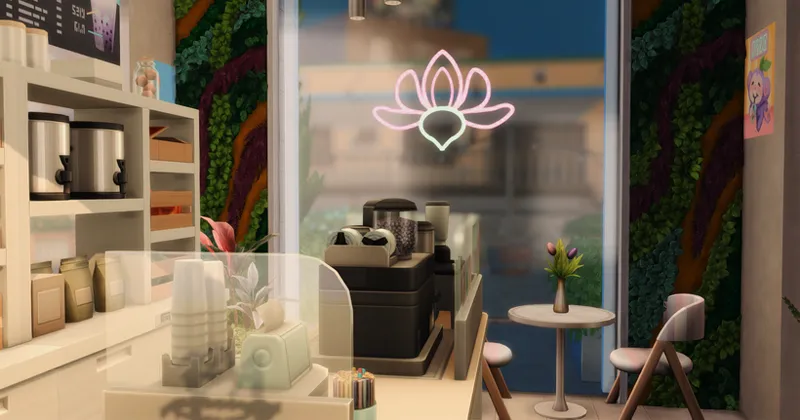
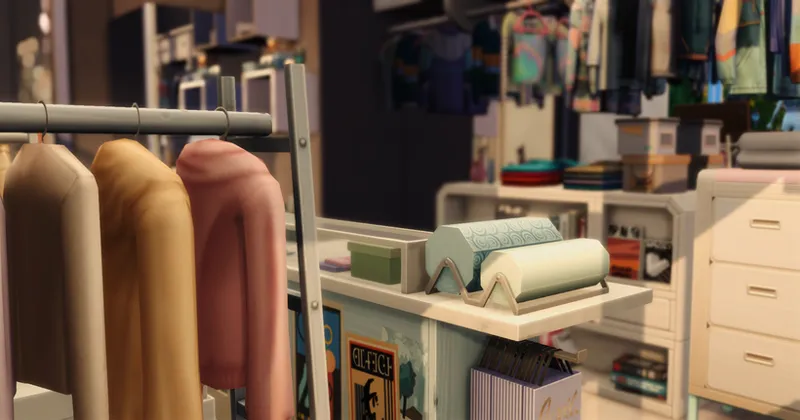
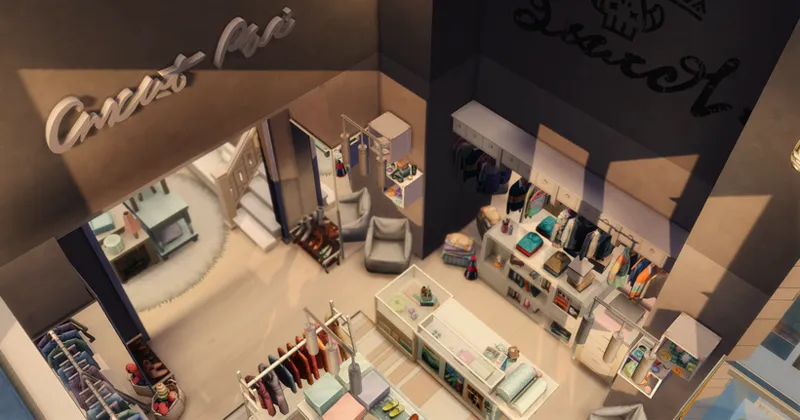
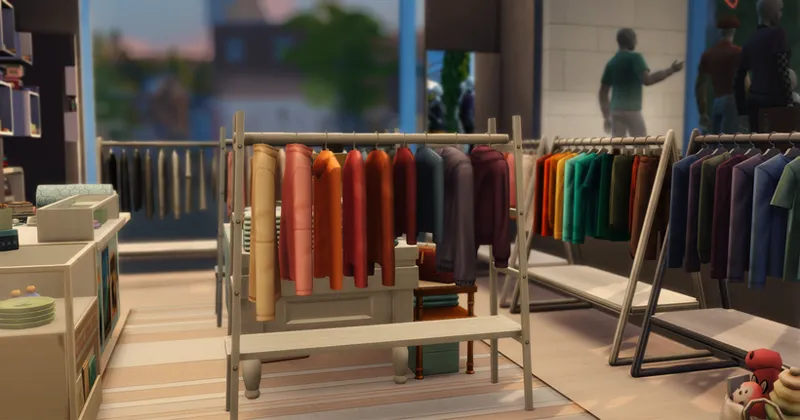
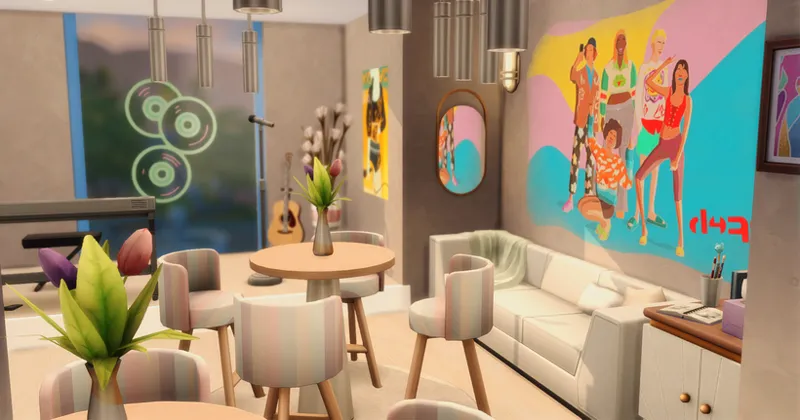
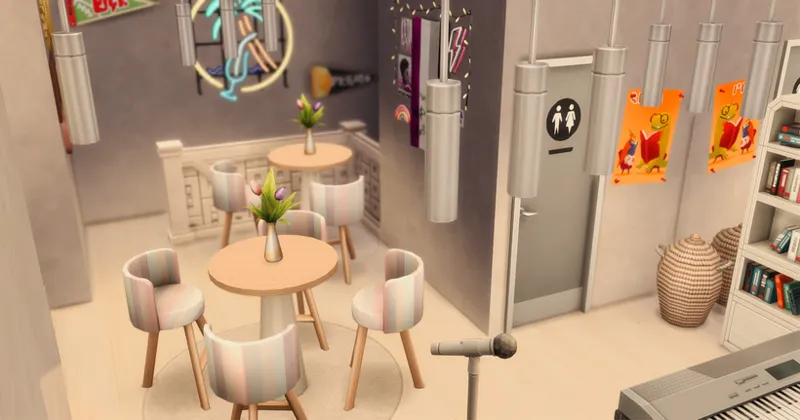
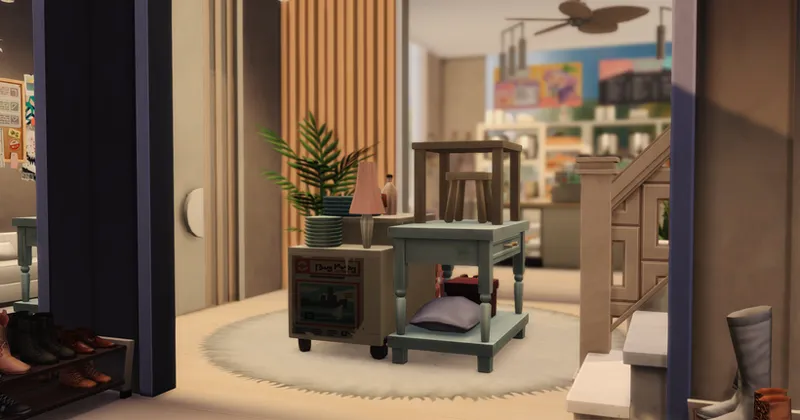
I decided to give the ThrifTea spot in Copperdale a little makeover! I went with a lighter theme in this particular area (deep down inside, I'm a girl who loves dark colors, haha). But nonetheless, I loved how it turned out.
I also tried to keep packs to a minimum. Most of the packs listed in the thumbnail are only used for the mannequins, so if you don't own those packs, you'll need to redress the mannequins.
Here is a tutorial: Sims 4 Tip: Dressing Community Lot Mannequins in the Sims 4 Tutorial
Required packs:
High School Years
Get To Work - for the mannequins
I hope you enjoy this one, I had fun decorating this time lol. Maybe because it was on such a small lot!
Details:
Lot size: 20x15
Price: $77,192
Galley ID: ulovebonnie
Installation Instructions:
Step 1:
Download and unzip the files attached.
Unzip it using, extract (windows), 7-zip or WinRAR
Open the extracted folder
Step 2:
Find your Sims Tray folder
Windows - Documents > Electronic Arts > The Sims 4 > Tray
Mac - Documents > Electronic Arts > The Sims 4 > Tray
Move files into the Tray folder
Step 3:
If the there are any .package files, those are custom content and should be placed in your mods folder. (This is CC free so SKIP this step)
Documents > Electronic Arts > The Sims 4 > Mods
Step 4:
Open The Sims 4
Open the Gallery
Go to 'My Library'
If you downloaded a creation that uses CC check included Custom Content under Advanced Filters.
Chose the lot and add it to your game.
This is also in the Gallery - ulovebonnie
Thank you for downloading, hope you enjoy!
xo,
Bonnie 🤍
Comments (4)
I've been thinking about overhauling Copperdale so this is right on time! Just added your high school and auditorium to my legacy save, too. Thanks so much for these!
No problem, hope you enjoy 🤍
Omg thank you! I really needed this
No problem, enjoy!!!🤍