
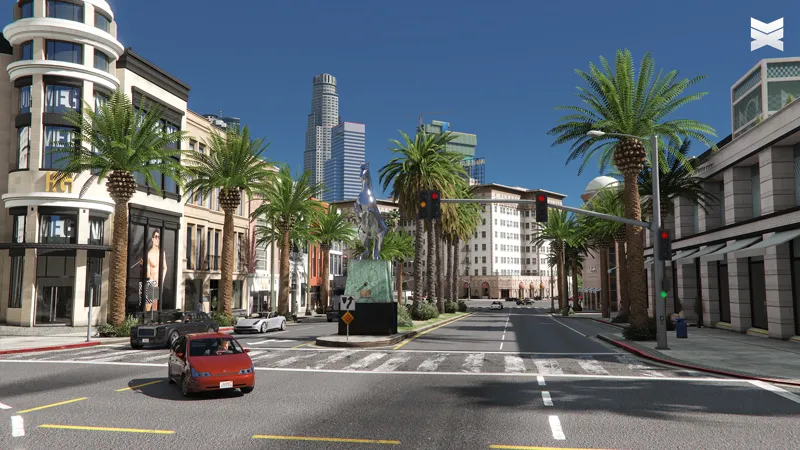
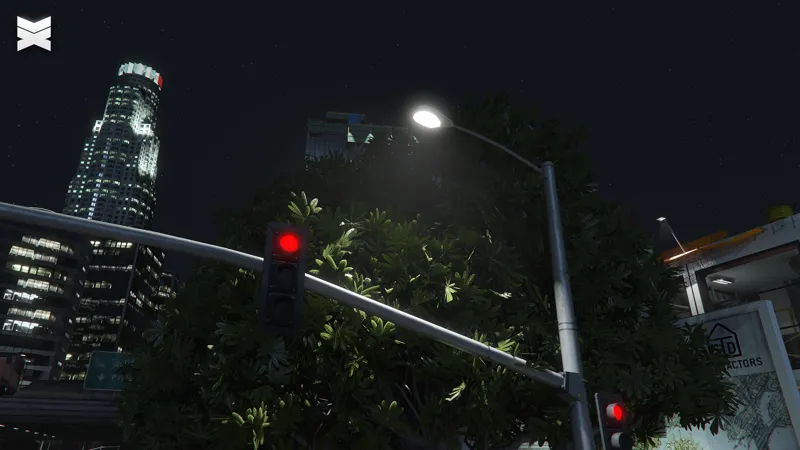


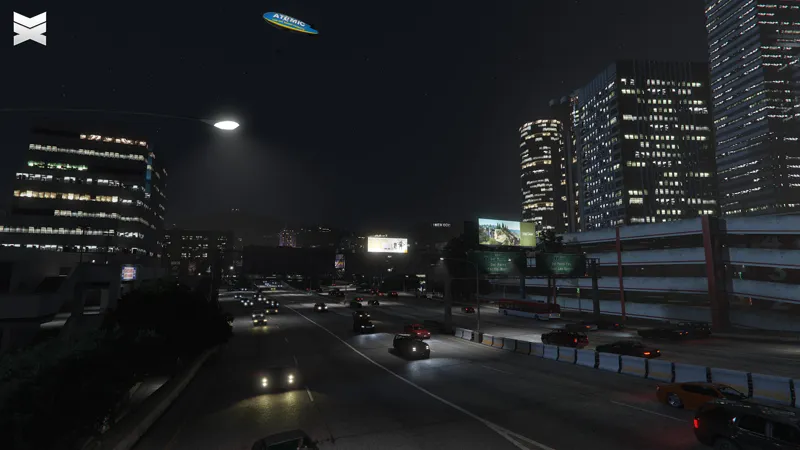
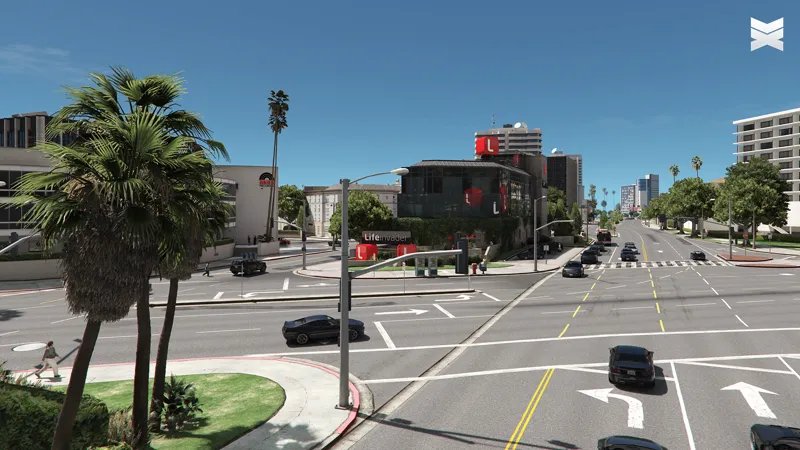
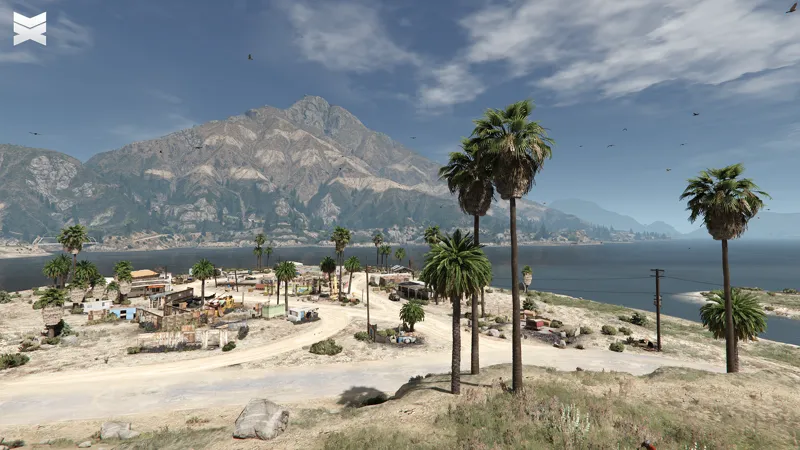

ChromatiX Enhanced V0.3 Public BETA
Download
chromatixmods.com/exclusive-downloads
⚠️ Install V0.3 on a fresh copy of GTA 5 Enhanced, and avoid installing it over V0.2
Last updated 30th March, 2025
Change Logs: chromatixmods.com/change-logs
ChromatiX Website: https://chromatixmods.com/
ChromatiX YouTube: https://youtu.be/g7H0GppkF6c
Thank you for your support!
Change Logs:
Added compatibility with Steam, Epic Games, and Rockstar Launcher
Added new realistic vegetation models
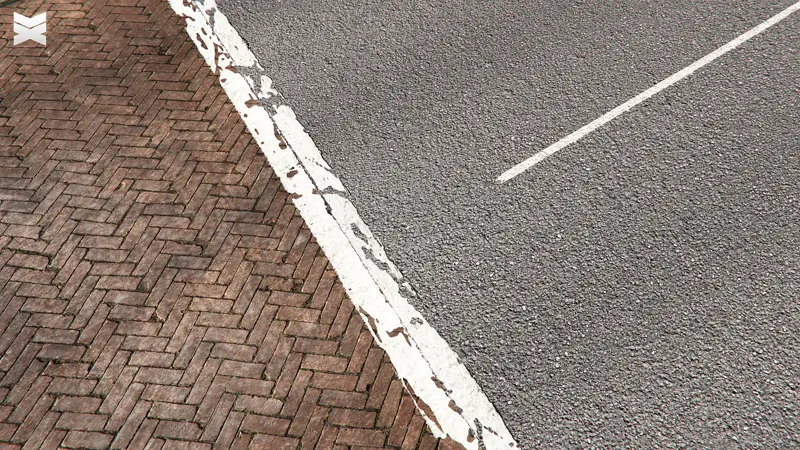
Upgraded road textures with sharp and high-resolution details
Fixed cloud shadow rendering in cloudy weather
Added compatibility with Lively World Expansion to work simultaneously
Introduced new oak, ficus, and bush vegetation models
Optimized file structure for significant reduction in file size
Comments (33)
After I installed the mod, I can no longer add new command lines to (dlclist.xml). When I try to add a new line and enter the game, it crashes unexpectedly. Can someone help me solve this?
Why i cant download this file??
does this work on legacy?
can i please get access to the discord? none of the links work i tried leaving a message through patreon but i get no response
I saw where you told another user to launch the game through a .bat file? Is there a special .bat file or are you just talking about the games default exe?
The .bat file is no longer required. You can now launch the game normally with the new version of ChromatiX. Please watch the latest guide for instructions. https://youtu.be/DxNQDDwYXQQ
Is anyone else getting an issue where the shadows start flickering? I have Ray Tracing turned on but this problem didn't occur on previous versions. How can I fix this?
The only way to avoid at the moment, is to turn off Raytracing.
What's with the skybox? You going to improve that in 0.4?
How to activate optional effects? Hmmmm.
hi it is working now! thank you- was just checking is there install instructions to this? also is there anyway you could forward me install instructions for lively worlds? Do I need to use OPEN IV- cant find there install instructions for gta 5 enhanced!
Lively World Expansion has an Enhanced version and a legacy version. make sure you get the right one. The one with .oiv files in it is for Legacy.
cant download
the chromatix support for latest update?
chromatixmods.com (exclusive limitless downloads for paid members) is broken. I've tried it on 3 browsers.
Could you please clarify what you mean by 'broken'? We just tested the page, and the links appear to be working perfectly.
The game is up to date via Rockstar Launcher and with the mod installed it keeps crashing after a little while when driving around. It doesn't have that behaviour without the mod. Am I the only one with that problem?
As someone reported already, I also have this issue when starting via Steam: Rockstar launcher puts out this message and closes shortly after. File download blocked: "C:\Games\Steam\steamapps\common\Grand Theft Auto V Enhanced\dsound.dll". Using this together with Lively World Expansion and installed following the compatibility guide. Would appreciate any help. EDIT: Simply disable battleye via Rockstar launcher! Works! <3
We have updated the links with the latest version, which is now compatible with ScriptHookV. The dsound.dll and BAT file from Chromatix are no longer required. Please follow the new installation instructions using a fresh copy of GTA 5 Enhanced.
Great mod!Can you modify waves? There are bug with shadows
how can i get it to work with trainer V
We have updated the download links to the latest version, now including ScriptHookV and Trainer V support. Please refer to the included installation instructions.
Can we get a new link, the google drive has reacged its quota
Is there a way I can get Chromatix to work with trainerv or nativetrainer ?
The latest version is now available with ScriptHookV and Trainer support. Please follow the installation instructions provided in the download.
for play with 0.3 version i have to uninstall 0.2 version ?
@ChromatiX Could you please reply to this question??
i have a last question...Is there an UI to tweak ?? cannot find it...
Hi, i see that for this install process there is a mod folder... Dont we need to install scripthook or use openIV ? Or just copy without anything else ?
That's correct. No need to install ScriptHook or OpenIV, simply copy and paste all files from Chromatix into the GTA 5 Enhanced game directory and use the .bat file to launch the game.
these mods make the game 100x more enjoyable thanks!!!
Thank you so much for your work! I think there is some shadow rendering issues? I have this along with the lively world expansion mod and all the shadows are flickering non stop. Not sure If i need to adjust any graphical settings like long shadows on or something
The flickering issue you mentioned is common for GTA 5 Enhanced with mods, and there is no permanent solution for it at the moment. However, you can turn off ray tracing to temporarily fix the issue.