



THE cheat codes for math in Blender 😎
It’s no secret that math and I are not the best-est of friends 😅
And for the most part, doing 3D art is generally free from it.
But there are times when its kinda necessary.
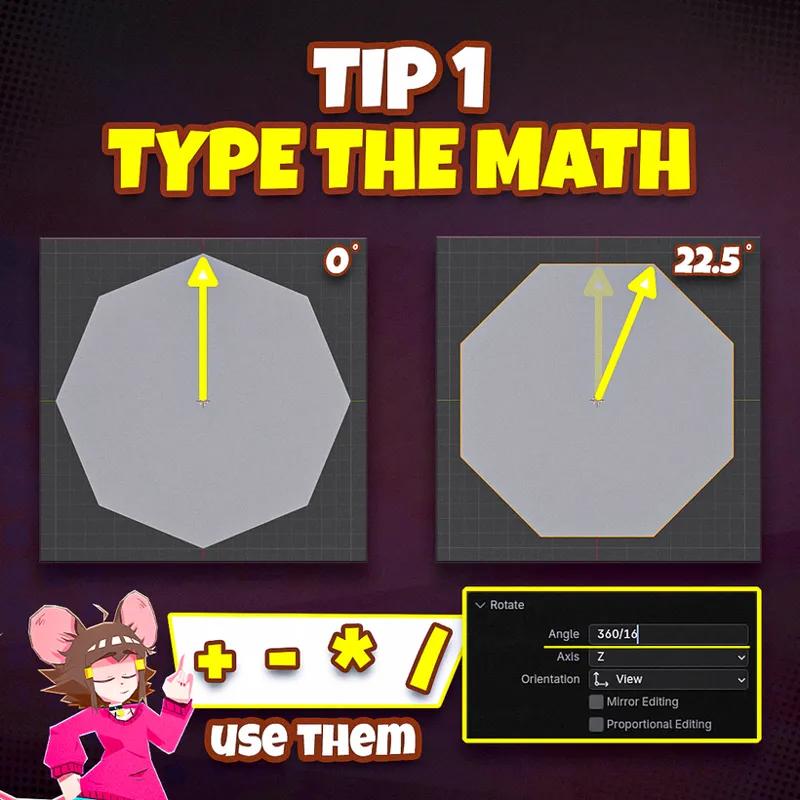
Like, for example, say you are starting a low poly character by creating a cylinder with 8 faces for the body.
Depending on your character, you might want to have a flat face on the front.
However, programs like Blender by default put the pointy sides facing forward.
The easiest fix is to rotate it, but you have to use specific degrees to be precise.
In this example, you gotta divide 360° by 8, and then by 2 to have it right on the middle of the face, which gives 22.5°.
But that’s a huge DRAG!
It doesn’t have to be though - you can let most programs calculate it for you 😎
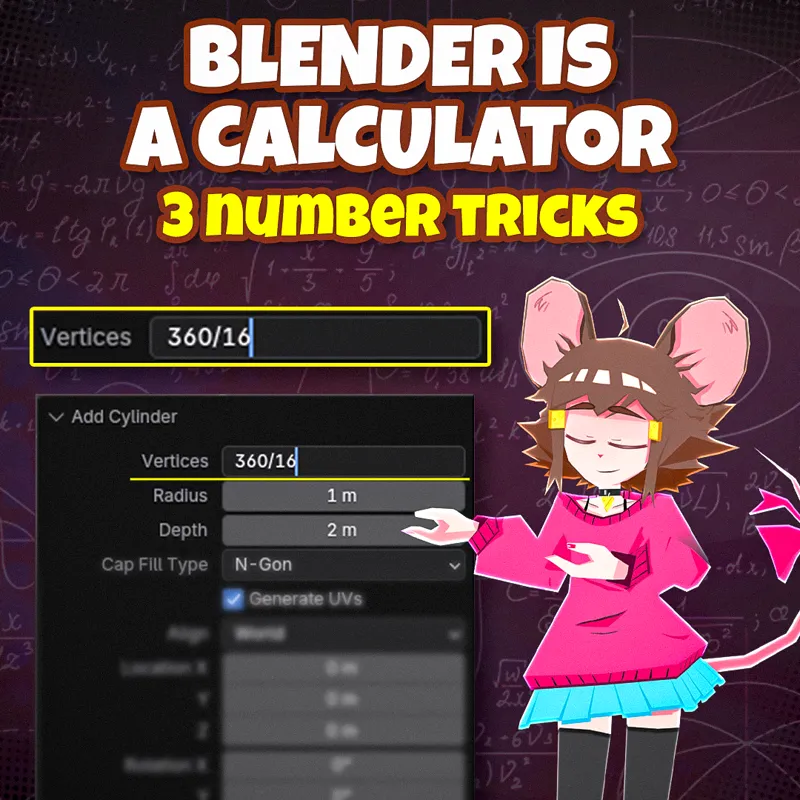
Just input the operation directly - “360/8/2” in this case - and let the program handle it.
Better yet, there are more tools in Blender that make working with numbers super easy.
Like if you want to set up multiple values at the same time, simply click and hold on the first input box and drag your mouse through the others you want, then release.
Whatever you type next, will be applied to all the fields!
And THEN we have advanced tools, like Drivers, but those are another topic on it’s own right.
Do let me know if you would like me to share my take on them though! ✌️✨