

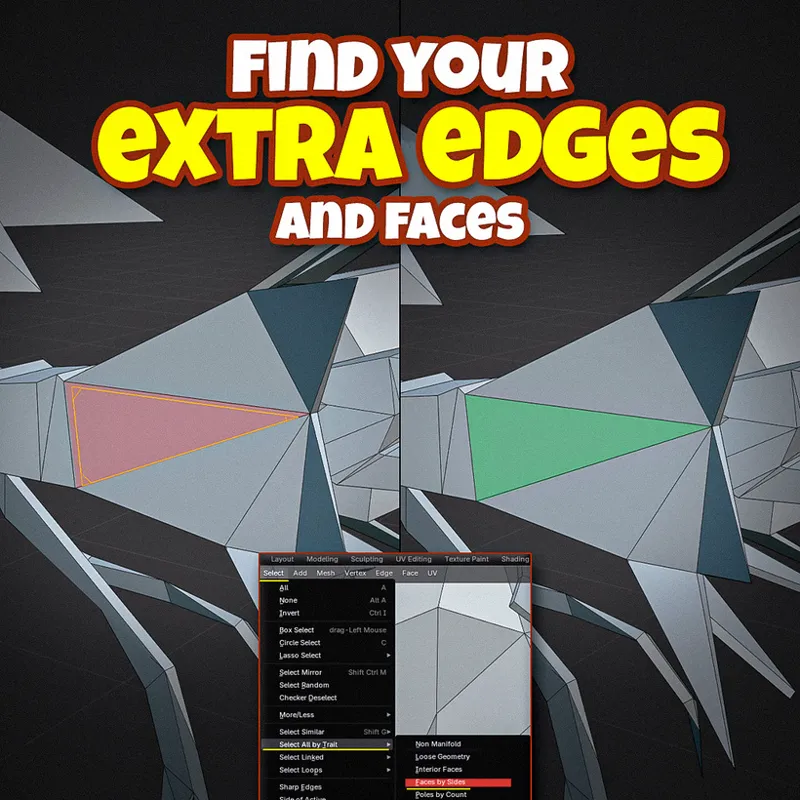


SAVE That for Bad Topology!
“I get I should do good topology, but how do I fix topology and know when it’s bad???”
I hear this from students A BUNCH, so I thought I could share a couple tips for fixing topology for y’all!
🔹Duplicate Vertices
Pretty self explanatory, with a super easy fix!: just select all of your vertices while in edit mode, press “M”, and select “Merge by distance”
⬟ N-gons
For any polygon that isn’t either a triangle or a quad simply delete edges until you have only 4, or slice the n-gon with the knife to make quads.
🙃 Inverted Normals
If everything looks fine in the viewport until you render or export your model, it’s probably the normals.
Make sure they are facing the right way by selecting all faces and clicking on Mesh > Normals > Recalculate Outside.
🦴 Bone Placement
As I mentioned on the 2-bone rig post the other day, placing bones incorrectly or not adding edge loops around bends can lead to lots of visual glitches
Always position the connections between bones right at the joints of your character..
And add a couple of edge loops around the joint to give it some extra flexibility! (•̀ᴗ•́ )ゞ