
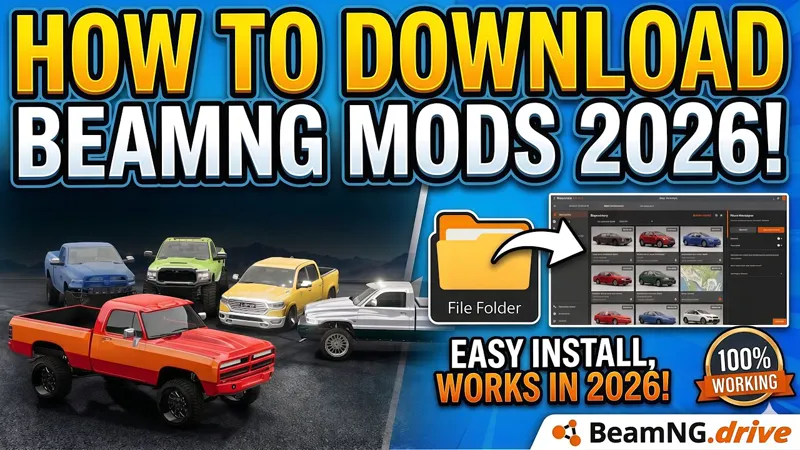
How to Install Our BeamNG.drive Mods
Since many of our members are facing issues of mods not showing up in their vehicle selector, we have come up with a tutorial of how to install mods as many of the followers are using the incorrect method. In this video, I will show you how to install any BeamNG.drive mod step by step in a simple and easy way. This tutorial works for all types of mods including vehicle mods, mod packs, and maps, and is designed for beginners who are new to BeamNG.drive mod installation. Whether you downloaded a car pack, truck pack, or custom map, this guide will help you install everything correctly so it works perfectly inside the game without errors.
What this tutorial covers :
• How to download and extract BeamNG.drive mods (ZIP / RAR files)
• Understanding mod folder structure
• Correct installation directory for BeamNG.drive mods
• How to install vehicle mods and mod packs
• Fixing common installation issues
• How to enable and verify mods in-game
⚠️ Important
Make sure to follow every step carefully to avoid missing files or broken mods. This method works for almost all BeamNG.drive mods available online, including cars, trucks.