
Functional Snack Pack 2 Go
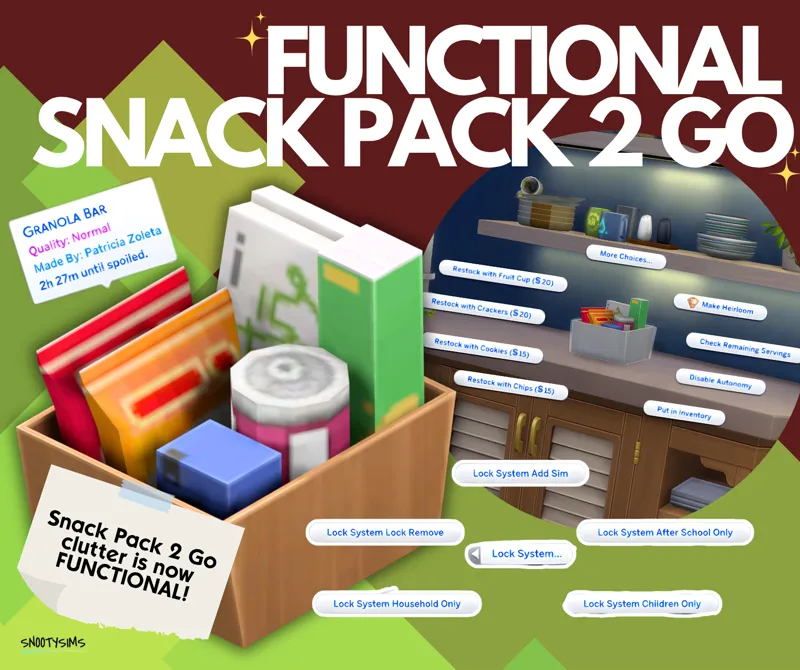
Functional Snack Pack 2 Go” brings a small but immersive upgrade to your Sims’ everyday routines by transforming a simple clutter item into a usable, interactive object! Originally from Everyday Clutter Kit, this item has been carefully converted for base game compatibility, making it accessible to more players while preserving its original charm and detail.
Sims can grab a quick snack anytime, adding a touch of realism to the game. Whether placed in kitchens, bedrooms, offices, or tucked into cluttered corners, it blends naturally into any space while offering real functionality.
FEATURES:
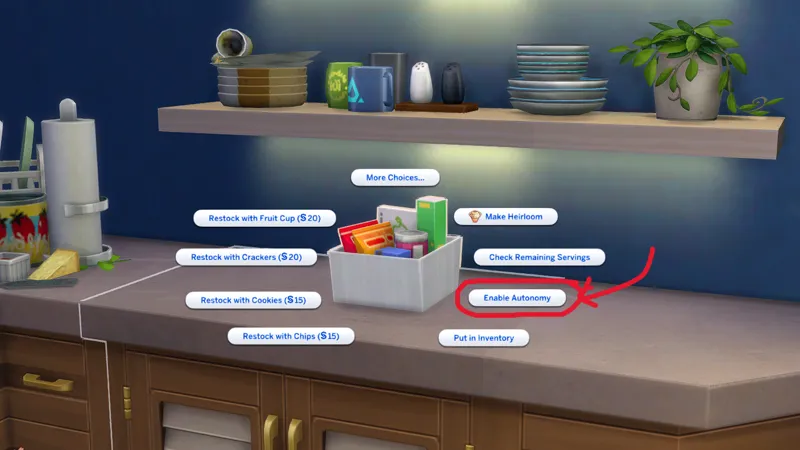
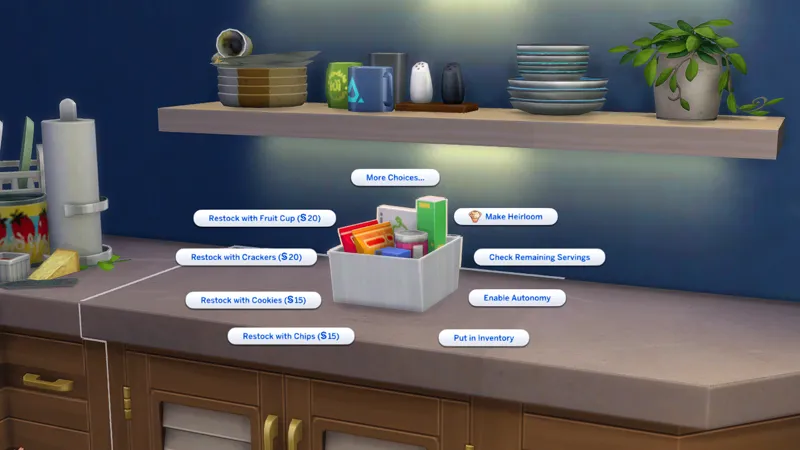
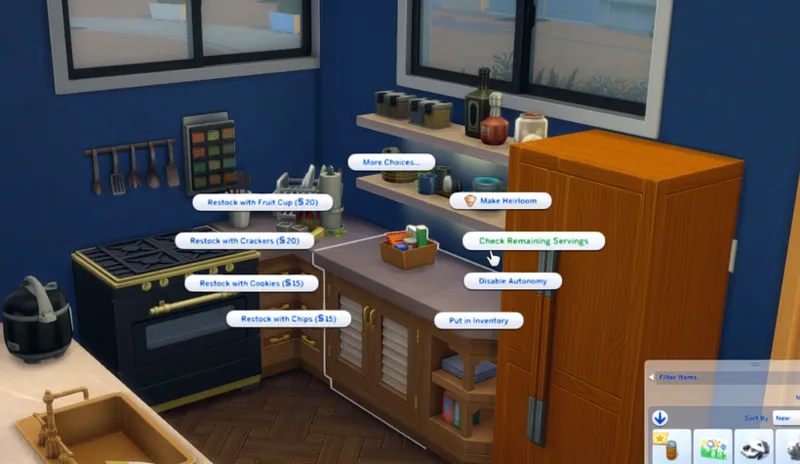
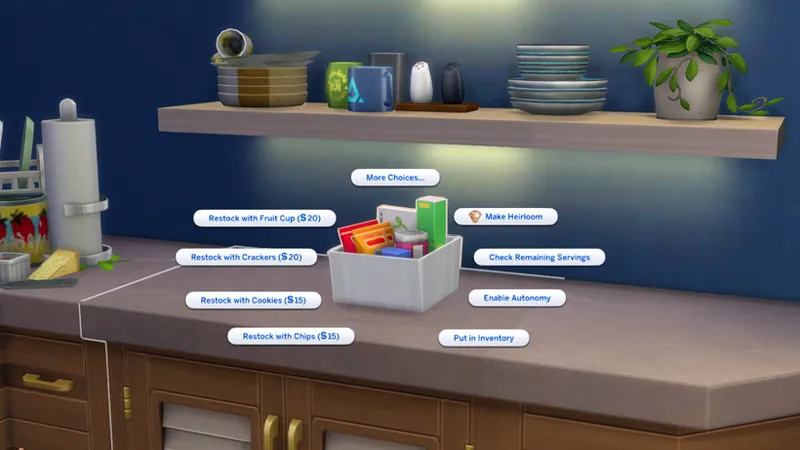
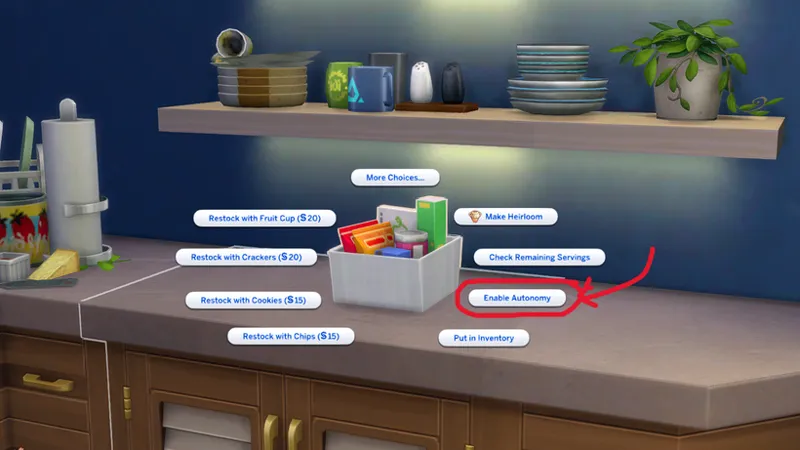
Restocking System: Restock snacks you prefer
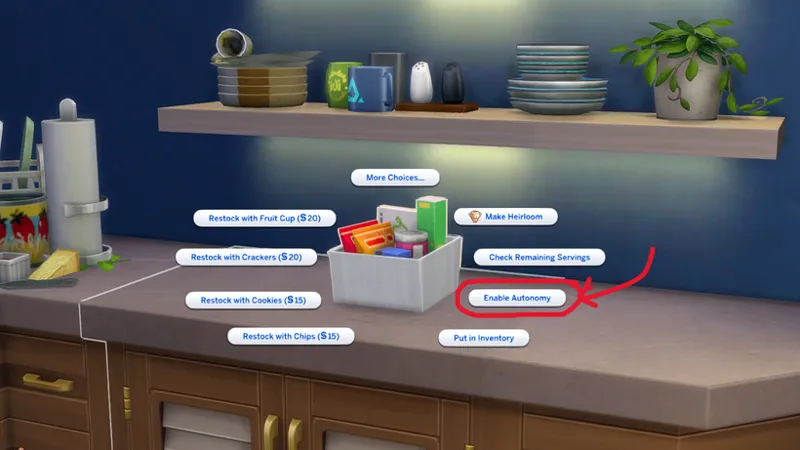
Autonomy Control: Enabling this will make your Sims only use it autonomously if they are hungry. Disabled means Sims will not get unless directed.
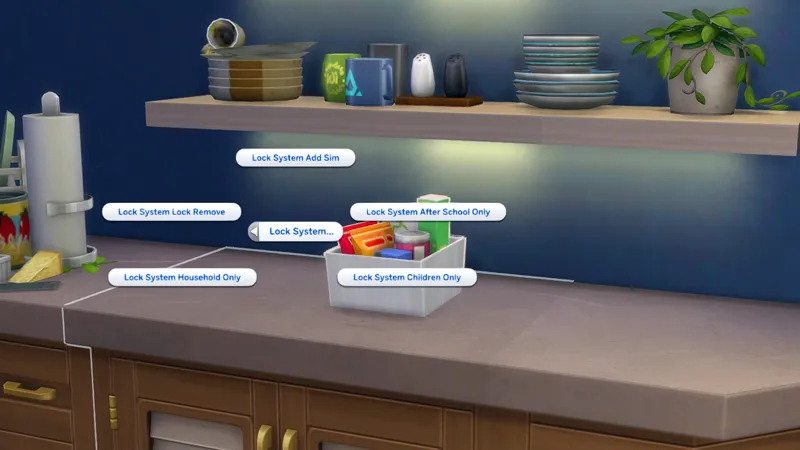
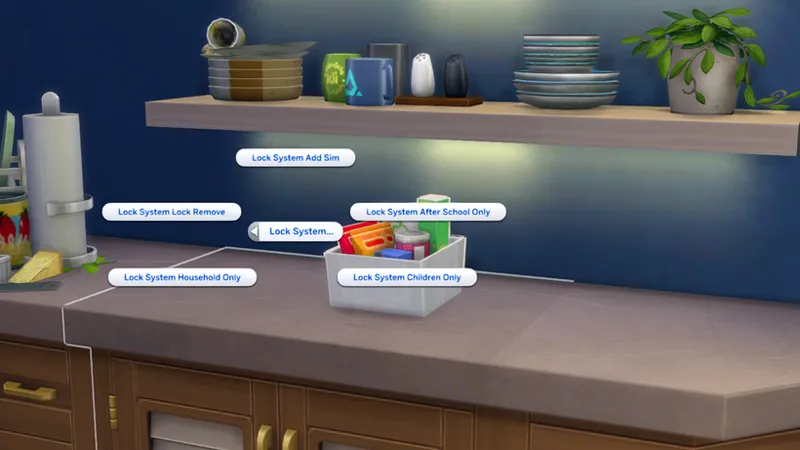
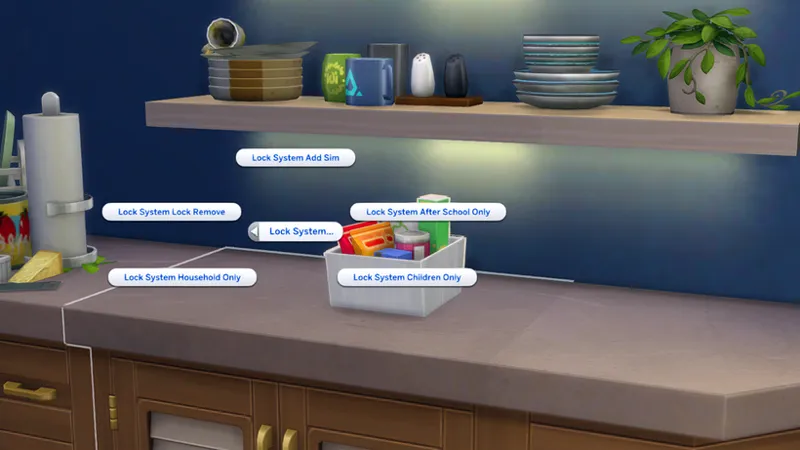
Modular Lock System: You can lock it to:
Household Only
Children Only
Specific Sim
“After School Only”
HOW TO USE:
Enable “bb.moveobjects on”
Go to Buy/Build Mode and search for “Snack Pack 2 Go”
Buy the item and put it in anywhere you want to put your item
Click the EMPTY BOX ITEM and choose which snack do you prefer
Once done, you’ll see that the item will be fill with snack
Click the SNACK ITEM (not the box/container) and choose “Grab Snack”
Choose the snack that you chose to restock
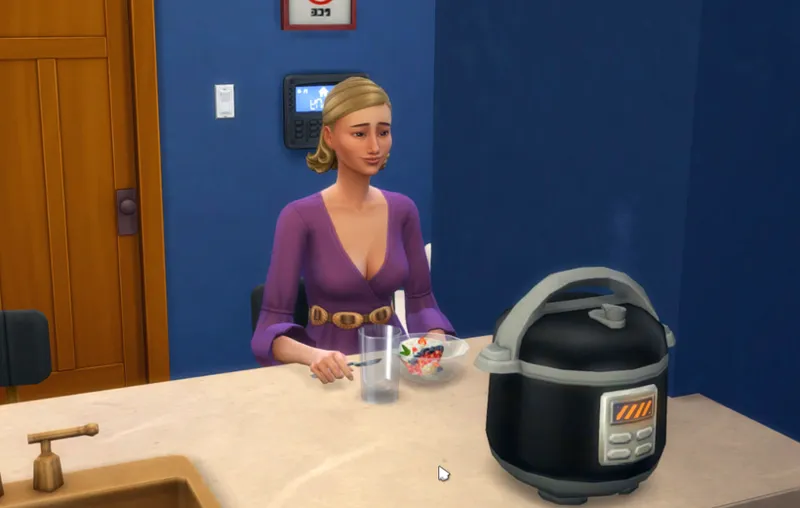
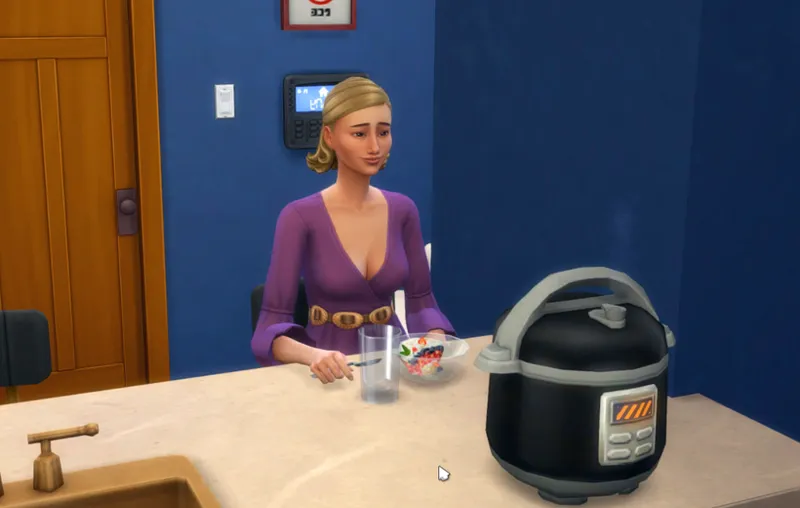
Your Sim will go to a place where they can eat the snack
After grabbing a snack, it will automatically be placed in your Sim’s inventory. Your Sim will then take it out and eat it once they reach their chosen spot.
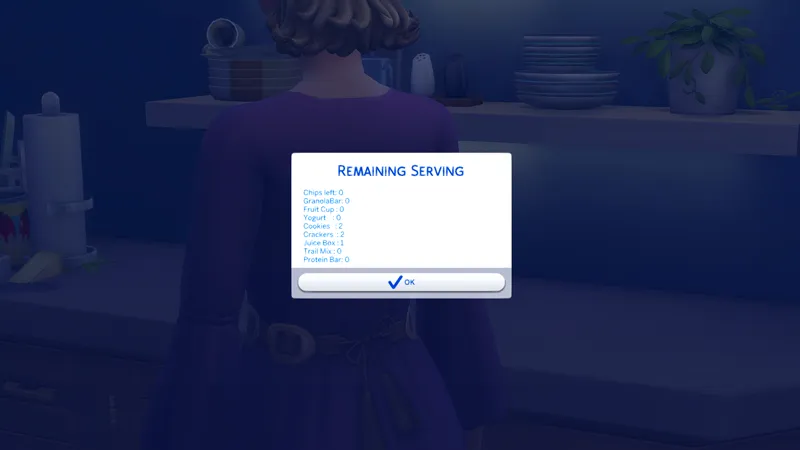
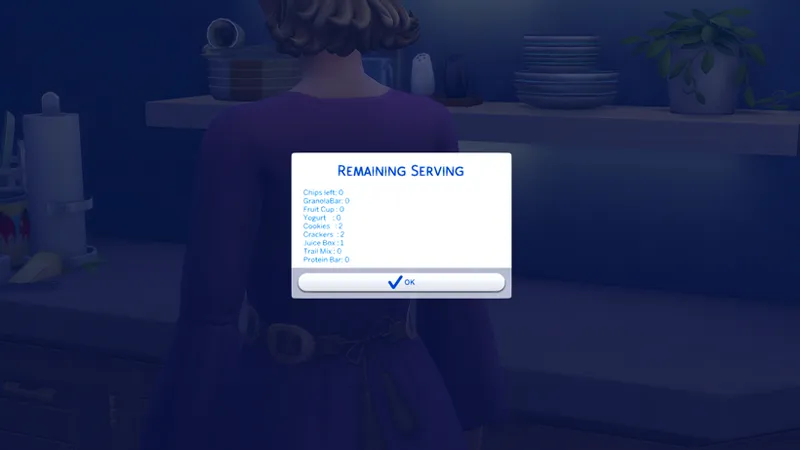
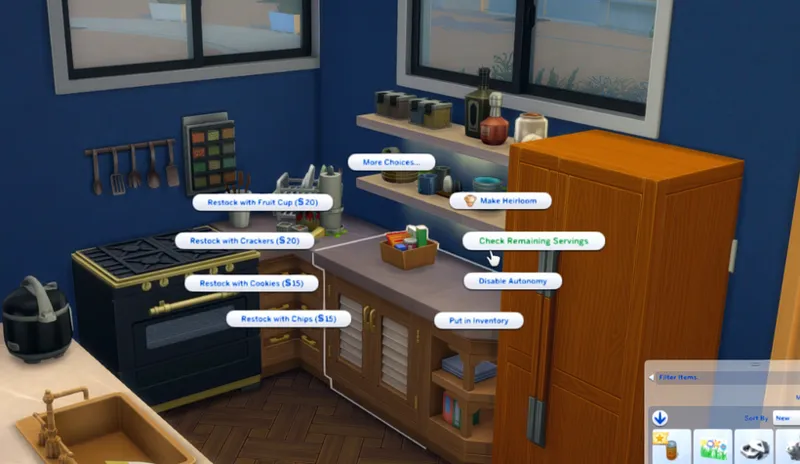
HOW TO CHECK YOUR STOCKS:
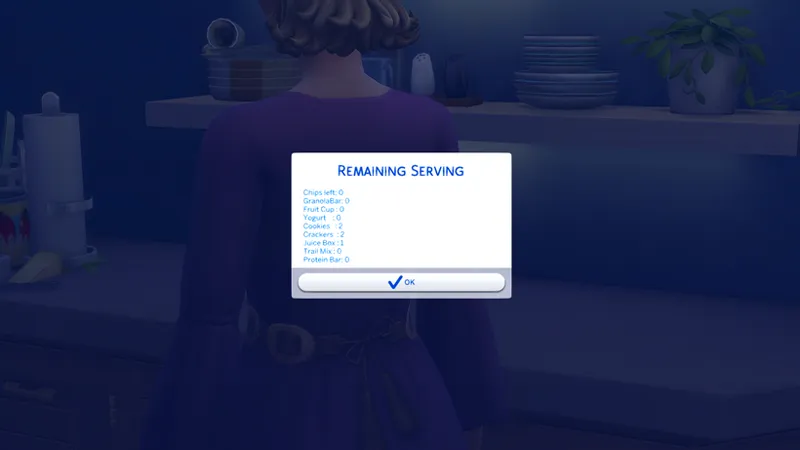
Click BOX ITEM and click “Check Remaining Servings”
HOW TO INSTALL
Download our Functional Snack Pack 2 Go.
Download the latest version of Scumbumbo’s XML Injector here.
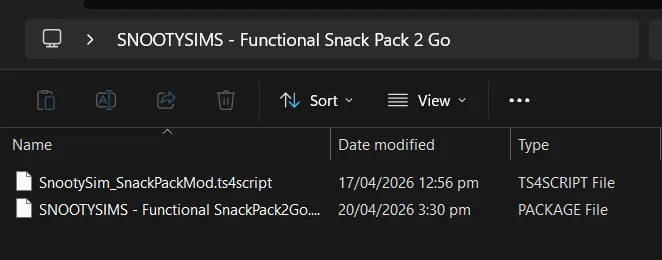
Extract the zip file before putting into the Mod folder.
Put the Functional Snack Pack 2 Go folder and the XML Injector into to Mods folder of the Game, you could refer link “C:\Users\<USERNAME> \Documents\Electronic Arts\The Sims 4\Mods”
IMPORTANT NOTES:
Don’t be confused if some of the snacks don’t exactly match what your Sim ends up eating. We worked with the available in-game food options, so the visual packaging may not always perfectly align with the actual snack your Sim receives.
Granola Bar > Cheese Crackers
Fruit Cup > Yogurt Parfait
Yogurt > Yogurt
Cookies > Cookies
Crackers > Animal Crackers
Juice Box > Juice Can
Trail Mix > Cheese Crackers
Protein Bar > Cookies
Chips > Chips
Comments (6)
I keep getting a BE exception for this D:
I got an exception error on this , it said there was something wrong with the tuning
is there gonna be a fix for this?
It not working for me, can anyone tell me how to get how to work?
Wow this is really amazing, this feature should be in the clutter kit itself, but even though, you did it much better with the restocking system and the lock system! Ea could never do this!
does this work for anyone? I wasn't able to get it to pop up in the game