
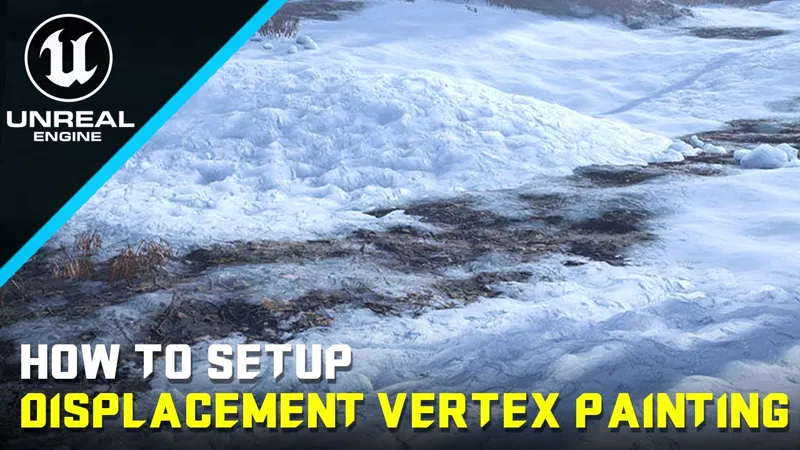
Displacement Vertex Painting - Unreal Engine 5 Tutorial
Welcome to my Unreal Engine 5.3 tutorial where we will create a Displacement Vertex Painting Material from scratch!
🔗 Support this channel and get access to all my files:
https://www.patreon.com/CGDealers
🔗FREE VIDEO - How To Create The Landscape Auto Material:
https://youtu.be/rw8qDmFGsRo
🔗 GET MY UNREAL 5 - BLUEPRINTS MASTERCLASS COURSE:
Udemy: https://bit.ly/3WqNQSL
🔗 GET ONE MONTH FREE SKILLSHARE SUBSCRIPTION:
https://skl.sh/3CwwFH2
🔗 MY SOCIAL MEDIA:
Artstation: https://www.artstation.com/coldwave
Just put those names in Quixel Bridge and you will find the Textures.
Textures Names for Quixel:
1) Cobblestone_Road_thxqebsaw
2) Detailed_Mossy_Rock_Texture_xicmef1r
3) Fresh_Windswept_Snow_ugjichedy
The Final Material is Attached like a .RAR file to this post.
Download it for FREE!
Happy Game Development!
Displacement Vertex Painting - Unreal Engine 5 Tutorial (YouTube)
Comments (2)
Ave master, is this process also applicable to your automaterial with rock, stone, dirt, and grass layers? Because mine, which is a modification of yours, has 21 layers since my map has 8 biomes, and I'm concerned about performance adding displacement
This functionality specifically caters to meshes and not landscapes. Vertex Painting is a potent tool designed for use with meshes, offering a range of possibilities. For instance, in a snowy scene, you can manually apply vertex paint to rocks, enhancing realism and environmental coherence. By strategically adding snow to different parts of the rocks—such as the top, base, or specific areas where snow would naturally accumulate—you can significantly elevate the visual quality of your scene. It's important to note that this tool is exclusively applicable to objects, or meshes, and does not extend to landscapes.