
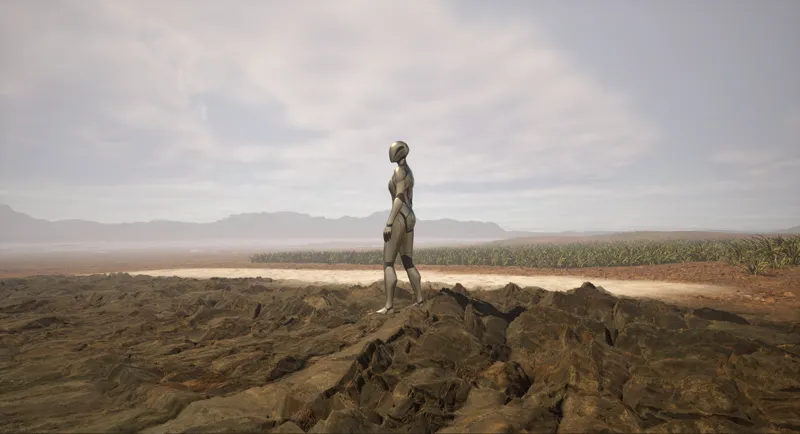
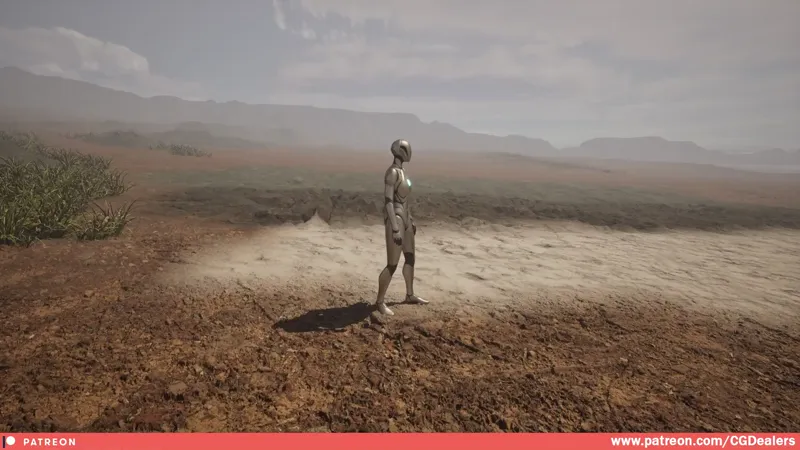
Landscape Auto Material - Displacement Added
Hello, CGDealers Community!
This update is only for users using Unreal Engine 5.4+
(Displacement Support is Added to Landscape Auto Material)
GET THE PROJECT FILES: https://www.patreon.com/posts/landscape-auto-101156381
- I'm so thrilled to announce the new Landscape Auto Material Update is supporting Displacement, Footsteps based on Surface (Painted Layers or Auto Material), Paint Layers are supporter, RVT support and there are two Example Scenes.
- I've updated the Landscape Auto Material and now you can plug into your Texture Layers an additional Displacement Texture.
- The Displacement should be in the "BLUE" channel of your texture. This is by default from Quixel Megascans. If you need to change that open MF_DefaultLayer and in the Displacement section connect the channels you want to the Multiply node.
- If you want to boost up your displacement use the "Magnitute" value on the Master Material.
- Performance wise the displacement right now is working good and the fps on my RTX 3080 is 60FPS.
I hope those new stuff will help you a lot!
As I've always said feel free to modify and expand them to your needs!
[IMPORTANT]
*Unreal Engine Version 5.4+
1) RVT is not working with displacement at the moment. So if you need RVT use it without the displacement.
2) The Snow Footsteps are working only on the Paint Snow Layer. As the Auto Material Snow Function don't have steepness and I can't define the range of the snow. That is why if you need the snow sound, disable the Auto Snow Layer and Paint Manually on your Landscape.
Best Regards,
CGDealers