

WILMA: Wild Life Management Assistant
🔔NEW UPDATE v0.9.0🔔
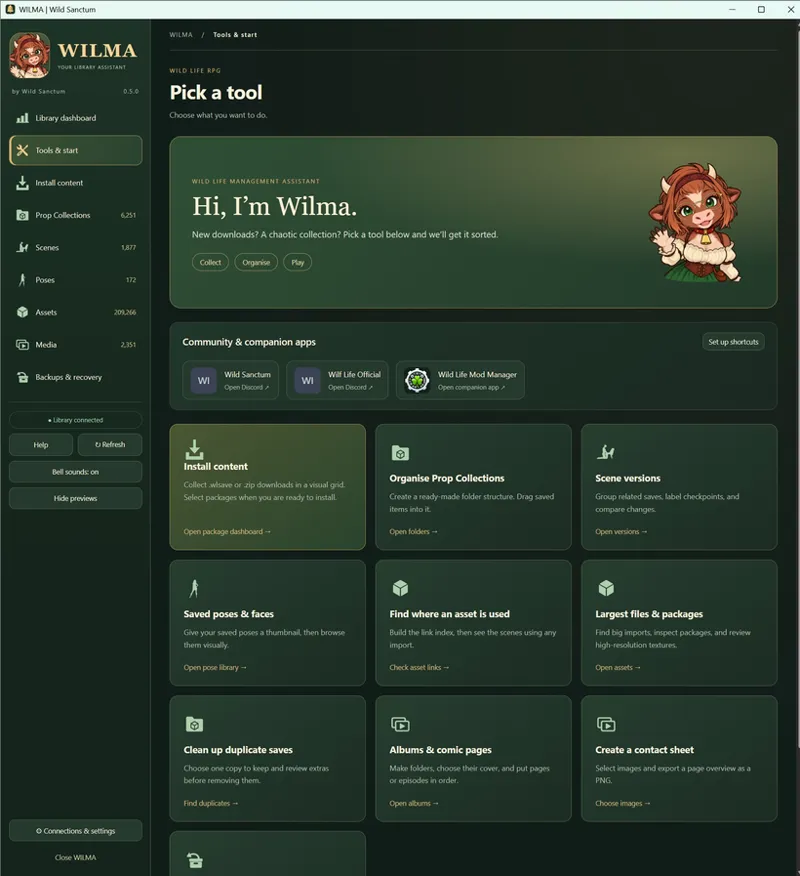
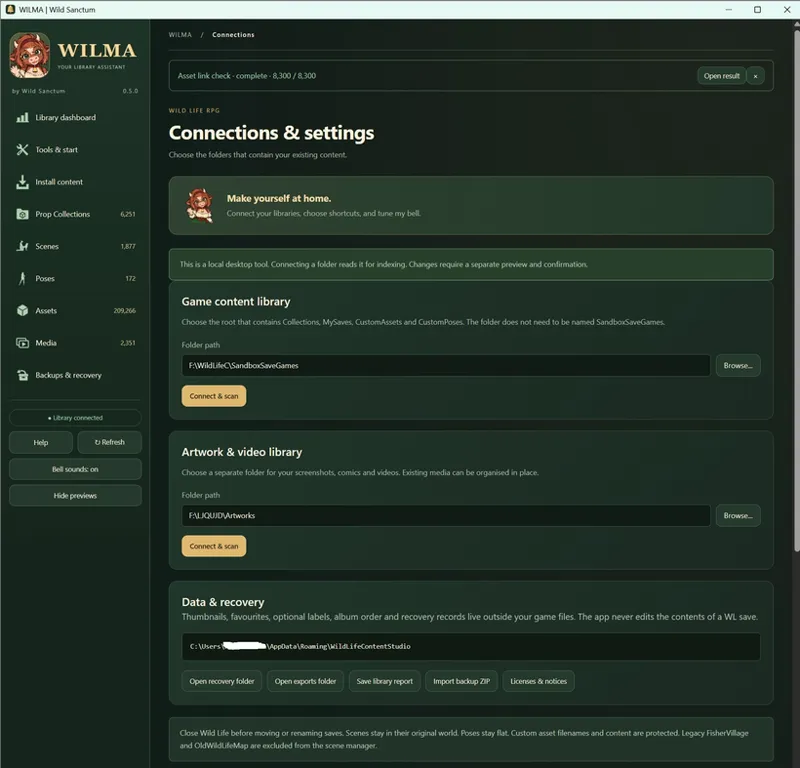
WILMA is a free standalone Windows desktop app for managing your Wild Life RPG content and now also your image/video collections.
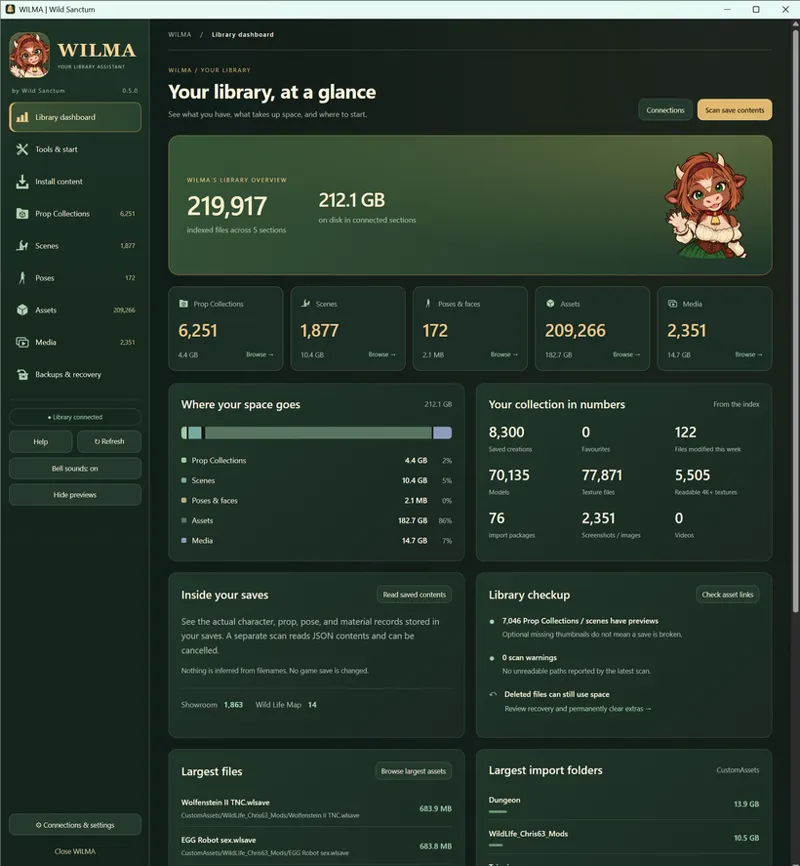
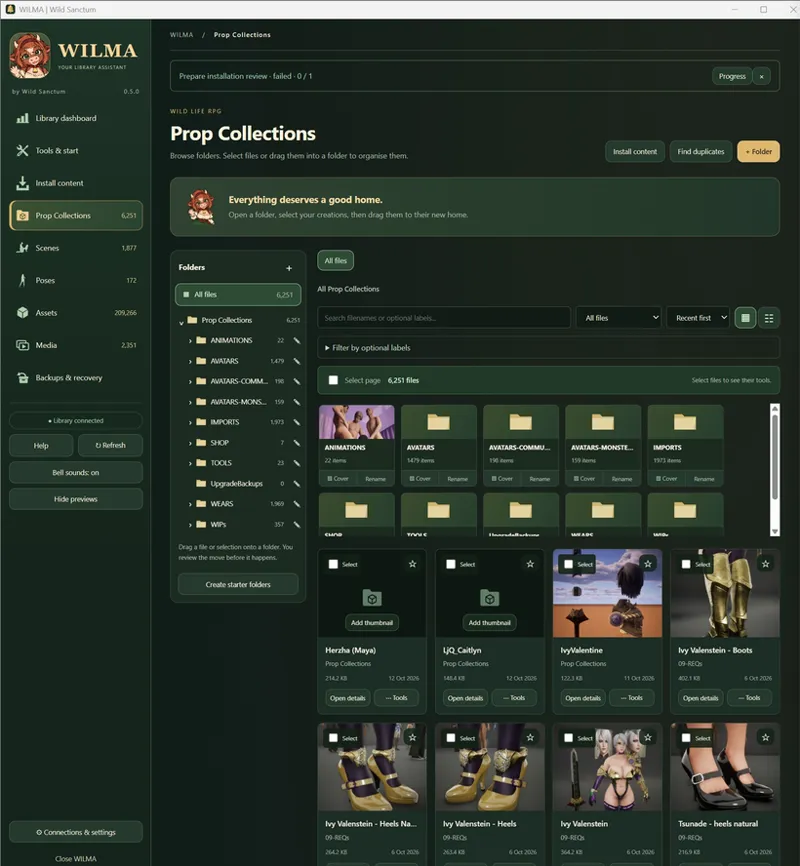
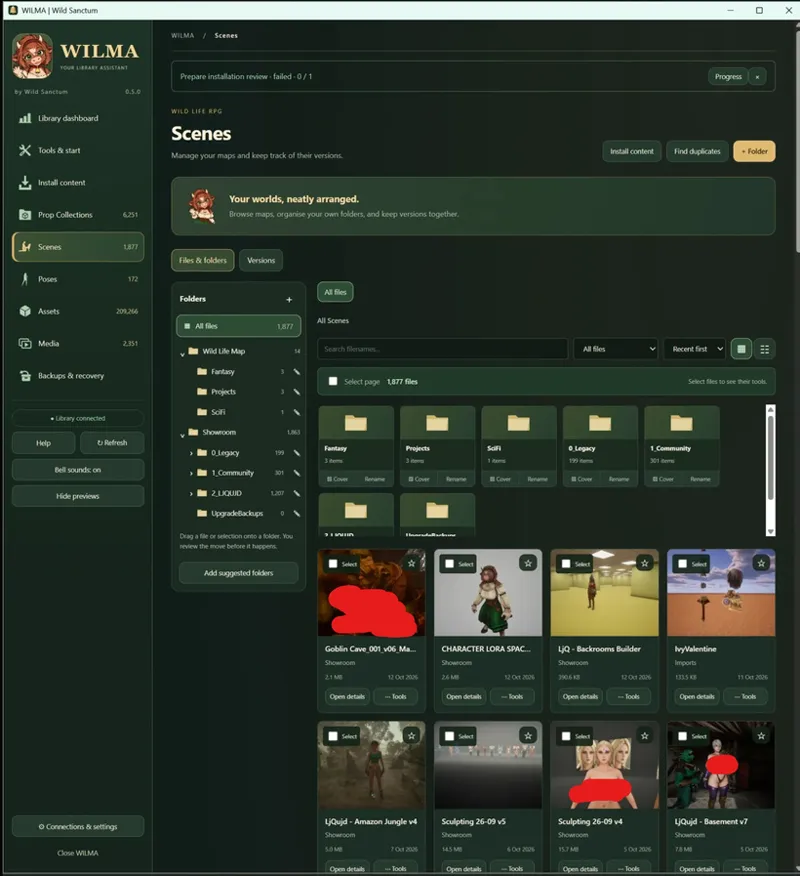
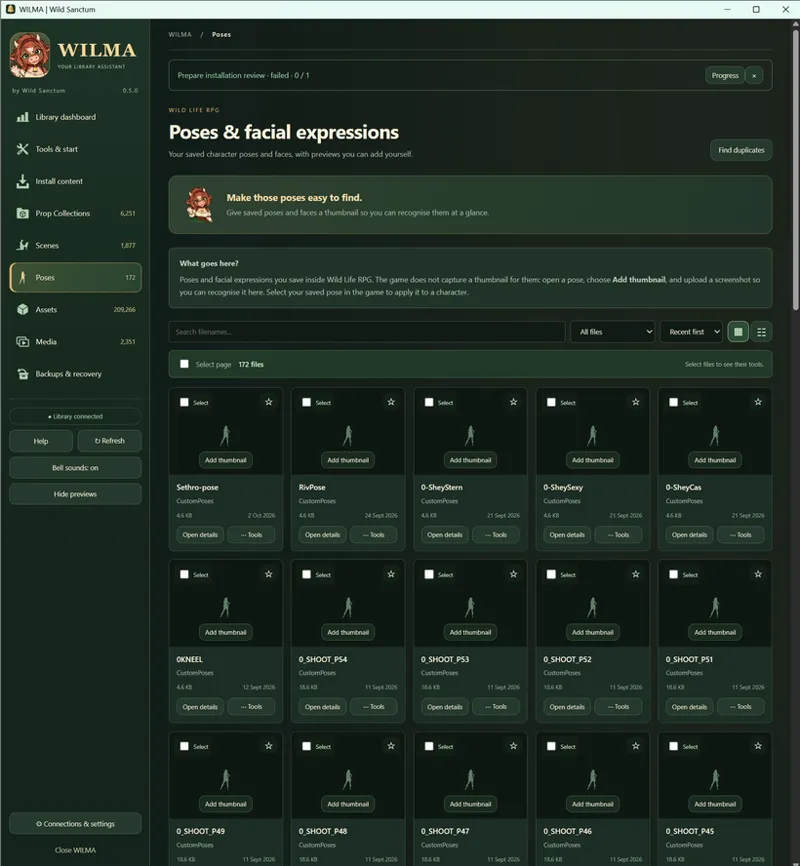
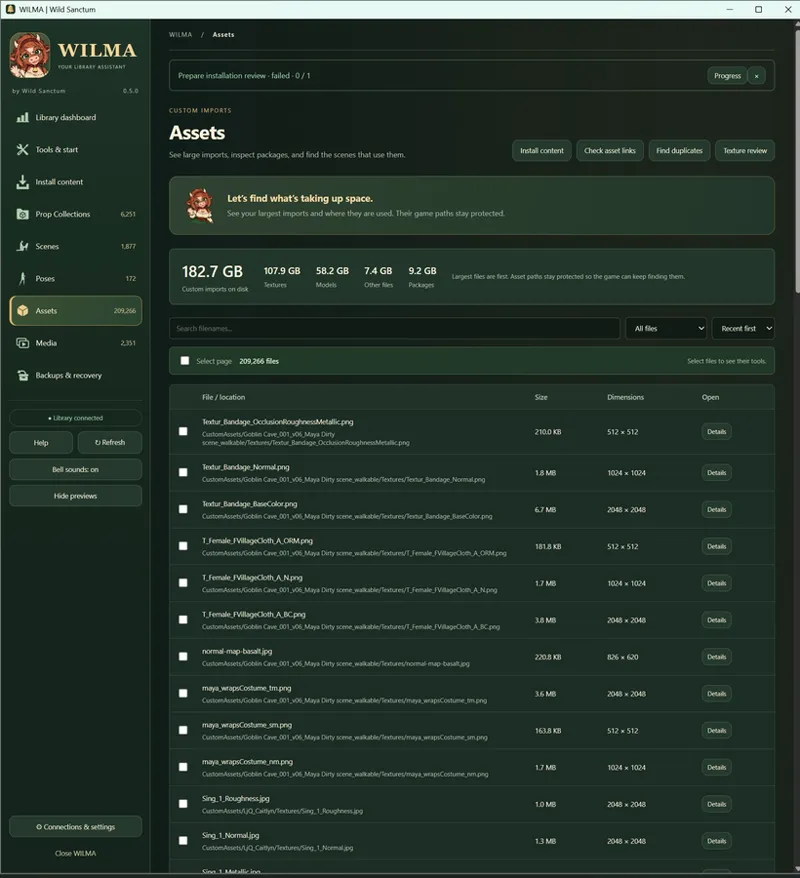
📊 Explore your library: See content counts, storage usage and library stats. Browse your Prop Collections, Scenes, Poses and Assets.
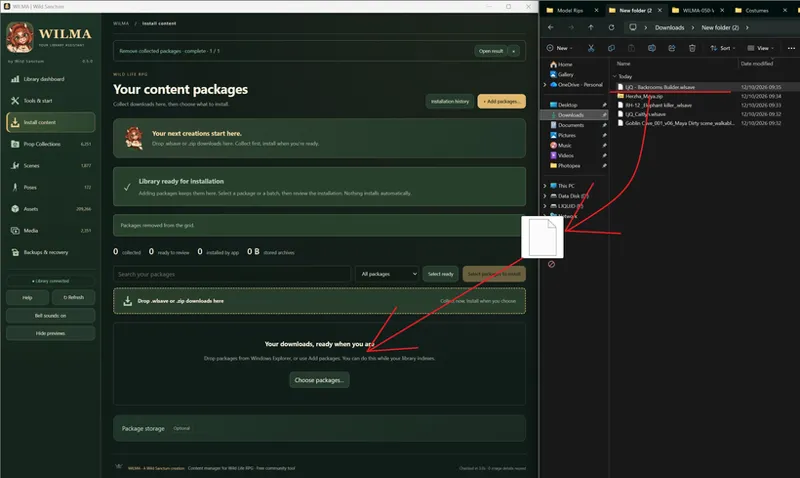
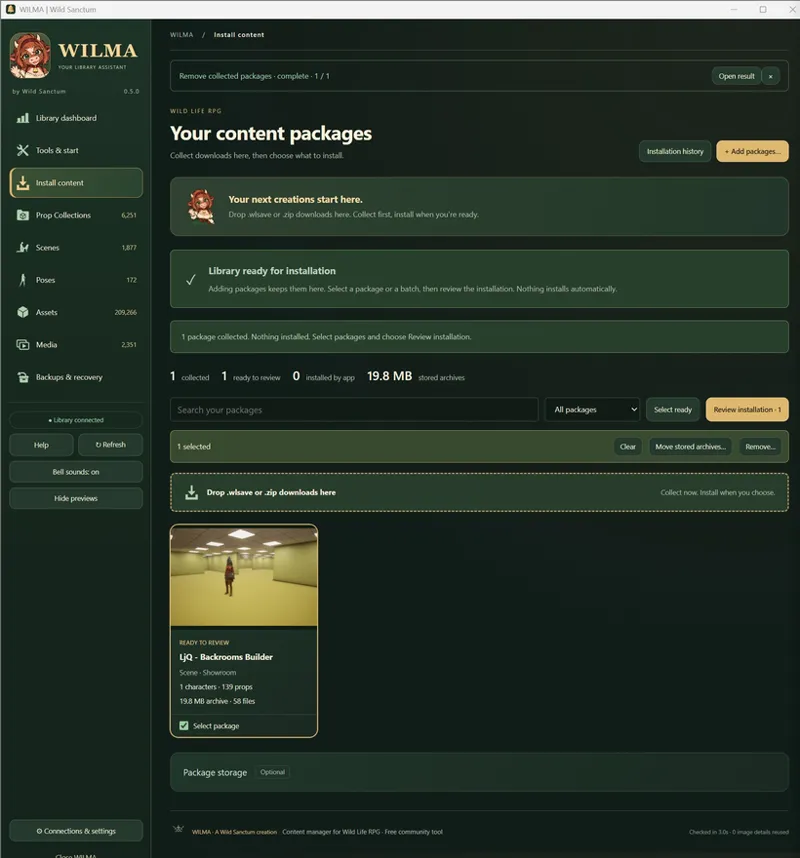
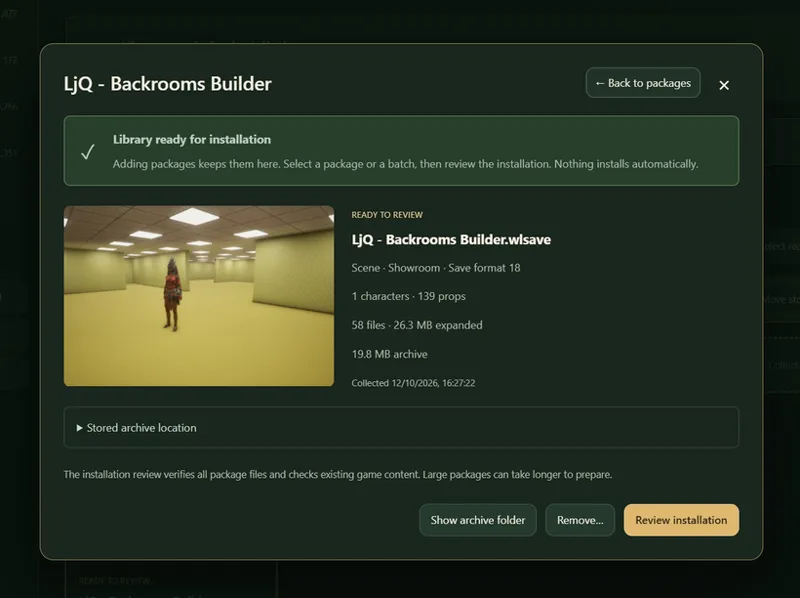
📥 Collect incoming content: Drop in .wlsave files, supported .zip packages, images and videos. Connect your Downloads folder to browse incoming files inside WILMA.
📂 Organise with Wilma: Build reusable folder templates for Prop Collections, Scenes and Media. Use labels and detected file properties, review the proposed moves, then apply them.
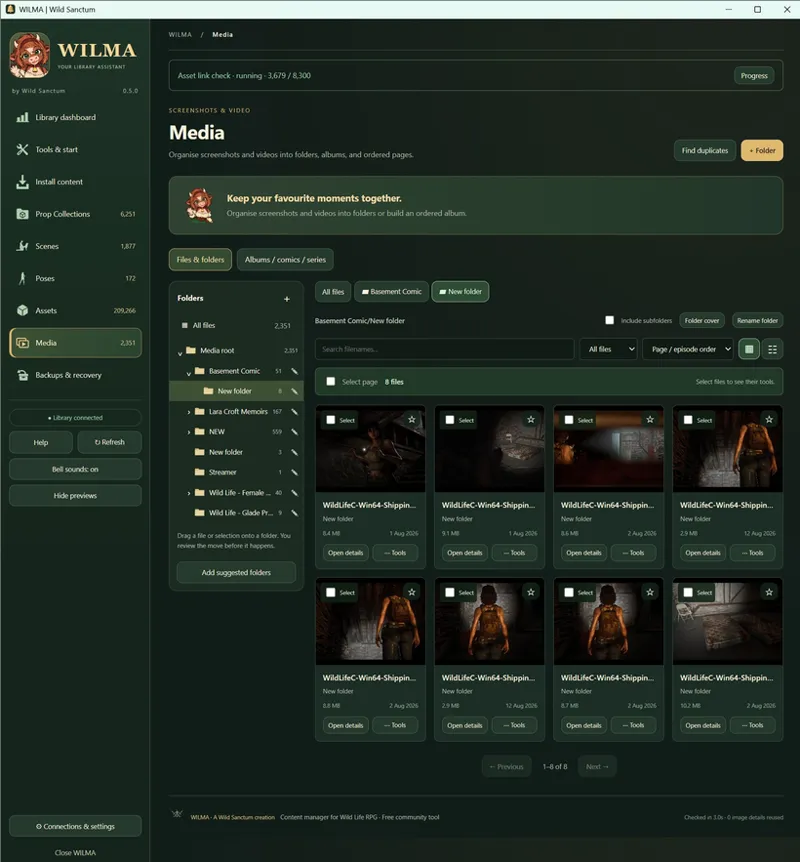
🏷️ Manage your media: Connect separate libraries for screenshots, videos, artwork or reference collections. Prepare reusable labels, assign them in bulk and filter by creator, category, file type, orientation, resolution and more.
🎬 Edit and export: Trim videos, remove unwanted sections, export clips, create GIFs and grab still frames. Crop, resize and adjust images.
🔎 Clean up your collection: Find exact duplicates and possible alternate media versions. Review large assets and check where custom imports are used.
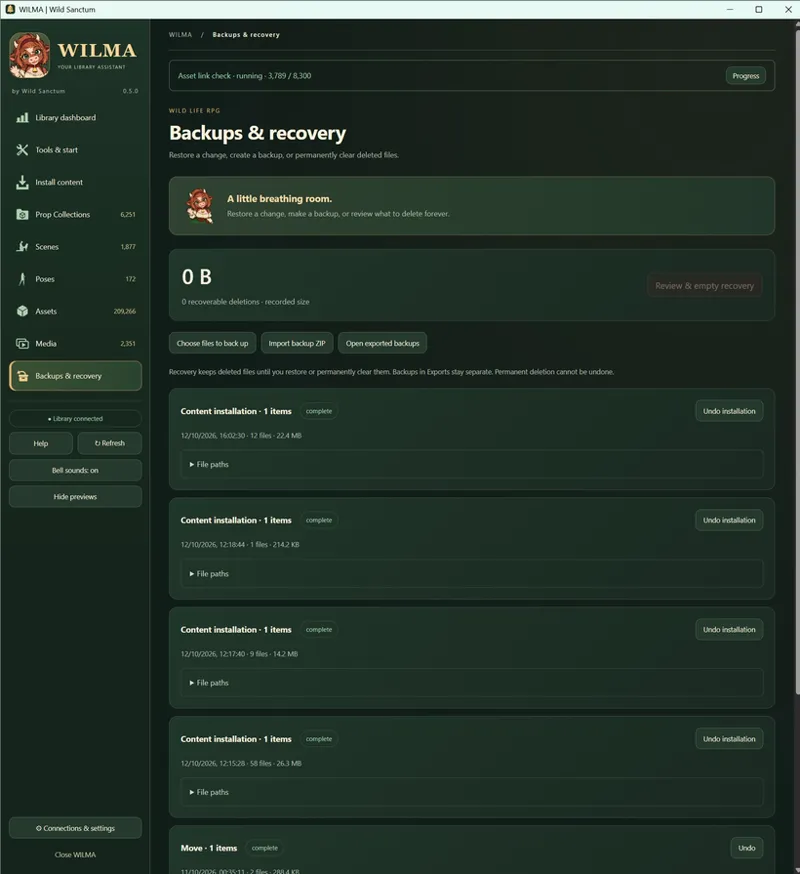
💾 Backups & recovery: Back up content, restore recoverable deletions and undo supported operations. Review recovery copies before permanently deleting them.
Give WILMA a spin and let me know your feedback!
Getting started
Download and extract the ZIP and open WILMA.exe.
Open Connections & settings and connect your SandboxSaveGames folder.
Default location for SandboxSaveGames
C:\Users\<username>\AppData\Local\WildLifeC\Saved
Let the library scan finish.
For your screenshots, videos or other collections, open Media → Manage libraries and connect their folders. You can save several libraries and switch between them.
For video analysis and editing, choose Enable video tools → Download & enable when prompted. This optional setup needs an internet connection; processing afterwards happens locally.
Optional: Open Install content → Downloads inbox to connect Windows Downloads or your own download folder. Files appear there for review; nothing is moved automatically.
Your saved labels, completed media analysis and saved comparison results carry over.
Comments (1)
wow. THX🖖