
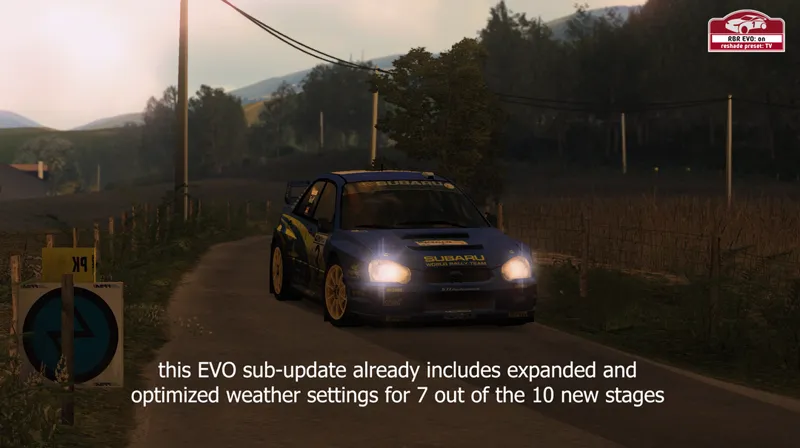
Update 0.1.1 (patreon)
The first update of the new update cycle for the recent RallySimFans update is live.
Changelog update 0.1.1:
NEW STAGES:
stage 571 - Cueva Santa
stage 573 - Lebozan 2010
stage 580 - Helette
stage 581 - Dylanda
stage 582 - Gastabudstrofen
stage 583 - Cercados de Espino
FIXES:
stage 578 - Mattila - weather adjustments
stage 564 - El Condor - particle adjustments
MISCELLANIOUS:
stage 138 - RSI I - weather settings reapplied
stage 139 - RSI II - weather settings reapplied
stage 140 - RSI III - weather settings reapplied
Richard Burns Rally EVO I Graphics Mod - Update 0.1.1 (YouTube)
Comments (2)
Hi, thanks for reaching out. What you are experiencing is one major flaw of the DoF effect: the way RBR handles distances is wonky. From the cockpit view everything outside the windscreen is considered "far away" therefore blurry when DoF is applied. The effect works as intended from the bonnet view and with the replay cameras though. There are only two quite unsatisfying solutions to this: - turn the DoF off while using cockpit view (shortcut ctrl. a) - or double right click your mouse and check "show car exterior", under the "camera" tab. With the second approach you get correct distance calculations but you also get a windscreen filter applied by RBR, darkening the view a bit. I haven´t found a more satisfying solution to this yet. All reshade DoF effects have the same issue with RBR and the one I´m using is by far the most accurate one already. I also tried tampering with the windscreen texture of my car skin to avoid this darkening effect but also came up short so far. But I´m optimistic a solution can be found. I have a few more tricks up my sleeve to try. And we also have the cavalry in the form of the rallysimfans developers as a backup plan at our disposal...
Hi! First - thanks for your work, it´s great! I have one problem - with Reshade ON I have focus (clear image) on my car dash and everything outside of the car (track, trees etc etc) is very blurry - I think it is DOF option, right? I don´t want to turn it off but I don´t know, how to set it up to have right DOF? Thanks!