
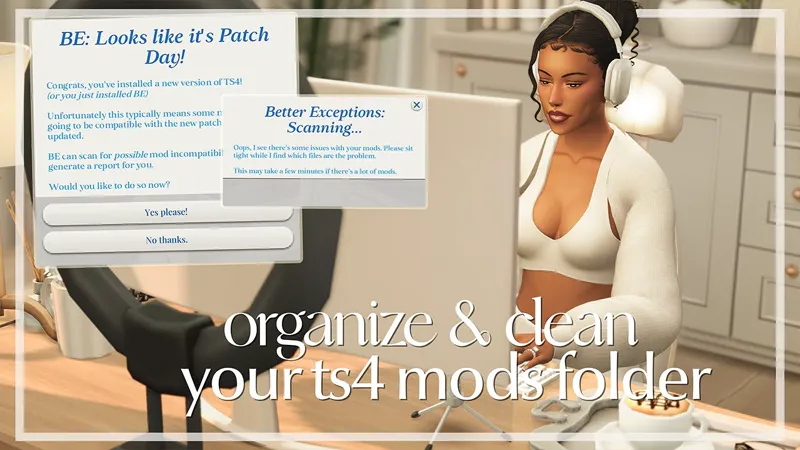
Cleaning & Updating Your Mods Folder Tutorial
In this video, I showcase how I organize my mods folder, update my mods, and clean my mods folder. All of the resources mentioned in today's video are linked below.
Resources:
Sims 4 Mod Manager by gametimedev
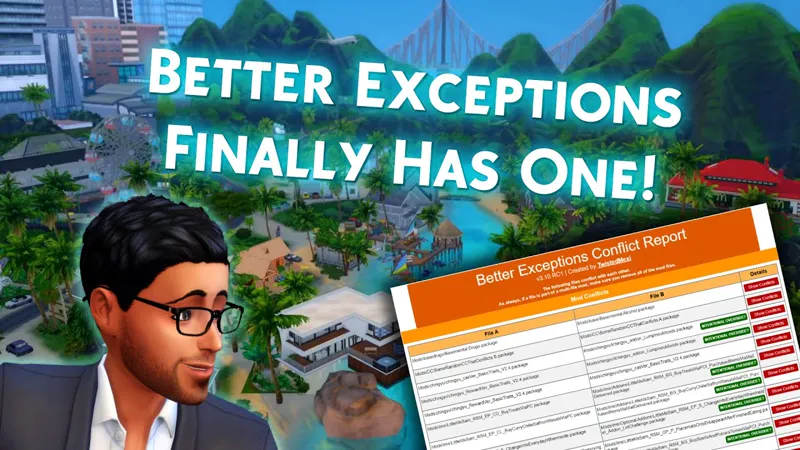
Better Exceptions by twistedmexi
50/50 Method tutorial
Comments (12)
hii girl I recently downloaded sims again I deleted because my mods were all broken , I wanted to ask if u have a folder with all your mods so I can downloaded so I don't need to download one by one it would be very helpfulll
Hi! Uploading your mods folder for people to download is a big no no, a bunch of creators frown upon it, mainly because so many mods/cc get updated on the regular and no one wants to be the cause of your game not working. Also it's not fair to the creators. Sorry if this wasn't the best answer, but I wish you happy simming!! 🖤
sorry for my english its not my first language https://www.patreon.com/posts/clean-launcher-132298964
hello just for your knowledge i usually star my game with the Clean Launcher by midnightec i guess that the creator and thats game chaging
I'm gonna check this out. Thank you for the recommendation!
Thank You this has been very helpful as I have been trying to organize my folder I did download the Try importer and the Manager. Unfortunately, I found that better exceptions did not run well with my game . I have been playing the Sims since the first version of the game. Dan W aka Dansdowntowns.
Thank you so much! i didn't know there is a Mod Manager and it's just how i needed it! :3 my 31,4 GB folder is gonna love that
Thanks, this is so helpfull!
You’re such an angel for doing this😇 it’s the way I opened my game today only for it not to open I kept having to force close because “sims 4 not responding “ 🙃 Can’t wait to watch and get organized 🫶🏽
ive been using cleanlaunch and its so good!
hey there, just fyi the link you provided to BE is a broken version. All current & up to date versions are on his website :) https://twistedmexi.com/
also chatgpt doesnt know a ton about reading error files, best way to get help with the error files is to join a support discord server!! sims after dark, deaderpool & twistedmexi all have servers dedicated to helping simmers fix their game :)