
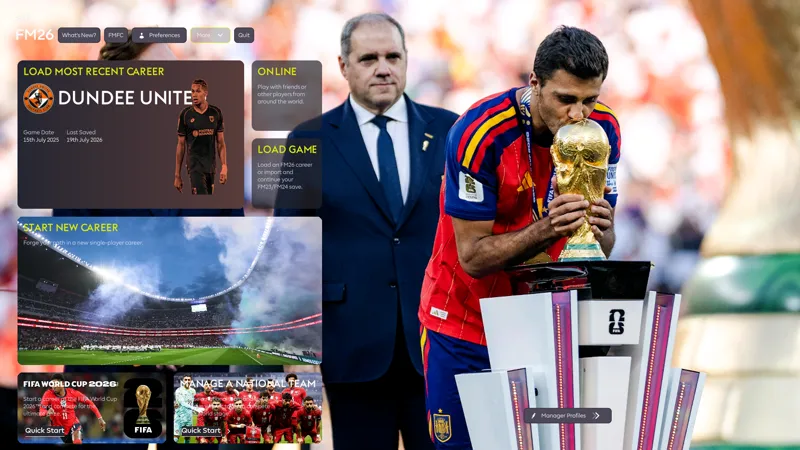
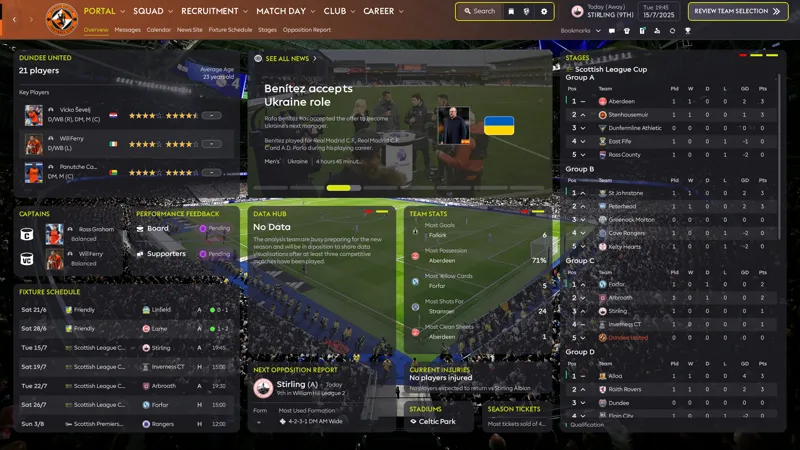
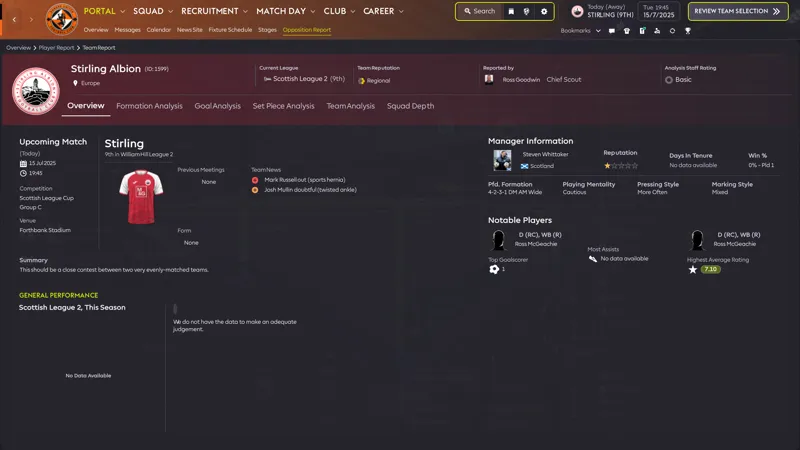
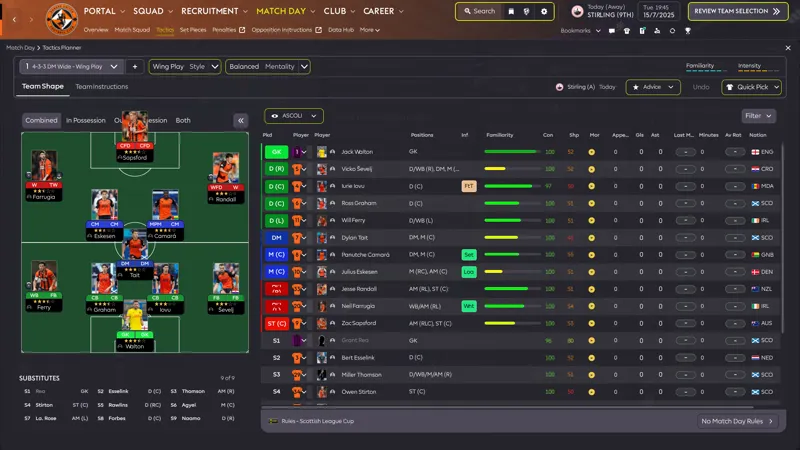
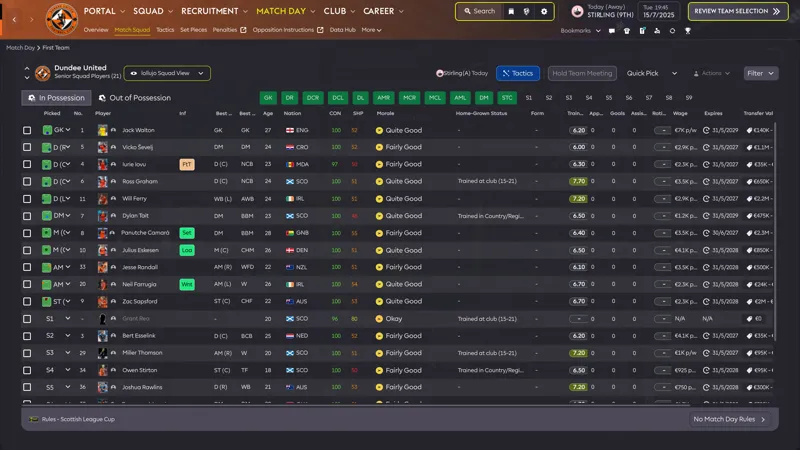
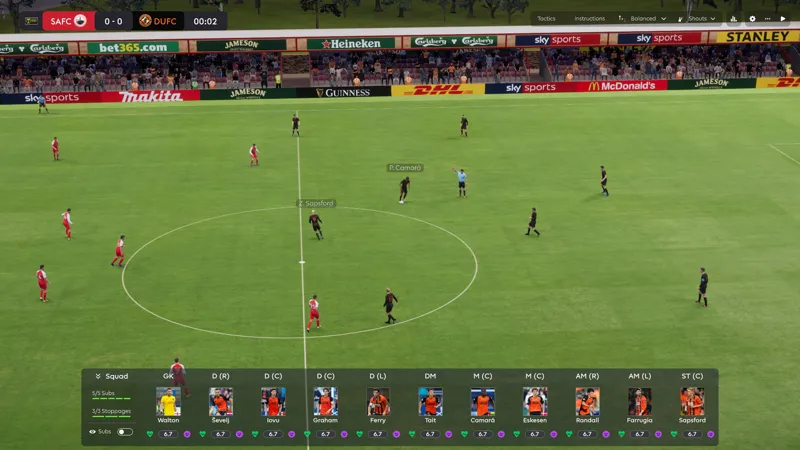
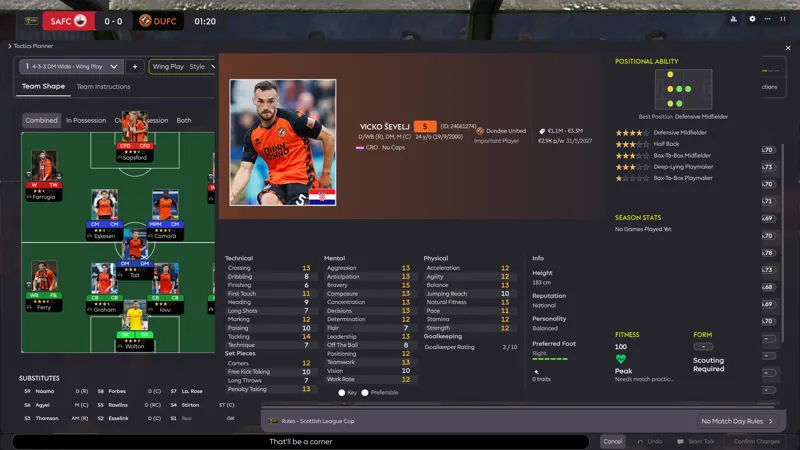
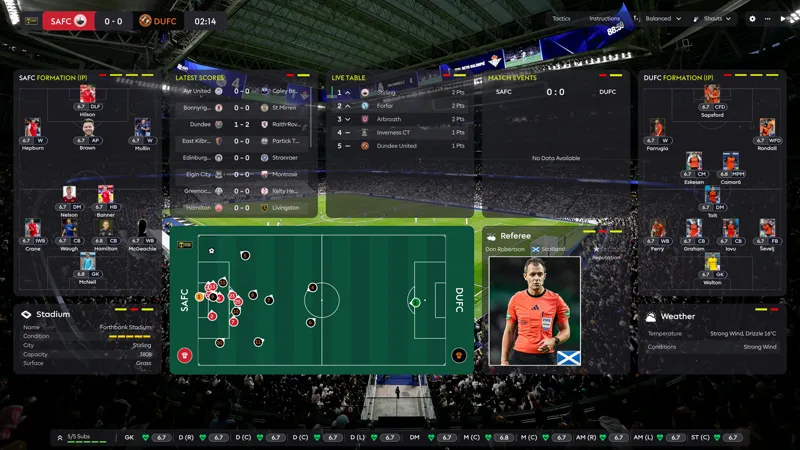
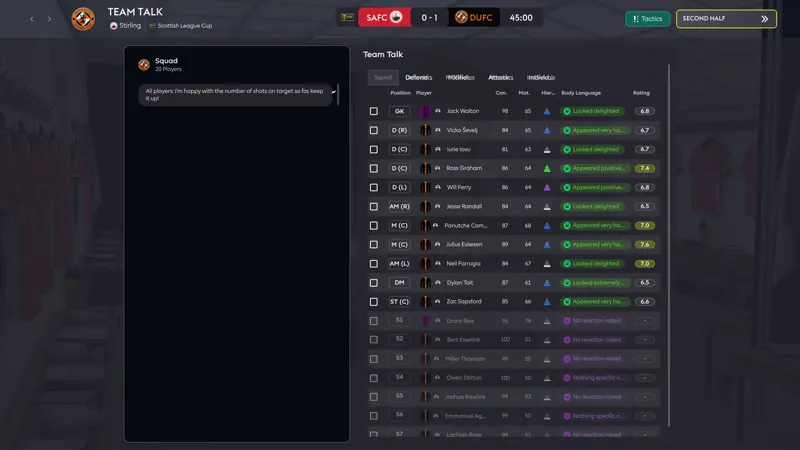
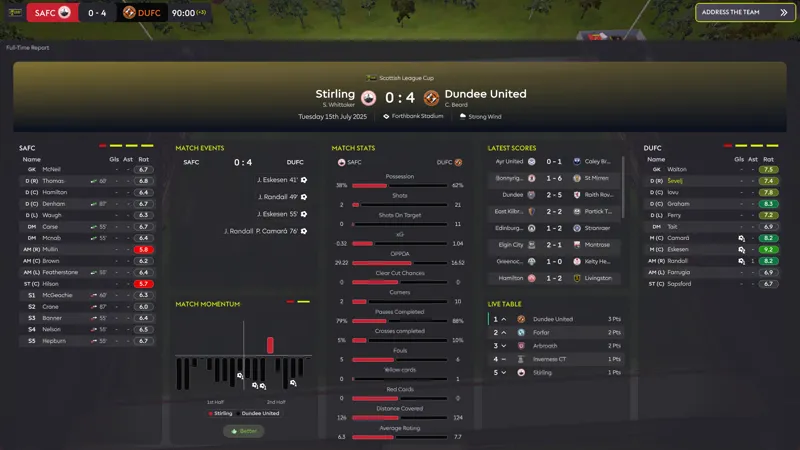
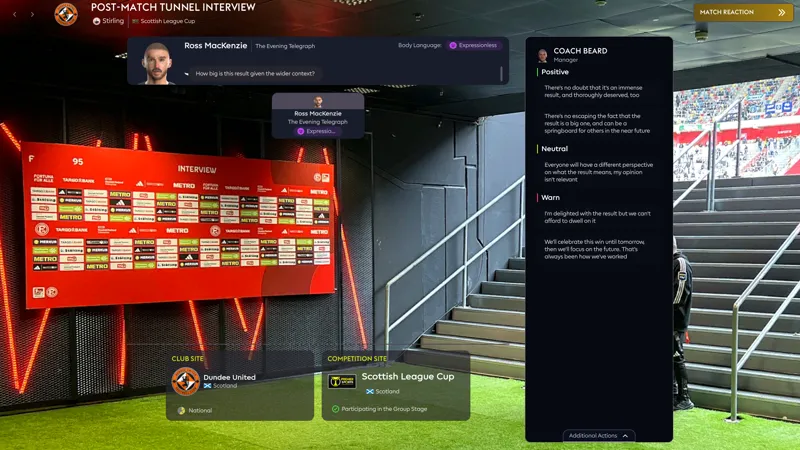
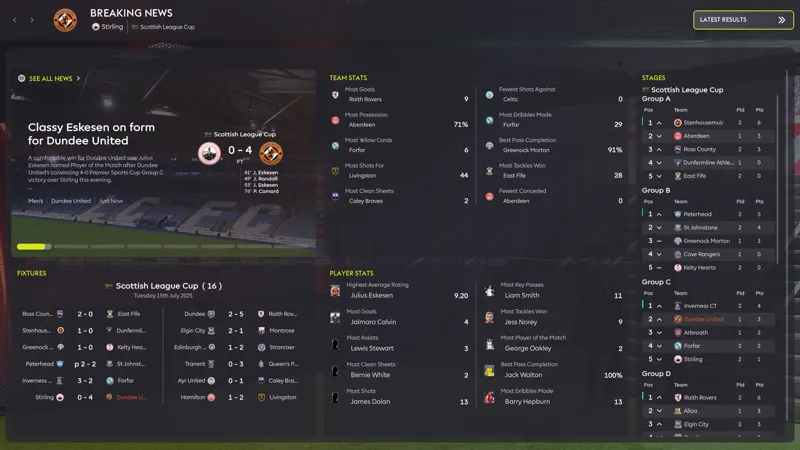
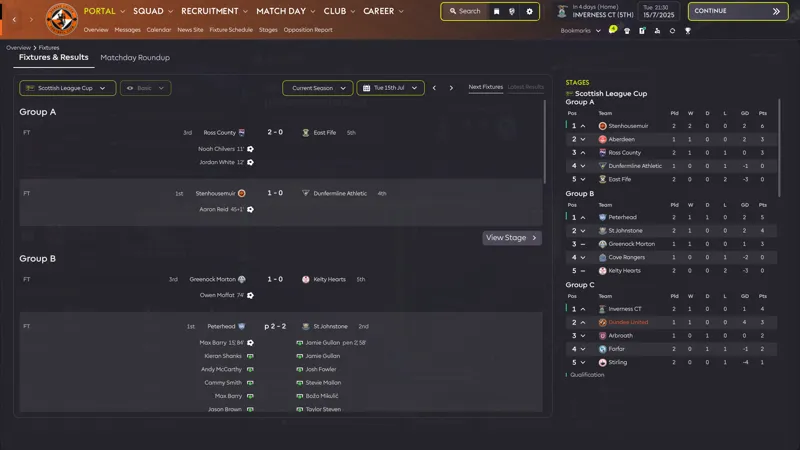
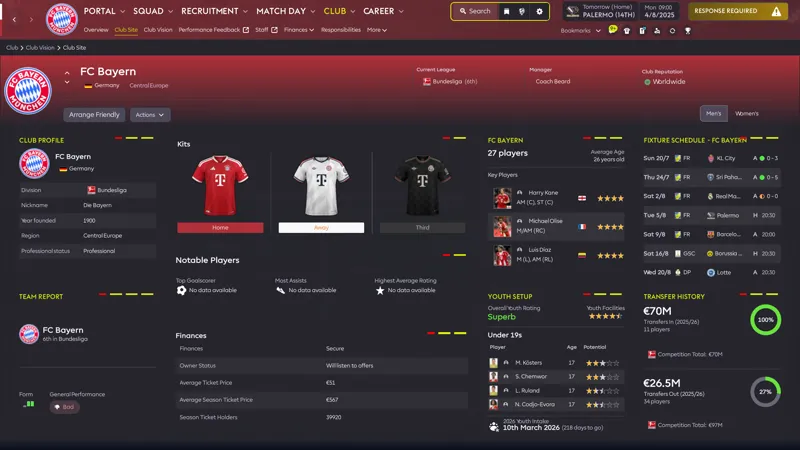
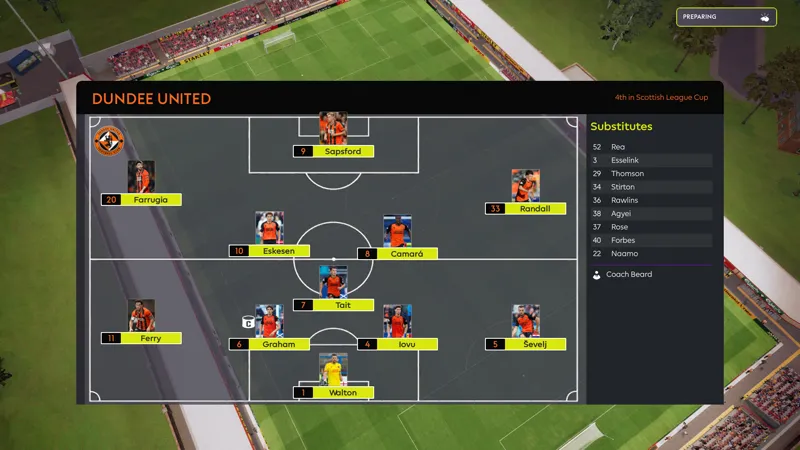
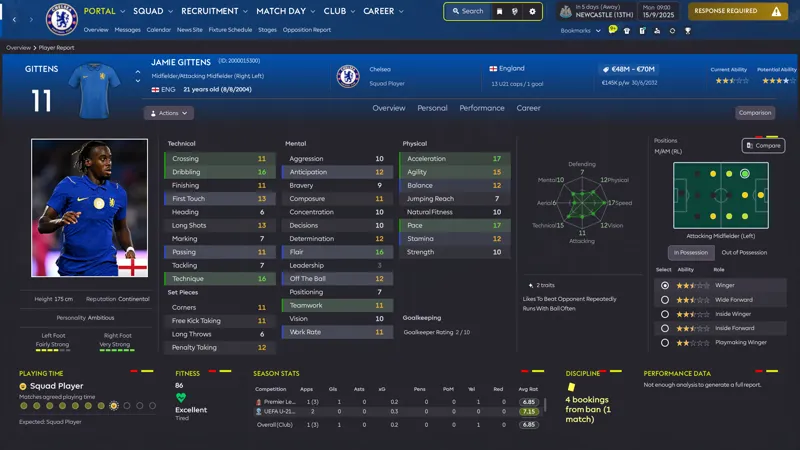
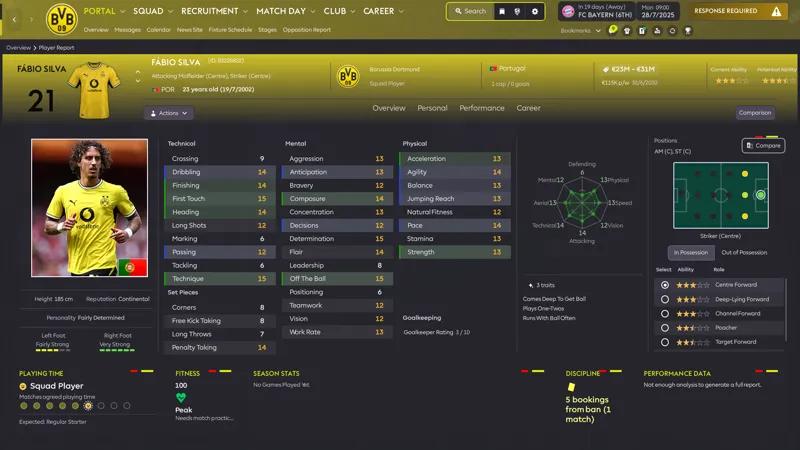
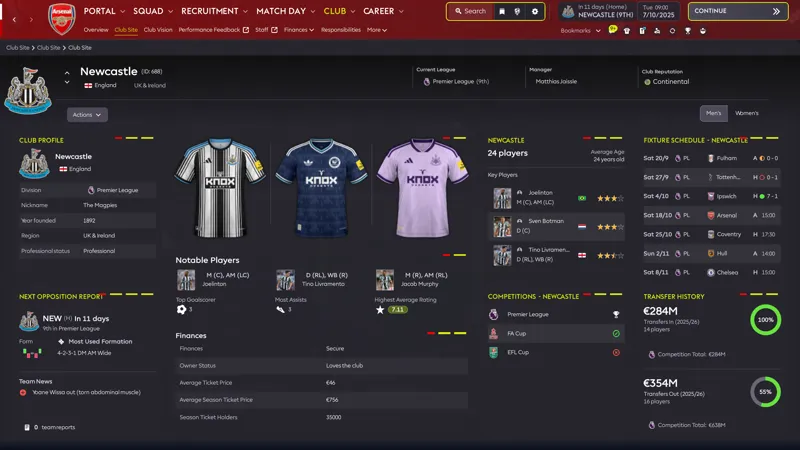
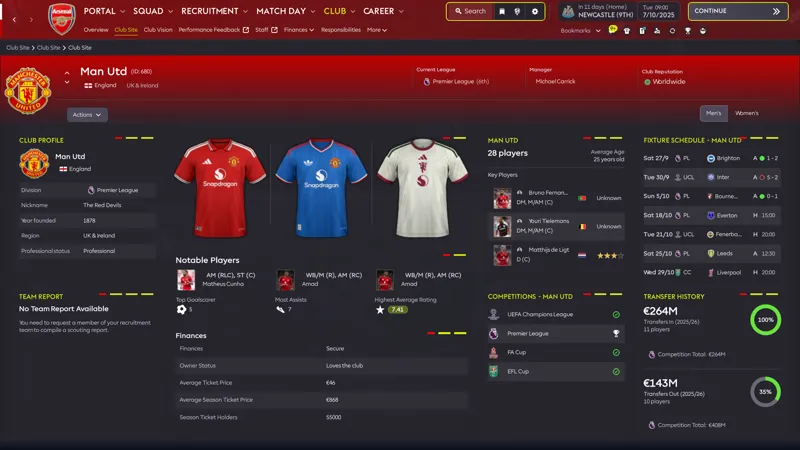
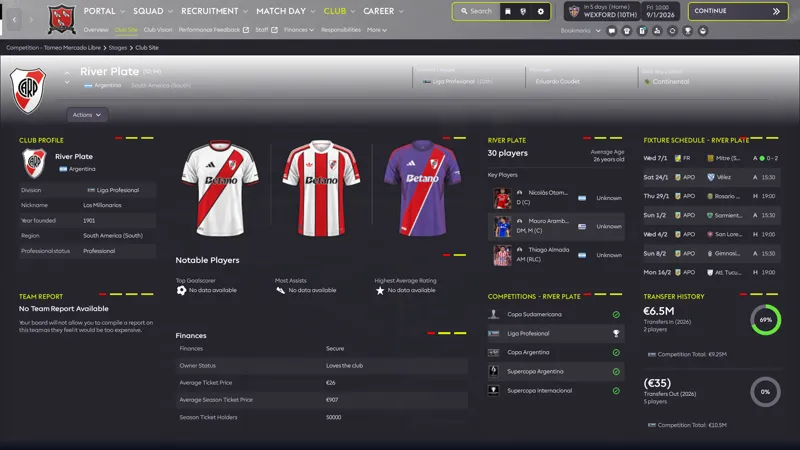
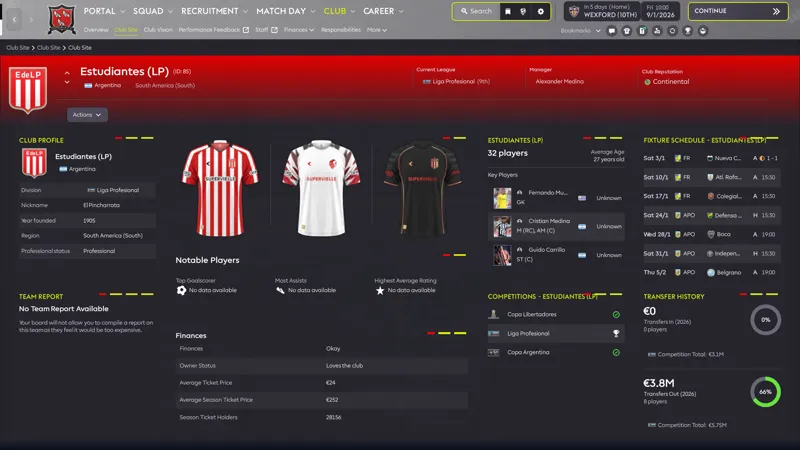
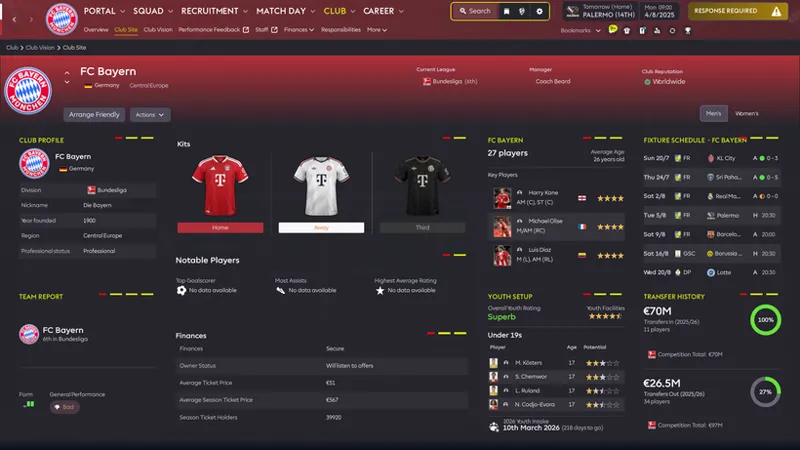
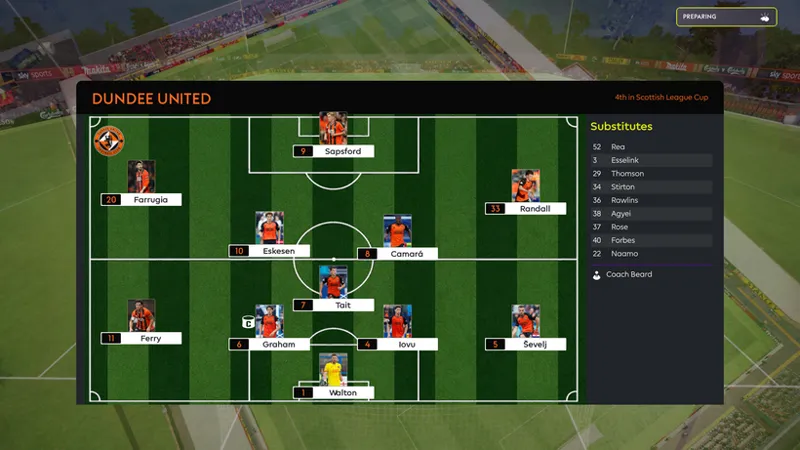


ASF Skin "Volt" Old but Gold Final Edition
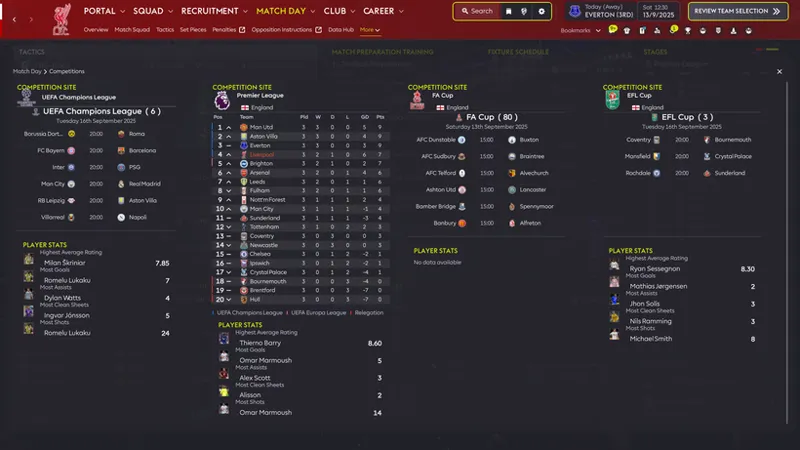
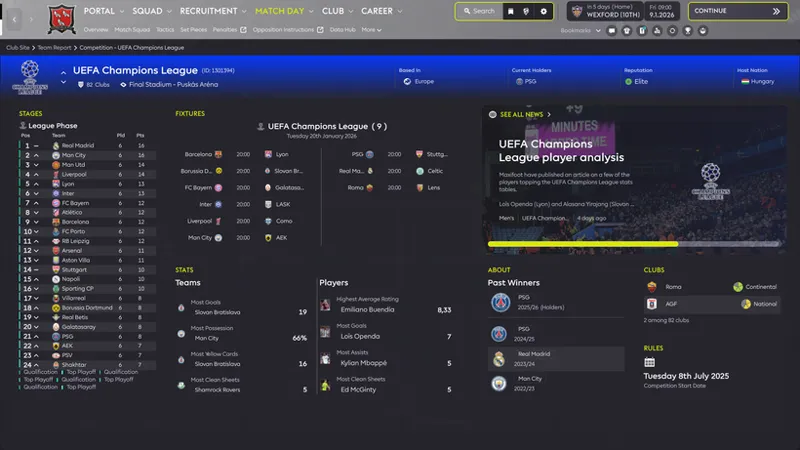
Update 30.09.26.: Added Player Stats to the International Cup and Domestic Cup pages. Also fixed the Competition Overview page. The archive with the files is at the bottom of the Patreon post. Just replace the files.
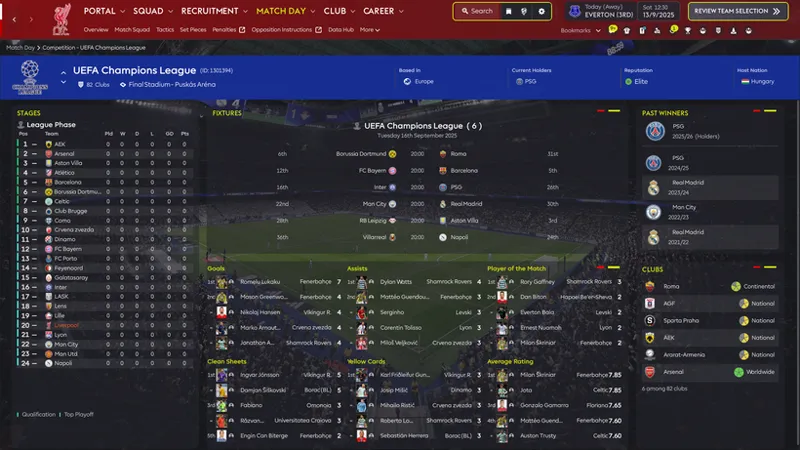
Update 26.09.26.: Added expanded player statistics with 6 categories to the Competition page.
Update 22.09.26.: The day has finally come! 🚀Beta testing of the plugin is now available on my Patreon. Please do not redistribute the plugin — under threat of extraterrestrial punishment! 👽😂 @BassyBoy will release it publicly for everyone soon. If you find any problems or bugs, please report them in my Discord. https://discord.gg/RPCpukEsW
Update 16.09.26.: Download it, test it, play it. The final small tweaks are done.
The Last Dance.
Update 15.09.26.: Stadium Backgrounds Plugin — Drag & Drop Windows Version
Over the last day I continued polishing the skin:
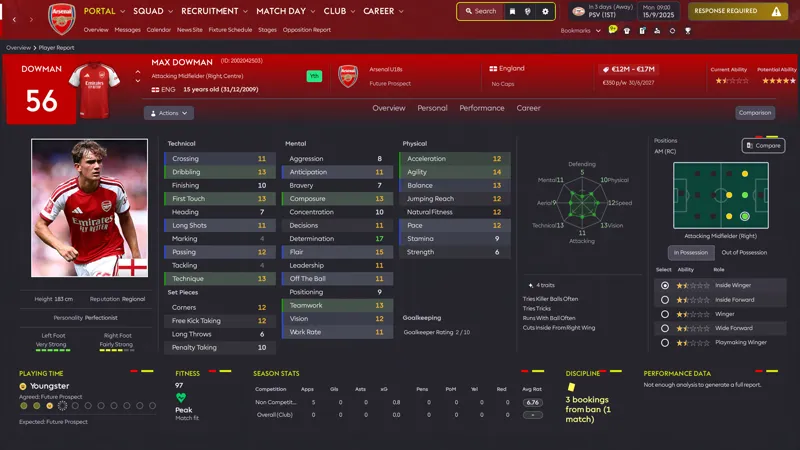
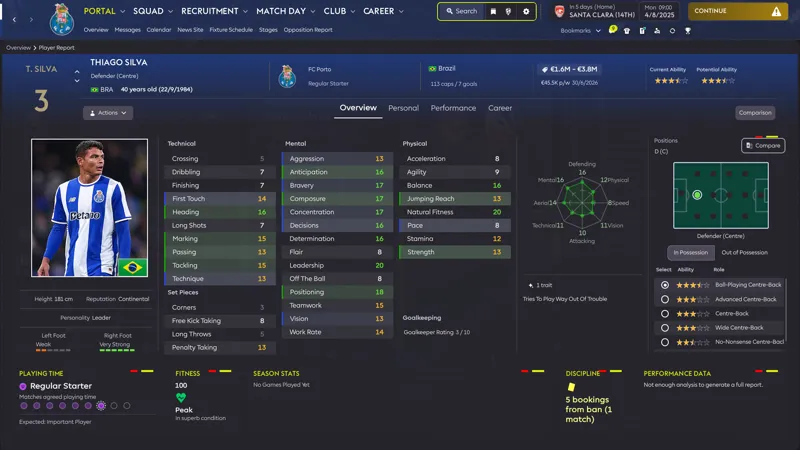
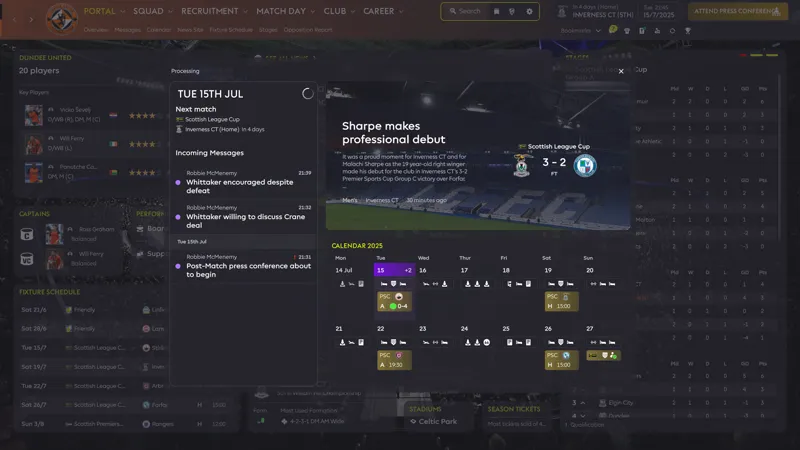
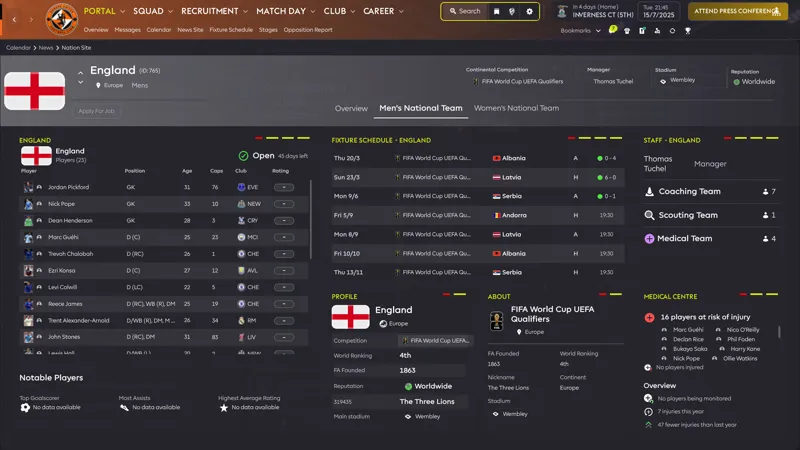
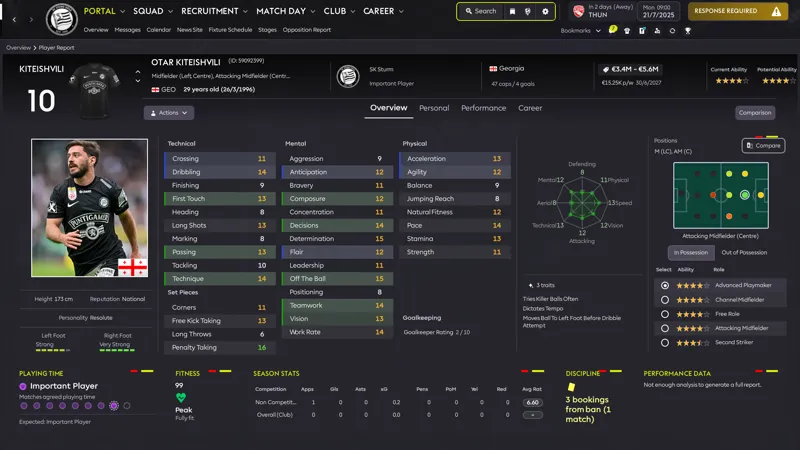
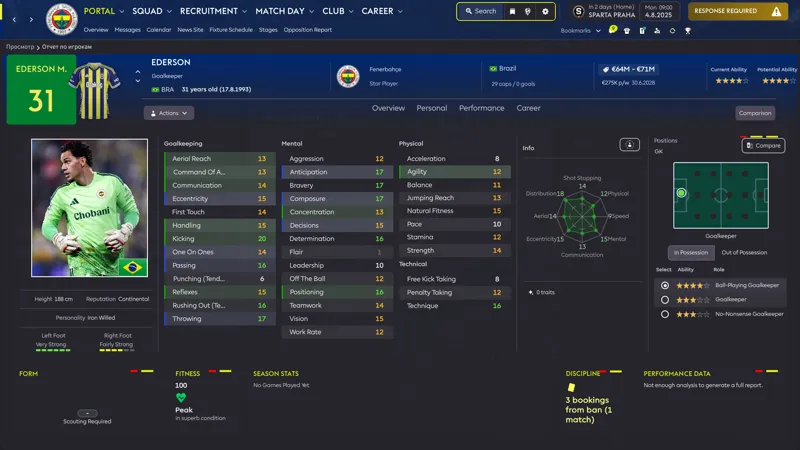
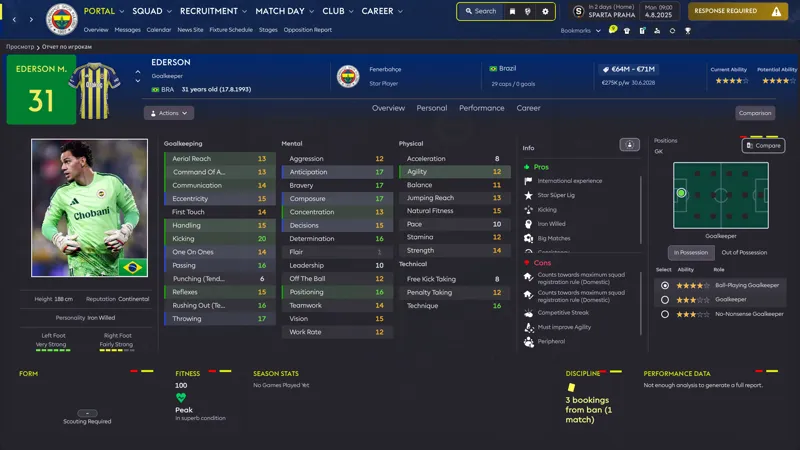
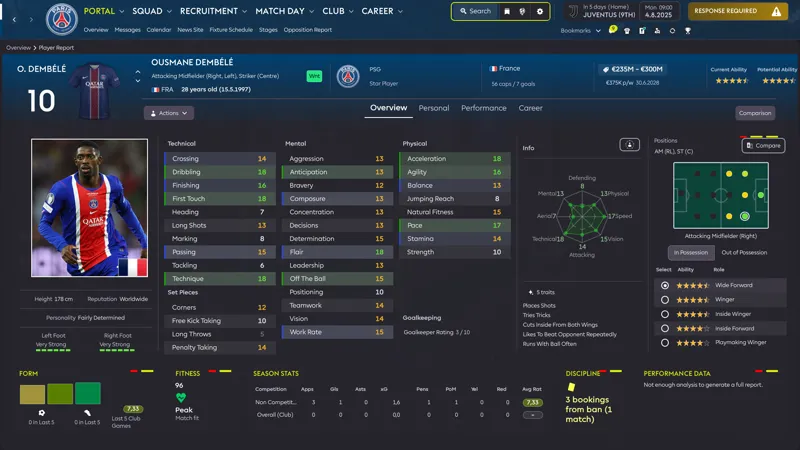
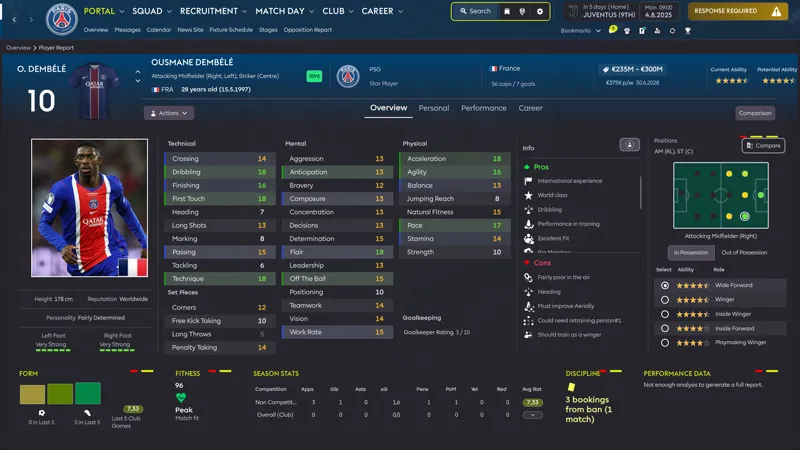
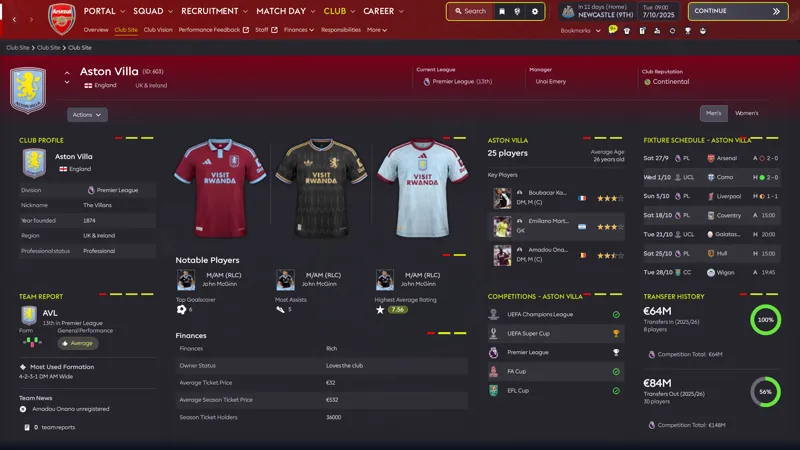
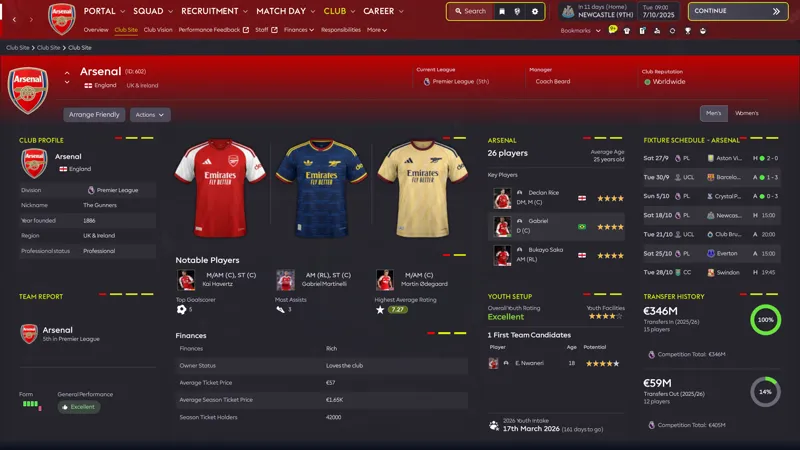
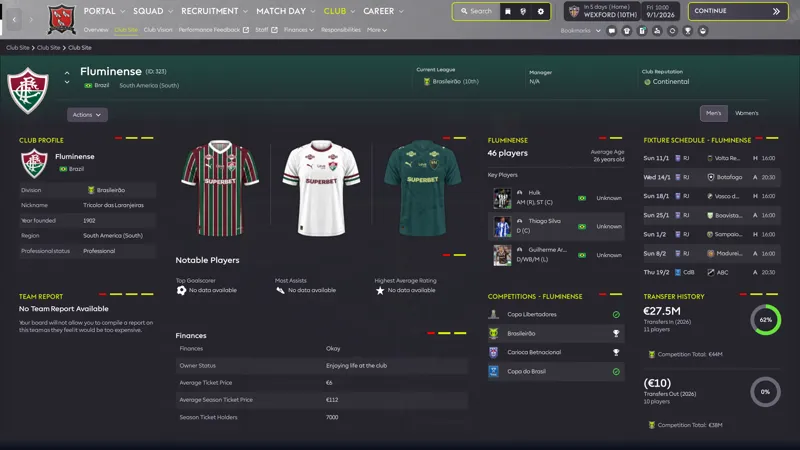
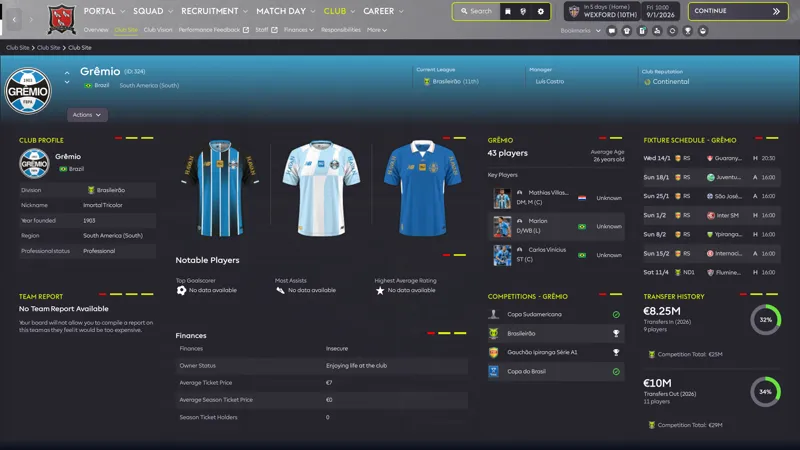
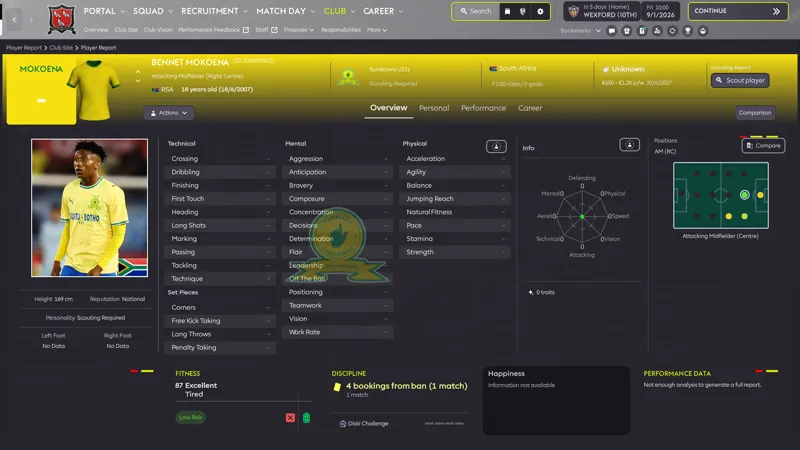
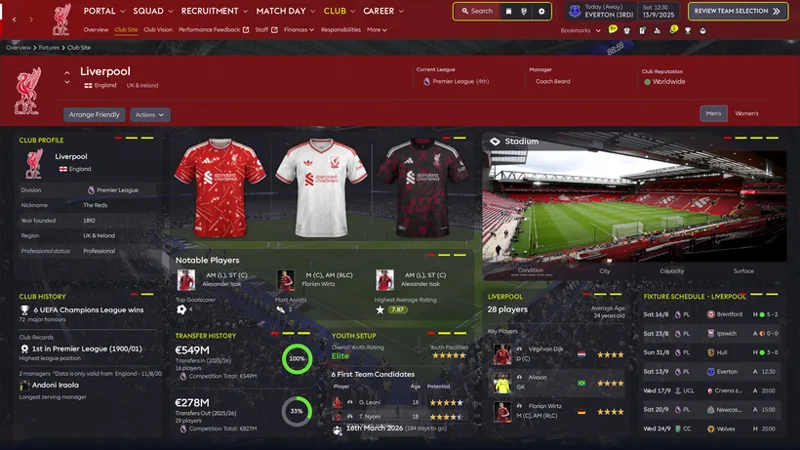
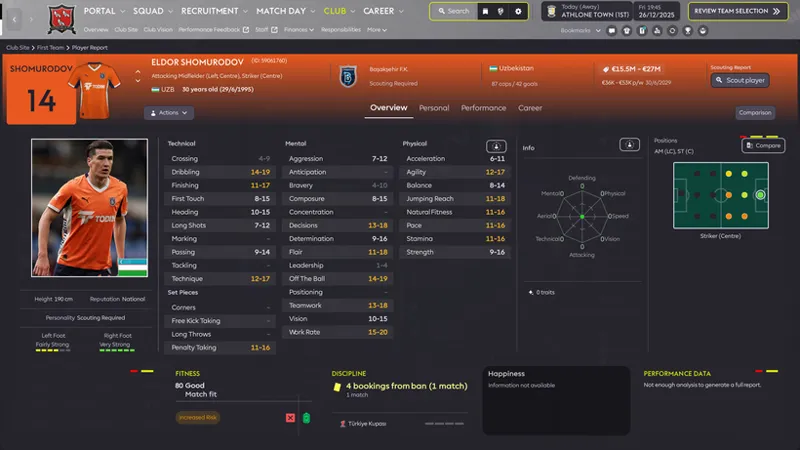
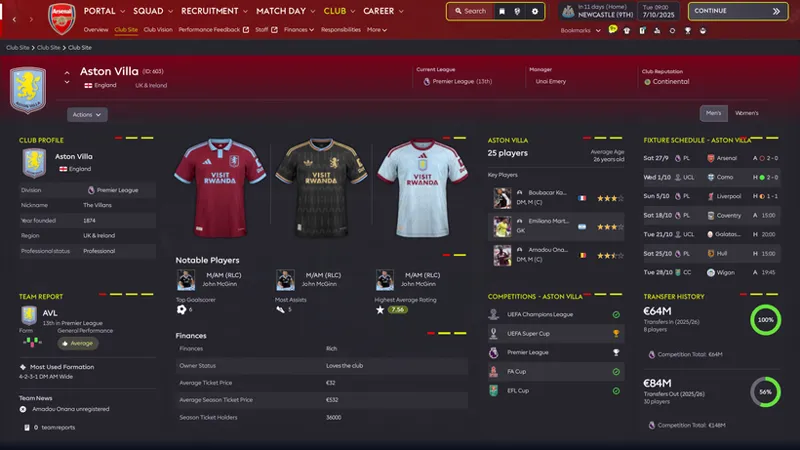
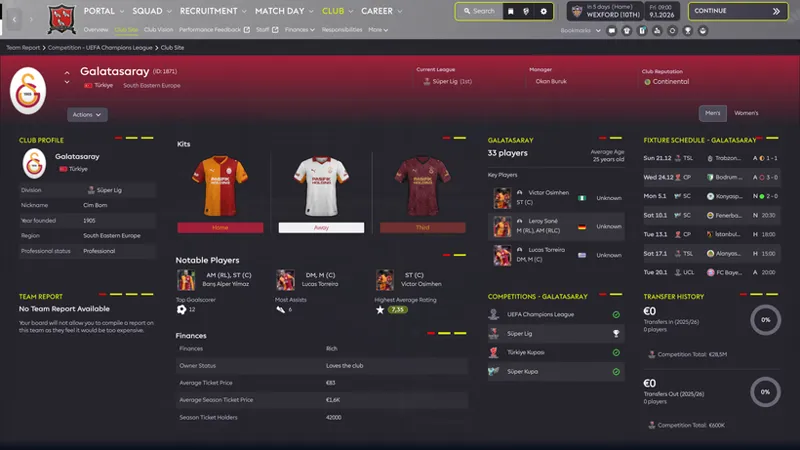
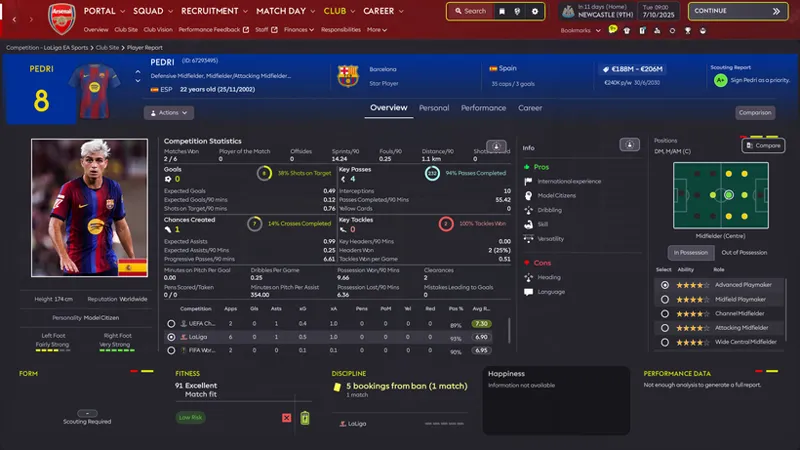
Reworked several club, player, staff, agent, nation and competition headers while keeping their original sizes and dynamic colours.
Improved the header gradient system and added the carbon dark filter for better readability.
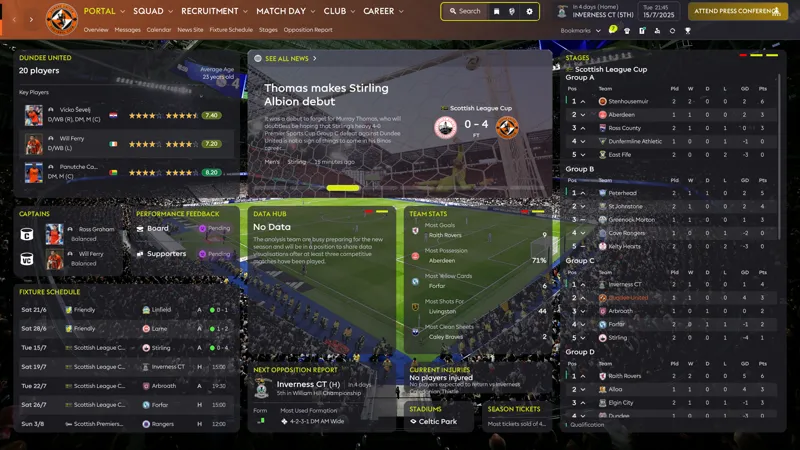
Added the new dark tile background + hover effect to more panels.
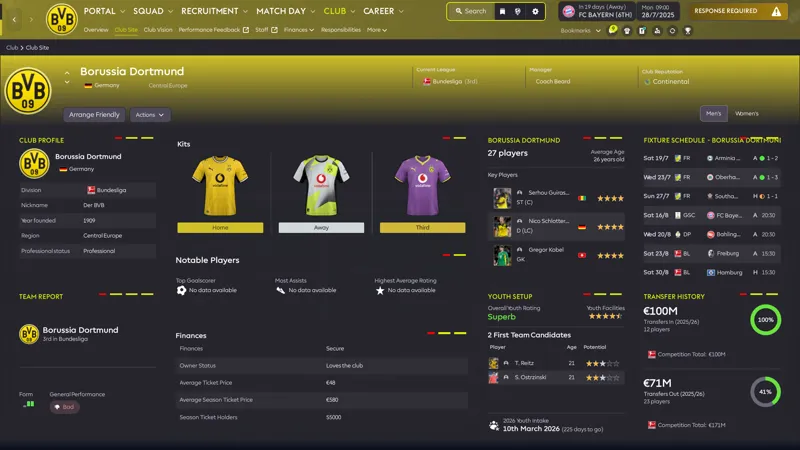
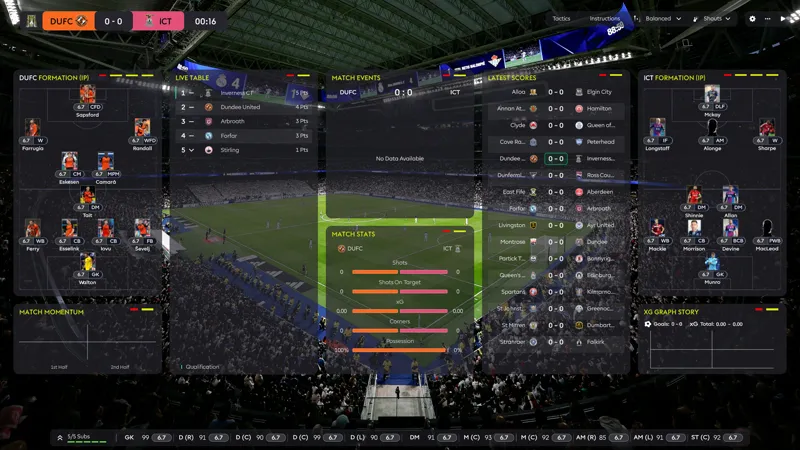
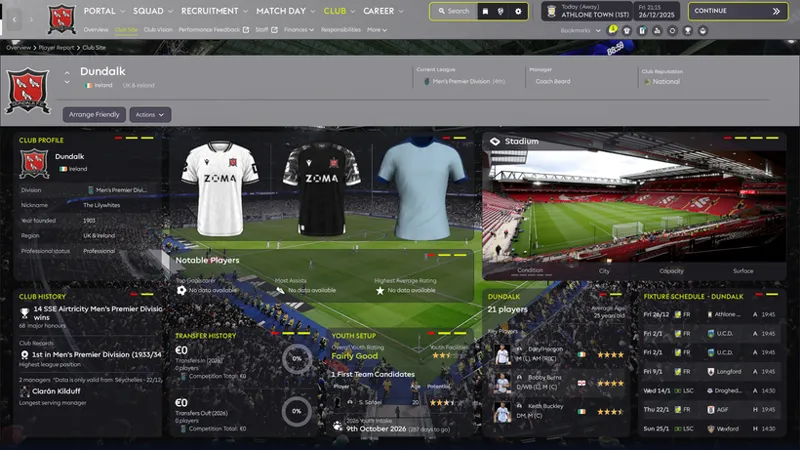
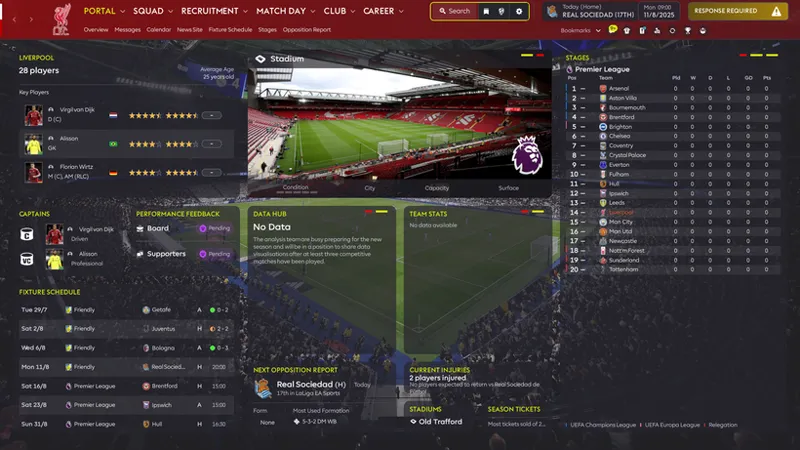
Added a new stadium tile to the Club Site overview.
Continued small layout, transparency and visual consistency fixes across the skin.
Still testing everything in-game, but the overall visual style is becoming much more consistent.
The archive is attached to this post. Before installing, please verify your game files through Steam.
Update 10.09.26.: You can now add one stadium photo of your choice to the StadiumInfo panel in FM26 using UABEANext. It’s still a single static image for now, but you can easily replace it with any stadium photo you want. These files are included in a separate archive: "Stadium photo". The FM26_StadiumInfo_Custom_Stadium_Image_Instructions_EN file is included in the archive, and there is also a separate topic on Discord. I’ve updated the Windows Drag & Drop package. It does not include the stadium files — those are provided separately. I also darkened the background a little. I tested using a plain grey or very dark background, but decided against it. It looked too boring to me.
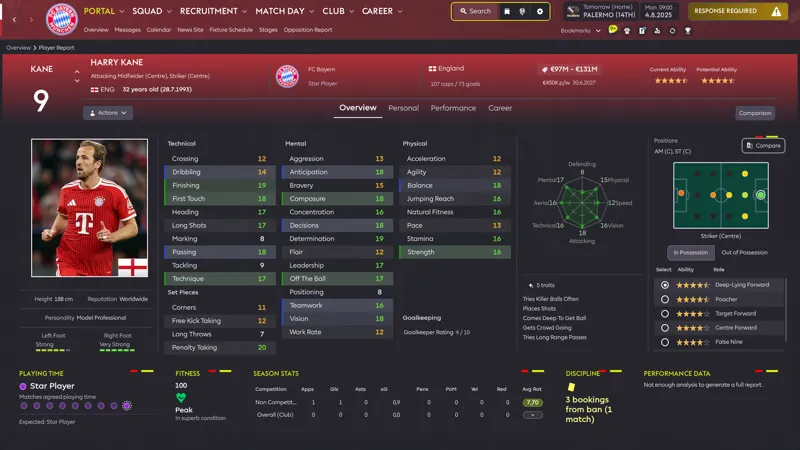
Update 09.09.26.: Added an alternative Attributes Table view without the club logo. The archive with the files is attached to the post, as always.
Update 01.09.26.: This is a small Kits Block update for those who enjoy a bit more detail. I’ve always wanted bigger 2D kits. Kitmakers do an incredible job, but so much of that detail is barely visible in-game. I’ve tried to fix that as much as I could. To install the fix, download the archive attached at the bottom of the post. Place the bundle from the archive into the game’s bundles folder and replace the existing file. Enjoy the game!
GradientDirection FIX 31.08.26.: Friends, I forgot to include the club and competition gradient fix. If you need it, you can download the file.
Update 14.55: Please reinstall the file. Because of those damn gradients, I made a mistake and uploaded an old Player Header file without the 2D kits. Sorry about that. I’ve also added a Windows drag-and-drop folder. Please check that everything is working correctly.
If you have any questions or need help, feel free to ask in our chat or on our Discord server https://discord.gg/mK3fRzqxn
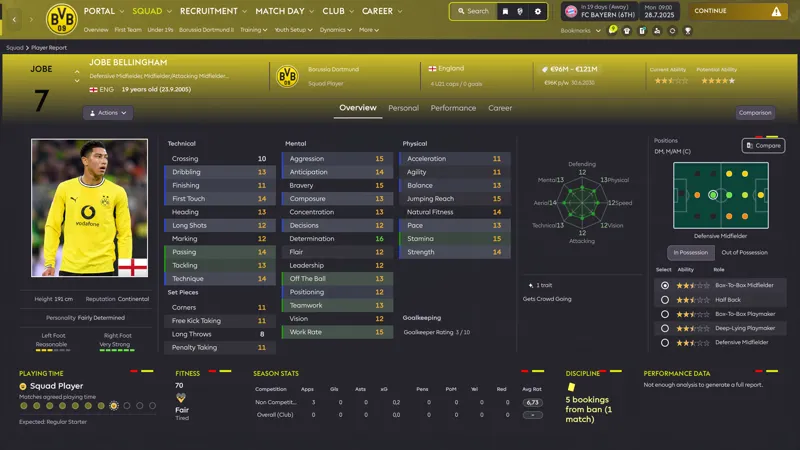
Enhancement: Attributes / Key Stats Toggle 29.08.26.: Switch between player attributes and key performance statistics within the same panel. If I’ve done everything correctly, you only need to replace the three files from the archive. As always, the archive is attached at the bottom of the post. Enjoy the game, and have a great weekend, everyone!
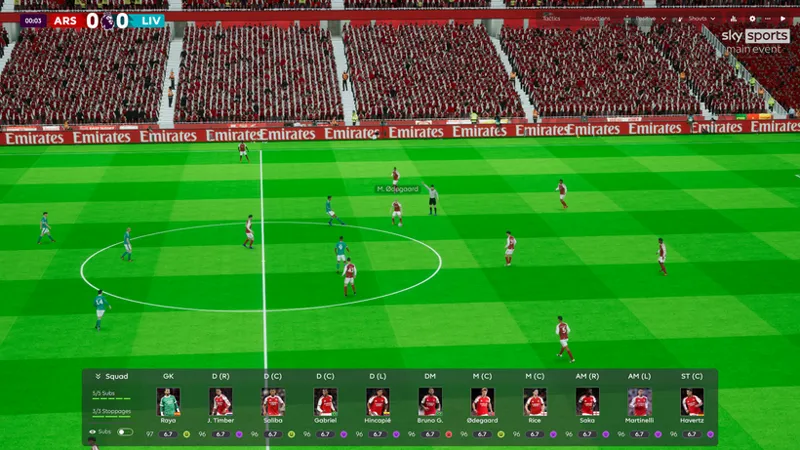
Update 24.08.26.: 📺 Custom TV Logos Added
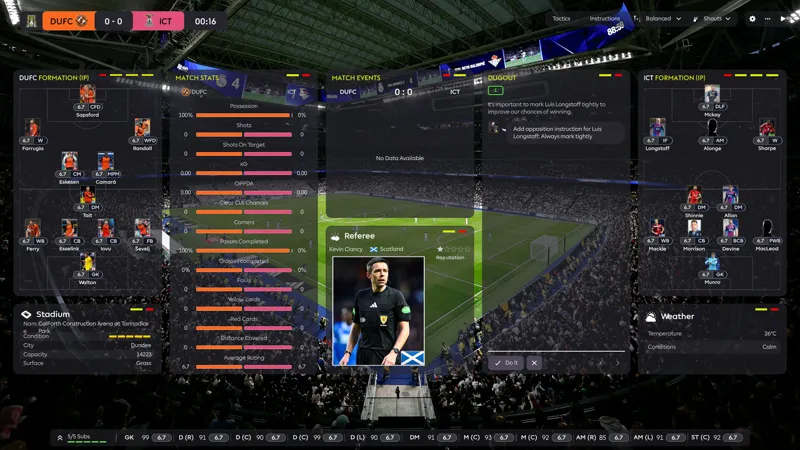
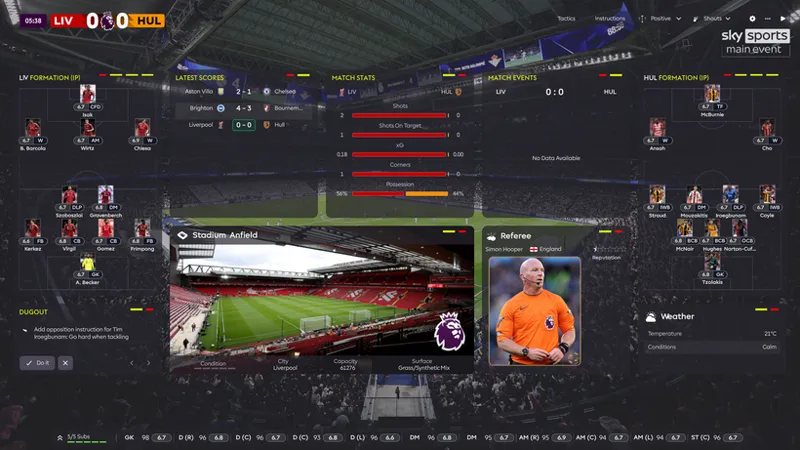
Added support for custom TV channel logos in the 3D Match View. You can replace the TV logo with your own, adjust its size and position, and even control the transparency directly in the code. A small detail, but it adds a nice broadcast-style touch to matches.
Details are available on Discord: https://discord.gg/SkgfHSMVb
Instructions are included inside the archive.
Enjoy the game and have fun!
P.S. IMPORTANT: Before installing the update, please verify the integrity of your Football Manager 26 game files through Steam!
Steam Library → Right-click Football Manager 26 → Properties → Installed Files → Verify integrity of game files.
Official Steam instructions: Verify Integrity of Game Files — Steam Support
The Flying Scotsman review: https://www.youtube.com/watch?v=V_YLsCmadp4
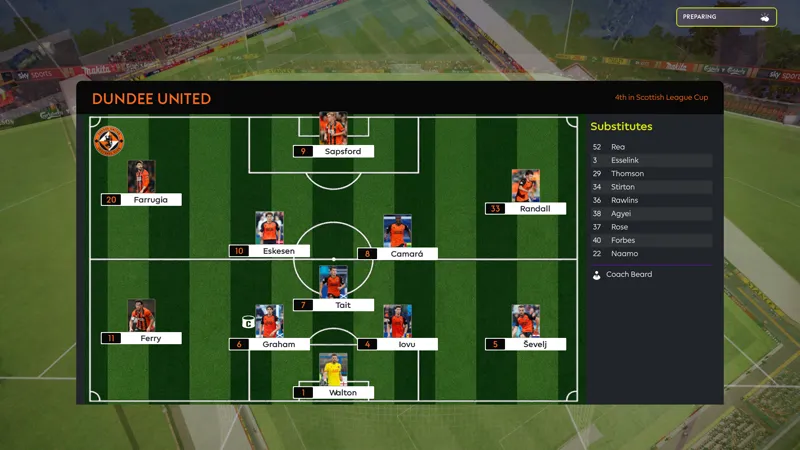
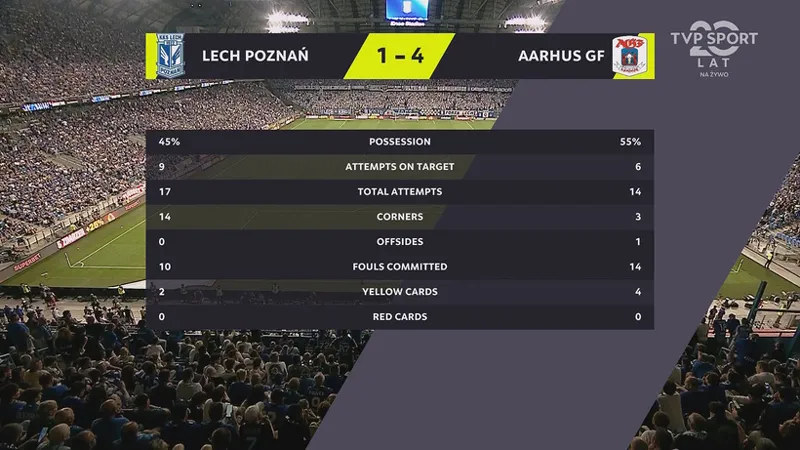
The design of this skin was inspired by the match broadcast graphics from the Lech Poznań vs Aarhus game shown on TVP Sport.
The entire color palette has been completely redesigned using four core colors: Carbon, Slate Grey, Lime Yellow, and White.
With the help of (MrTini23 (MrTini23 FM26 Skin v7.0), Sasmaz (SAS26), skogr ), I also replaced many graphical indicators with numerical values to improve readability and provide more precise information.
I did my best to implement these changes as carefully as possible. Everything is created and tested manually, and I continuously verify the skin's stability to minimize the risk of crashes and ensure everything works as intended.
The installation process is explained in this post: https://www.patreon.com/LuckyLukeFM/posts/asf-skin-fm26-26-148970545?utm_medium=clipboard_copy&utm_source=copyLink&utm_campaign=postshare_creator&utm_content=join_link
Before Installation — Verify Game Files
Before installing the skin, it is recommended to verify the Football Manager 26 game files through Steam.
In Steam, go to Library → Football Manager 26 → Properties → Installed Files → Verify integrity of game files.
Steam Support — Verify integrity of game files
Windows Installation
If you are playing Football Manager 26 on Windows, you have two options:
Option 1 — Manual Installation (Recommended)
This is the easiest method for most users.
Open the downloaded skin package.
Copy the contents of the "packages" folder to the required FM26 location.
Copy all files from the UABEA folder to:
Football Manager 26\fm_Data\StreamingAssets\aa\StandaloneWindows64
Replace the existing files when Windows asks.
Option 2 — FM Skin Builder
You can also use FM Skin Builder to install/build the skin. This method is recommended for more experienced users.
Important: All files from the UABEA folder must be copied/replaced manually in StandaloneWindows64, even if you use FM Skin Builder.
In short: For most Windows users, manual installation is recommended. Skin Builder is optional.
The steps are exactly the same. If you have any questions or need help, feel free to ask in our chat or on our Discord server https://discord.gg/mK3fRzqxn
This skin would not have been possible without fmskinbuilder.com. I will donate 50% of the proceeds from this tier to support its continued development.
P.S. I’m aware of a few remaining issues, including font rendering in team talks and misaligned player and staff photos in some reports. I’m still working on fixing them and hope to resolve them in a future update.
Have fun. Enjoy the game!